Get 5 Free Credits

Free Birthday Boy Font Generator Online

Turn names and party messages into playful, ultra-bold rounded lettering suited to birthday cards, invitations, and celebration graphics.

Enter the text to generate, e.g. Fontify.ai

Font color
Background
Templates
112
Generations
136
Downloads
207
Rating
5.0

How to Use the Birthday Boy Font Generator

Shape bold, rounded party lettering for a clear headline and save it as reusable artwork.

  1. 01

    Set your party message and size

    Enter a name or party message, then choose a 1:1 or 16:9 image size.

  2. 02

    Create the rounded lettering

    Select a custom font color and background, then generate the rounded, bold lettering.

  3. 03

    Download the PNG or SVG

    Review the rendered image, then download it as a PNG or SVG.

Birthday Boy Font Style Profile

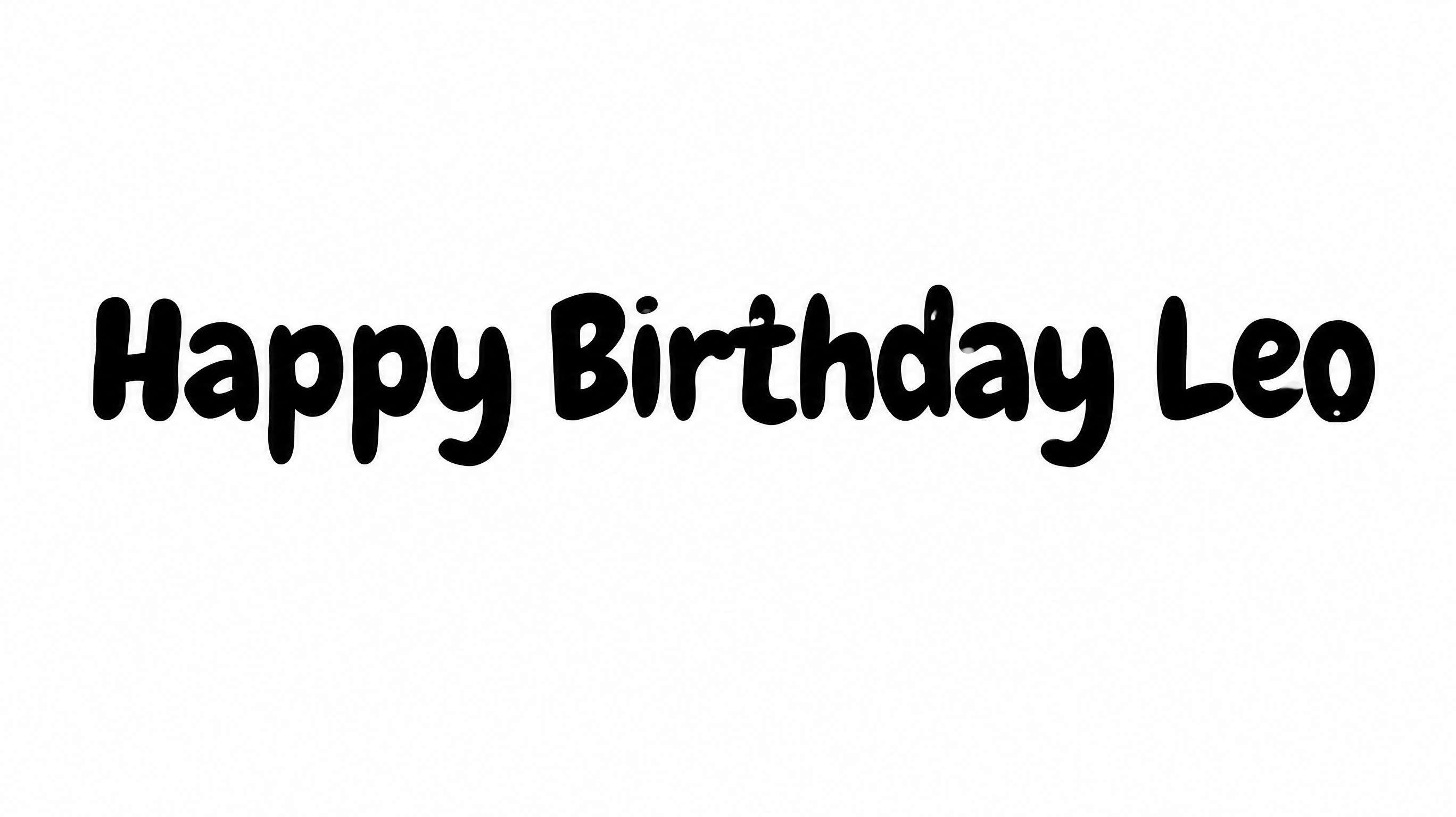
Heavy strokes, rounded corners, and close-set letters create a playful display style.

  • Stroke Weight

    Heavy, solid strokes give the visible letters a bold presence.

  • Corner Shape

    Softly rounded corners shape the turns and joins throughout the lettering.

  • Stroke Endings

    Visible stroke terminals finish with broad, rounded ends.

  • Letter Construction

    Each character is built from smooth, solid shapes with enclosed counters.

  • Letter Connections

    Letters remain separate, with clear breaks between neighboring characters.

  • Letter Spacing

    Small gaps create close spacing between letters within each word.
Frequently asked questions about Birthday Boy Font Generator

It turns your words into a text image with playful, ultra-bold rounded lettering. The resulting artwork can serve as a birthday headline on cards, invitations, labels, banners, and other celebration designs.

Browse the related tools section and compare the visible lettering examples. Look at characteristics such as stroke weight, corner shape, spacing, and overall mood to find another visual direction that suits your project.

Download the Birthday Boy lettering as a PNG. Upload it in Canva and insert it into a Google Docs document. Import it into a project in the Cricut app, also known as Cricut Design Space. The rendered words remain image artwork in each platform.

Enter your wording and choose an available image size, font color, and background. Generate the rounded lettering, review the rendered image, and download the finished artwork as a PNG or SVG.

Its heavy rounded lettering works well as a prominent message on birthday cards, invitations, gift tags, banners, cake toppers, and party signs. Give the words enough room to act as the main visual element.

Use a short headline and center it when the message is the main focus. For invitations or cards, keep one area free for dates, locations, or supporting details so the bold lettering retains a clear hierarchy.

Choose a size that gives the broad letters ample room, especially in vertical or mobile layouts. Keep the headline concise and check the generated image at its intended display size before placing smaller information nearby.

Pair the playful headline with a simpler supporting type style for dates, locations, and instructions. A restrained secondary treatment keeps practical details clear while allowing the heavy rounded message to remain the focal point.

The broad forms, soft corners, and substantial weight create an upbeat, friendly mood. That character suits cheerful celebration messages and helps a short name, age, or birthday phrase feel prominent.
READY TO CREATE?

Create Custom Birthday Boy Fonts & Text Effects

Try Birthday Boy Font Generator Free