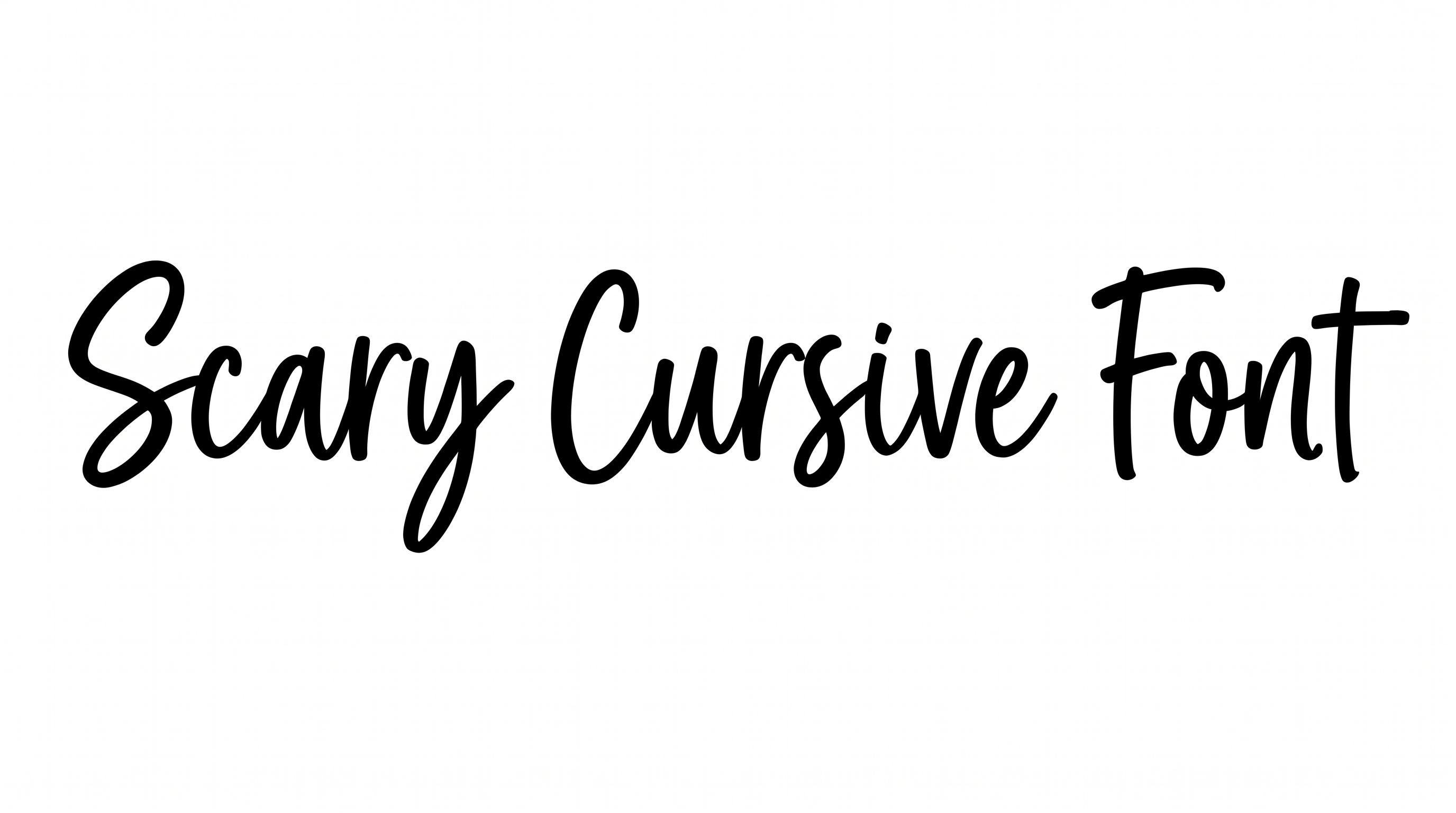
Free Scary Writing Font Generator Online
Turn a title into tall, jagged black lettering with distressed edges, suited to horror covers and event posters.
- Templates
- 61
- Generations
- 81
- Downloads
- 281
- Rating
- 5.0
How to Use the Scary Writing Font Generator
Shape a distressed horror headline for a suitable layout, then save the finished lettering as an image.
- 01
Write your horror headline
Enter a short title or phrase to render in the tall, distressed display style.
- 02
Set the image appearance
Choose a 16:9 image size, then set a font color or custom background.
- 03
Generate and download the artwork
Generate the image, review the jagged edges, and download the finished PNG or SVG.
Scary Writing Font Generator in Use: Design Examples & Showcase
See how jagged, condensed headlines adapt to book covers, haunted signage, record sleeves, posters, packaging, and compact digital artwork.
Scary Writing Font Style Profile
Rough surfaces, heavy black strokes, and splintered endings create an intense horror appearance.
Surface Texture
Rough ink-like gaps and splatters give the black letter faces a distressed finish.
Stroke Endings
Strokes finish in sharp, splintered tips and irregular brush-like cuts.
Letter Construction
Angular, irregular strokes build uppercase letters with a hand-rendered horror character.
Stroke Weight
Heavy black stroke bodies create a forceful silhouette across the uppercase letters.
Letter Width
Most letterforms are narrow and vertically stretched, creating a condensed appearance.
Letter Connections
Letters remain separate, with visible breaks between neighboring characters.