Get 5 Free Credits

Free Paper Mario Font Generator Online

Turn words into chunky, hand-cut uppercase artwork with distressed black outlines, ideal for adventure titles and playful display graphics.

Enter the text to generate, e.g. Fontify.ai

Font color
Background
Templates
254
Generations
137
Downloads
272
Rating
5.0

How to Use the Paper Mario Font Generator

Shape bold adventure headings with hand-cut lettering and save the finished artwork for your layout.

  1. 01

    Write your display text

    Enter a short title or name to suit the chunky uppercase lettering.

  2. 02

    Set the image appearance

    Choose a 16:9 image size, set a custom font color, or upload a background image.

  3. 03

    Generate and download the artwork

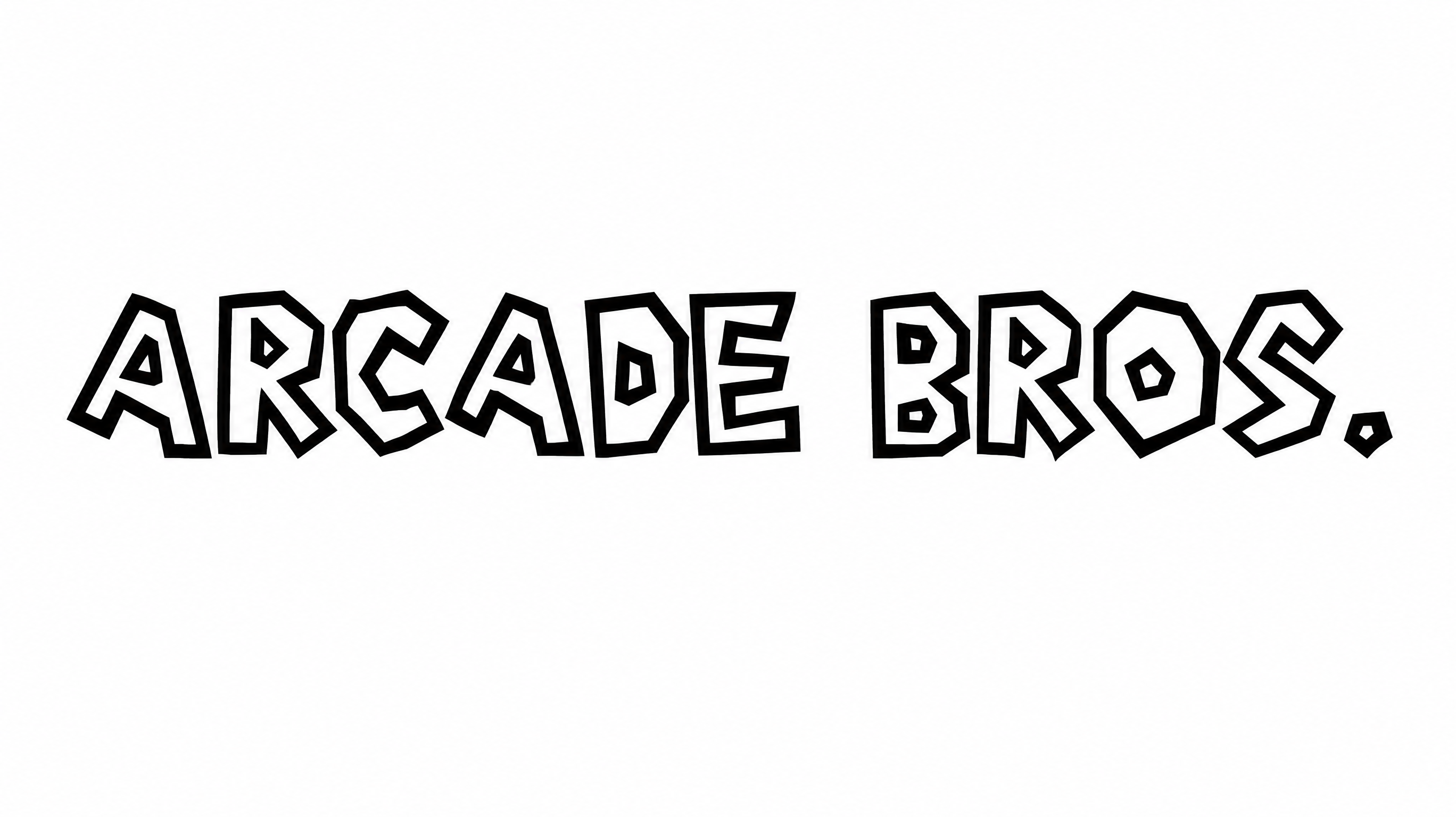
    Generate the preview, review the outlined letters, then download the artwork as PNG or SVG.

Paper Mario Font Style Profile

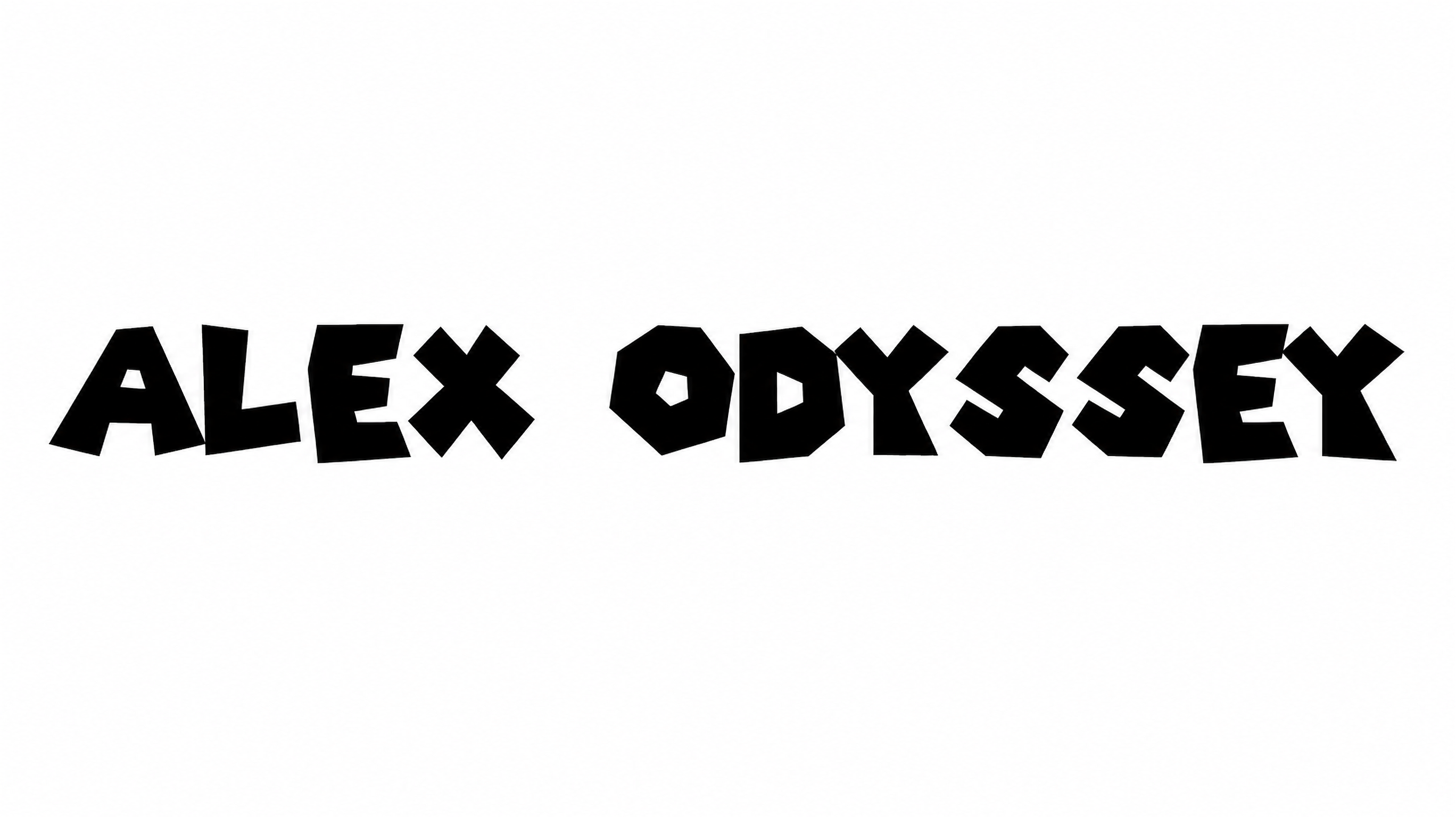
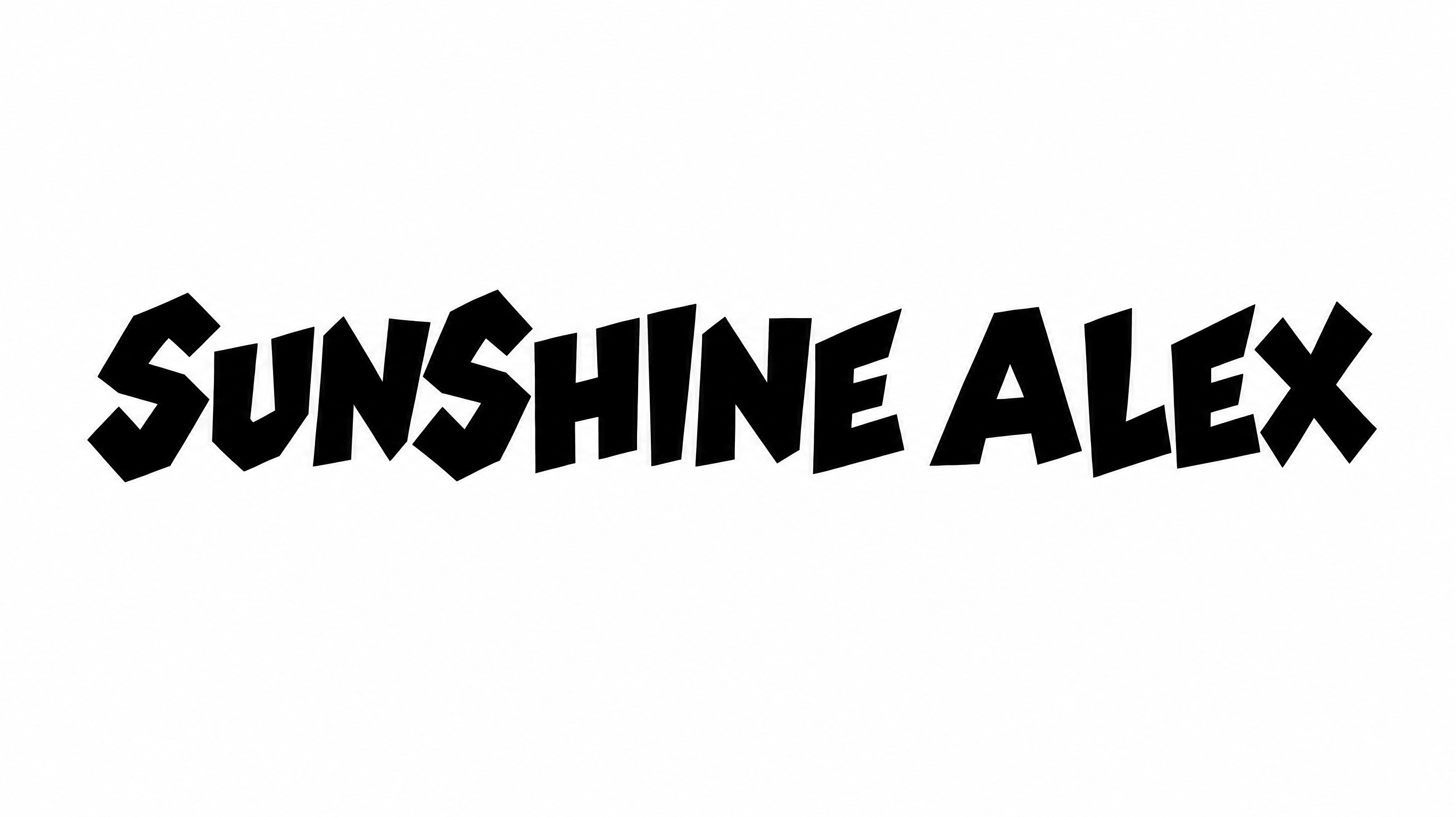
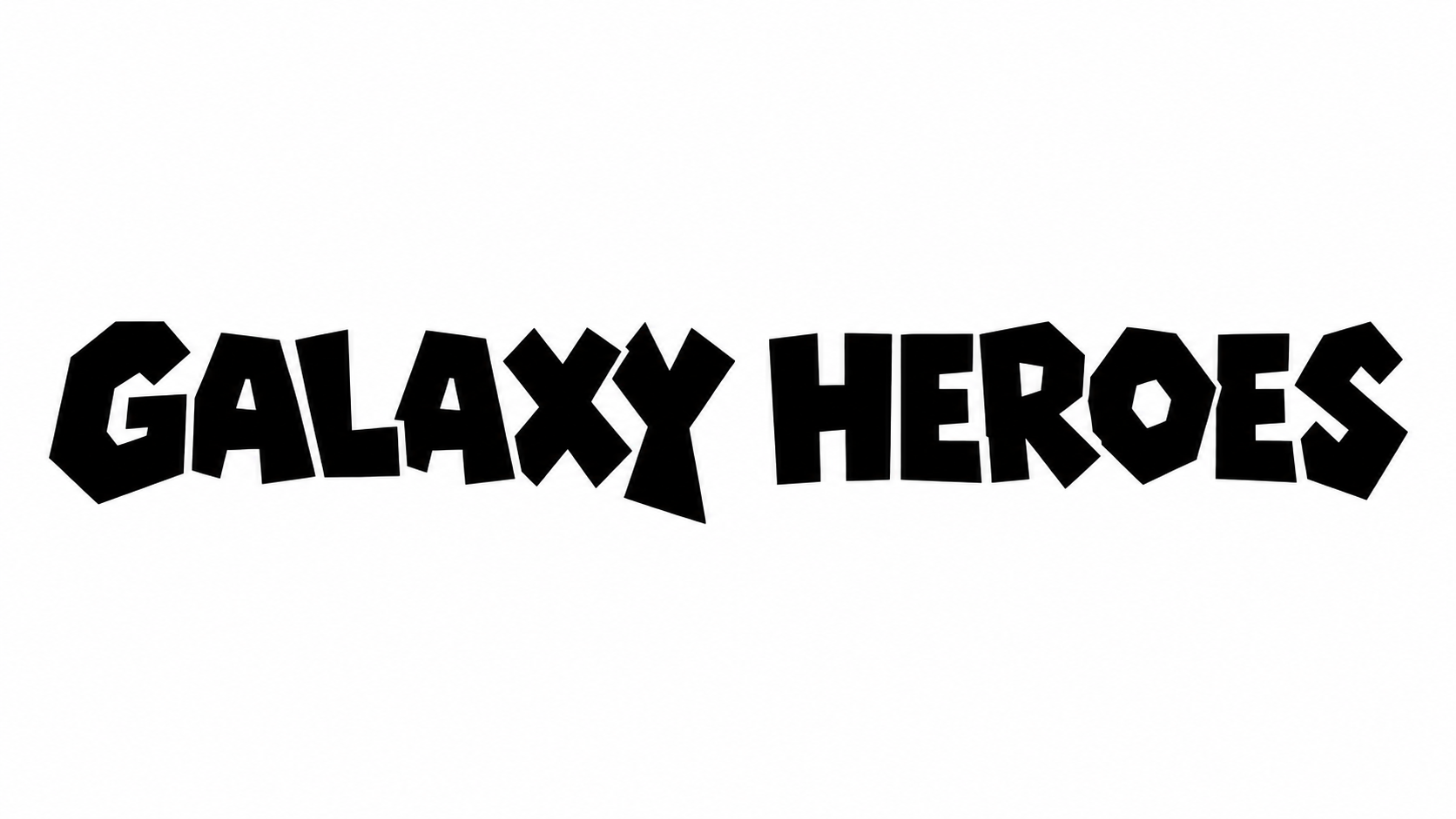
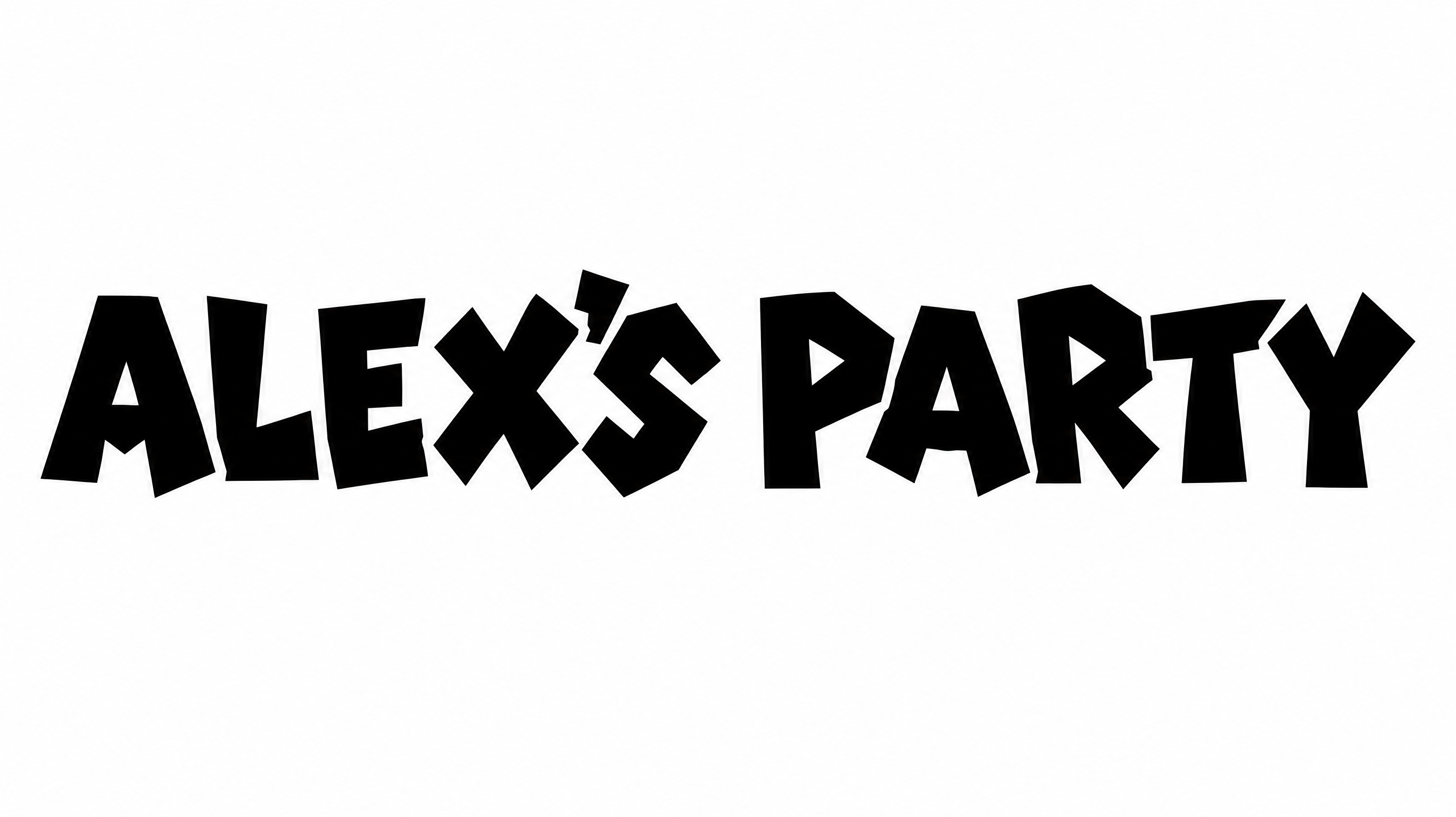
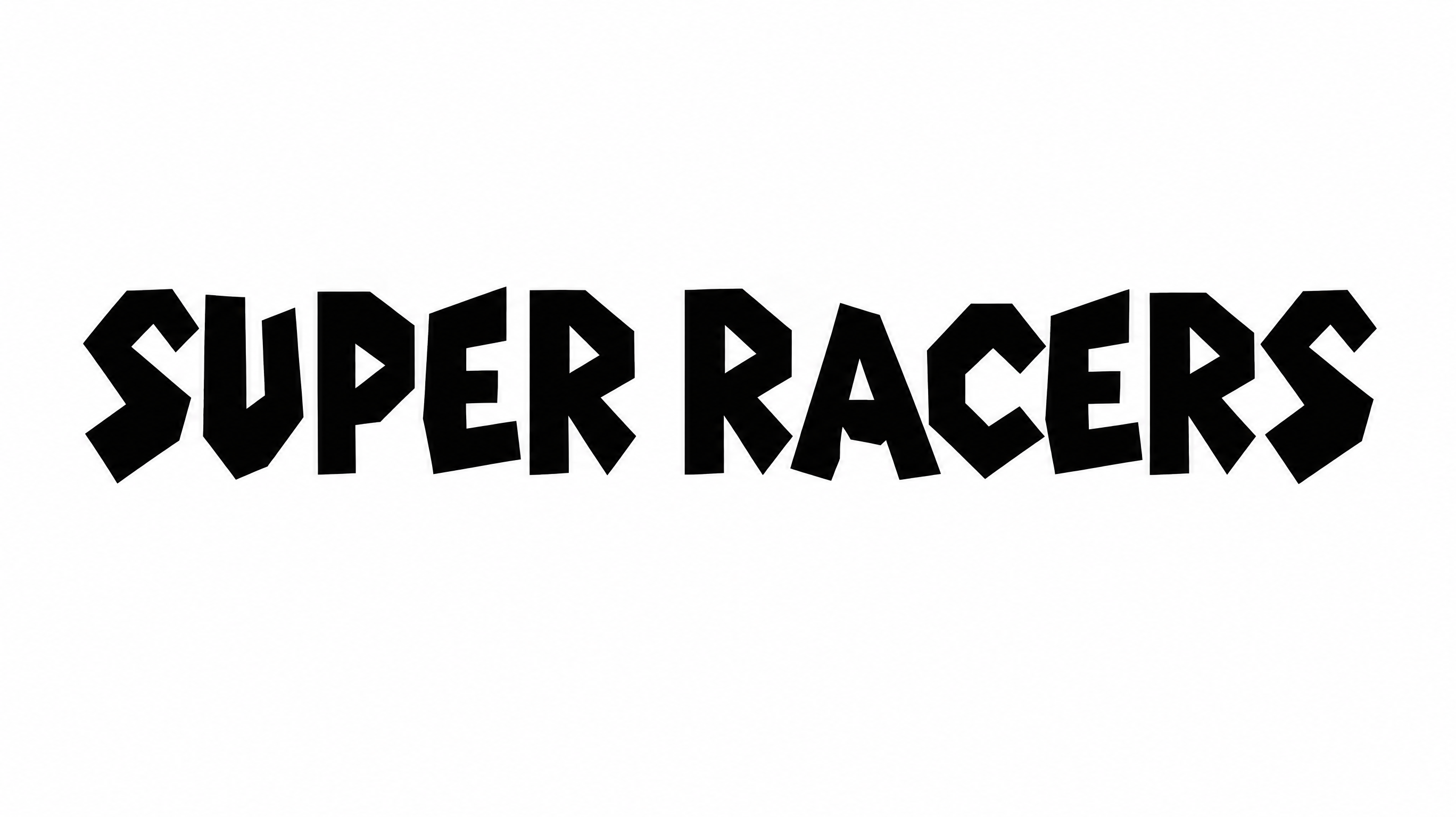
Chunky angular construction, rough black outlines, and uneven baselines create a hand-cut display style.

  • Outline

    A thick black border follows each white letter with an irregular edge.

  • Letter Construction

    Irregular uppercase shapes create a chunky, hand-cut construction.

  • Corner Shape

    Sharp corners and angular inner spaces define the visible letterforms.

  • Surface Texture

    The black borders carry a visibly rough, ink-worn texture.

  • Stroke Weight

    Heavy letter bodies give the uppercase forms a substantial presence.

  • Baseline Rhythm

    Slightly varied letter positions create an uneven handmade rhythm.
Frequently asked questions about Paper Mario Font Generator

Paper Mario Font Generator turns your wording into text-image artwork with chunky, hand-cut uppercase forms, angular counters, and distressed black outlines. The playful display style suits adventure headings, game-inspired graphics, signs, and other bold design uses.

Yes. You can try the generator and download your lettering through the supported free-use options. The result is image artwork available in PNG or SVG format. Usage rights depend on membership terms, so review the applicable conditions for your project.

Yes. Transparent backgrounds are supported for layering the lettering over other artwork. This template also lets you choose a custom font color, select a custom background color, upload a background image, and pick from several image sizes.

Browse the related tools section to compare other visual approaches for styled text artwork. Consider differences in letter construction, outlines, spacing, and overall mood, then choose a direction that complements the subject and layout of your project.

The Paper Mario Font Generator works especially well when its chunky heading leads the composition. For an online cover, poster, or game graphic, place the title above quieter supporting text and leave clear space around the distressed outline.

Keep Paper Mario Font wording short and use it for the main heading. Give the irregular letters enough surrounding space, maintain strong contrast with the background, and reserve detailed information for a simpler supporting type style.
READY TO CREATE?

Create Custom Paper Mario Fonts & Text Effects

Try Paper Mario Font Generator Free