Free Y2K Graffiti Font Generator Online
Turn your words into thin, hand-drawn graffiti capitals with doubled strokes and dot accents for posters or streetwear graphics.
- Templates
- 179
- Generations
- 106
- Downloads
- 202
- Rating
- 5.0
How to Use the Y2K Graffiti Font Generator
Shape hand-drawn street lettering for a chosen layout, then save it as reusable image artwork.
- 01
Enter your graffiti wording
Type a short name or phrase suited to the thin uppercase lettering.
- 02
Set the color and layout
Choose a font color, background and aspect ratio such as 1:1 or 16:9.
- 03
Generate and download the artwork
Render the design, review the lettering and download it as a PNG or SVG image.
Y2K Graffiti Font Generator in Use: Design Examples & Showcase
Explore the lettering across posters, apparel, record sleeves and vertical product layouts to compare its adaptable street-inspired character.
Y2K Graffiti Font Style Profile
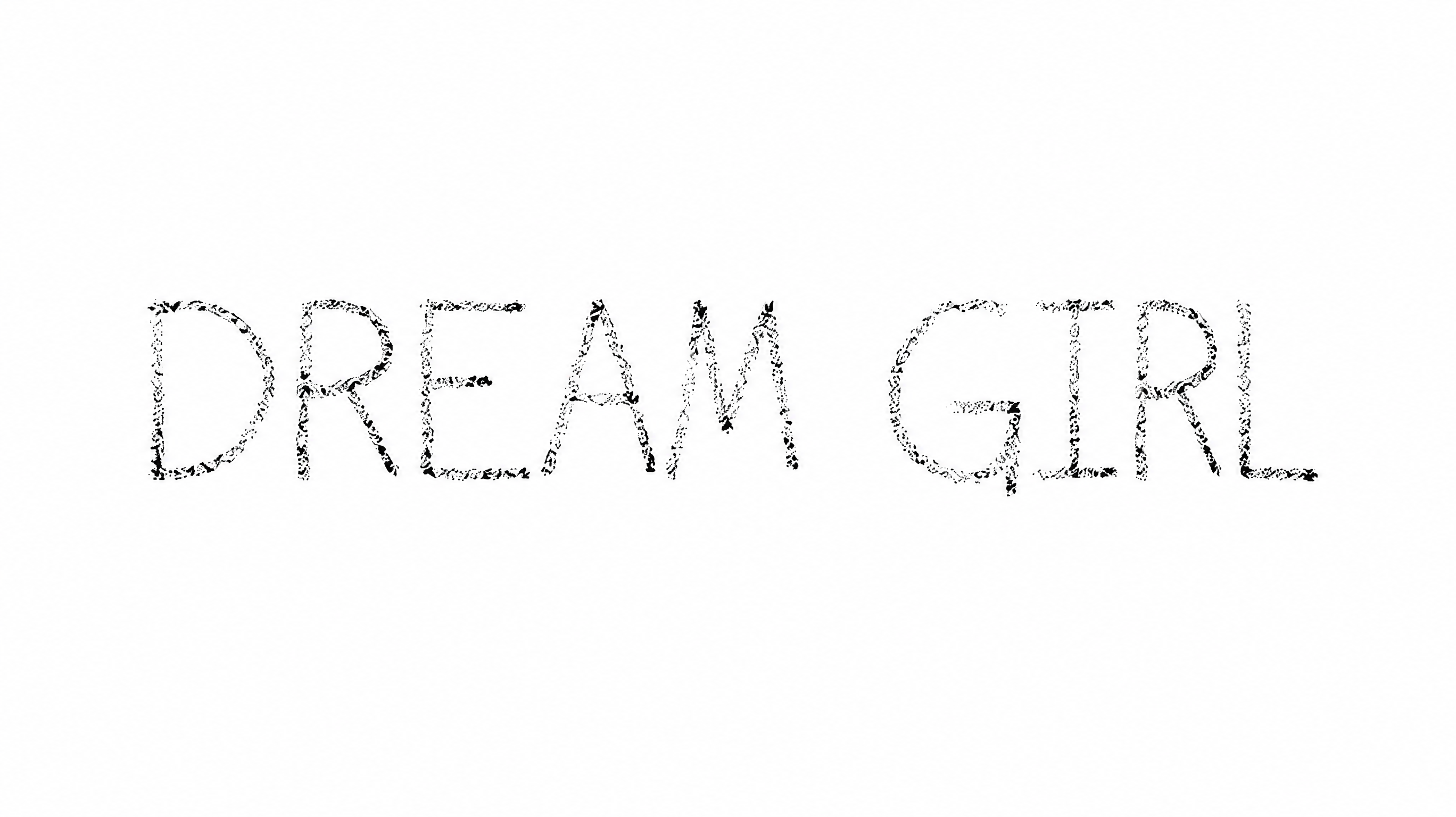
Thin monoline strokes, doubled construction and restrained dot accents define the hand-drawn lettering.
Letter Construction
Parallel and doubled line segments build many of the visible uppercase letters.
Stroke Weight
Thin strokes maintain a light appearance across the visible letterforms.
Stroke Contrast
The letter strokes retain a mostly uniform thickness through curves and straight sections.
Letter Connections
Letters remain separate, with clear breaks between neighboring characters.
Flourishes
Small dot accents and occasional extended strokes add restrained decoration.
Letter Width
Mostly narrow capitals are balanced by broader rounded forms in selected letters.