Get 5 Free Credits

Free Super Mario Bros 3 Font Generator Online

Create crisp uppercase lettering from square pixel modules for retro game titles, arcade graphics, and compact name designs.

Enter the text to generate, e.g. Fontify.ai

Font color
Background
Templates
254
Generations
128
Downloads
224
Rating
5.0

How to Use the Super Mario Bros 3 Font Generator

Shape bold pixel lettering with a suitable layout, then save the generated image for your design.

  1. 01

    Enter your pixel wording

    Type a short name or title that suits the wide uppercase block lettering.

  2. 02

    Choose color and image shape

    Select a font color, background option, and image size such as 16:9.

  3. 03

    Generate and download PNG artwork

    Review the rendered pixel lettering, then download the finished PNG image.

Super Mario Bros 3 Font Style Profile

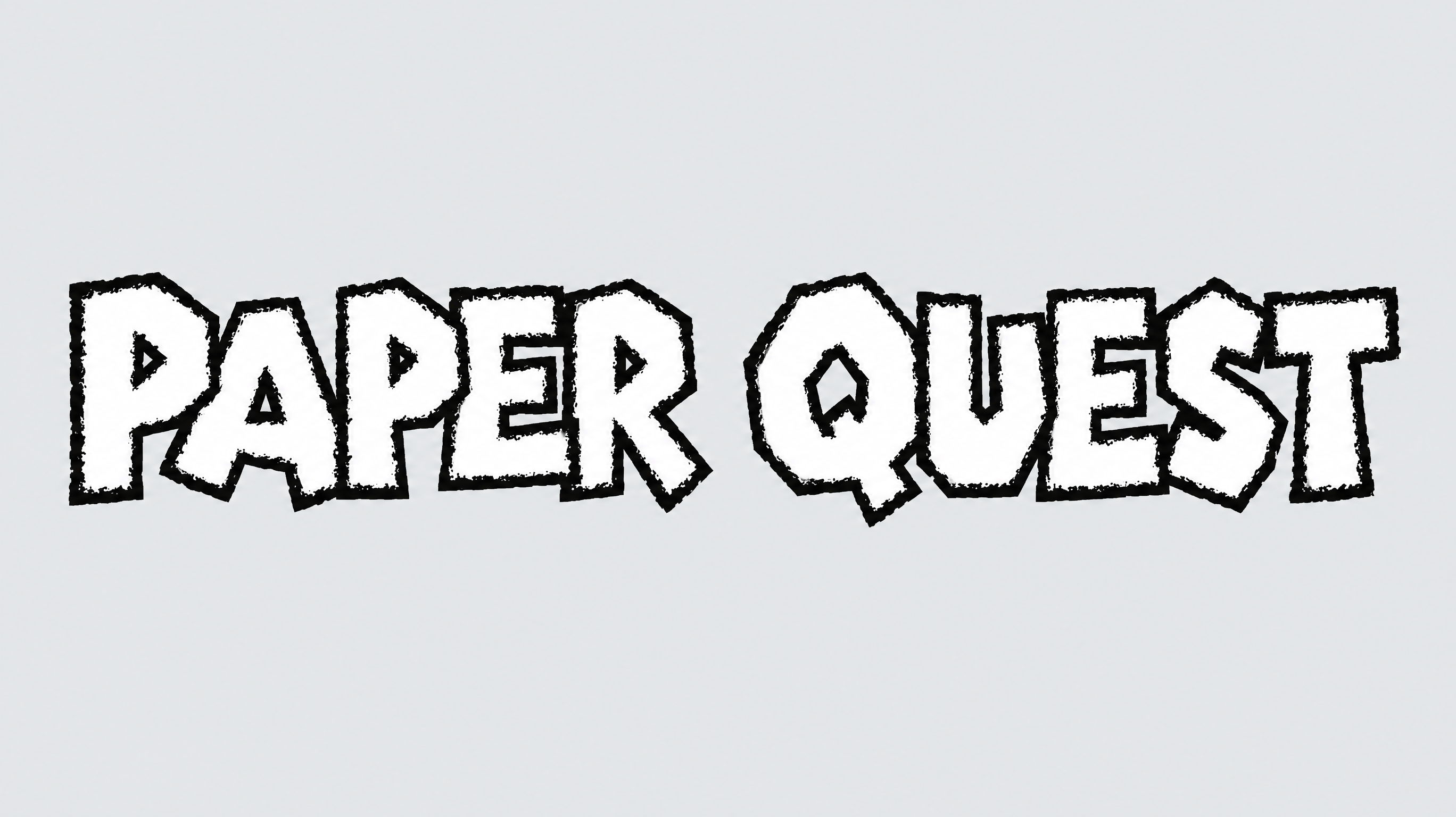
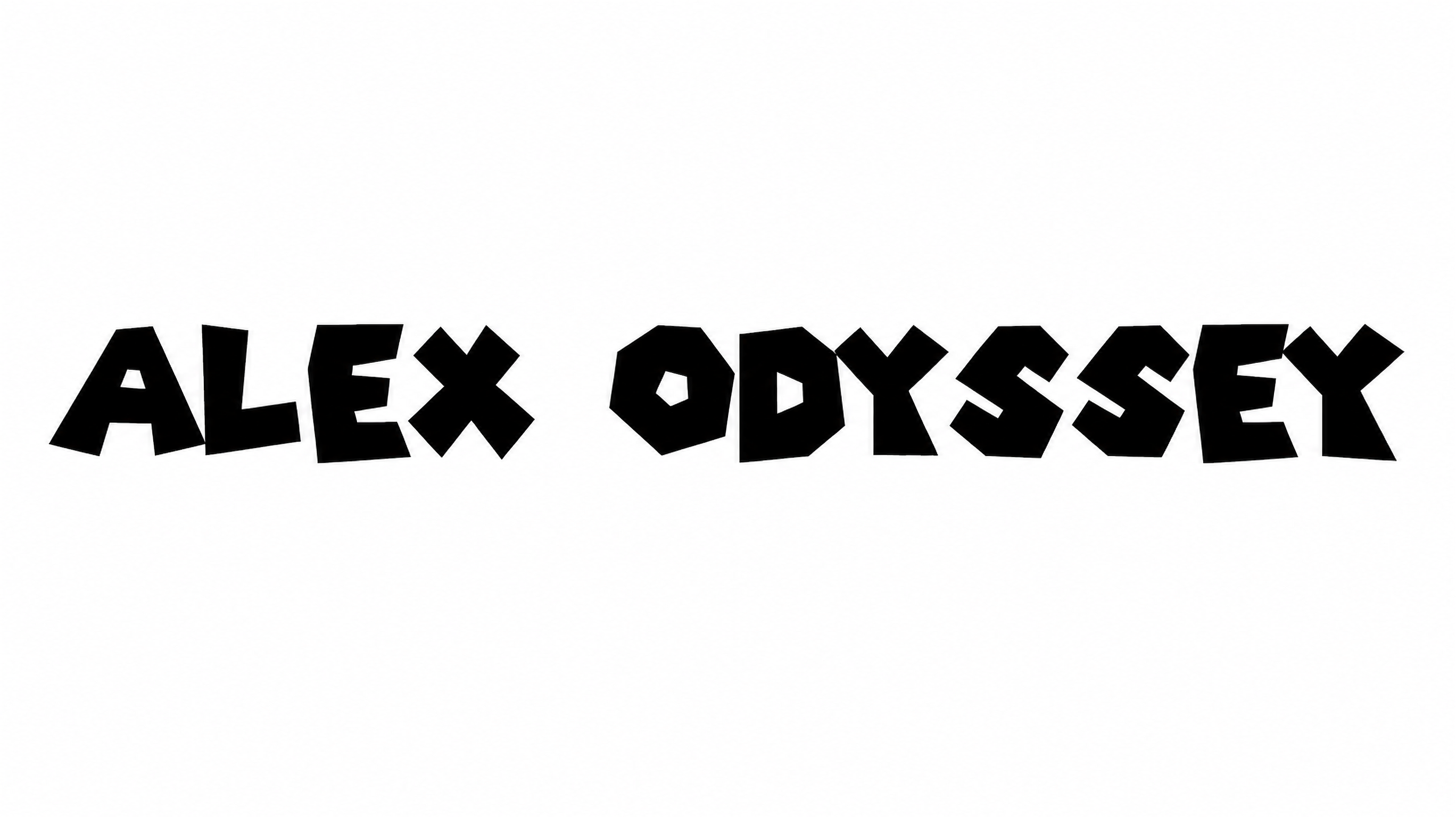
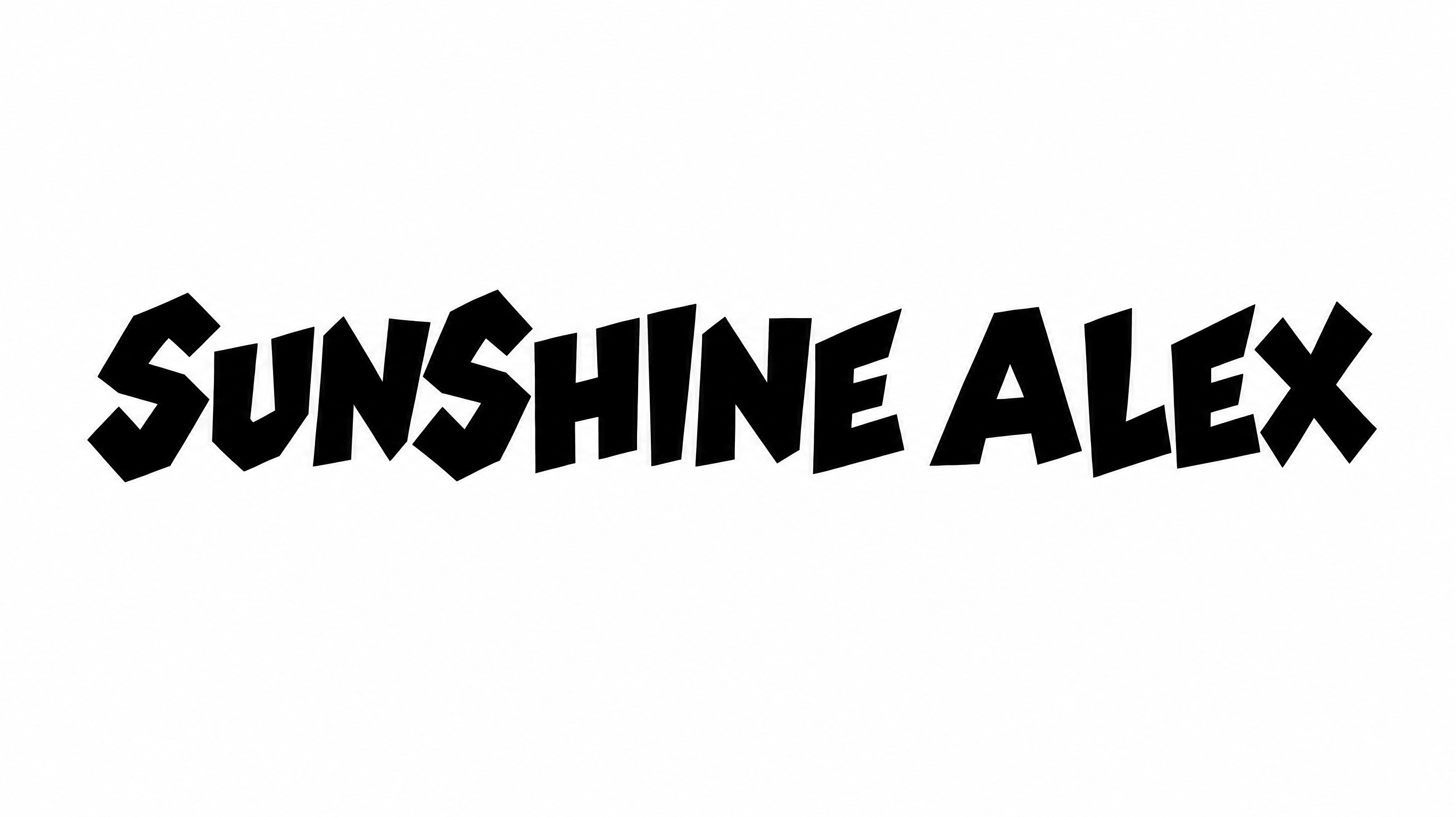
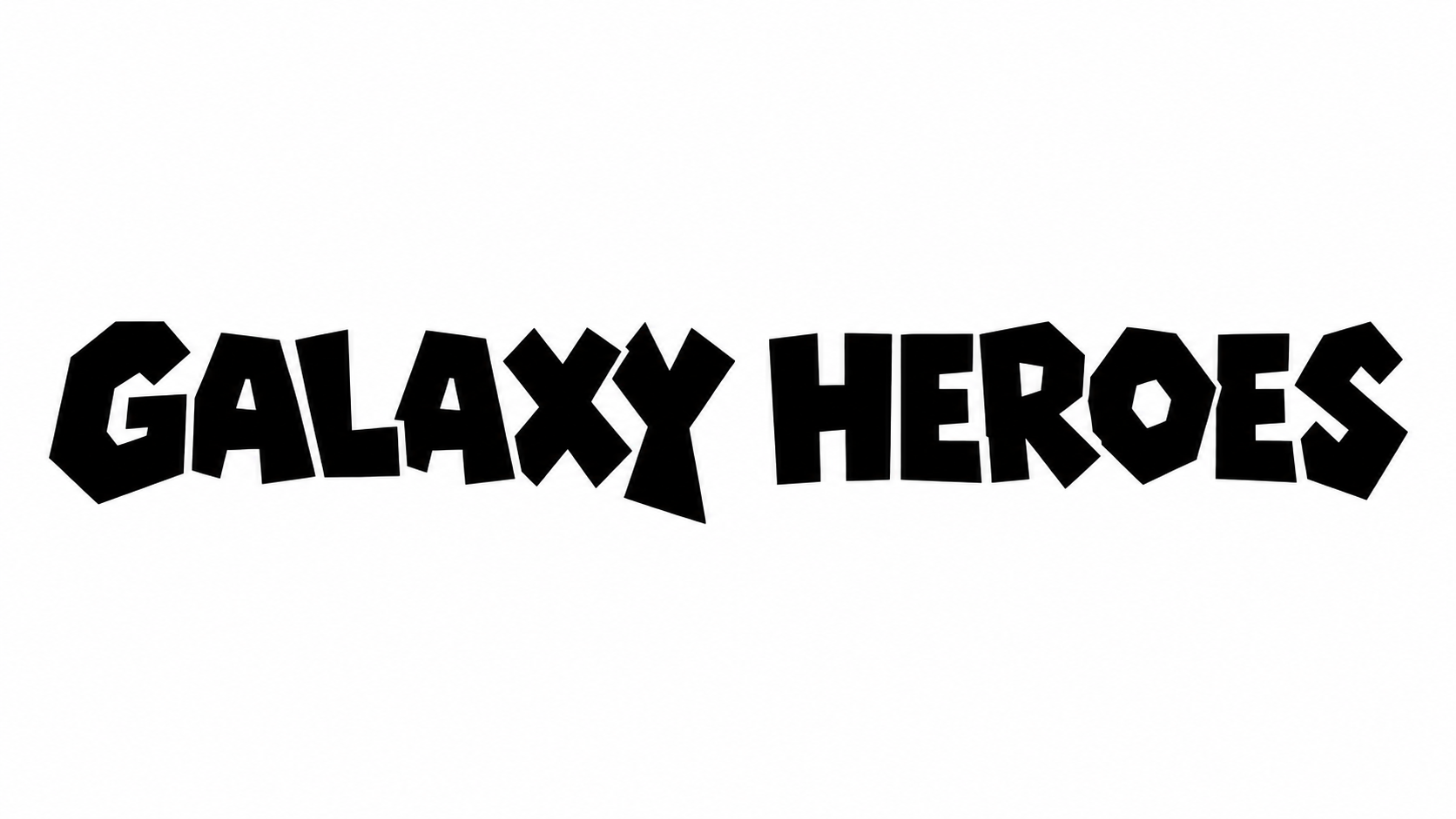
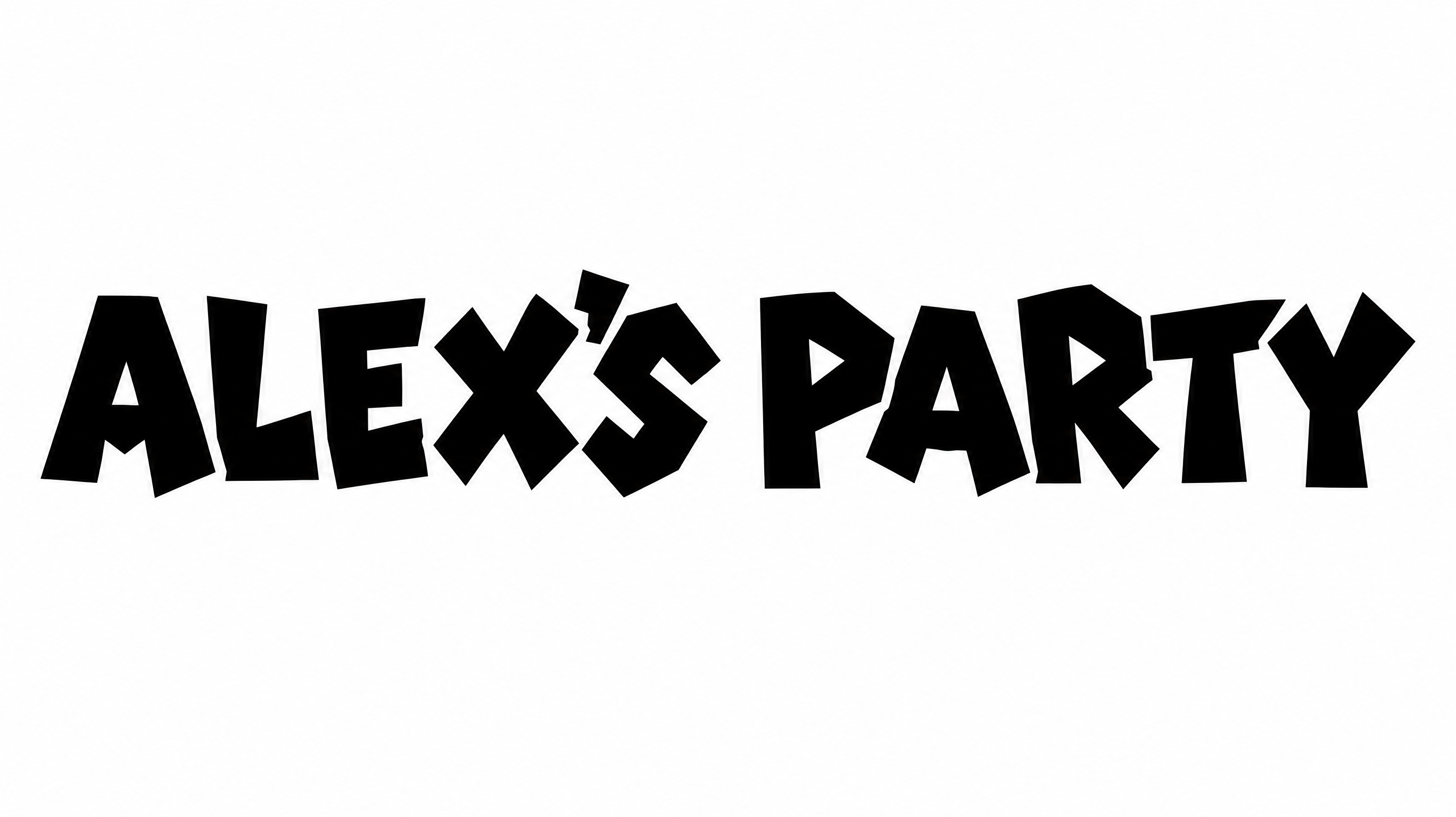
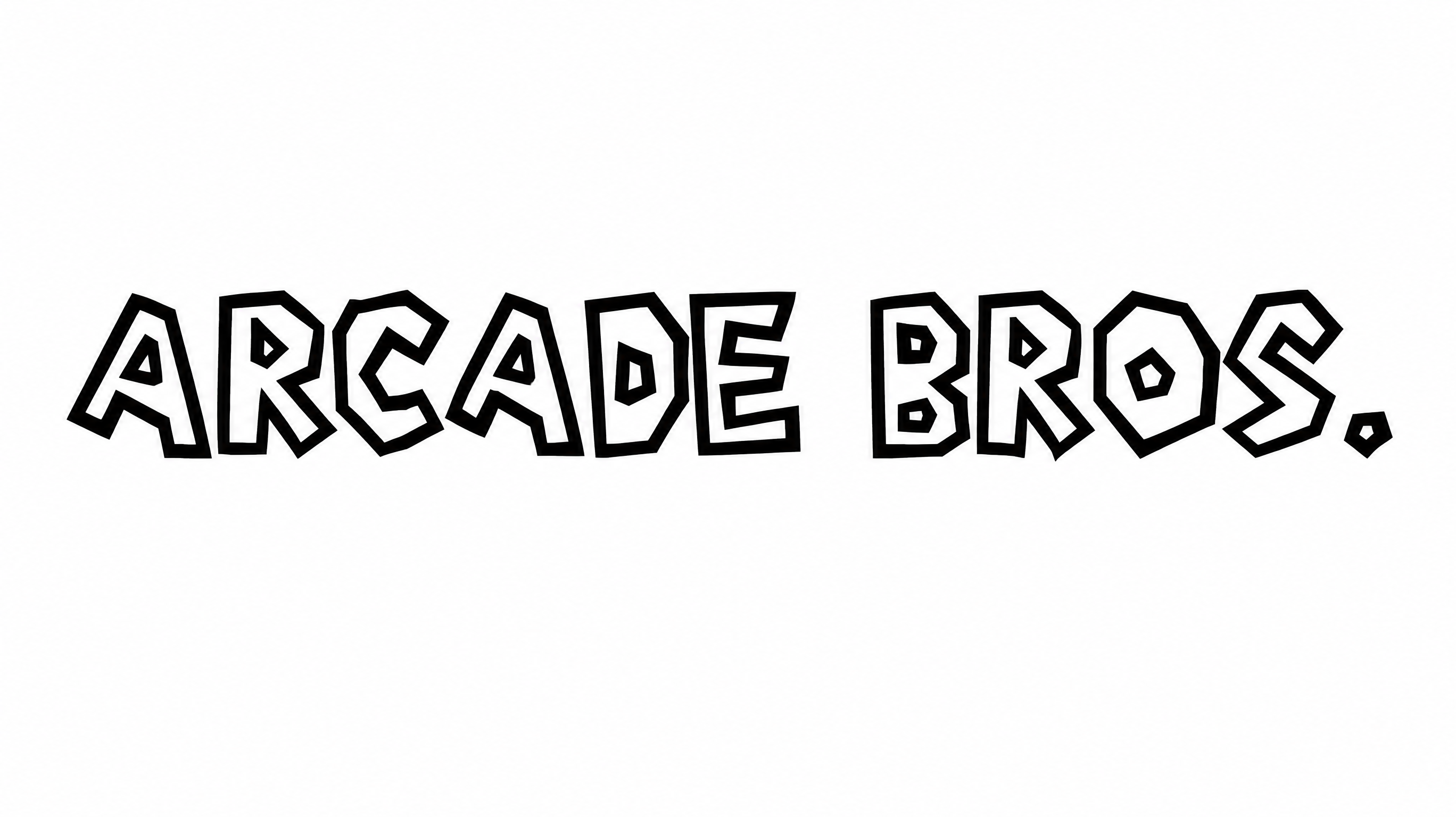
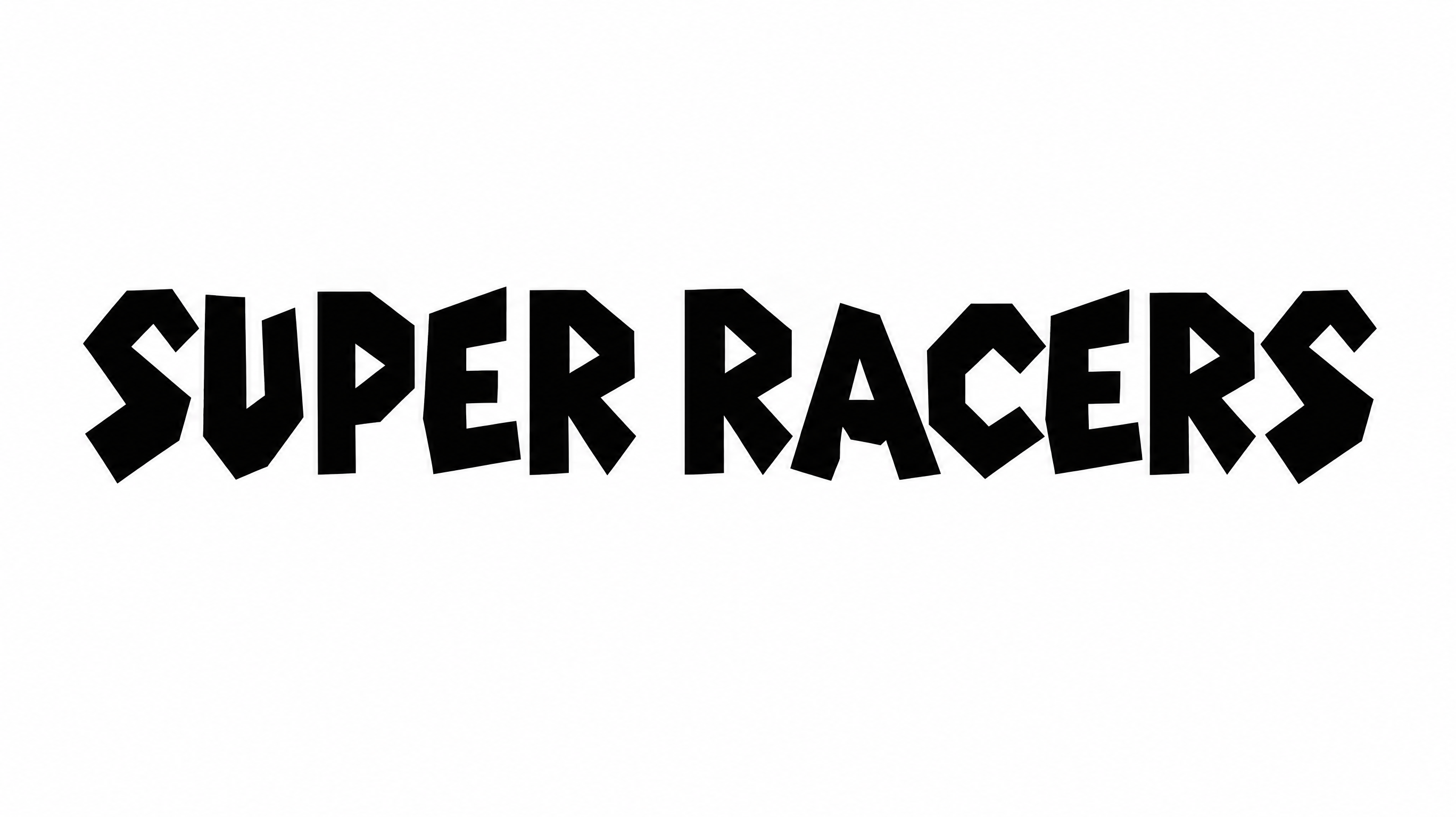
Square pixel construction, angular corners, and heavy uppercase forms define this crisp block lettering.

  • Letter Construction

    Square pixel modules build the visible uppercase characters.

  • Corner Shape

    Angular right-angled turns define the blocky letterforms.

  • Stroke Weight

    Heavy stroke bodies give the letters a substantial appearance.

  • Letter Width

    Broad character proportions create a wide, sturdy appearance.

  • Letter Spacing

    Clear gaps separate neighboring characters within each word.

  • Outline

    A crisp contrasting border follows the visible letter shapes.
Frequently asked questions about Super Mario Bros 3 Font Generator

Browse the related tools section and compare lettering by construction, stroke weight, spacing, and overall mood. Choose a direction that fits your project and display size.

Use the generated PNG as image artwork. Upload it in Canva, insert it into a Google Docs document, and import it into a Cricut project. Cricut is also known as Cricut Design Space.

Yes. You can use the generator and download the resulting artwork through the supported free-use options. PNG and SVG are verified download formats.

Transparent backgrounds are supported for layering lettering over other artwork. This template provides font colors, custom background colors, uploaded background images, and image sizes as selectable options.

Its wide pixel lettering suits retro game titles, arcade marquees, packaging, posters, banners, and short name displays. The Super Mario Bros 3 Font Generator suits prominent headline artwork.

Give the heading a clear focal position and leave open space around its broad letterforms. Use a horizontal arrangement for banners and a structured hierarchy for posters or packaging.

Use a short phrase, maintain surrounding space, and preview the artwork at its intended display size. Keep the square modules and interior openings easy to distinguish.

Pair the lettering with simple geometric shapes, restrained supporting text, and clear spacing. Retro gaming imagery can reinforce its pixel character while quieter secondary text preserves hierarchy.

Square modules, heavy forms, and angular corners create an energetic retro-game mood. The style suits playful titles, gaming events, creator graphics, and bold product designs.
READY TO CREATE?

Create Custom Super Mario Bros 3 Fonts & Text Effects

Try Super Mario Bros 3 Font Generator Free