Get 5 Free Credits

Free Y2K Cursive Font Generator Online

Create bold brush-script lettering with flowing joins and expressive capitals for retro wordmarks, names, and branding artwork.

Enter the text to generate, e.g. Fontify.ai

Font color
Background
Templates
179
Generations
171
Downloads
285
Rating
5.0

How to Use the Y2K Cursive Font Generator

Shape a flowing brush-script wordmark for branding, packaging, apparel, or personal designs.

  1. 01

    Write your wordmark

    Enter a name or phrase that suits the wide, connected brush-script style.

  2. 02

    Set the colors and proportions

    Choose a font color, background, and image size such as 16:9 or 1:1.

  3. 03

    Generate and download the artwork

    Review the rendered lettering, then download the finished image as PNG or SVG.

Y2K Cursive Font Style Profile

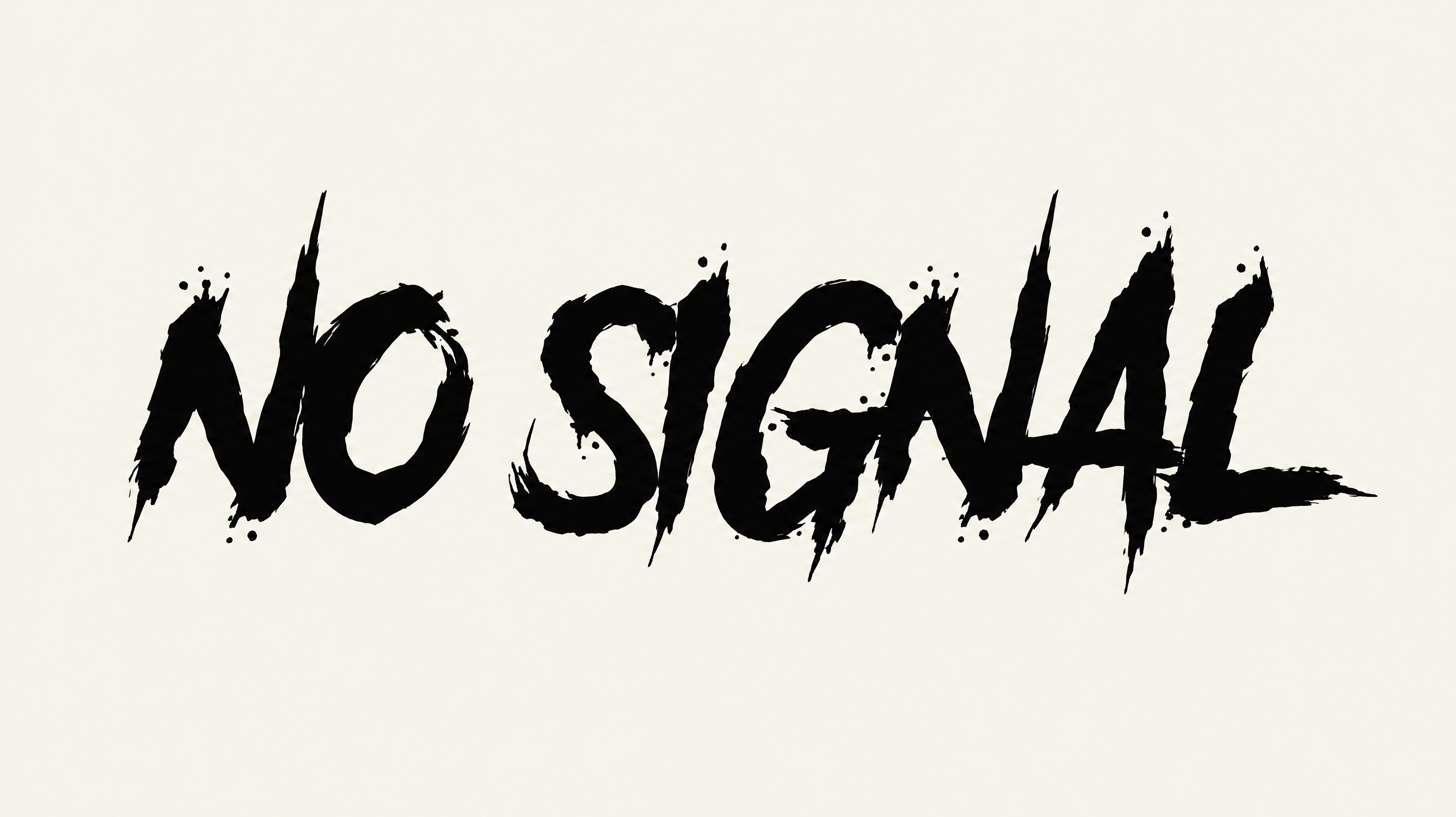
Heavy, right-slanting brush strokes combine flowing joins, strong contrast, tapered endings, and expressive swashes.

  • Letter Connections

    Continuous curved strokes join most lowercase letters into flowing words.

  • Stroke Weight

    Heavy stroke bodies give the visible lettering a bold presence.

  • Slant

    The letterforms lean distinctly to the right along the baseline.

  • Stroke Contrast

    Broad downstrokes alternate with noticeably finer linking and rising strokes.

  • Stroke Endings

    Visible brush strokes finish in tapered tips and sharp sweeping terminals.

  • Flourishes

    Extended capitals and descending tails form expressive loops and swashes.
Frequently asked questions about Y2K Cursive Font Generator

Enter your text, choose an available font color, background, and image size, then generate the design. Review the rendered text image and download it as PNG or SVG artwork.

Yes. You can use the generator and download the supported PNG or SVG image for free. Usage rights follow the applicable membership terms, with minimum membership covering personal use and higher membership covering commercial use; consult pricing for details.

Download the generated lettering as PNG artwork. Upload it in Canva and insert it into a Google Docs document. In the Cricut app, also known as Cricut Design Space, import the PNG into your project.

Open the related tools section and compare how other generators handle letter shape, weight, spacing, and overall mood. Choose a direction that suits your intended layout while keeping the wording and display size in mind.

Use a short name or phrase so the wide brush-script rhythm remains prominent. Centering works well for album covers and packaging, while a horizontal arrangement can suit storefront graphics, apparel, and narrow branded layouts.

Choose concise wording and preview the image at its intended display size. Strong contrast between the lettering and background helps the connected strokes remain distinct, especially in usernames, labels, phone accessories, and compact packaging.

Leave clear space around the capital swashes, lower loops, and extended tails. This keeps the expressive brush shapes from competing with nearby details and gives the lettering a focused position within a cover, sign, or product label.
READY TO CREATE?

Create Custom Y2K Cursive Fonts & Text Effects

Try Y2K Cursive Font Generator Free