Get 5 Free Credits

Free Super Mario Kart Font Generator Online

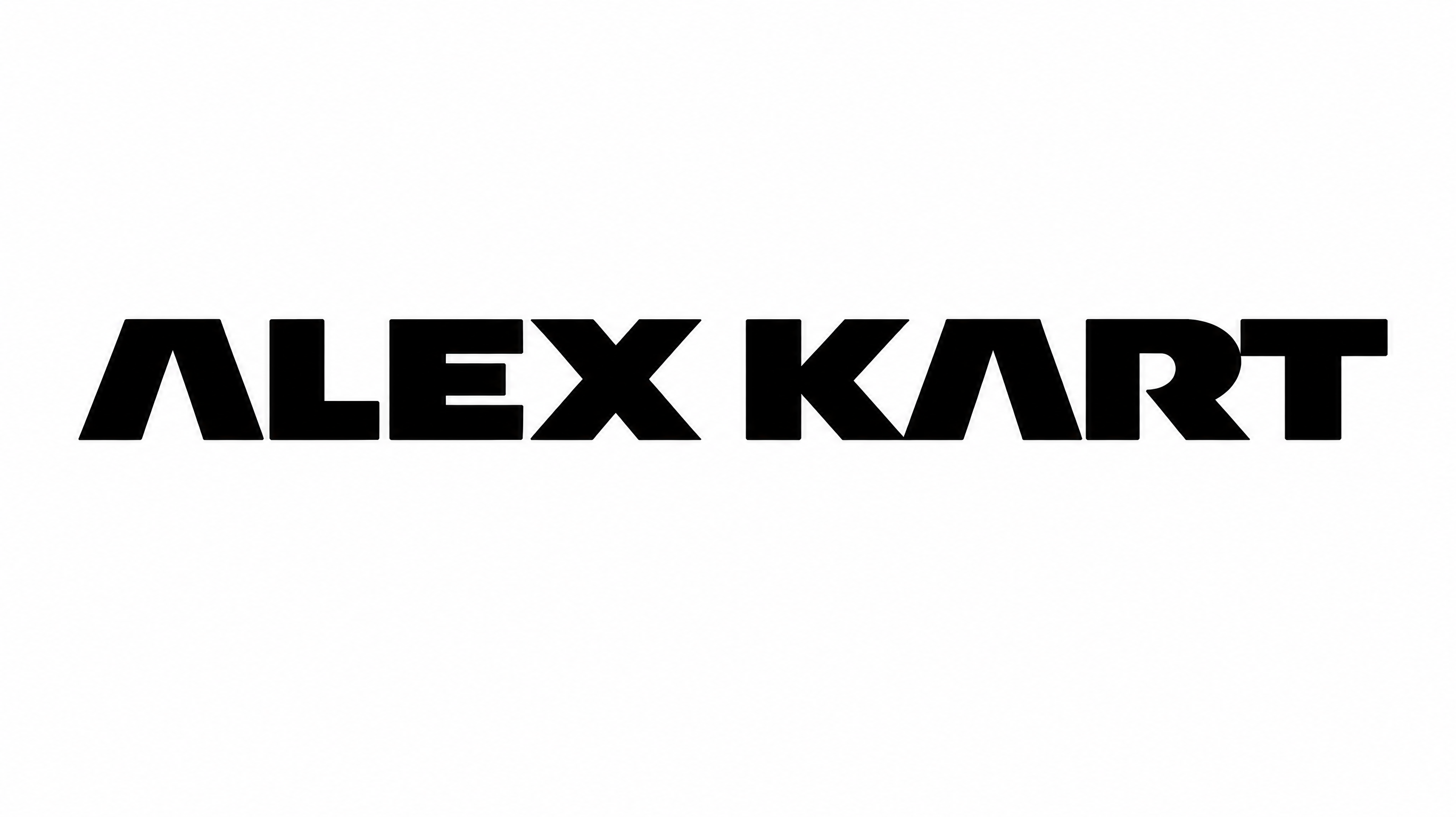
Turn a racing title into bold, polygonal uppercase lettering with sharp diagonal cuts, suited to arcade graphics and motorsport headlines.

Enter the text to generate, e.g. Fontify.ai

Font color
Background
Templates
254
Generations
150
Downloads
242
Rating
5.0

How to Use the Super Mario Kart Font Generator

Shape a racing headline with angular uppercase lettering and save the finished artwork for your layout.

  1. 01

    Enter your racing headline

    Type the words you want rendered in the bold, polygonal uppercase style.

  2. 02

    Set the color and canvas

    Choose a font color, background, and image size such as 16:9.

  3. 03

    Generate and download the artwork

    Render the text, review its sharp letter shapes, then download a PNG or SVG.

Super Mario Kart Font Style Profile

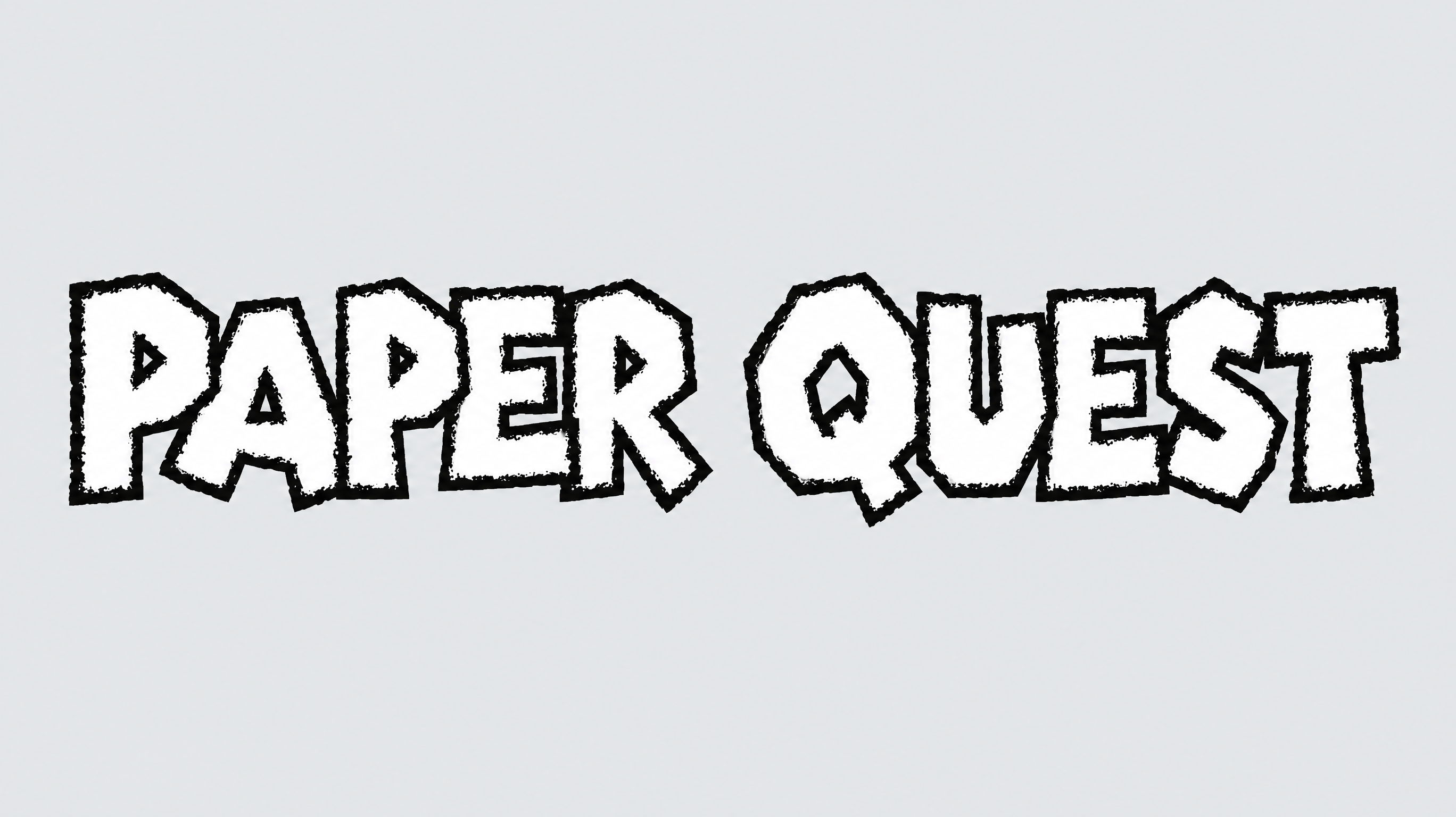
Polygonal construction, heavy strokes, and sharp corners give the uppercase lettering a forceful arcade look.

  • Letter Construction

    Polygonal segments build the uppercase letters from hard-edged geometric forms.

  • Corner Shape

    Sharp corners emphasize diagonal turns and pointed internal shapes.

  • Stroke Weight

    Heavy stroke bodies give the letters a dense, forceful presence.

  • Stroke Endings

    Many visible strokes end in flat diagonal or pointed cuts.

  • Letter Connections

    Letters remain separate, with clear breaks between neighboring characters.

  • Letter Spacing

    Narrow gaps keep letters compact while preserving distinct silhouettes.
Frequently asked questions about Super Mario Kart Font Generator

It turns your wording into a text image with bold, polygonal uppercase letters, sharp corners, and diagonal cuts. The resulting artwork suits racing headlines, arcade graphics, posters, and other layouts that benefit from a compact, energetic wordmark.

Browse the related tools and compare how each treatment handles letter shape, weight, spacing, and overall mood. Focus on the visual direction that best fits your project rather than searching for a specific named alternative.

Download the generated Super Mario Kart Font artwork as a PNG. Upload it in Canva or insert it into a Google Docs document. In the Cricut app, also known as Cricut Design Space, import the PNG into a project.

Enter your wording, choose an available font color, background, and image size, then generate the artwork. Review the rendered lettering and download the completed image as a PNG or SVG for use in your design.

Its heavy uppercase shapes work well as prominent wording on racing posters, arcade marquees, vehicle graphics, event tickets, and game-themed packaging. Give the angular silhouette enough room to remain the main visual element within the scene.

Use the lettering as a centered or directional headline, then organize event details beneath it in a simpler hierarchy. Echo its diagonal cuts through angled panels or track-like lines while preserving clear space around the title.

Use a short word or phrase, choose an image ratio suited to the placement, and preserve clear contrast between the letters and background. Review the artwork at its intended display size before placing supporting information nearby.

Leave a free margin around pointed corners and diagonal endings so the silhouette stays distinct. Keep nearby text, borders, and graphics far enough away to prevent the compact letter spacing from feeling crowded.

The heavy strokes, angular construction, and sharp cuts create an energetic retro-arcade mood with a racing emphasis. Pair it with streamlined shapes and a restrained supporting type style to keep the headline visually dominant.
READY TO CREATE?

Create Custom Super Mario Kart Fonts & Text Effects

Try Super Mario Kart Font Generator Free