Get 5 Free Credits

Free Y2K Airbrush Font Generator Online

Create delicate charcoal-black lettering with airy spacing and a fine distressed texture, suited to atmospheric album artwork.

Enter the text to generate, e.g. Fontify.ai

Font color
Background
Templates
179
Generations
56
Downloads
285
Rating
5.0

How to Use the Y2K Airbrush Font Generator

Shape delicate, distressed lettering for a chosen layout and save the finished image.

  1. 01

    Write your phrase

    Enter a short name or phrase that suits the lettering’s airy composition.

  2. 02

    Set the composition

    Choose a 16:9 or square image size, then set the font and background colors.

  3. 03

    Download PNG or SVG artwork

    Generate the design, review the thin distressed forms, then download a PNG or SVG.

Y2K Airbrush Font Style Profile

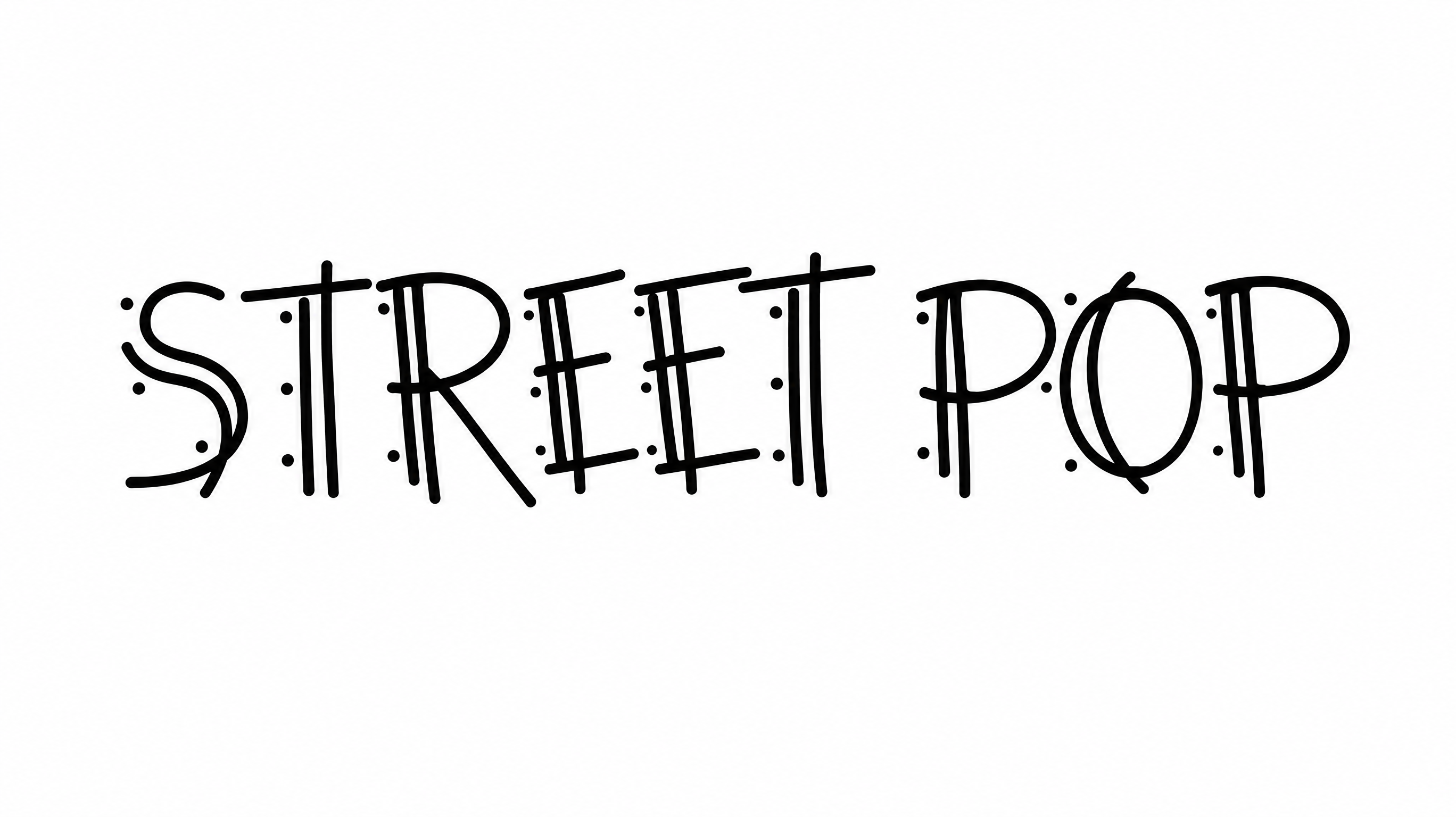
Fine strokes, airy spacing, and eroded texture give the lettering a delicate hand-rendered character.

  • Surface Texture

    Fine speckling and eroded gaps create a visibly distressed surface.

  • Stroke Weight

    Light, delicate stroke bodies give the uppercase letters an airy presence.

  • Letter Spacing

    Generous gaps keep neighboring letters clearly separated within each word.

  • Letter Connections

    Letters remain separate, with clear breaks between neighboring characters.

  • Letter Width

    Narrow, elongated letterforms contribute to an open composition.

  • Baseline Rhythm

    The uppercase letters follow a steady baseline within each line.
Frequently asked questions about Y2K Airbrush Font Generator

Yes. You can use the generator and download the resulting image through the supported free options. Personal use is covered by the minimum membership, while commercial use requires a higher membership; check pricing for the applicable level.

Yes, transparent backgrounds are supported for layering the lettering over other artwork. This template also lets you choose a font color, set a custom background color, upload a background image, and select an image size.

Browse the related text tools and compare their lettering structure, texture, spacing, and overall mood. Choose a direction that fits your project while keeping supporting text clear and distinct from the decorative headline.

Download the Y2K Airbrush Font artwork as a PNG. Upload it in Canva or insert it into a Google Docs document. For Cricut, import the PNG into a project in the Cricut app, also known as Cricut Design Space. Use it as image artwork rather than an installed font.

For a free online profile graphic, use a short phrase, strong contrast, and generous space around the lettering. Preview the image at its intended display size so the thin strokes and distressed texture remain recognizable.

The Y2K Airbrush Font Generator suits short phrases with room to breathe. Choose a wide image ratio, keep ample margins around the text, and reserve a separate area for dates, credits, or supporting information.

Pair the delicate, eroded headline with a clean and restrained supporting type style. Use the decorative lettering for the main phrase, then keep smaller details simpler so the visual hierarchy remains clear.

Its thin, hand-rendered texture suits atmospheric music artwork, fashion editorials, beauty branding, and nostalgic event graphics. Muted palettes emphasize the delicate character, while stronger contrast gives the lettering a sharper promotional presence.
READY TO CREATE?

Create Custom Y2K Airbrush Fonts & Text Effects

Try Y2K Airbrush Font Generator Free