Get 5 Free Credits

Free Bubble Numbers Font Generator Online

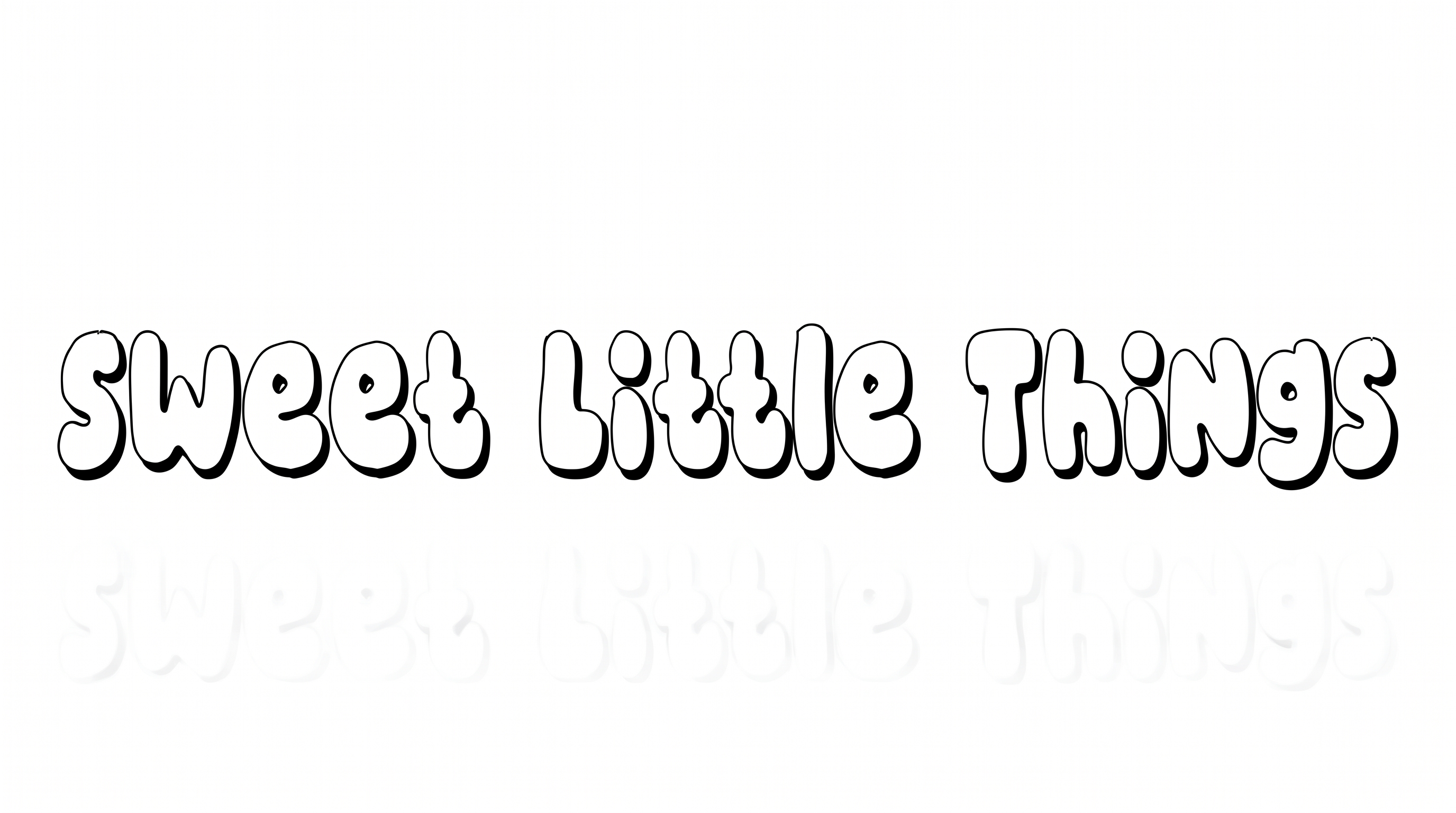
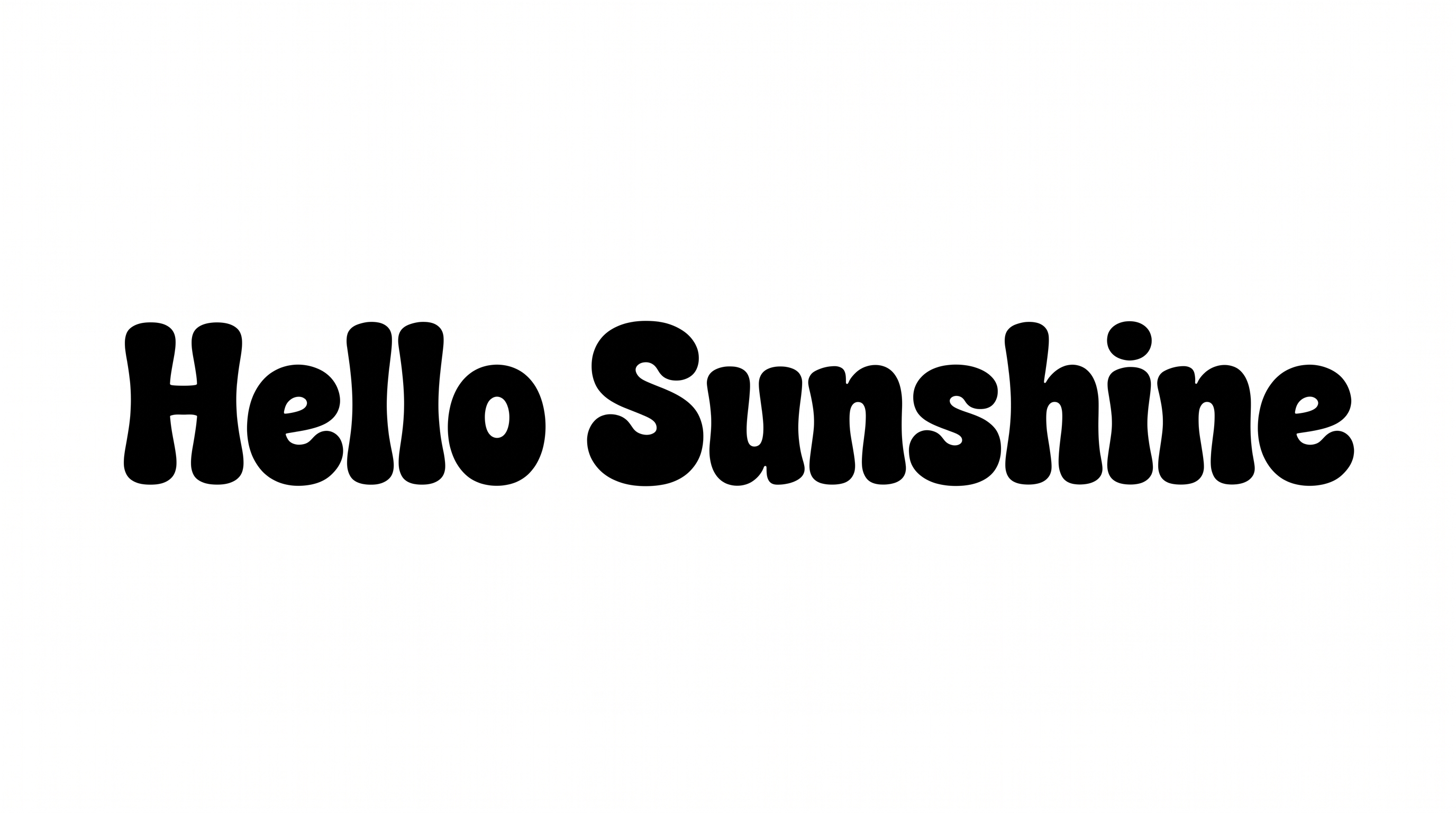
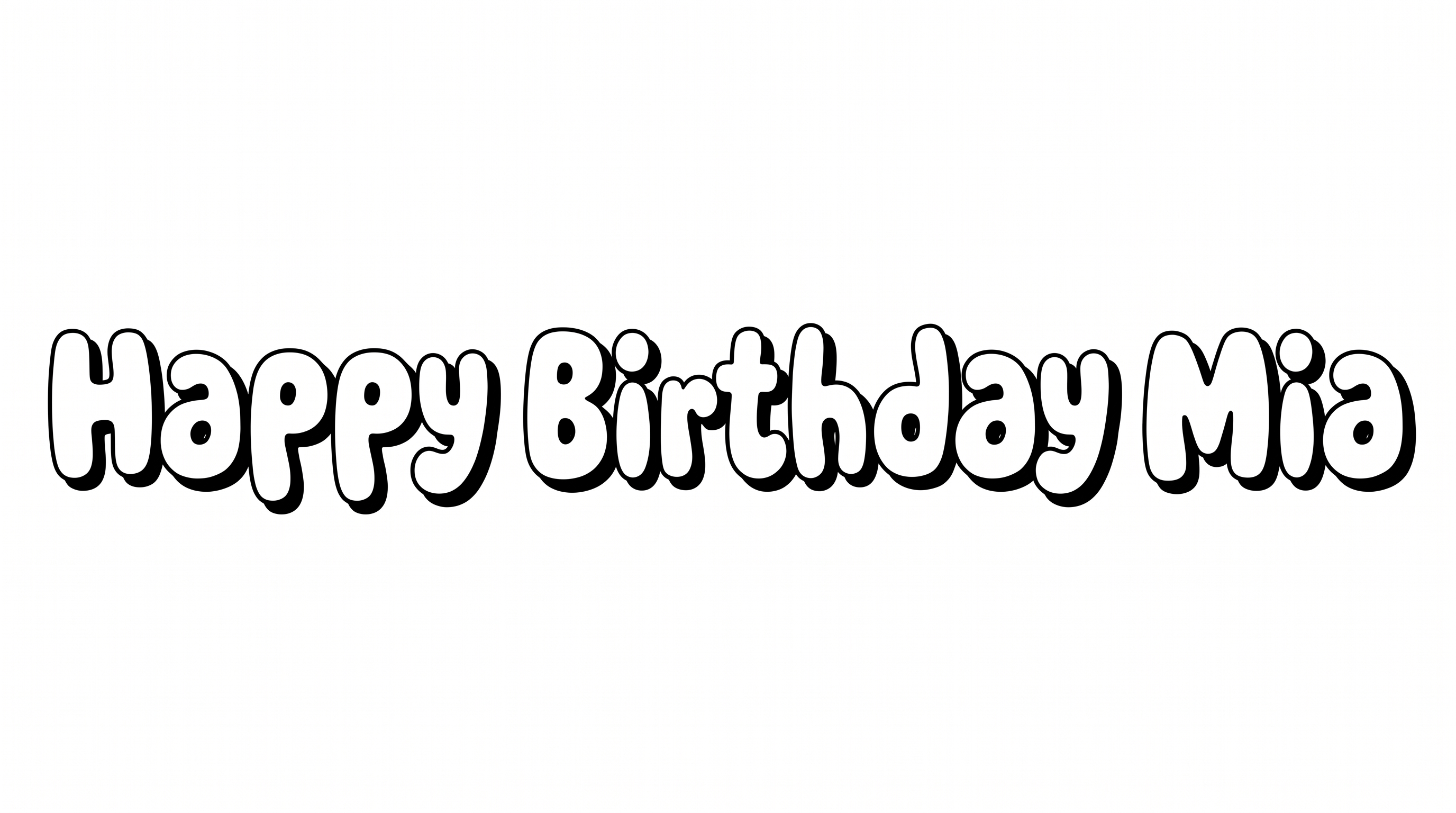
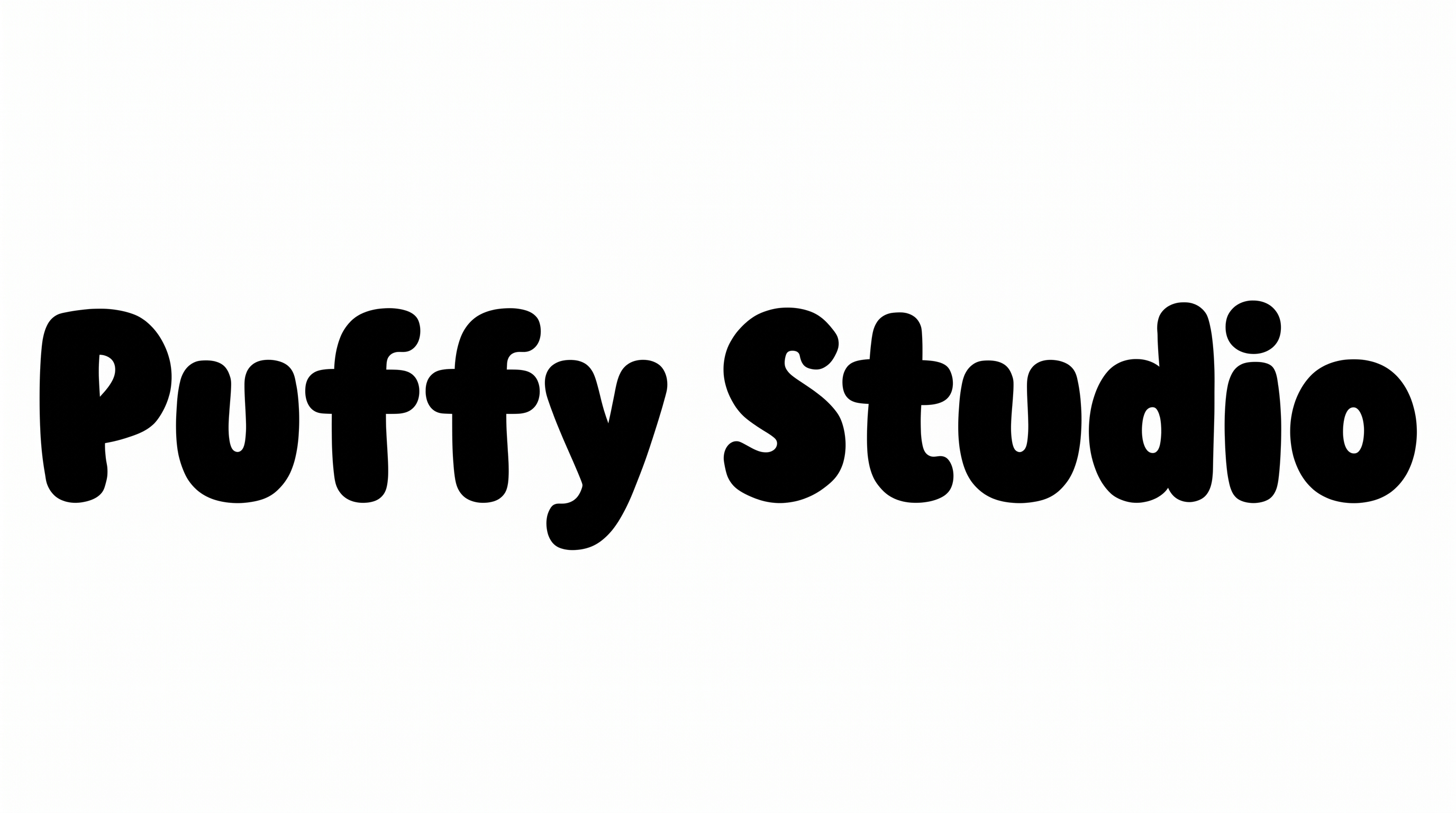
Heavy, rounded numeral forms give dates, prices, and poster titles a bold, playful presence in clean black-and-white styling.

Enter the text to generate, e.g. Fontify.ai

Font color
Background
Templates
249
Generations
150
Downloads
201
Rating
5.0

How to Use the Bubble Numbers Font Generator

Shape bold, rounded number artwork for prices, dates, headings, and other clear visual displays.

  1. 01

    Enter your numbers or heading

    Type a date, price, number set, or short heading into the text field.

  2. 02

    Choose the color and frame

    Pick a font color and an aspect ratio such as 16:9 to frame the rounded forms.

  3. 03

    Generate and save the artwork

    Generate the preview, then download the finished artwork as a PNG or SVG image.

Bubble Numbers Font Style Profile

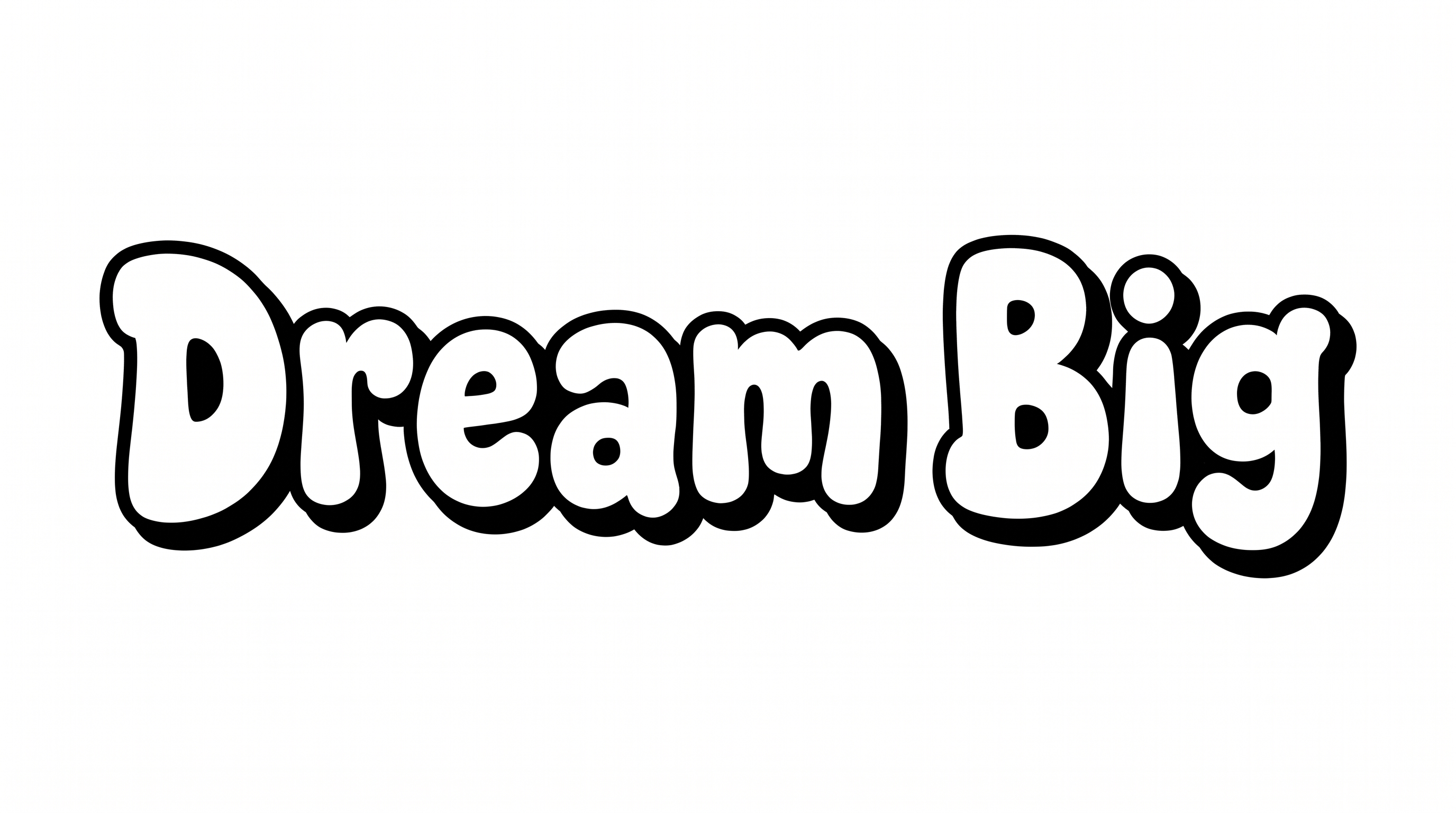
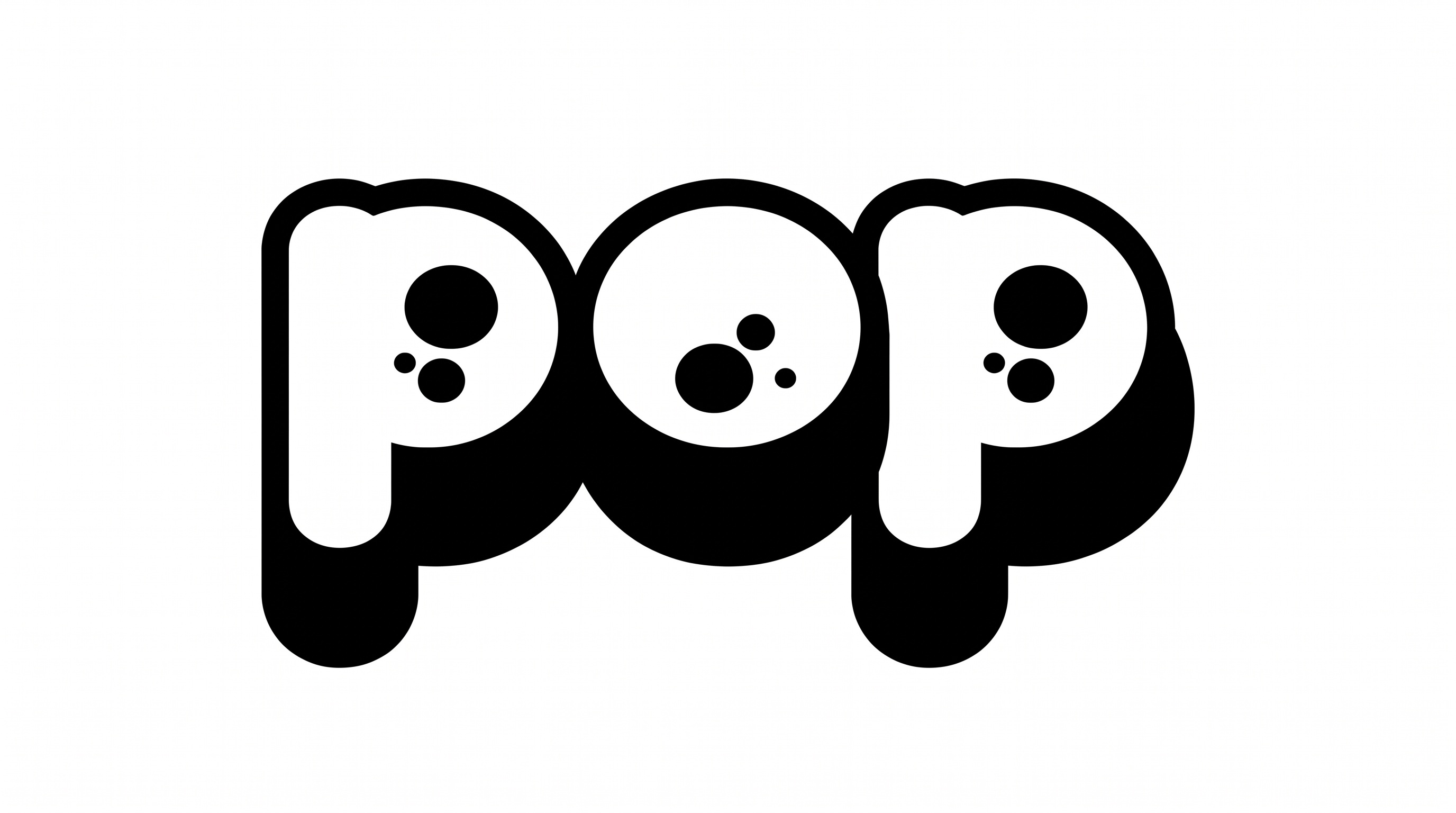
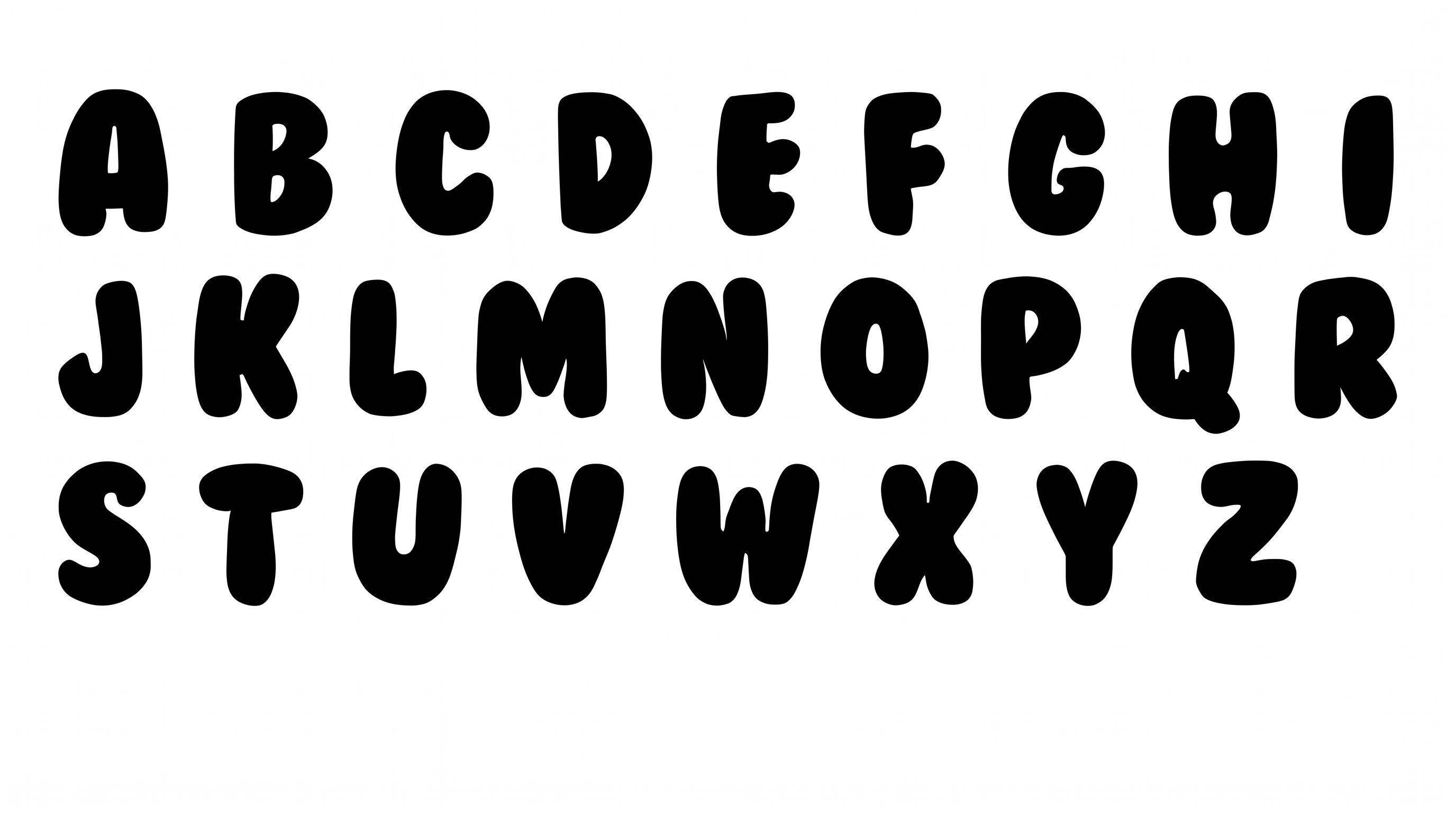
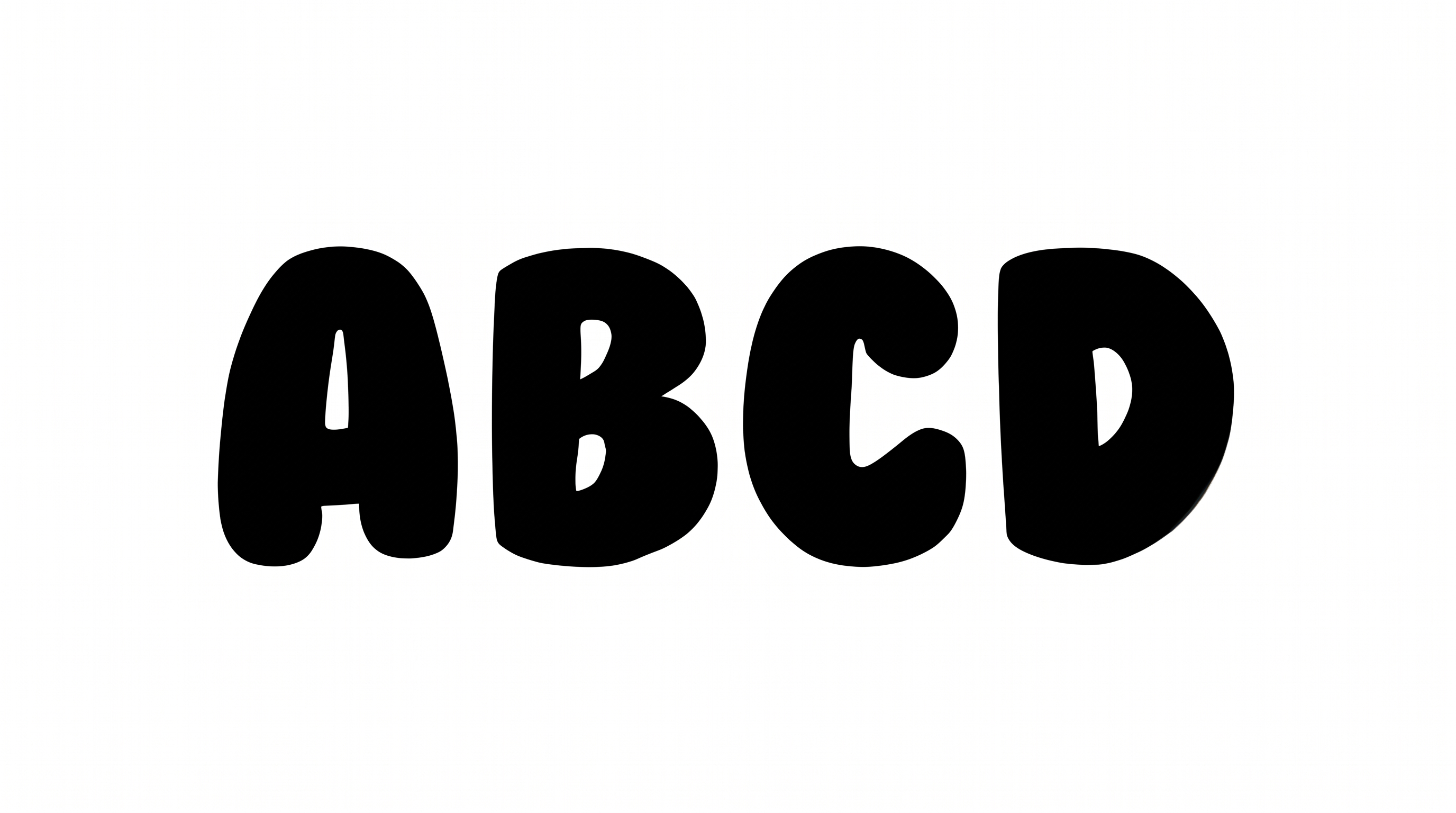
Heavy black forms, rounded corners, and broad proportions give the numerals a soft, substantial presence.

  • Stroke Weight

    Heavy, mostly even stroke bodies give the visible numerals substantial weight.

  • Corner Shape

    Softly rounded corners shape the turns and joins of the visible forms.

  • Letter Width

    Broad proportions give the individual numerals a wide, inflated appearance.

  • Letter Spacing

    Clear gaps separate neighboring characters across the numeral row.

  • Letter Construction

    Continuous filled shapes form the numerals around compact enclosed counters.

  • Color Treatment

    The visible numeral faces use a uniform solid black treatment.
Frequently asked questions about Bubble Numbers Font Generator

The minimum membership covers personal use, while a higher membership covers commercial use. Review pricing to choose the membership that fits your project.

Transparent backgrounds are supported for layering the lettering over other artwork. This template lets you choose a font color and set a custom background color. You can also upload a background image and select an image size.

Enter your own text, choose available options such as font color or image size, and generate the design. Review the rendered image, then download it as PNG or SVG artwork.

Download the generated PNG. Upload it in Canva and insert it into a Google Docs document. For Cricut, import the PNG into a project in the Cricut app, also known as Cricut Design Space. The rendered words remain image artwork rather than editable font text.

Keep the area around the numerals free of dense details. Use short strings and generous spacing for compact placements. In the Bubble Numbers Font Generator, choose a roomier aspect ratio for longer number strings.

The heavy, rounded forms suit online countdowns, event dates, price graphics, birthday posts, and title cards. Use a short number or phrase as the focal point.

Pair the thick black forms with simpler supporting text and generous open space. This keeps details such as dates, labels, or captions easy to scan.

The rounded mass and heavy strokes create a bold, playful mood. The clean black-and-white treatment also gives the numbers a direct graphic presence.
READY TO CREATE?

Create Custom Bubble Numbers Fonts & Text Effects

Try Bubble Numbers Font Generator Free