

Free Happy Birthday Bubble Font Generator Online
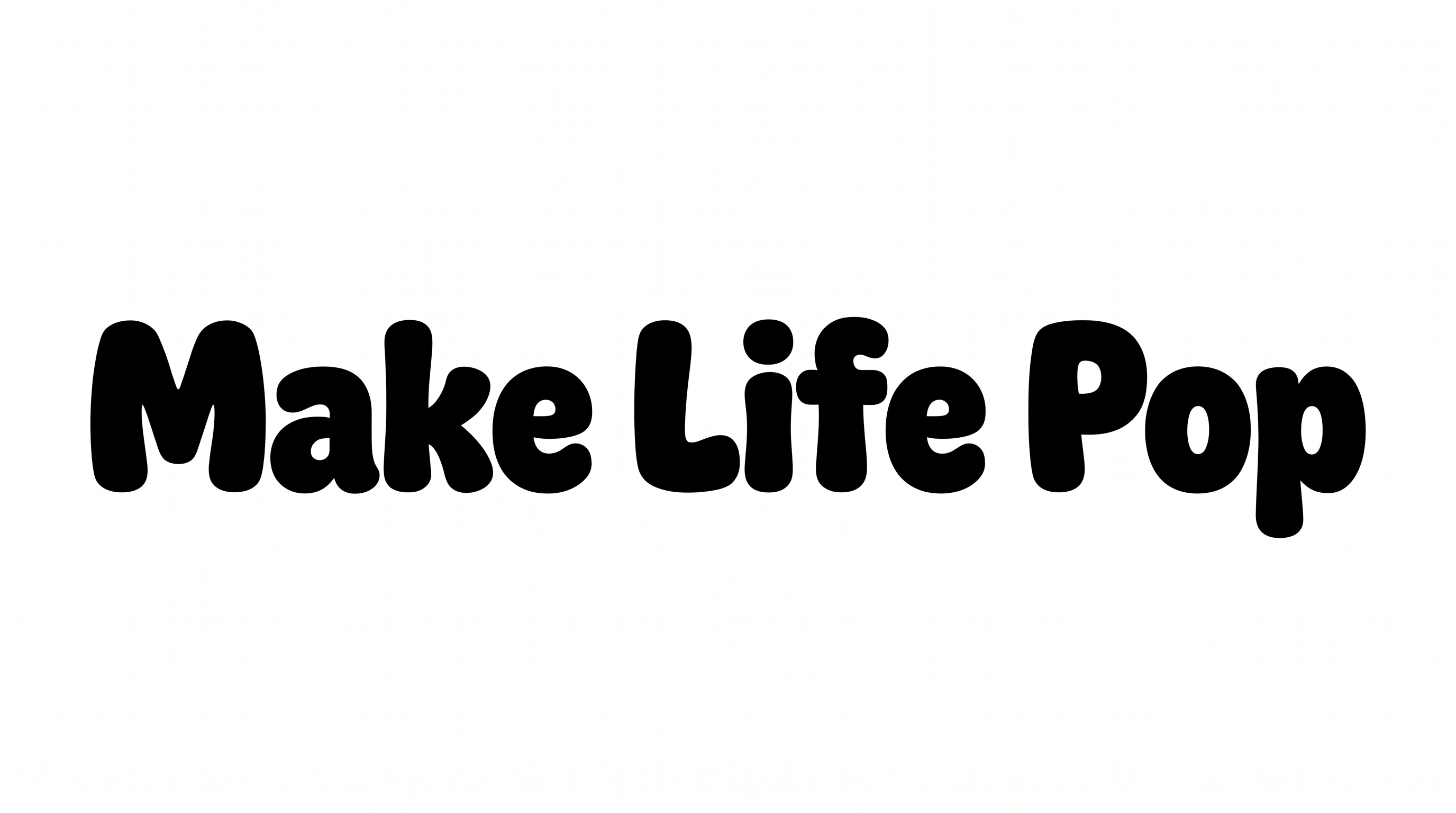
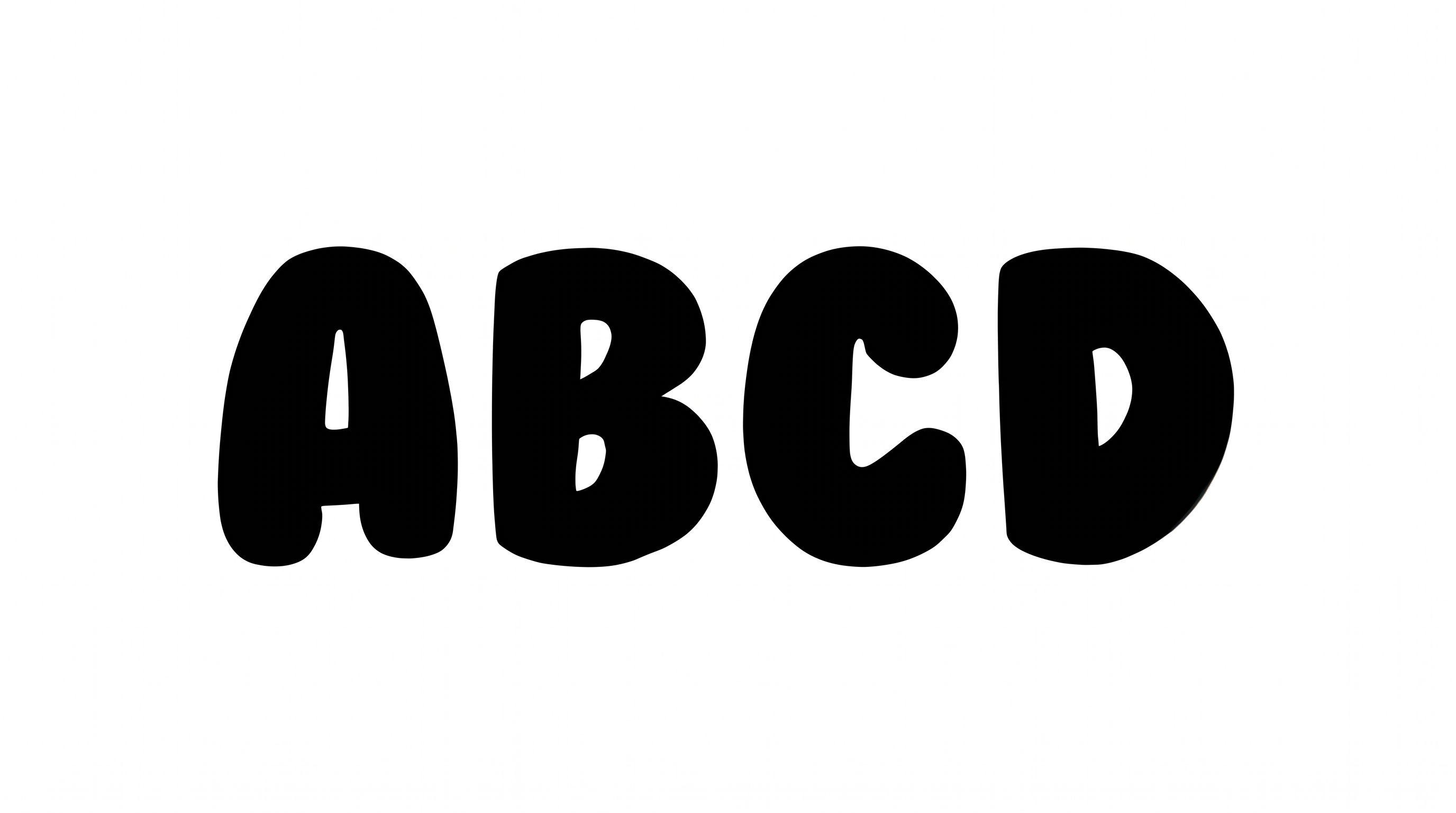
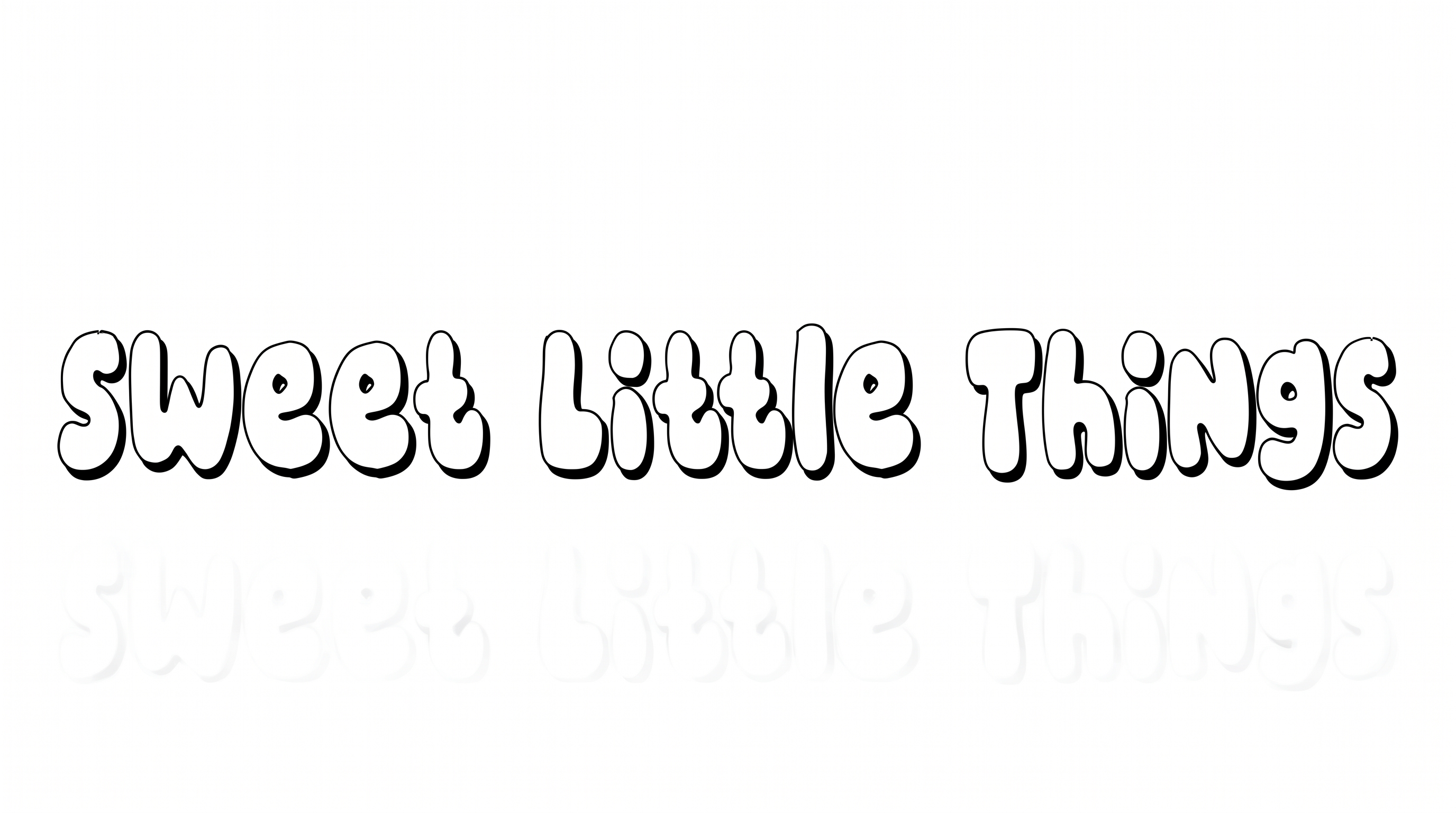
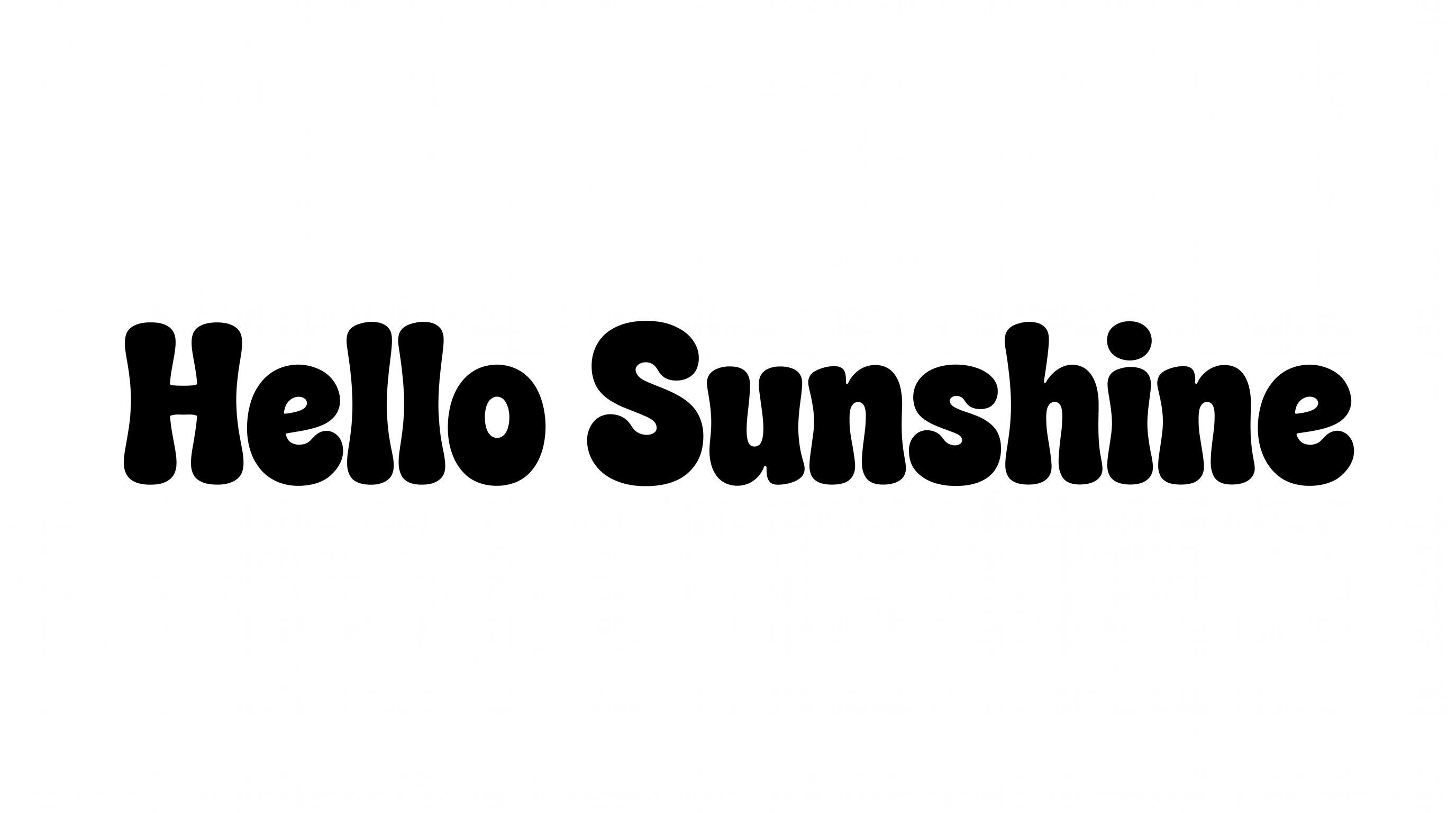
Use the Happy Birthday Bubble Font Generator to turn names and greetings into playful bubble lettering. Shape hand-drawn forms with bold contours and dimensional shadows.
- Templates
- 249
- Generations
- 4,032
- Downloads
- 3,378
- Rating
- 5.0
More Happy Birthday Bubble Font Generator Tools and Happy Birthday Bubble Font Alternative
Explore related text-image tools for other lettering treatments and creative birthday designs.
How to Use the Happy Birthday Bubble Font Generator
Enter your text, choose colors and image size, then generate, review, and download the finished text image.
- 01
Enter your birthday text
Type the name, age, greeting, or message you want to display.
- Check the spelling and capitalization before creating the image.
- 02
Choose colors and image size
Select the font color, background treatment, and aspect ratio for your design.
- Use the template background, a custom color, or an uploaded image.
- 03
Happy Birthday Bubble Font Download Free & Happy Birthday Bubble Font Copy and Paste
Review the rendered text, then download the finished image as PNG or SVG.
- Copy plain or styled text, or save the image for another design.
Happy Birthday Bubble Font in Use: Design Examples & Showcase
Explore birthday lettering across names, alphabets, numbers, invitations, banners, cards, apparel, stickers, and large event displays.
Use Happy Birthday Bubble Fonts in Your Favorite Apps
Download the generated text image, then follow the app-specific steps below to add or share it.
- 01
Happy Birthday Bubble Font Canva
- Add the Happy Birthday Bubble Font Canva PNG to your design.
- Resize and position the image, then download your finished design.
- 02
Happy Birthday Bubble Font CapCut
- Import the Happy Birthday Bubble Font CapCut PNG as an overlay.
- Adjust its position, size, and timing before exporting the video.
- 03
Happy Birthday Bubble Font Cricut
- Upload the Happy Birthday Bubble Font Cricut PNG into Cricut Design Space.
- Resize the artwork and prepare it for Print Then Cut.
- 04
Happy Birthday Bubble Font Microsoft Word
- Insert the Happy Birthday Bubble Font Microsoft Word PNG into your document.
- Move or resize the image, then save the document.
- 05
Happy Birthday Bubble Font Google Docs
- Upload the Happy Birthday Bubble Font Google Docs PNG into your document.
- Position the image on the page, then share or download the file.
- 06
Happy Birthday Bubble Font Instagram
- Add the Happy Birthday Bubble Font Instagram PNG to a post, Story, or Reel.
- Adjust the placement, then preview and share your content.
- 07
Happy Birthday Bubble Font TikTok
- Add the Happy Birthday Bubble Font TikTok PNG to a video or photo post.
- Position the image and adjust its timing before publishing.
- 08
Happy Birthday Bubble Font Discord
- Attach the Happy Birthday Bubble Font Discord PNG to your message.
- Add your birthday note, then send the image to the channel.
- 09
Happy Birthday Bubble Font Chat
- Share the Happy Birthday Bubble Font Chat PNG in your conversation.
- Include a short birthday message, then send the image.