
Get 5 Free Credits

Free Christmas Alphabet Font Generator Online

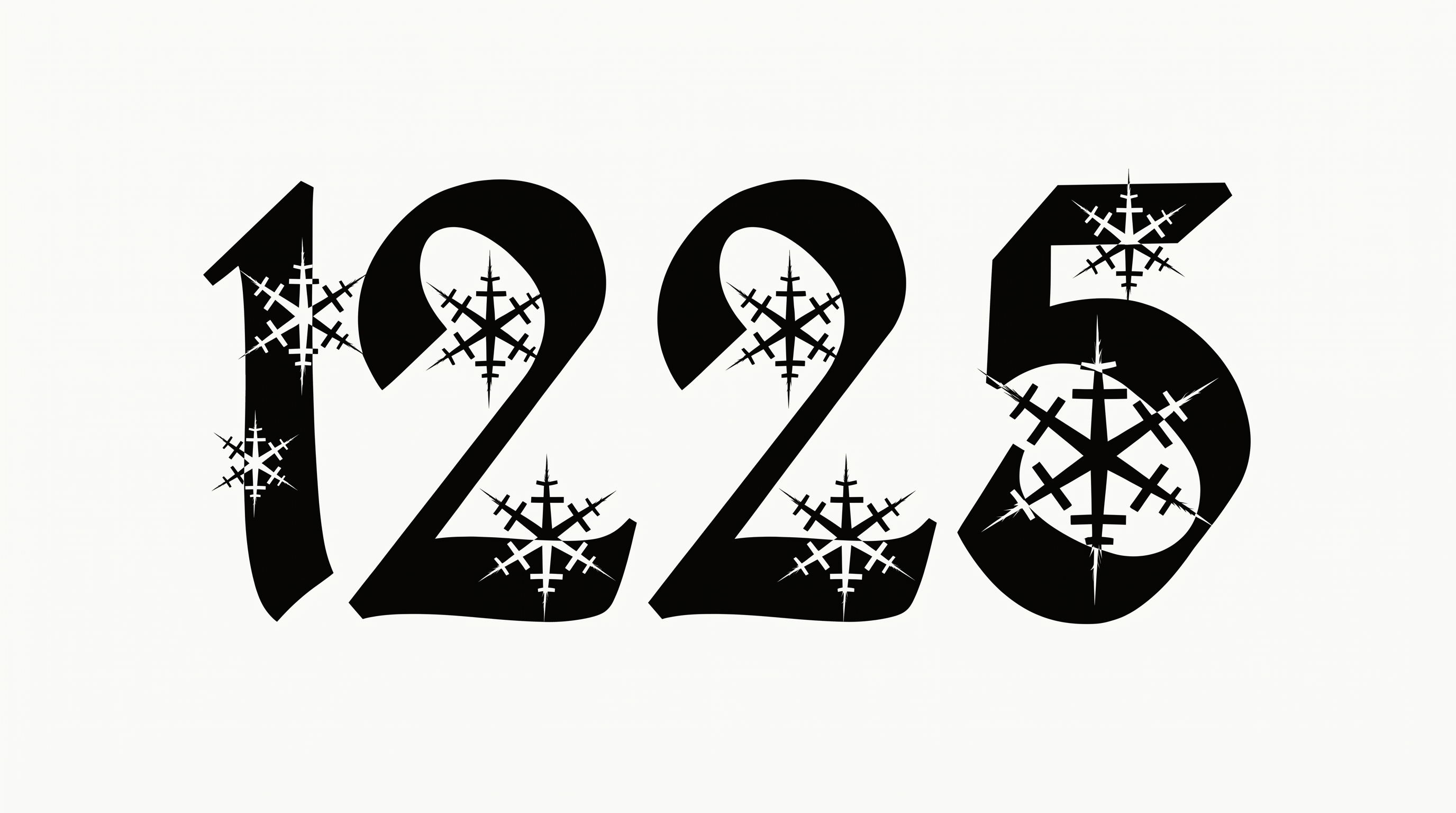
Create ornate, near-black serif lettering with crisp snowflake and star cutouts for holiday cards, posters and seasonal designs.

Enter the text to generate, e.g. Fontify.ai

Font color
Background
Templates
85
Generations
52
Downloads
220
Rating
5.0

How to Use the Christmas Alphabet Font Generator

Shape ornate winter lettering for cards or displays while keeping snowflake details clear in the finished image.

  1. 01

    Write your holiday wording

    Enter a short name, greeting or headline for the ornate serif treatment.

  2. 02

    Set the colors and canvas

    Choose a custom font color, upload a background or select an image size such as 4:5.

  3. 03

    Generate and save PNG or SVG artwork

    Create the image, review its decorative details and download the finished PNG or SVG.

Christmas Alphabet Font Style Profile

Heavy black forms, pointed serifs and snowflake cutouts create an ornate winter character.

  • Letter Construction

    Snowflake and star-shaped cutouts punctuate the solid black letter bodies.

  • Flourishes

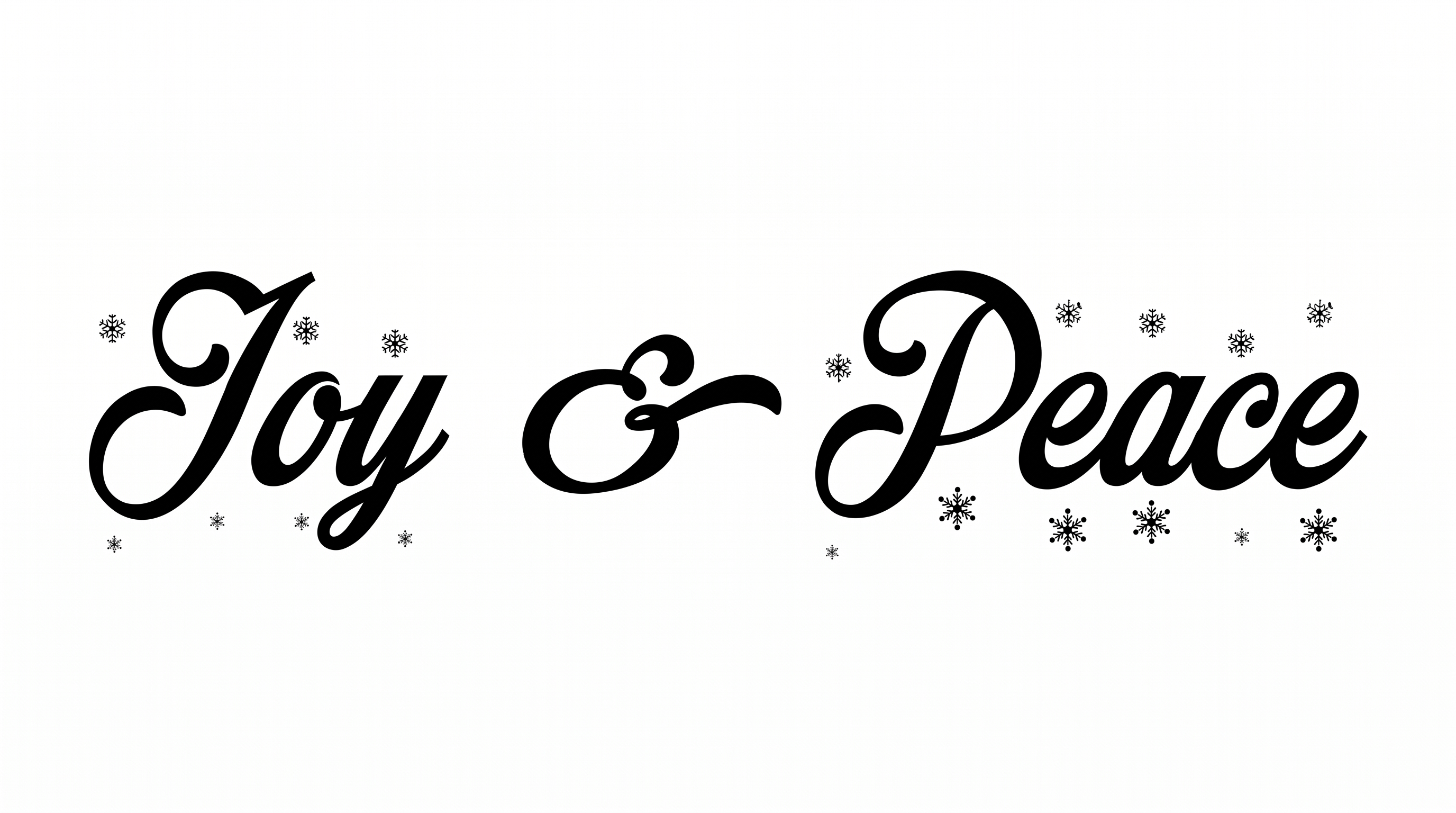
    Curled extensions and sweeping tails ornament several capitals.

  • Stroke Weight

    Broad black main strokes give the capitals a heavy visual presence.

  • Corner Shape

    Pointed serifs and sharp interior turns create an angular silhouette.

  • Stroke Contrast

    Thick structural strokes alternate with fine decorative lines and serifs.

  • Letter Connections

    Letters remain separate, with clear breaks between neighboring characters.
Frequently asked questions about Christmas Alphabet Font Generator

The generator turns your wording into a text image with ornate Gothic-inspired serifs, near-black forms and winter cutout details. Use the finished artwork as a seasonal heading for cards, posters, labels or other holiday designs.

Personal use is covered by the minimum membership, while commercial use requires a higher membership. Check pricing to select the membership that applies before using the artwork in products, client work or advertising.

Enter your wording, choose an available font color, background and image size, then generate the design. Review the rendered text image and download it as a supported PNG or SVG file.

Download the generated PNG, upload it in Canva, insert it into Google Docs and import it into a Cricut project. The Cricut app is also known as Cricut Design Space; use the lettering as image artwork within each platform.

Use a short phrase, allow clear space around the ornate letters and preview the image at its intended size. Snowflake cutouts and fine extensions remain easier to recognize when the heading has generous room.

The decorative lettering suits greeting cards, posters, gift packaging, labels and seasonal signs. Give it a prominent heading area, then arrange supporting details separately so the ornate forms remain the visual focus.

Restrained pine accents, snowflakes, stars and simple winter color fields complement its Gothic fantasy character. Use quieter supporting typography and uncluttered spacing so the decorated capitals retain their dramatic seasonal mood.
READY TO CREATE?

Create Custom Christmas Alphabet Fonts & Text Effects

Try Christmas Alphabet Font Generator Free