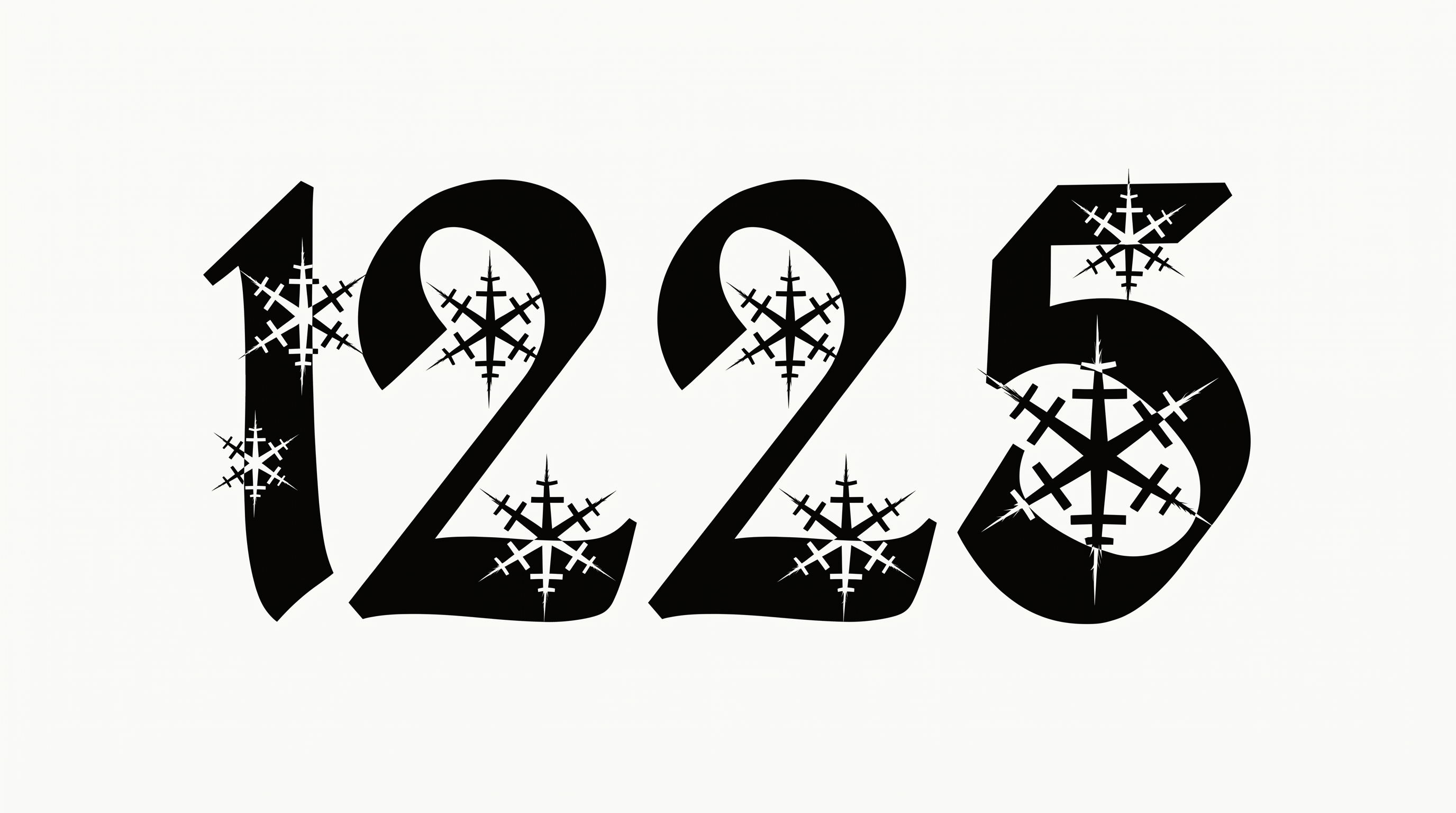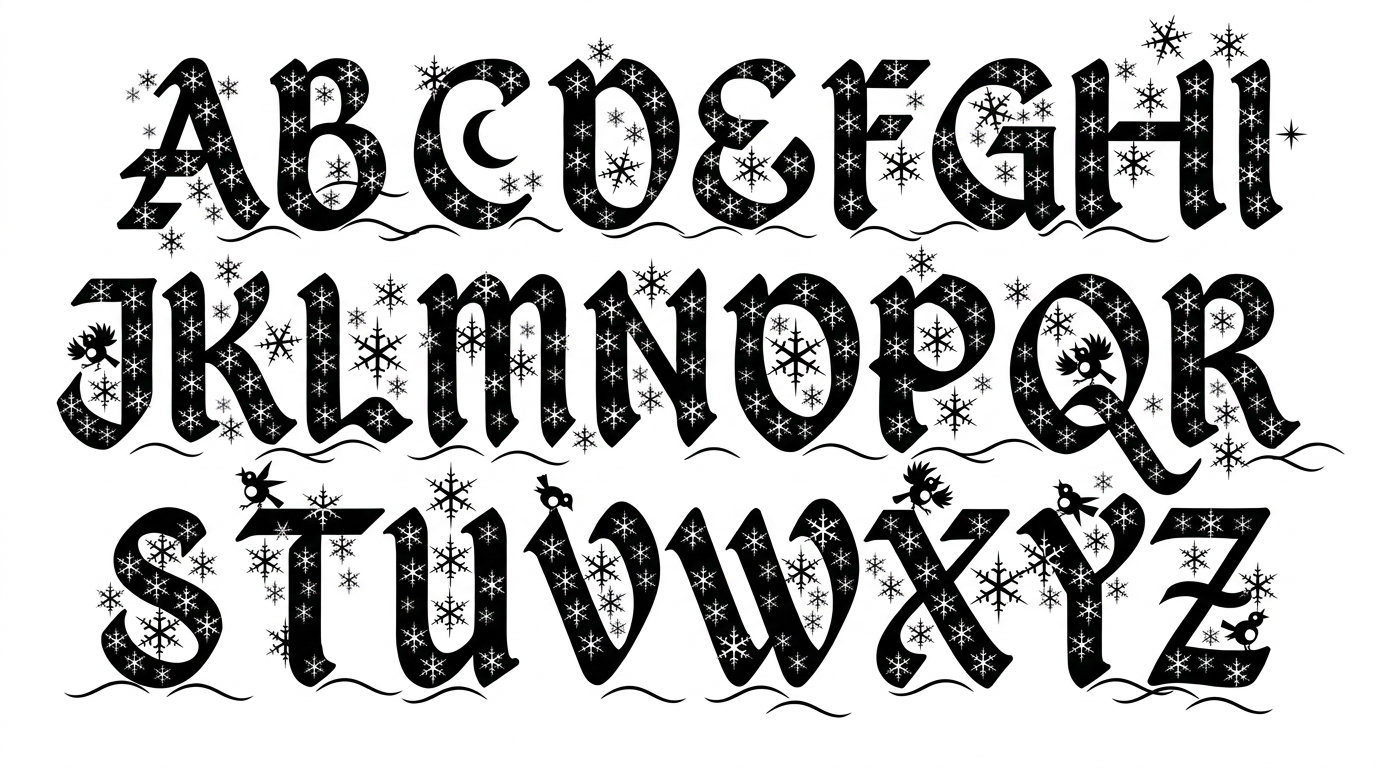

Free Christmas Writing Font Generator Online
Flowing black calligraphy pairs high-contrast strokes with graceful swashes, bringing an elegant holiday look to greetings and invitations.
- Templates
- 85
- Generations
- 128
- Downloads
- 276
- Rating
- 5.0
How to Use the Christmas Writing Font Generator
Shape a flowing holiday message with a suitable aspect ratio, then save the calligraphic artwork for your layout.
- 01
Write your holiday message
Type a name, greeting, or short holiday phrase for the flowing calligraphic treatment.
- 02
Set the image presentation
Select a 4:5 image size, then choose a custom font color or upload a background image.
- 03
Generate and save the artwork
Generate the preview, review the calligraphic details, and download the finished PNG or SVG image.
Christmas Writing Font Generator in Use: Design Examples & Showcase
See the calligraphy on cards, gift wrap, labels, invitations, and posters. Compare its graceful strokes across seasonal layouts.
Christmas Writing Font Style Profile
Strong stroke contrast, a rightward slant, and sweeping flourishes shape the festive calligraphy.
Stroke Contrast
Bold downstrokes alternate sharply with delicate hairlines.
Slant
The calligraphic letters lean consistently toward the right.
Letter Connections
Flowing strokes join many neighboring letters within each word.
Flourishes
Extended loops and sweeping tails decorate several letterforms.
Stroke Endings
Fine strokes often finish in pointed, tapered tips.
Color Treatment
Solid black fills the visible letter strokes with crisp contrast.