
Get 5 Free Credits

Free Poppins Extra Bold Font Generator Online

Create heavy geometric uppercase lettering suited to bold poster headlines, packaging marks, signs, and other high-impact designs.

Enter the text to generate, e.g. Fontify.ai

Font color
Background
Templates
157
Generations
52
Downloads
231
Rating
5.0

How to Use the Poppins Extra Bold Font Generator

Shape heavy geometric lettering for headlines, signs, packaging, and other prominent design elements.

  1. 01

    Enter your headline and choose a layout

    Type your wording and select an image size, such as 1:1 or 16:9.

  2. 02

    Set the colors and background

    Choose a custom font color, background color, or uploaded image before generating the artwork.

  3. 03

    Review and download the text image

    Check the bold letter spacing, then download the finished artwork as a PNG or SVG.

Poppins Extra Bold Font Style Profile

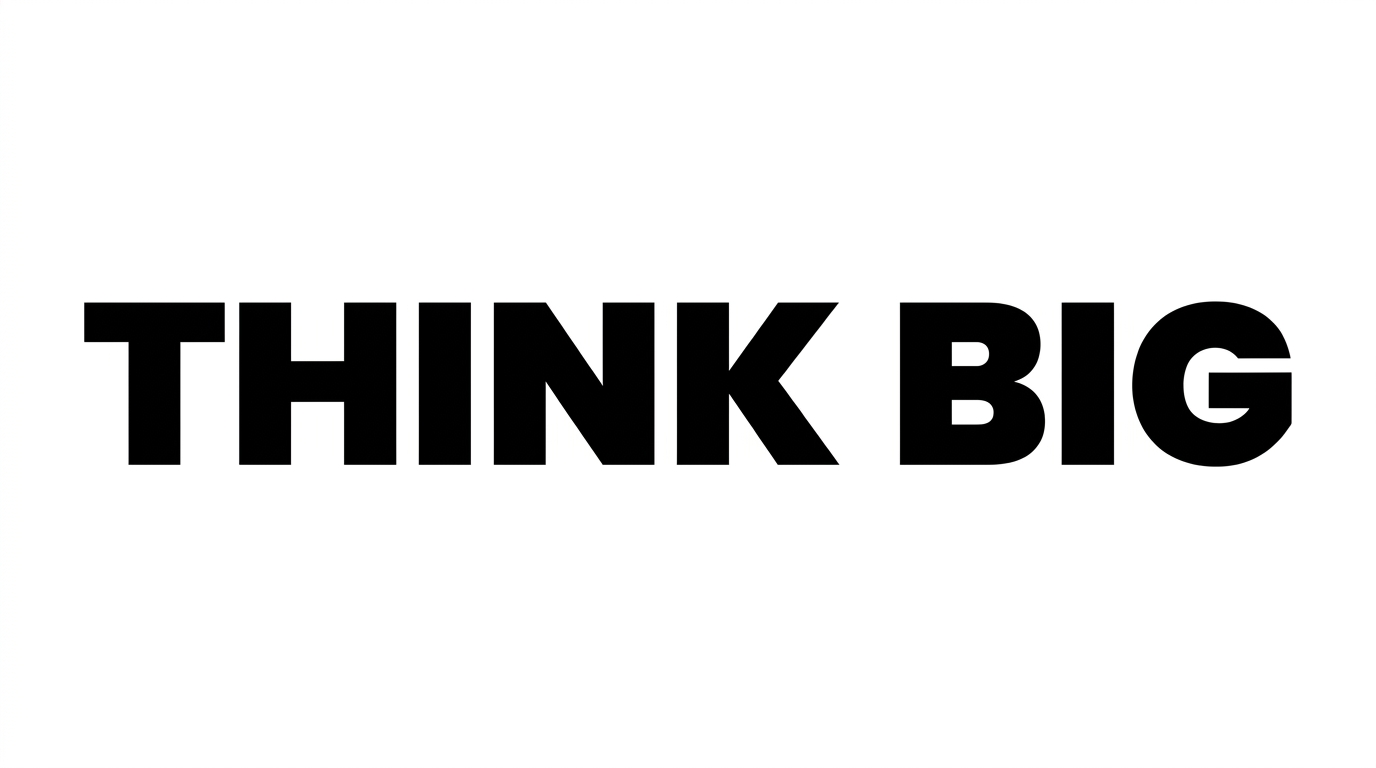
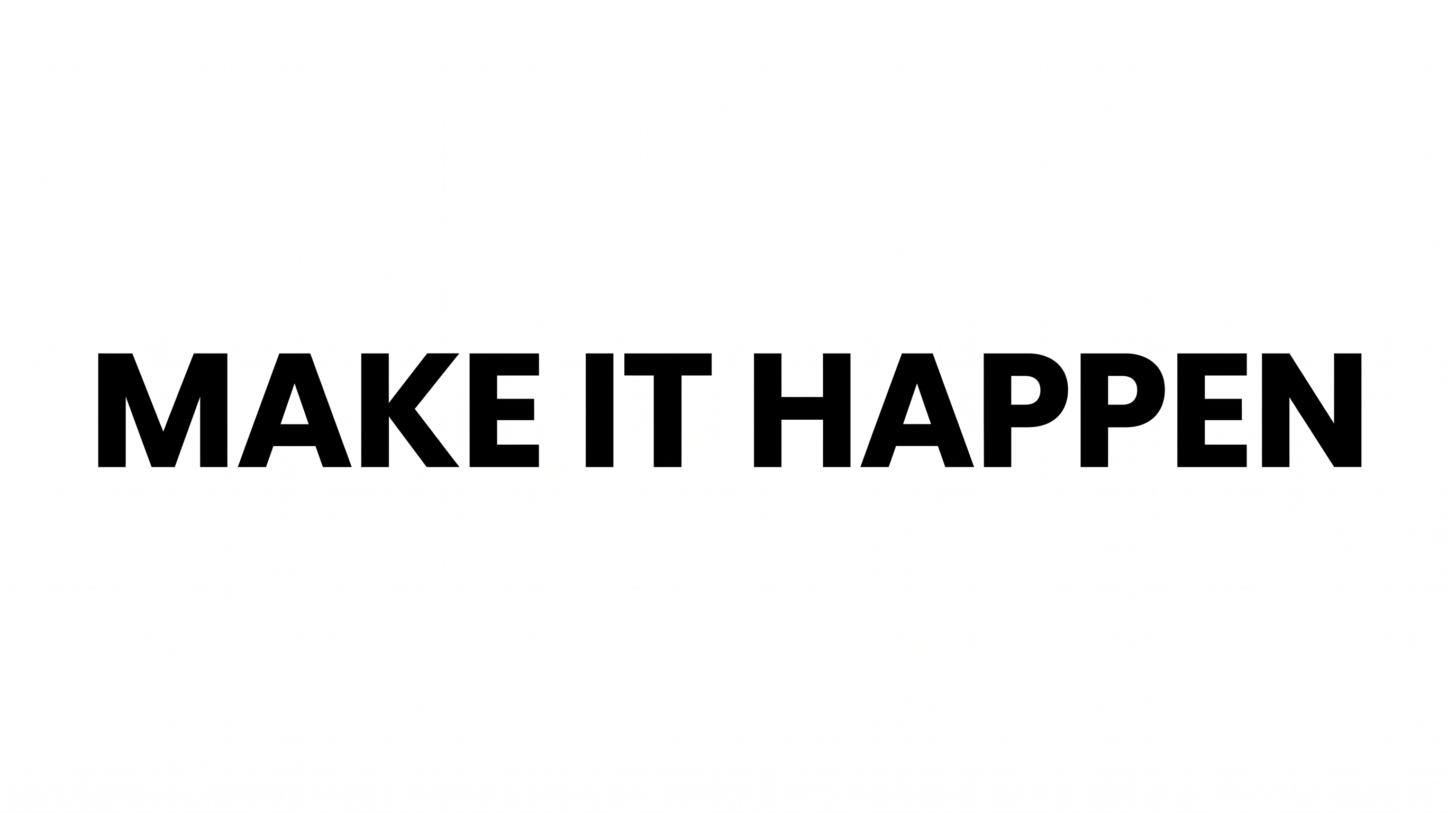
Heavy, upright strokes and solid geometric construction give the lettering a direct, compact presence.

  • Stroke Weight

    Heavy, solid strokes give the uppercase letters a substantial visual presence.

  • Letter Construction

    Continuous geometric forms build each letter with clean counters and solid shapes.

  • Stroke Contrast

    The visible strokes maintain a largely uniform thickness throughout each letter.

  • Slant

    The letters stand upright along a level baseline.

  • Letter Connections

    Letters remain separate, with clear breaks between neighboring characters.

  • Letter Spacing

    Compact gaps keep the letters close while preserving clear separation.
Frequently asked questions about Poppins Extra Bold Font Generator

It turns your words into a text image with heavy geometric sans-serif lettering. The uppercase style uses solid forms, upright characters, and compact spacing, making the artwork useful for prominent headlines, signs, packaging marks, and poster designs.

Yes. You can use the generator and download the resulting image through the supported free-use options. Personal and commercial usage rights depend on membership terms, so review pricing when choosing the membership appropriate for your project.

Browse the related text tools and compare their visible letterforms, weight, spacing, and overall mood. Focus on how each style serves your layout rather than searching for a named substitute. This helps you choose artwork suited to headlines, labels, or compact graphics.

Yes. This template lets you select a font color, custom background color, uploaded background image, and image size. Transparent-background output is also supported for layering the lettering over other artwork. Transparency is an output capability rather than a promise that every result uses it by default.

For a free online graphic, keep the wording concise and leave clear space around the heavy letters. Use strong contrast between the text and its background. Preview the artwork at its intended display size so compact spacing remains easy to read.

Use the Poppins Extra Bold Font Generator artwork as the dominant headline, then reserve quieter areas for dates, locations, or supporting details. A wide phrase can span the upper area, while shorter wording can form a compact central block.
READY TO CREATE?

Create Custom Poppins Extra Bold Fonts & Text Effects

Try Poppins Extra Bold Font Generator Free