
Free Poppins Medium Font Generator Online
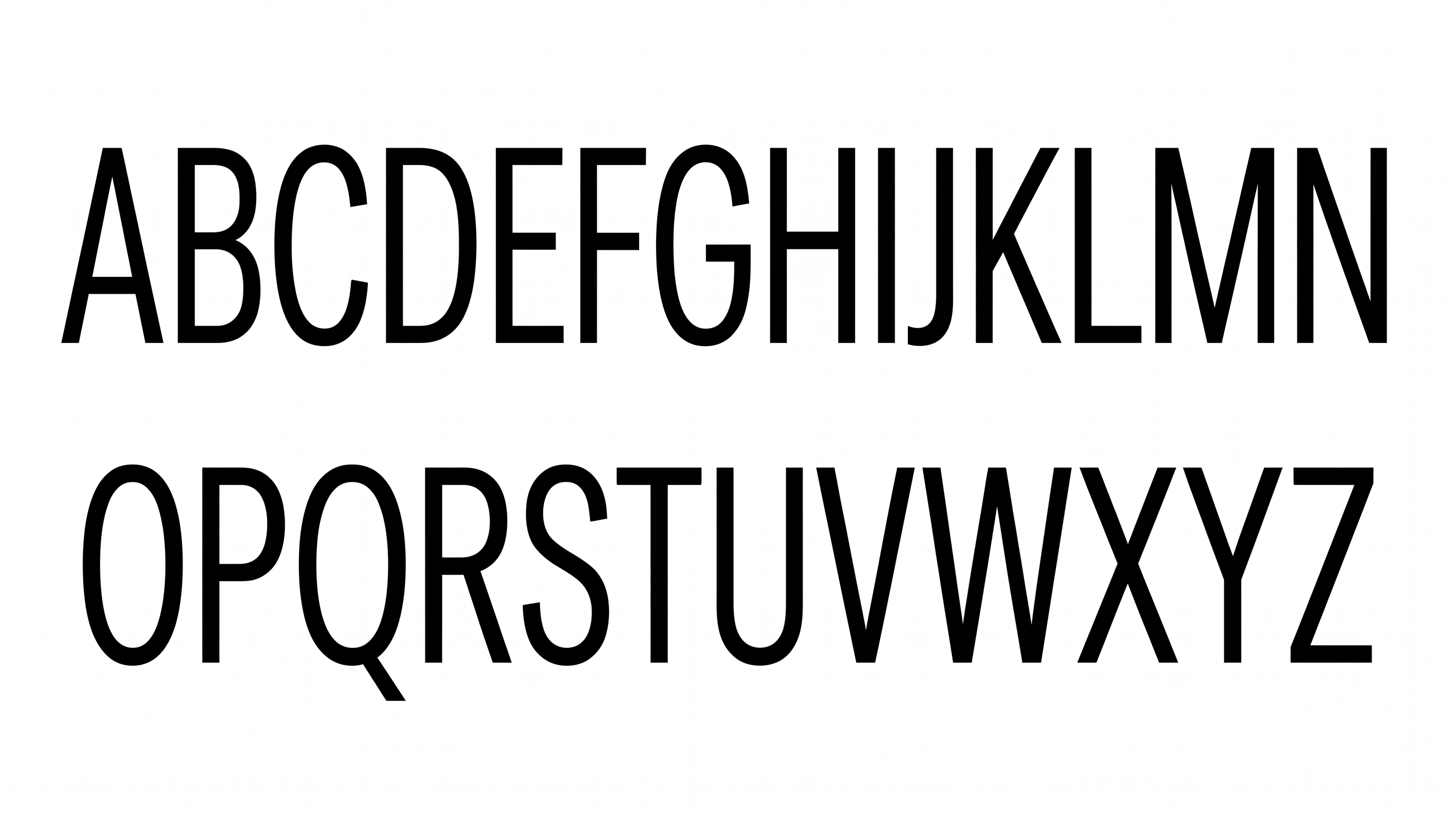
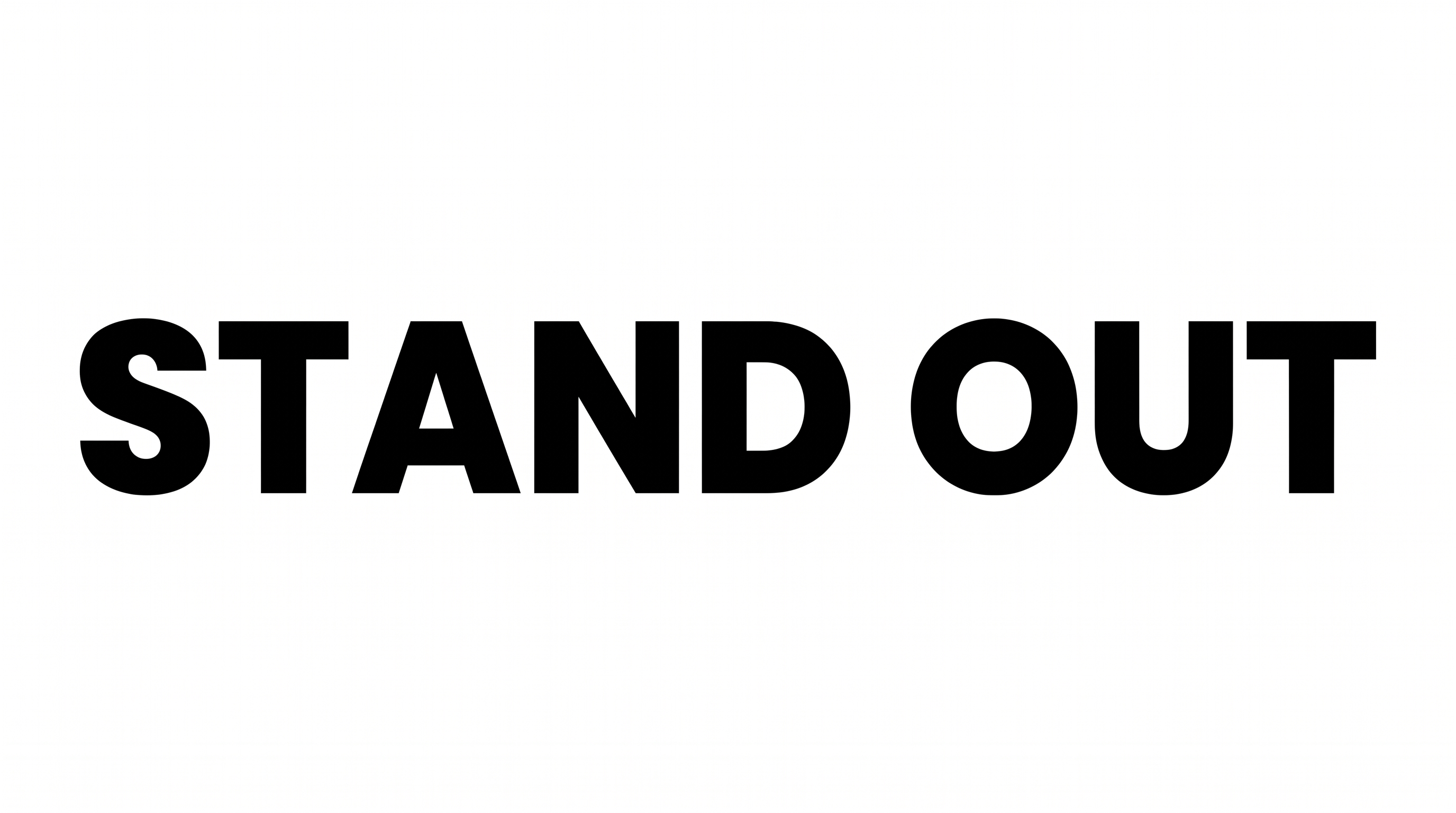
Crisp geometric sans lettering uses medium-weight strokes, balanced spacing, and a restrained monochrome look for headings and place cards.
- Templates
- 157
- Generations
- 63
- Downloads
- 236
- Rating
- 5.0
How to Use the Poppins Medium Font Generator
Create clean geometric text artwork by choosing a suitable layout and saving the rendered PNG result.
- 01
Enter a clear heading
Type a short phrase to preserve the clean spacing and readable medium-weight structure.
- 02
Choose the image layout
Select an image size such as 1:1 or 16:9, then set the background and font color.
- 03
Generate and download the PNG
Review the rendered lettering and download the PNG image for your design.
Poppins Medium Font Generator in Use: Design Examples & Showcase
See the geometric lettering applied to book covers, packaging, storefronts, place cards, interfaces, and editorial layouts.
Poppins Medium Font Style Profile
Medium strokes, geometric construction, and balanced spacing create a restrained sans-serif appearance.
Letter Construction
Geometric forms build the letters with clean, continuous strokes.
Stroke Weight
The visible letter bodies use a consistent medium stroke weight.
Letter Width
Individual characters have balanced proportions and a broad geometric presence.
Letter Spacing
Clear gaps between neighboring letters keep each word open and readable.
Corner Shape
Smooth curves and controlled joins soften the geometric letter structure.
Color Treatment
The lettering appears as solid black against a clean white field.