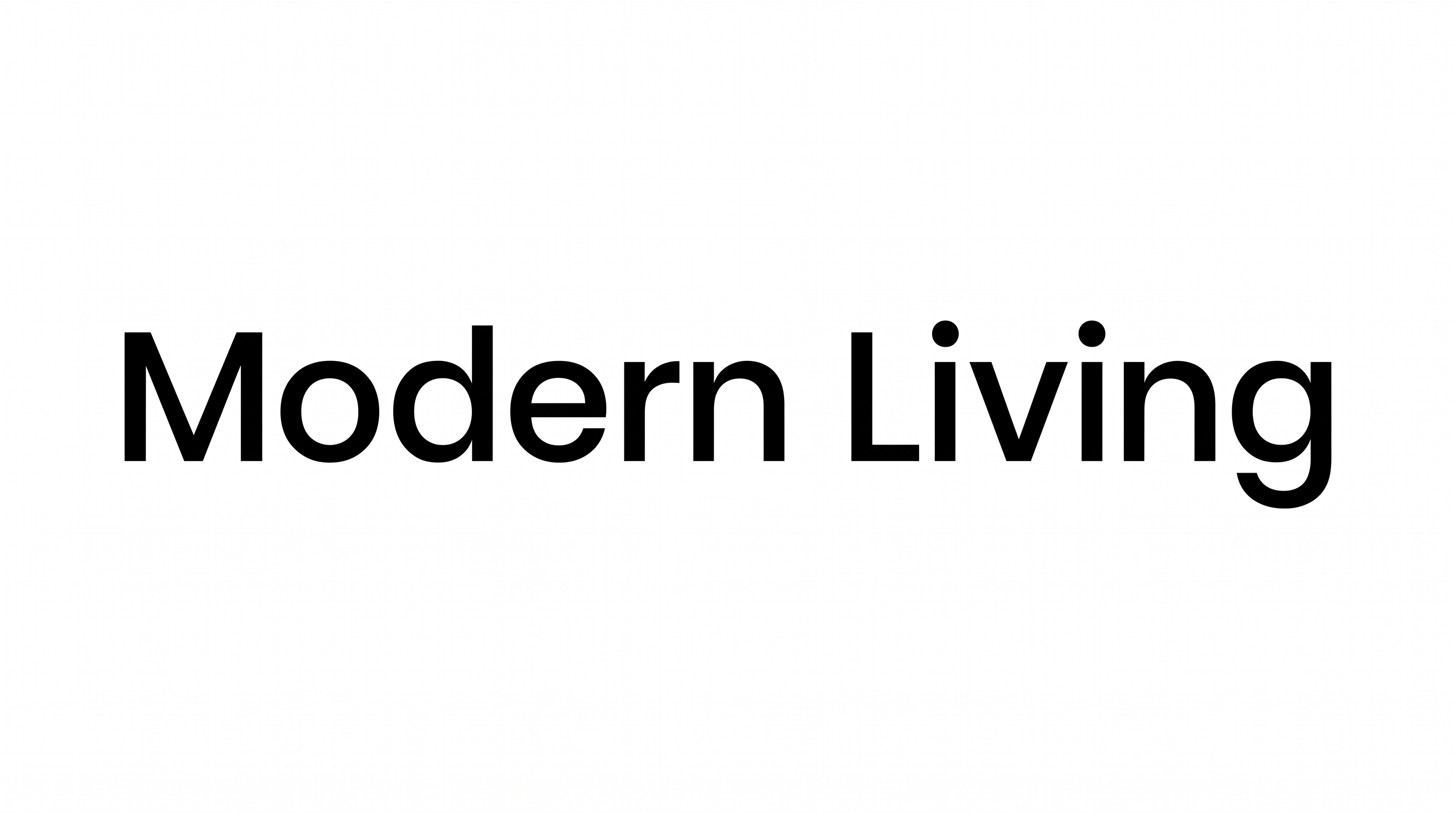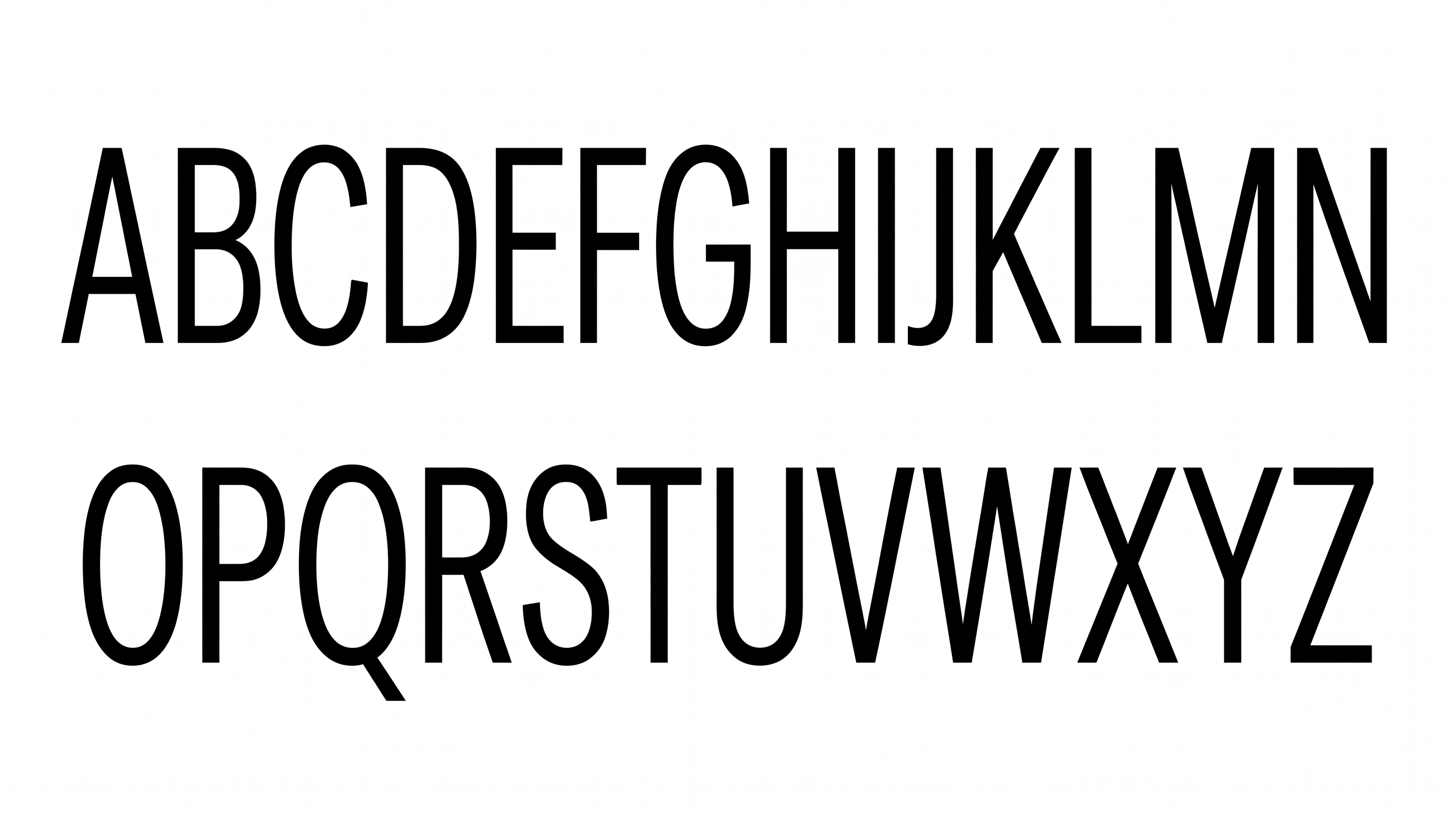

Free Poppins Black Font Generator Online
Create text images with extra-bold geometric uppercase lettering, crisp edges, and a clean look suited to prominent headlines.
- Templates
- 157
- Generations
- 187
- Downloads
- 227
- Rating
- 5.0
How to Use the Poppins Black Font Generator
Shape bold geometric lettering for headlines, then save the finished text image for your layout.
- 01
Enter your headline
Type a short name, title, or phrase to render in heavy uppercase lettering.
- 02
Set the composition
Choose an image size such as 16:9, then select a font color and background.
- 03
Generate and save the artwork
Review the rendered text image and download it in PNG or SVG format.
Poppins Black Font Generator in Use: Design Examples & Showcase
See how the bold geometric lettering adapts to packaging, magazine covers, signage, apparel, digital screens, and personalized designs.
Poppins Black Font Style Profile
Heavy upright strokes, compact spacing, and simple construction create a forceful geometric appearance.
Stroke Weight
Very heavy, mostly even strokes give the visible letters a substantial presence.
Letter Construction
Solid geometric forms build each letter from clean, continuous shapes.
Stroke Contrast
Minimal contrast keeps thick and thin sections visually consistent.
Slant
The letters stand upright relative to the horizontal baseline.
Letter Spacing
Compact gaps hold neighboring letters together in dense words.
Letter Connections
Letters remain separate, with clear breaks between neighboring characters.