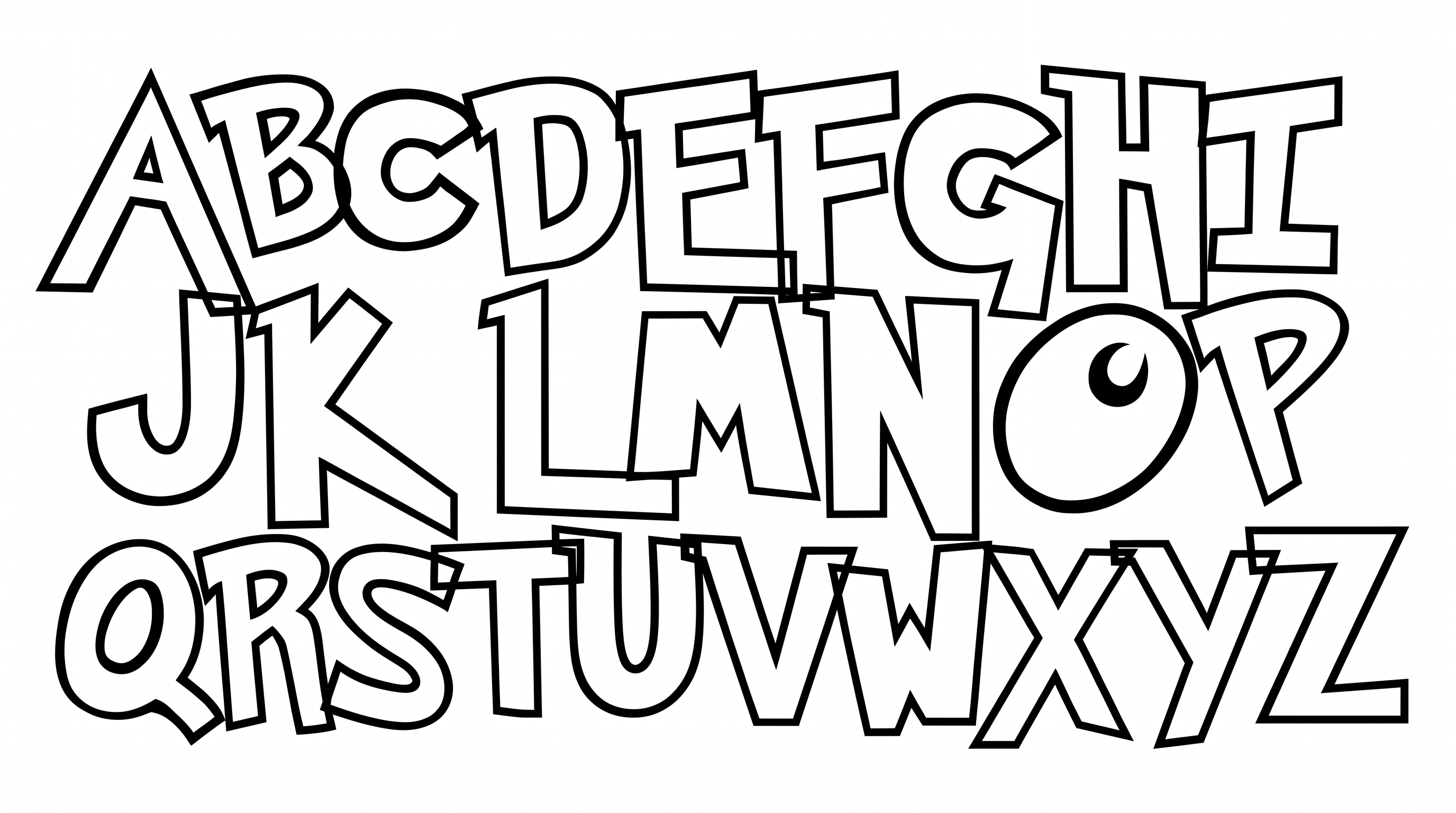

Free Pokemon Pixel Font Generator Online
Create crisp uppercase 8-bit lettering with modular shapes and sharp corners for game interfaces, retro titles, and pixel graphics.
- Templates
- 90
- Generations
- 59
- Downloads
- 281
- Rating
- 5.0
How to Use the Pokemon Pixel Font Generator
Shape crisp 8-bit titles for game graphics while keeping the modular uppercase lettering clear.
- 01
Enter a short game-style phrase
Type your wording, keeping the uppercase pixel treatment suited to concise titles.
- 02
Choose the canvas and colors
Select font color, a custom or uploaded background, and an image size such as 16:9.
- 03
Generate and save PNG or SVG artwork
Generate the preview, check the modular letters, then download the finished image.
Pokemon Pixel Font Generator in Use: Design Examples & Showcase
Compare uppercase pixel lettering across trading cards, game interfaces, arcade marquees, stream overlays, badges, and other retro-inspired layouts.
Pokemon Pixel Font Style Profile
Modular uppercase forms, sharp corners, and even strokes create a crisp pixel-built rhythm.
Letter Construction
Block-like modules build each uppercase letter from straight pixel steps.
Corner Shape
Sharp right-angled corners define the visible turns and joins.
Stroke Contrast
Strokes keep a largely uniform thickness across the visible letters.
Stroke Endings
Visible strokes finish in square, flat cuts.
Letter Connections
Letters remain separate, with clear breaks between neighboring characters.
Letter Spacing
Consistent gaps keep neighboring letters distinct within each word.