
Get 5 Free Credits

Free Happy Birthday Calligraphy Font Generator Online

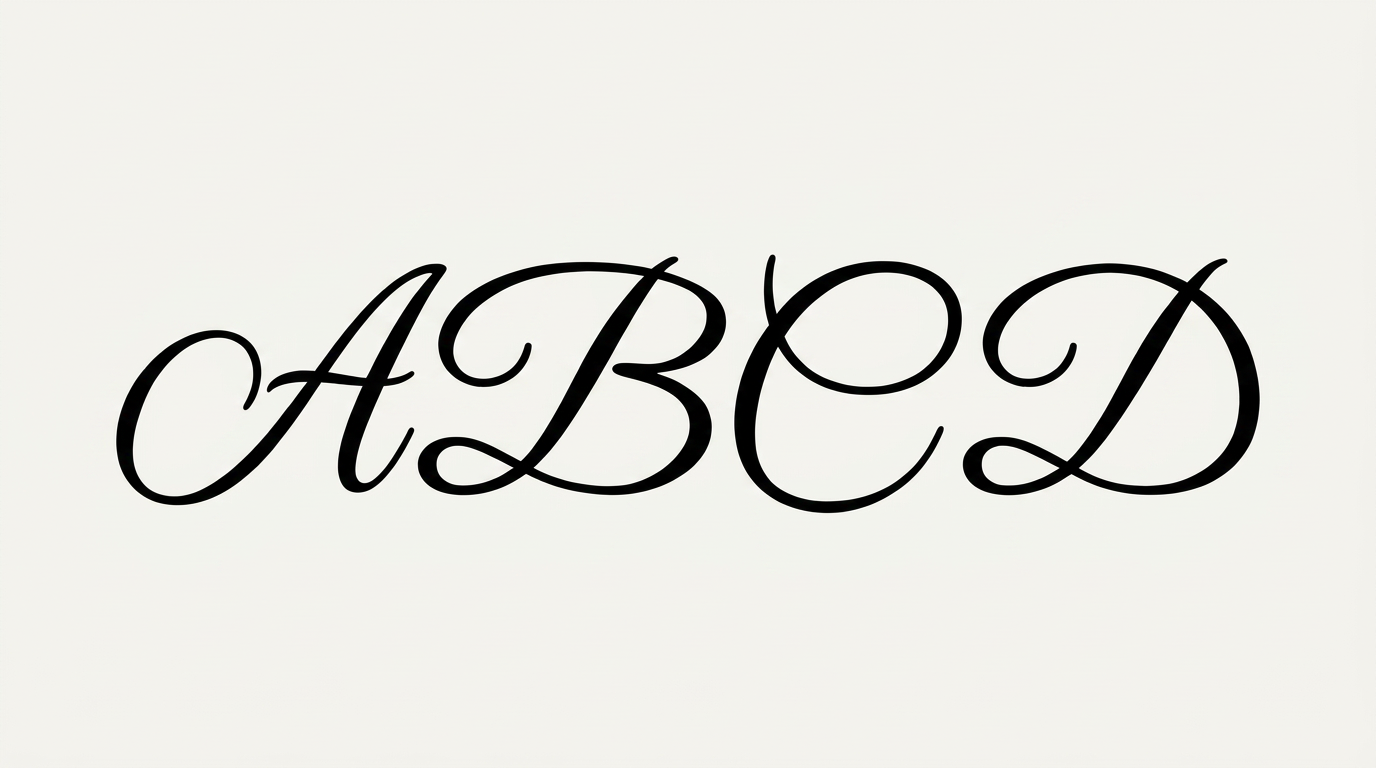
Create elegant birthday lettering with slanted script, dramatic thick-and-thin strokes, and ornamental flourishes for cards or invitations.

Enter the text to generate, e.g. Fontify.ai

Font color
Background
Templates
111
Generations
107
Downloads
286
Rating
5.0

How to Use the Happy Birthday Calligraphy Font Generator

Shape an elegant birthday greeting and preserve its flowing script details in the finished artwork.

  1. 01

    Write your birthday greeting

    Enter a name or message that suits the flowing calligraphic script.

  2. 02

    Choose the presentation

    Select a font color, background, and image size such as 3:2 or 9:16.

  3. 03

    Generate and save the artwork

    Review the flourished lettering, then download the finished image as a PNG or SVG.

Happy Birthday Calligraphy Font Style Profile

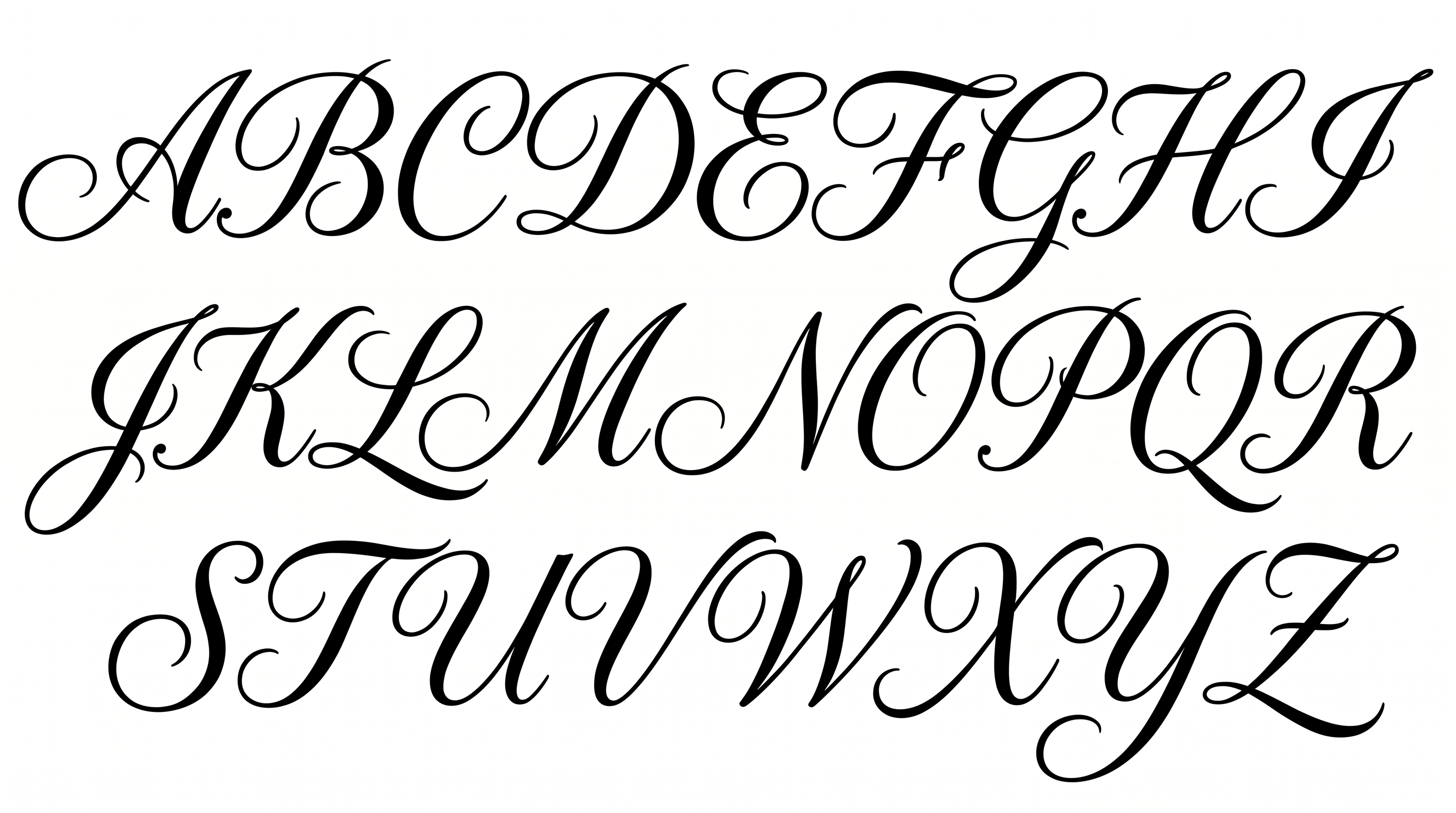
Pronounced thick-and-thin strokes, a rightward slant, and sweeping flourishes define the elegant script.

  • Stroke Contrast

    Bold downstrokes alternate with delicate hairlines throughout the visible lettering.

  • Flourishes

    Sweeping loops and extended tails ornament the capitals and selected lowercase letters.

  • Slant

    The visible letters lean consistently to the right along the baseline.

  • Letter Connections

    Continuous curved strokes join many neighboring lowercase letters within each word.

  • Stroke Endings

    Fine strokes taper into sharp, graceful tips at visible endpoints.

  • Letter Spacing

    Close gaps between connected letters create a compact flow within each word.
Frequently asked questions about Happy Birthday Calligraphy Font Generator

It turns your words into a text image featuring elegant slanted script, strong thick-and-thin contrast, and ornamental flourishes. The resulting artwork suits birthday greetings, invitations, cards, and other celebration designs.

Download the generated PNG artwork, then upload it in Canva for a design. Insert it into a Google Docs document as an image. In the Cricut app, also known as Cricut Design Space, import it into your project as image artwork.

Enter your message, select options such as font color, background, and image size, then generate the design. Review the rendered lettering and download the completed image in PNG or SVG format.

Yes. Transparent backgrounds are supported for layering the lettering over other artwork. This template also lets you choose a font color, set a custom background color, upload a background image, and select an image size.

Wide layouts suit a single-line greeting, while portrait formats work well for cards, invitations, posters, and social stories. Leave clear space around the flourished capitals and long tails so the lettering remains the visual focus.

Use a short name or message and preserve open space around the script. Strong contrast between the lettering and background helps the thin hairlines remain visible on gift tags, cards, and compact graphics.

Its sweeping flourishes, italic movement, and dramatic stroke contrast create an elegant celebratory mood. Pair it with a simple supporting type style and restrained decoration so the calligraphy remains prominent.
READY TO CREATE?

Create Custom Happy Birthday Calligraphy Fonts & Text Effects

Try Happy Birthday Calligraphy Font Generator Free