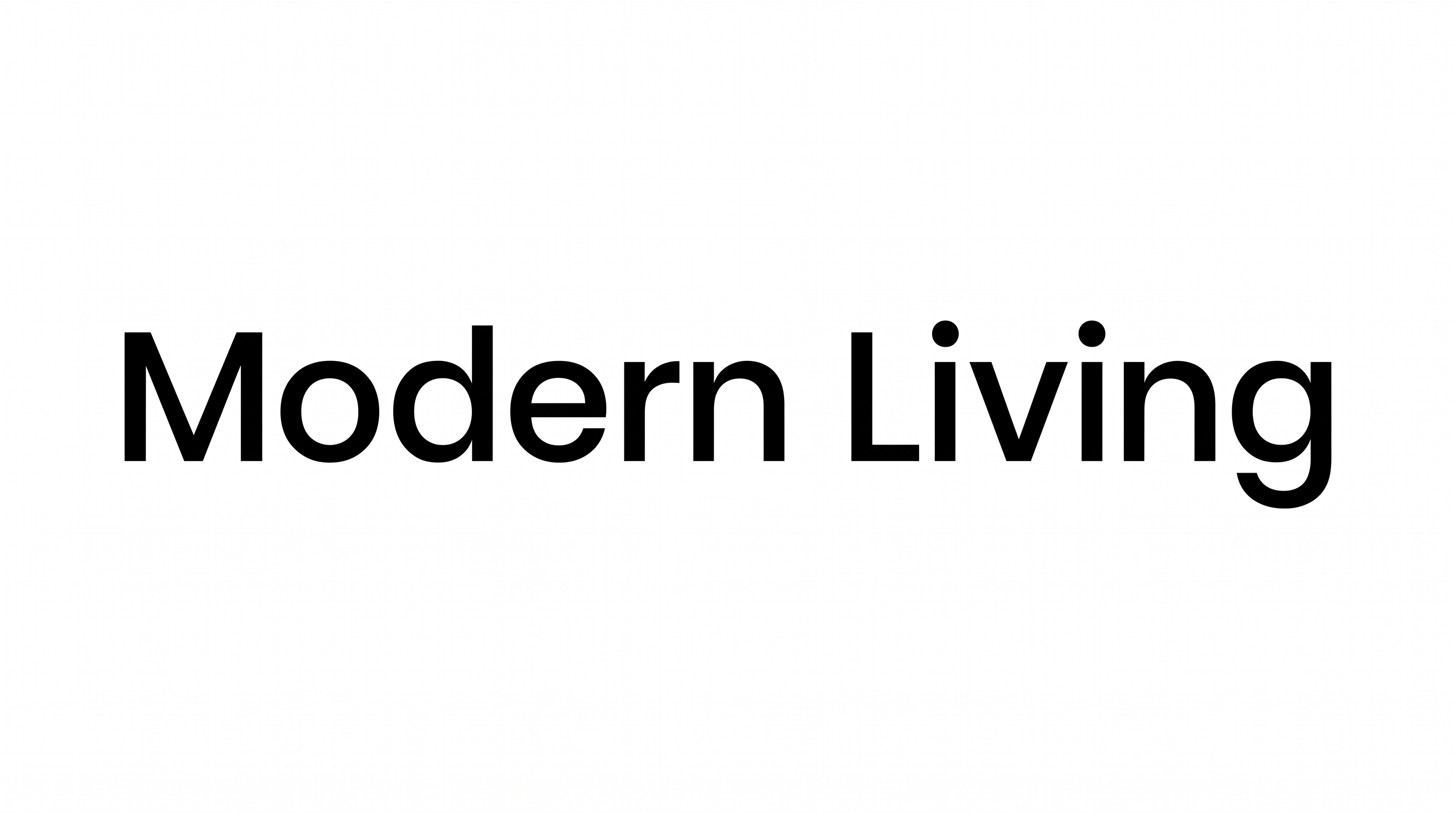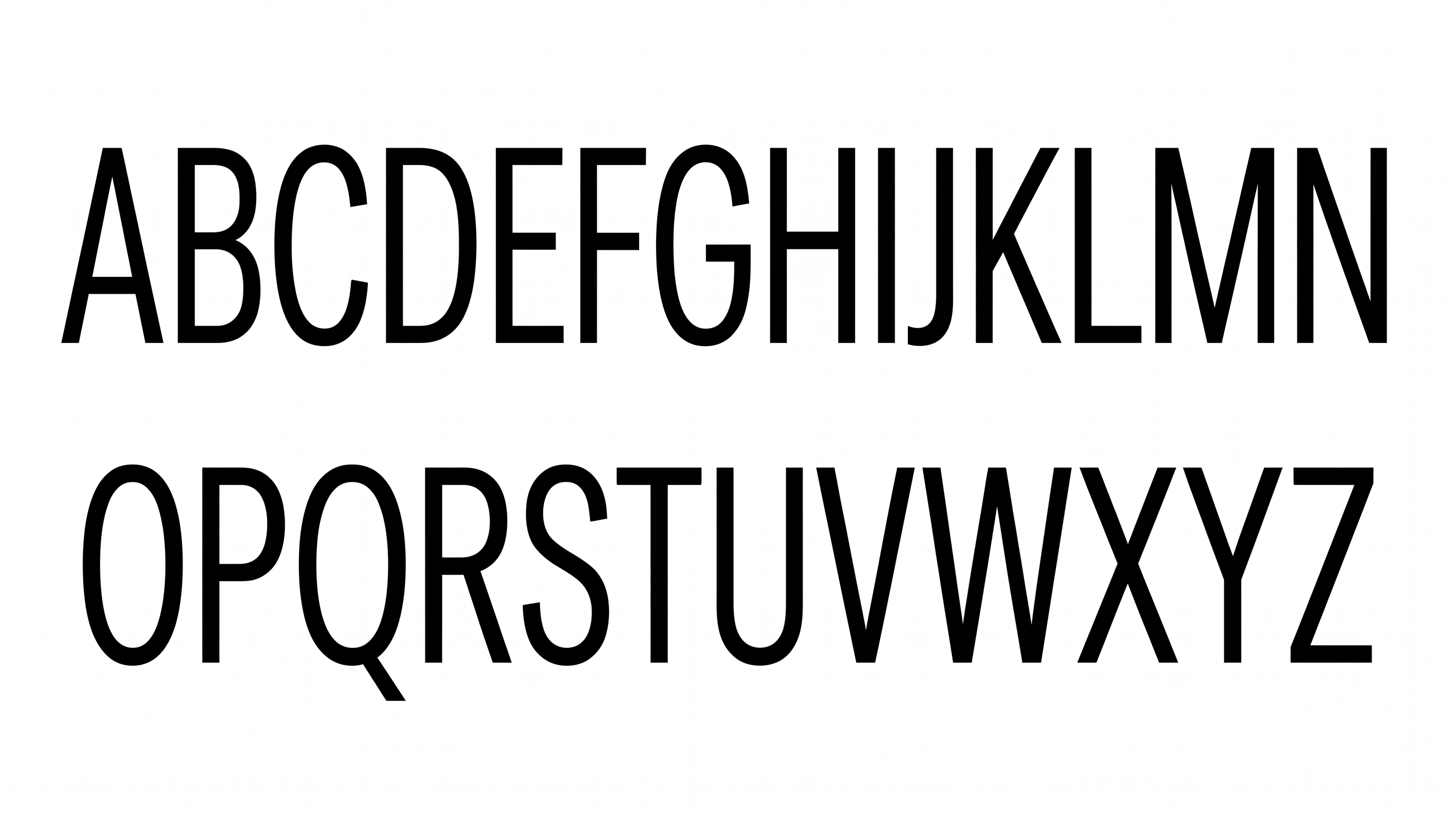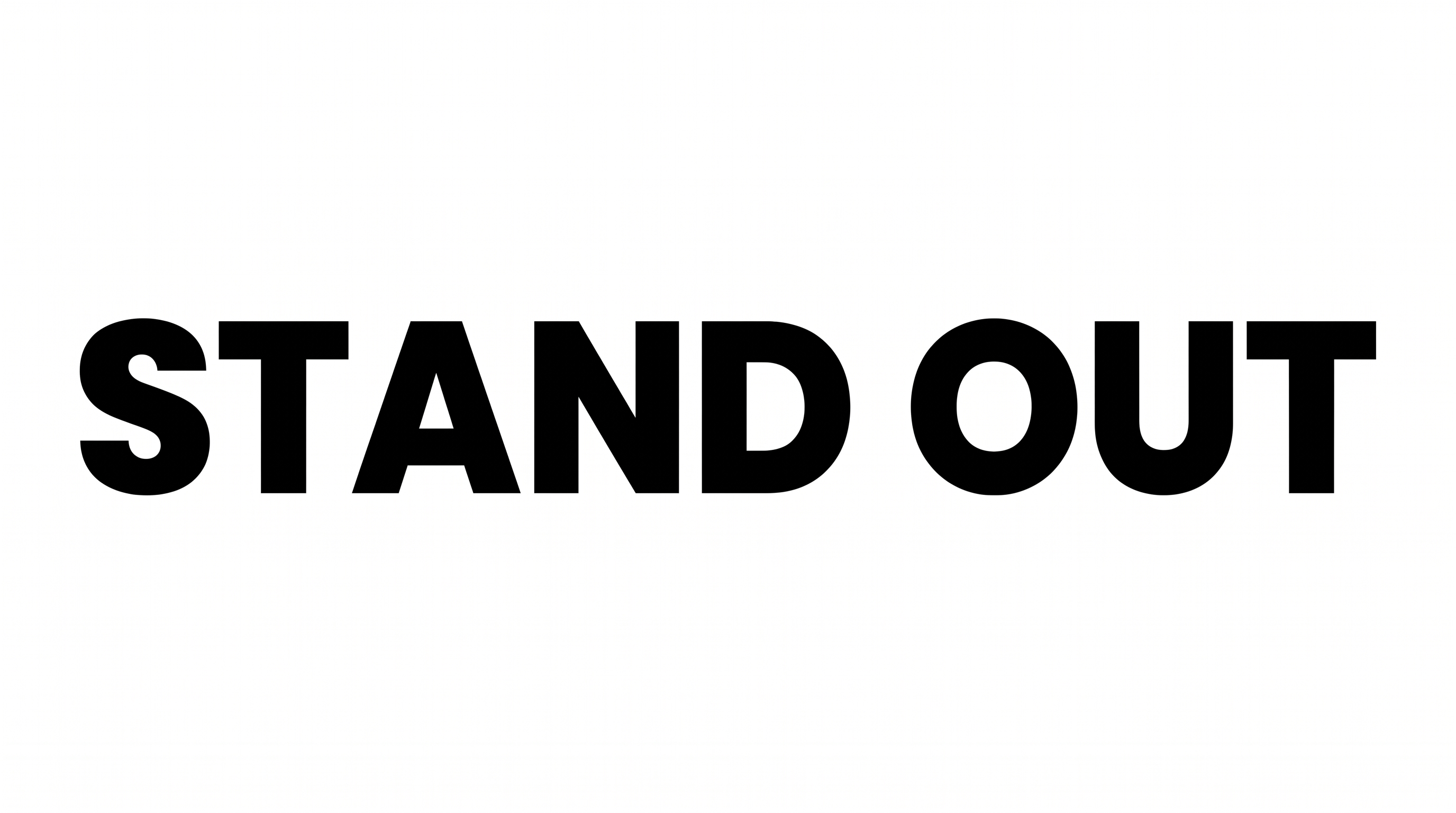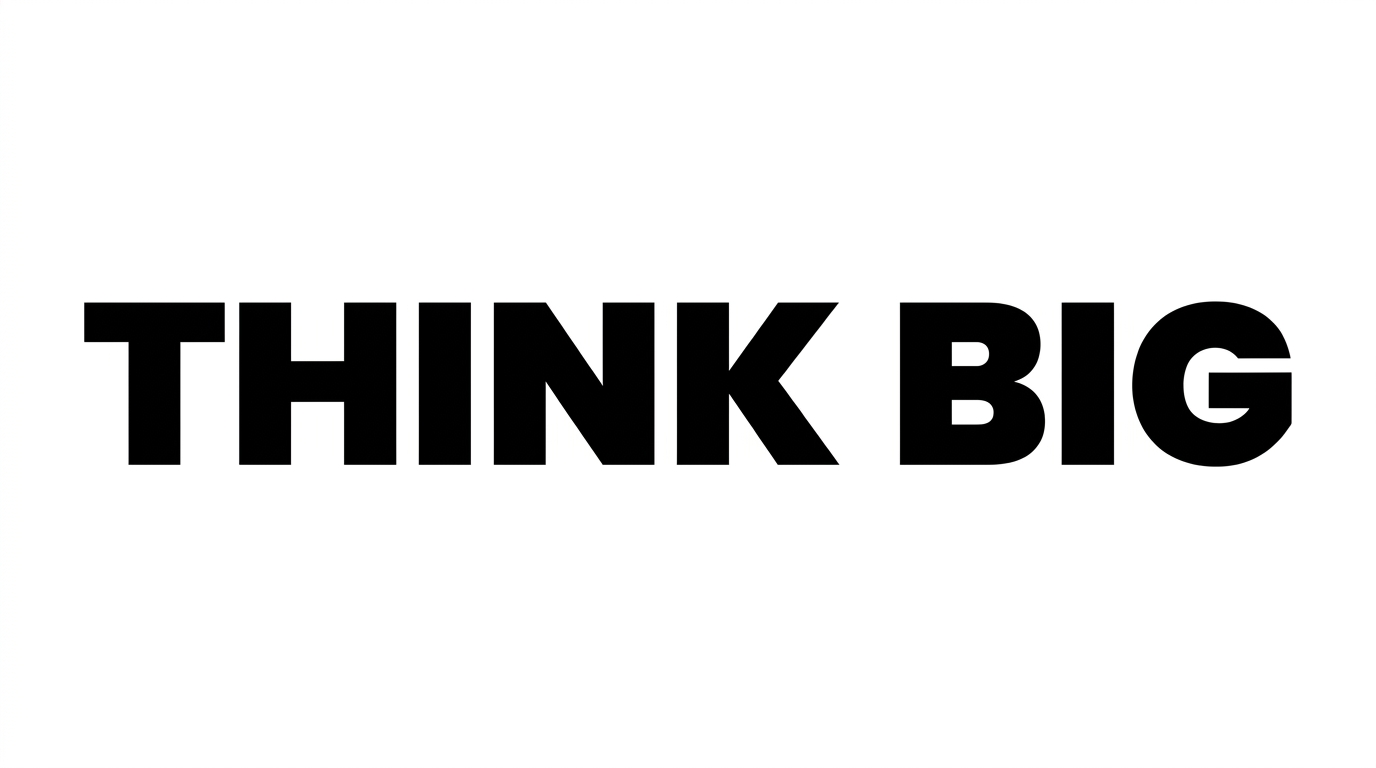

Free Poppins Bold Font Generator Online
Turn your words into heavy geometric uppercase lettering with a clean, wide presence suited to packaging and bold headlines.
- Templates
- 157
- Generations
- 64
- Downloads
- 205
- Rating
- 5.0
How to Use the Poppins Bold Font Generator
Shape a clear geometric headline and prepare it for your chosen layout or design.
- 01
Enter your headline
Type a short phrase that suits the heavy geometric lettering and wide composition.
- 02
Set the colors and layout
Choose a font color, custom background color, and an image size such as 16:9.
- 03
Generate and download the artwork
Render the text image, review its composition, then download the result as PNG or SVG.
Poppins Bold Font Generator in Use: Design Examples & Showcase
Compare the strong uppercase lettering across packaging, editorial covers, social graphics, signs, app screens, and large-format displays.
Poppins Bold Font Style Profile
Heavy, low-contrast strokes and simple geometric construction give the uppercase lettering a direct, compact presence.
Stroke Weight
Heavy, even strokes give the uppercase letters a substantial visual presence.
Letter Construction
Simple geometric forms build the uppercase letters from solid, continuous shapes.
Stroke Contrast
The strokes show little thick-thin variation across the visible letters.
Letter Connections
Letters remain separate, with clear breaks between neighboring characters.
Stroke Endings
Visible strokes finish with broad, clean cuts.
Letter Spacing
Consistent gaps keep neighboring letters closely grouped within each word.