
Free Calligraphy Font Letters Generator Online
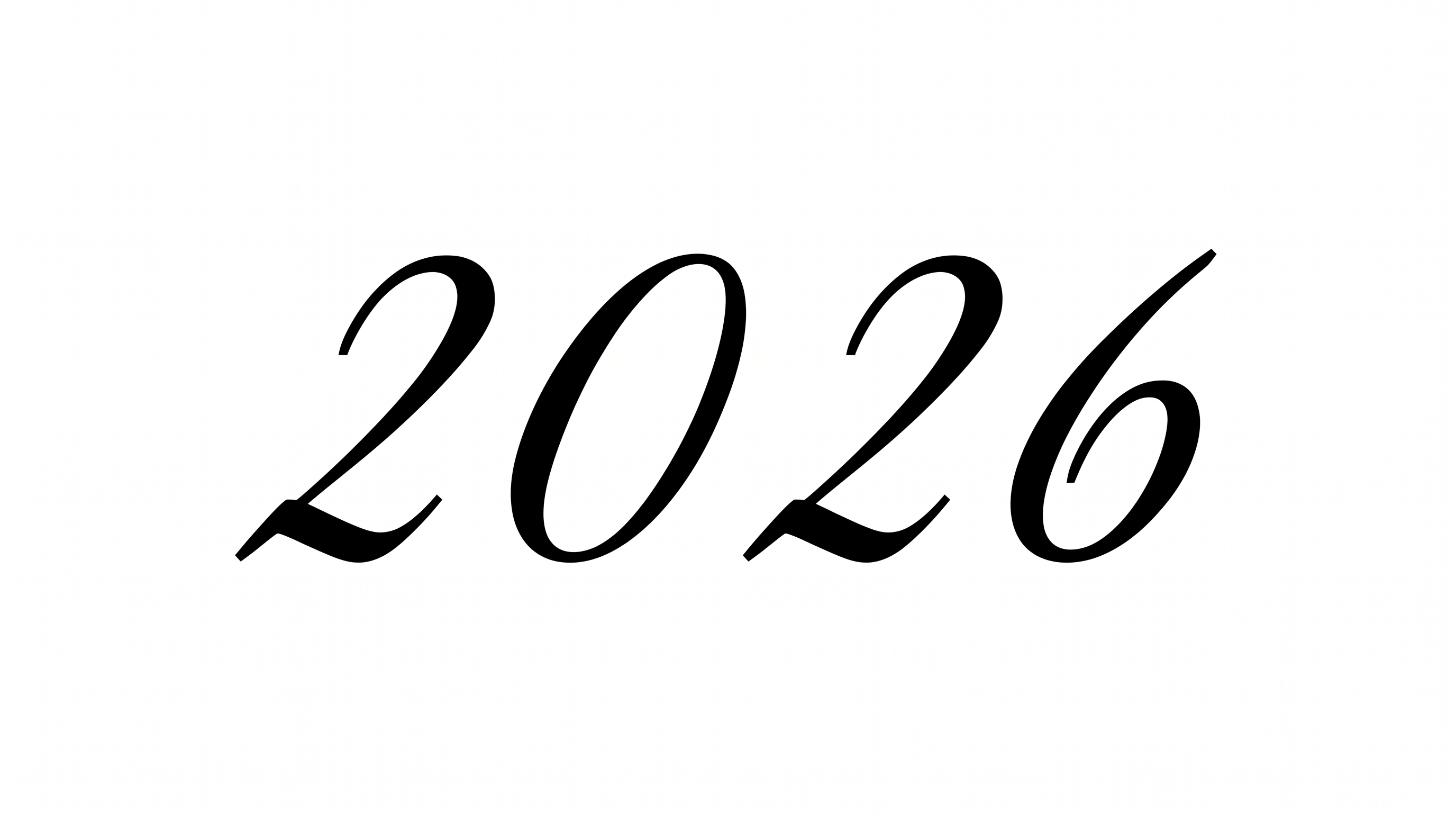
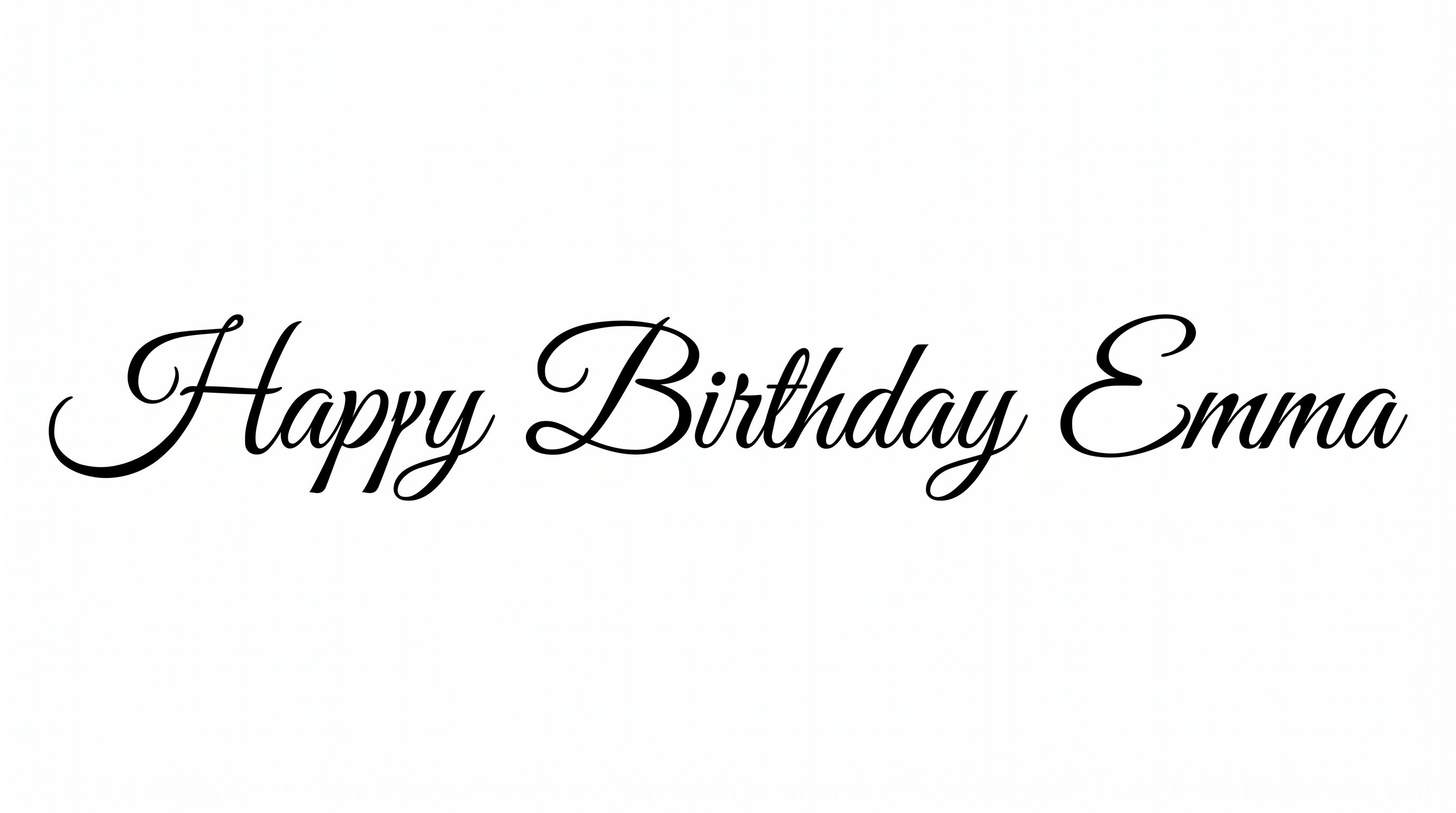
High-contrast black script pairs delicate hairlines with sweeping capital flourishes, creating refined lettering for invitations and formal stationery.
- Templates
- 111
- Generations
- 177
- Downloads
- 255
- Rating
- 5.0
How to Use the Calligraphy Font Letters Generator
Shape an elegant inscription while preserving its fine hairlines, sweeping loops, and open spacing.
- 01
Enter the inscription
Type a name, title, or short phrase suited to the formal calligraphy style.
- 02
Choose the composition
Select a 1:1, 3:2, or vertical image size, then choose font and background colors.
- 03
Generate and save the artwork
Generate the preview, review the fine hairlines and flourishes, then download PNG or SVG artwork.
Calligraphy Font Letters Generator in Use: Design Examples & Showcase
Compare how sweeping capitals and fine hairlines work across invitations, book covers, packaging, signs, certificates, and alphabet specimens.
Calligraphy Font Letters Style Profile
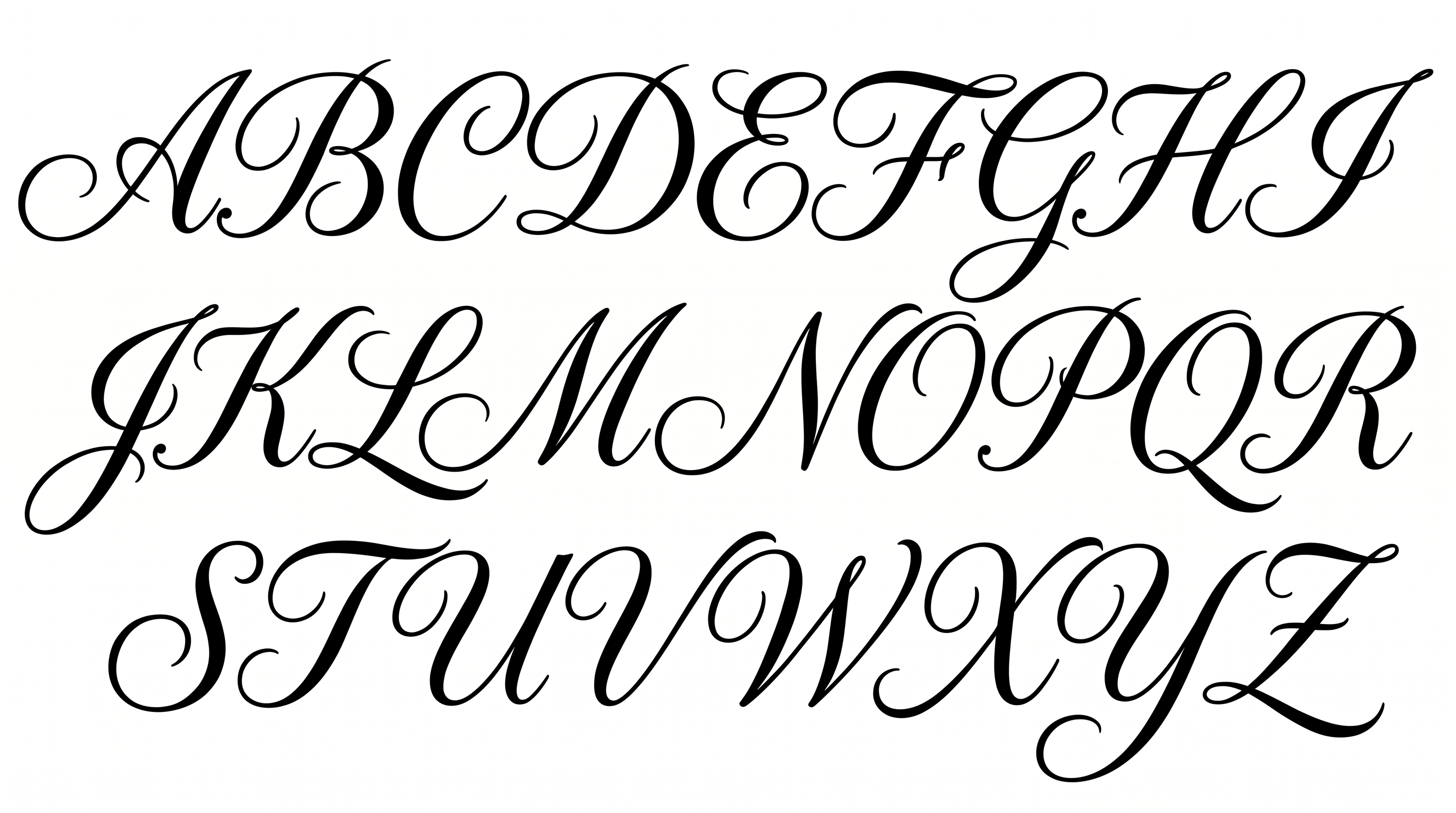
Sweeping flourishes, strong stroke contrast, and a gentle right lean define the ornate capitals.
Flourishes
Large loops and sweeping swashes extend from the visible capitals.
Stroke Contrast
Bold downstrokes alternate with very fine hairlines throughout the capitals.
Slant
Most visible capitals lean gently to the right along a level baseline.
Stroke Endings
Fine hairlines taper into pointed tips at many visible stroke endings.
Letter Construction
Flowing continuous curves build each capital with open internal spaces.
Letter Connections
The capitals remain separate, with clear breaks between neighboring characters.