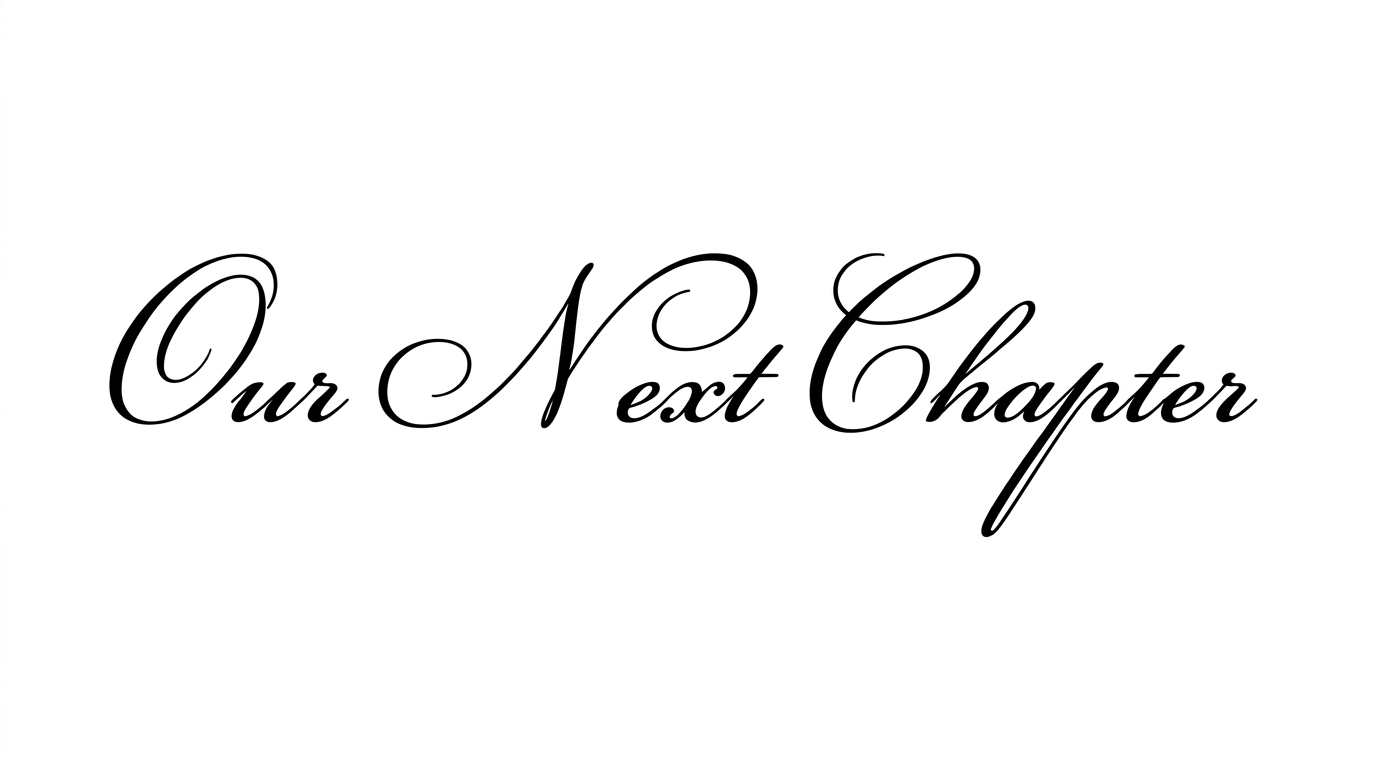
Get 5 Free Credits

Free Cursive Numbers Font Generator Online

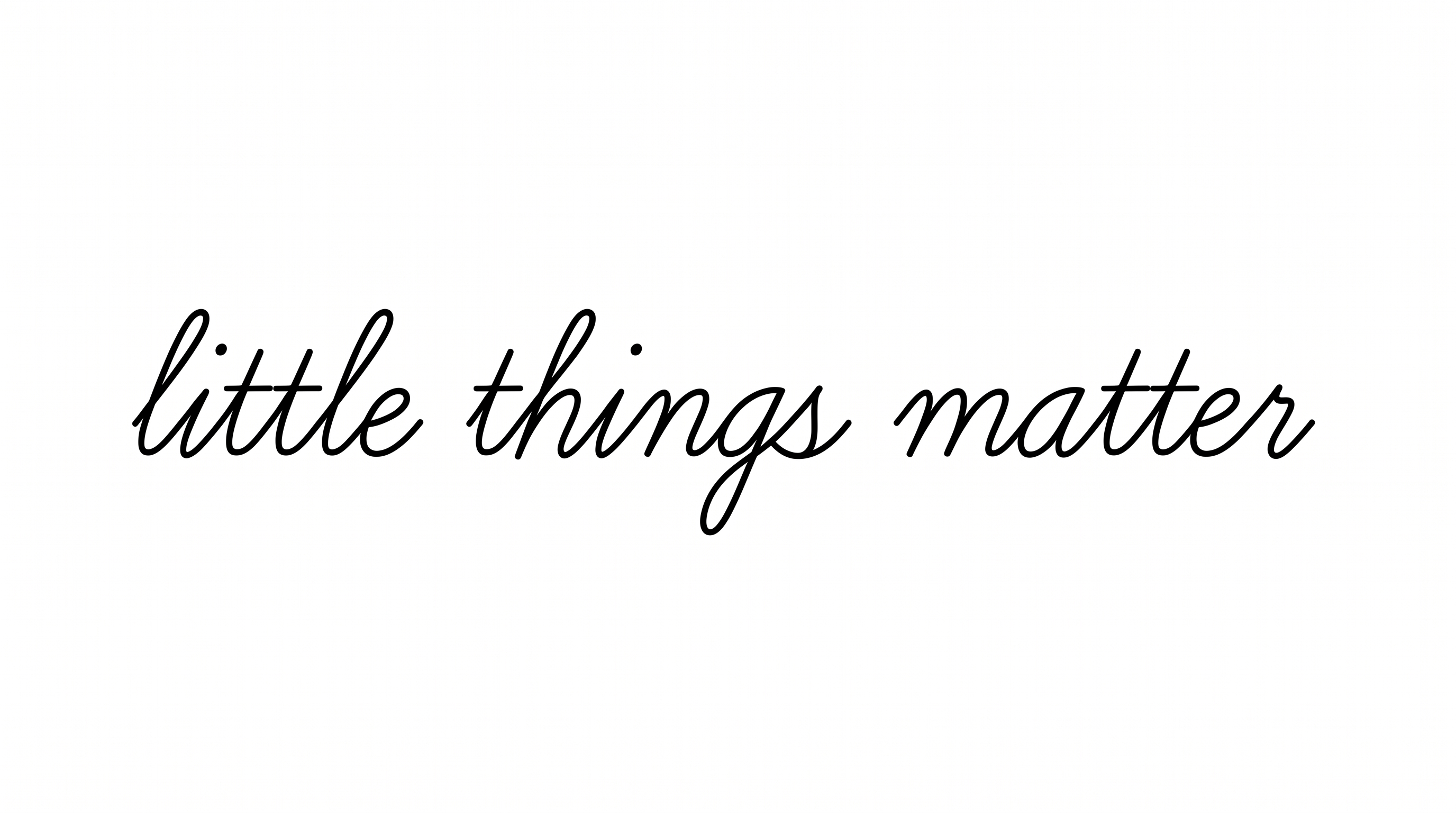
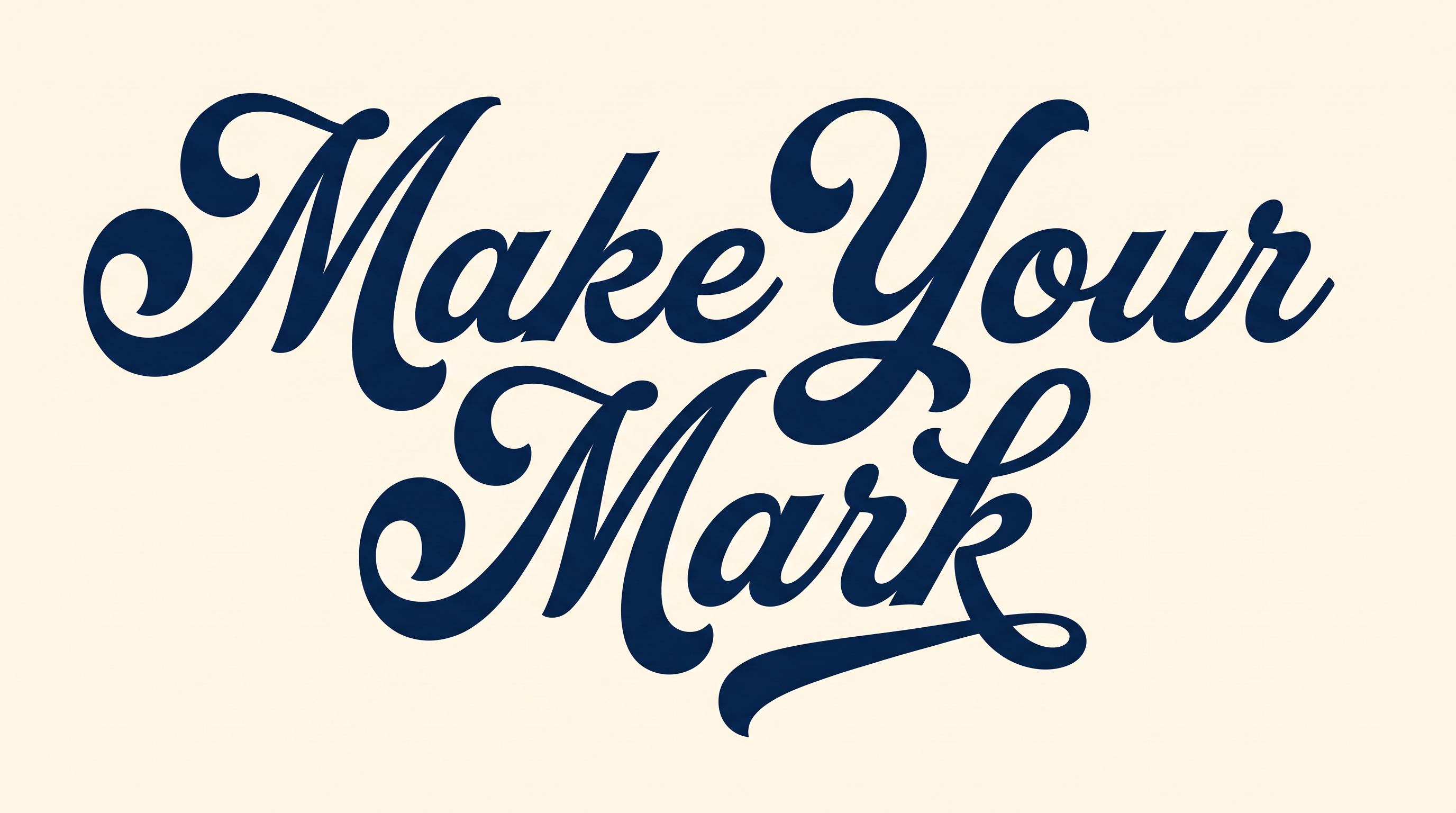
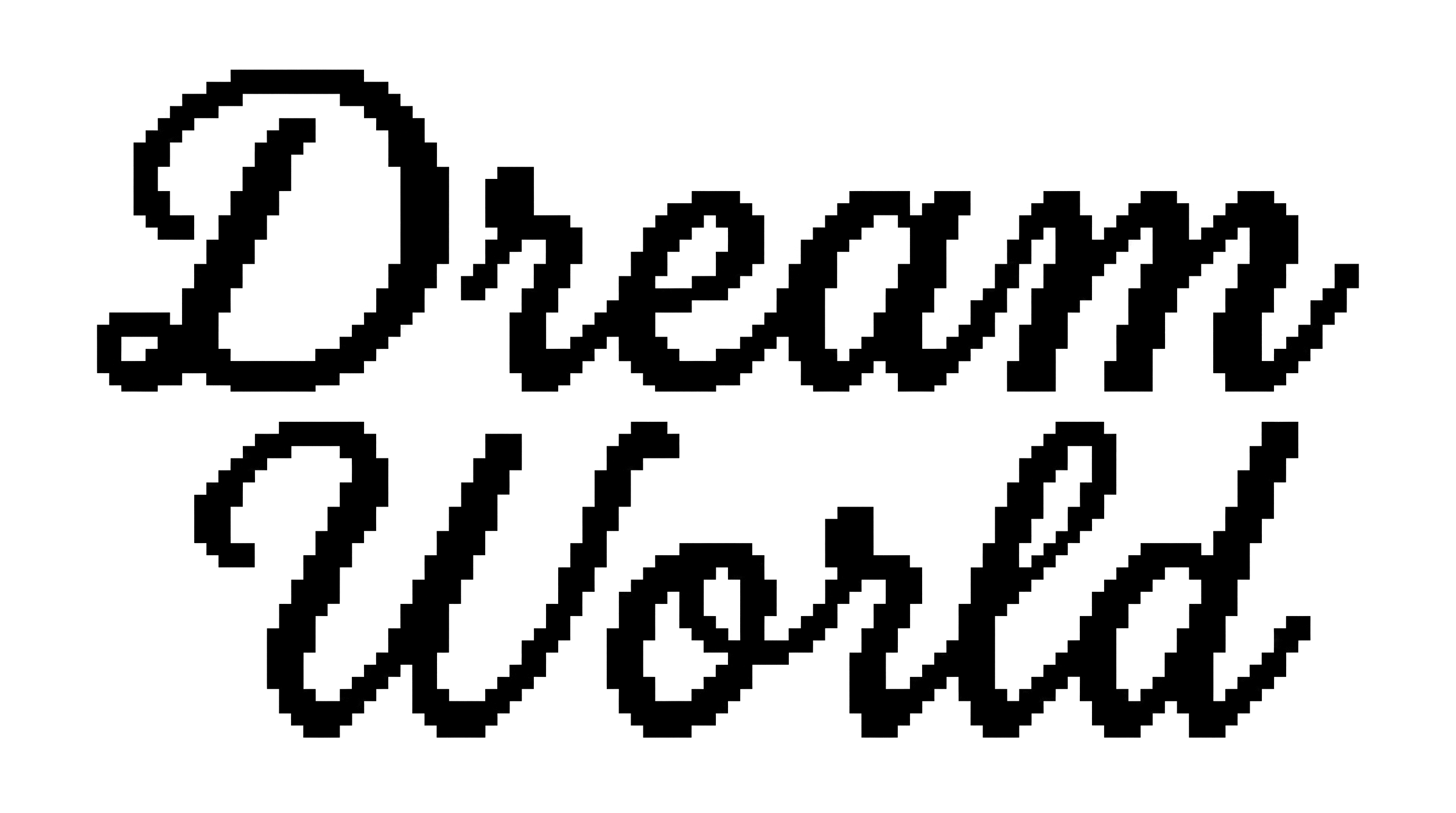
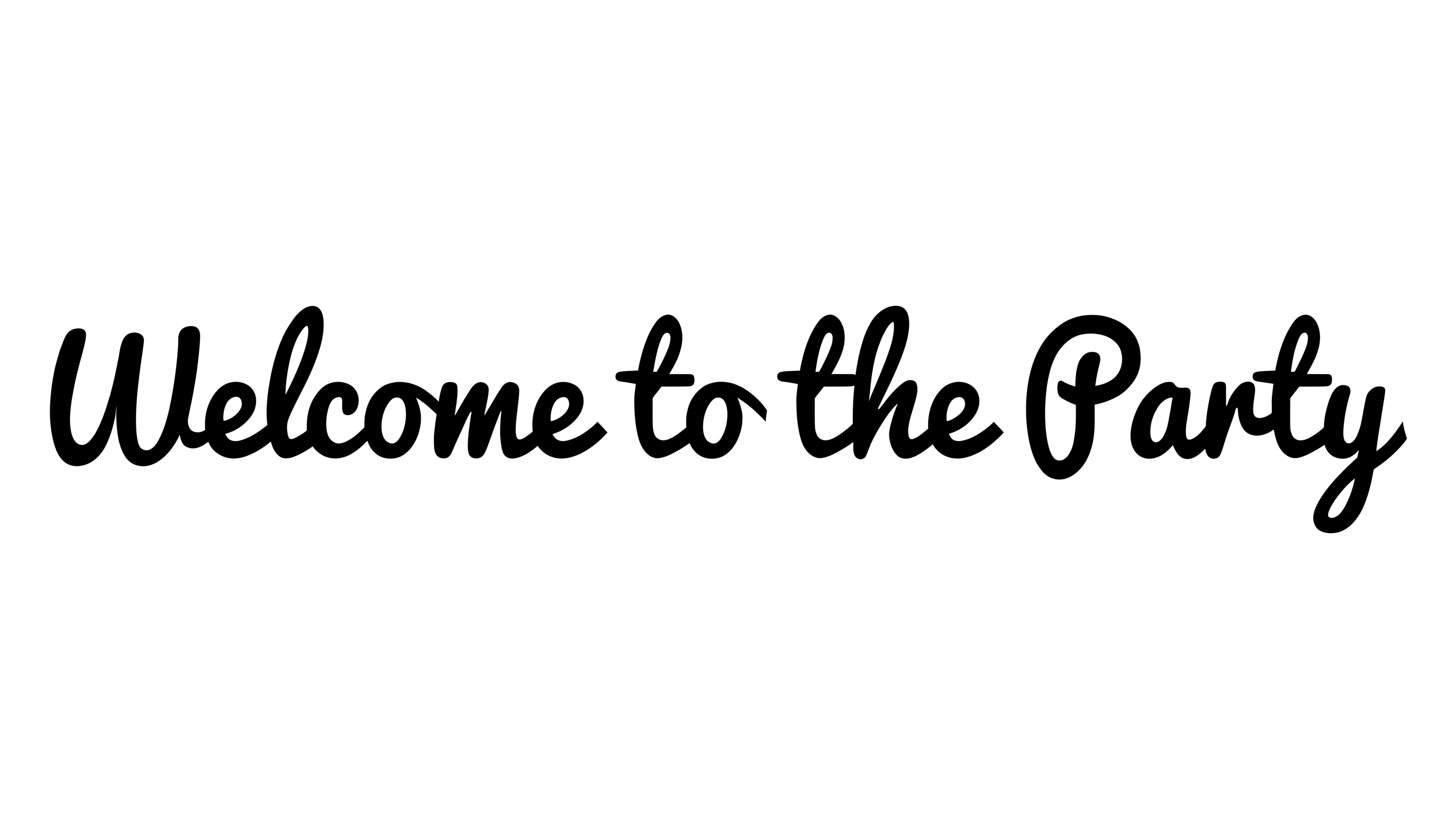
High-contrast calligraphic strokes and flowing swashes give dates a refined script look for invitations and formal stationery.

Enter the text to generate, e.g. Fontify.ai

Font color
Background
Templates
343
Generations
86
Downloads
300
Rating
5.0

How to Use the Cursive Numbers Font Generator

Create elegant date artwork by balancing high-contrast numerals with a suitable image size and background.

  1. 01

    Enter your date or number

    Enter a date or number, then choose 1:1 or another image size for your layout.

  2. 02

    Set the colors and background

    Select the font color and use the template, custom color, or uploaded-image background.

  3. 03

    Generate and save PNG or SVG artwork

    Generate the calligraphic numeral image, review its fine strokes, then save it as PNG or SVG.

Cursive Numbers Font Style Profile

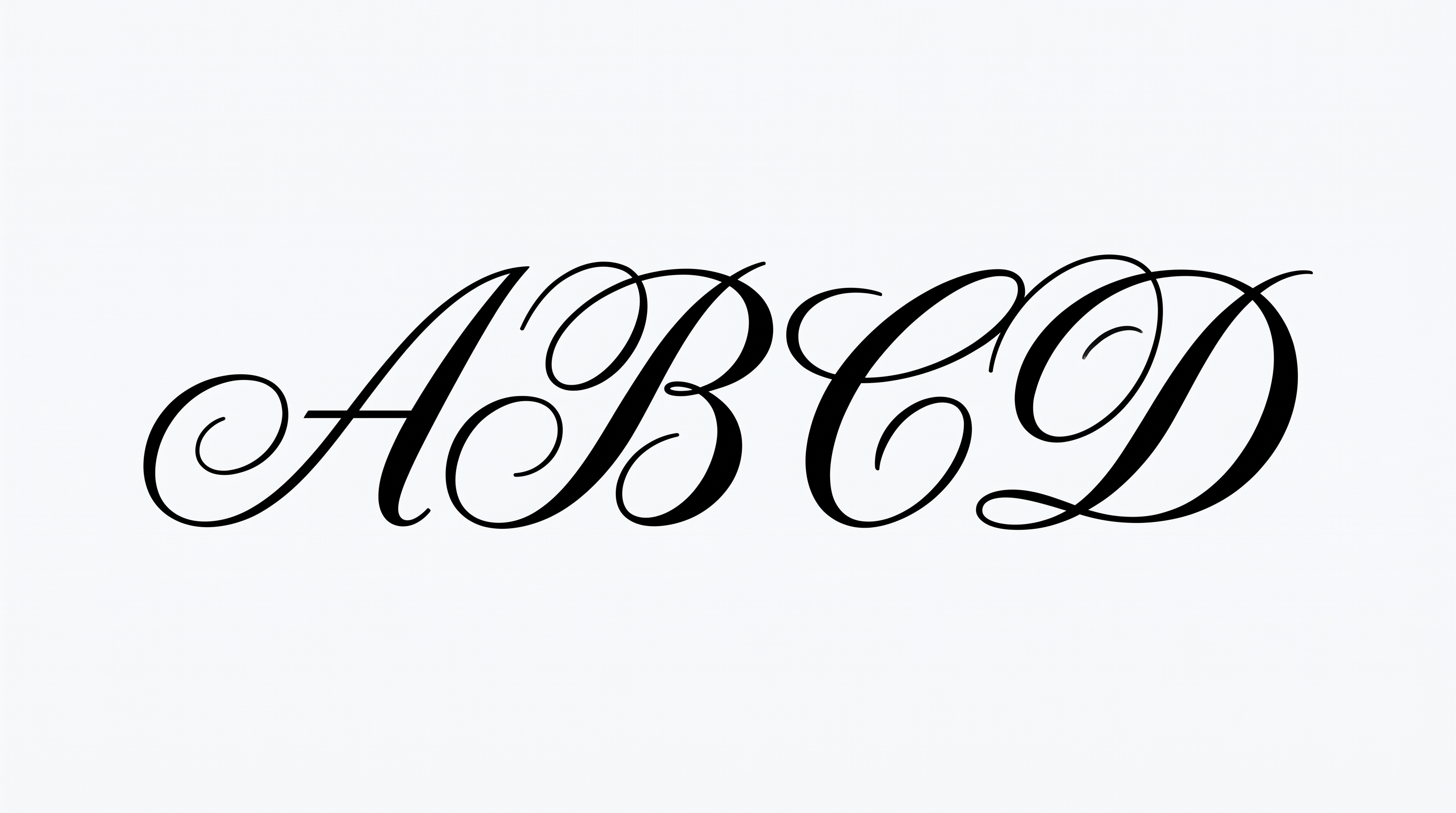
High stroke contrast, rightward slant, and sweeping flourishes shape the elegant calligraphic numerals.

  • Stroke Contrast

    Bold curves alternate with fine hairline strokes throughout the visible numerals.

  • Flourishes

    Sweeping entry strokes and extended tails add graceful decoration to several numerals.

  • Slant

    The displayed numerals lean gently to the right along a level baseline.

  • Stroke Endings

    Fine strokes taper into pointed tips at visible terminals.

  • Letter Construction

    Each numeral uses smooth, continuous curves with enclosed counters where visible.

  • Letter Spacing

    Clear gaps keep the displayed numerals visually separate.
Frequently asked questions about Cursive Numbers Font Generator

Use the generated PNG as image artwork. Upload it in Canva, insert it into a Google Docs document, and import it into a Cricut app project. The Cricut app is also known as Cricut Design Space. The lettering remains rendered within the image rather than becoming an installed or natively editable font.

Yes. The generator is free to use and supports free image downloads. Personal use is covered by the minimum membership; commercial use requires a higher membership, so check pricing for the applicable option.

Type your text, choose an available font color, background, and image size, then generate the design. Review the rendered numeral artwork and save it as PNG or SVG. The result is an image rather than an installable font file.

Browse the related-tools section and compare how each option handles numeral shapes, stroke contrast, slant, and decoration. Choose a direction that fits your layout and intended mood instead of relying on a named alternative.

Its flowing calligraphic numerals suit dates, years, volume numbers, certificates, invitations, calendars, packaging, and formal stationery. For an online design, use the number as a focal accent and keep supporting information visually quieter.

Place artwork from the Cursive Numbers Font Generator where the date or number can lead the composition. Keep surrounding space free of competing details, and align secondary text to the numeral image rather than crowding its flourishes.

Display the numeral artwork at a size where its fine hairlines and bold curves remain distinct. Use clear contrast against the surrounding design, and avoid placing important visual details directly behind the calligraphic forms.

Pair the ornate numerals with restrained supporting text and a simple information hierarchy. Let the date, year, or edition number carry the decorative emphasis while labels and details remain compact and easy to scan.

The strong thick-to-thin contrast, gentle rightward lean, and sweeping tails create a refined formal mood. They work especially well when a date or number should feel ceremonial, editorial, or associated with a premium presentation.
READY TO CREATE?

Create Custom Cursive Numbers Fonts & Text Effects

Try Cursive Numbers Font Generator Free