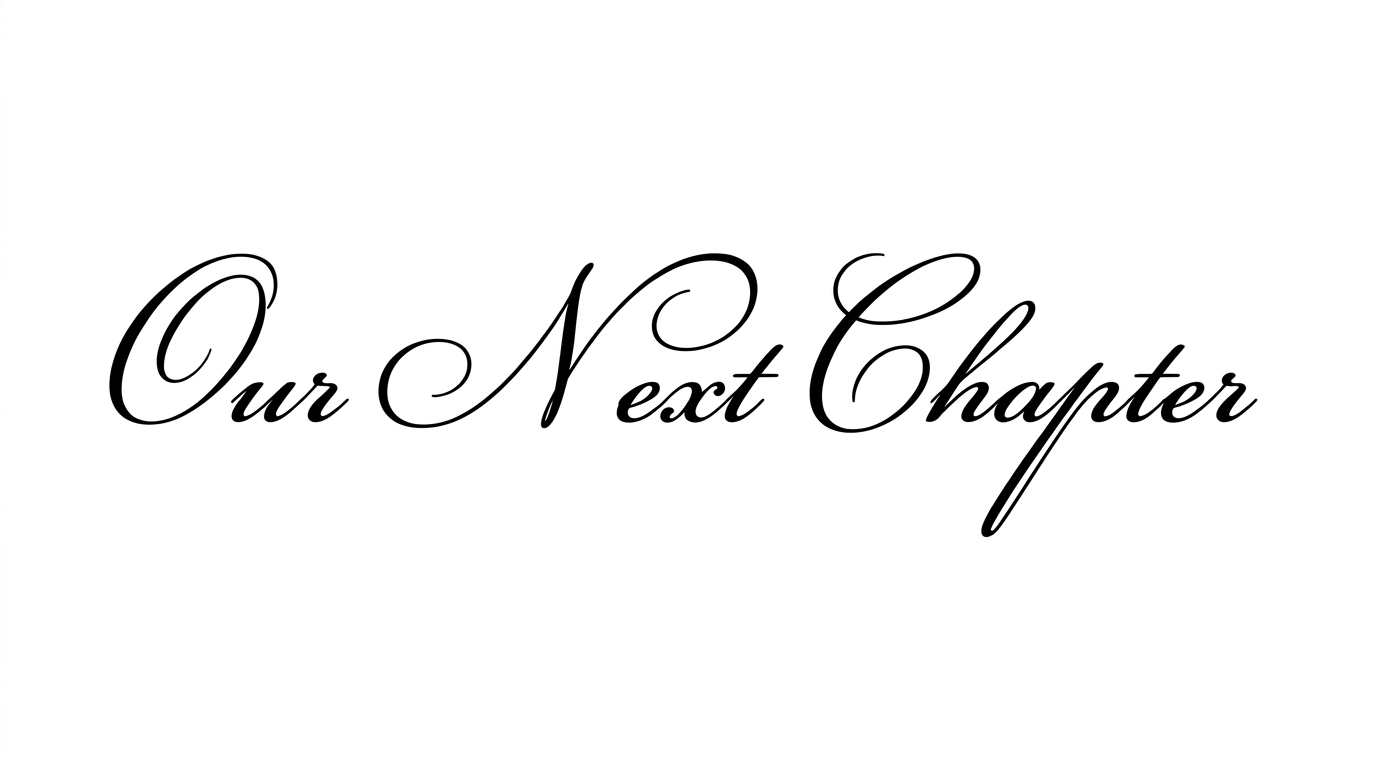
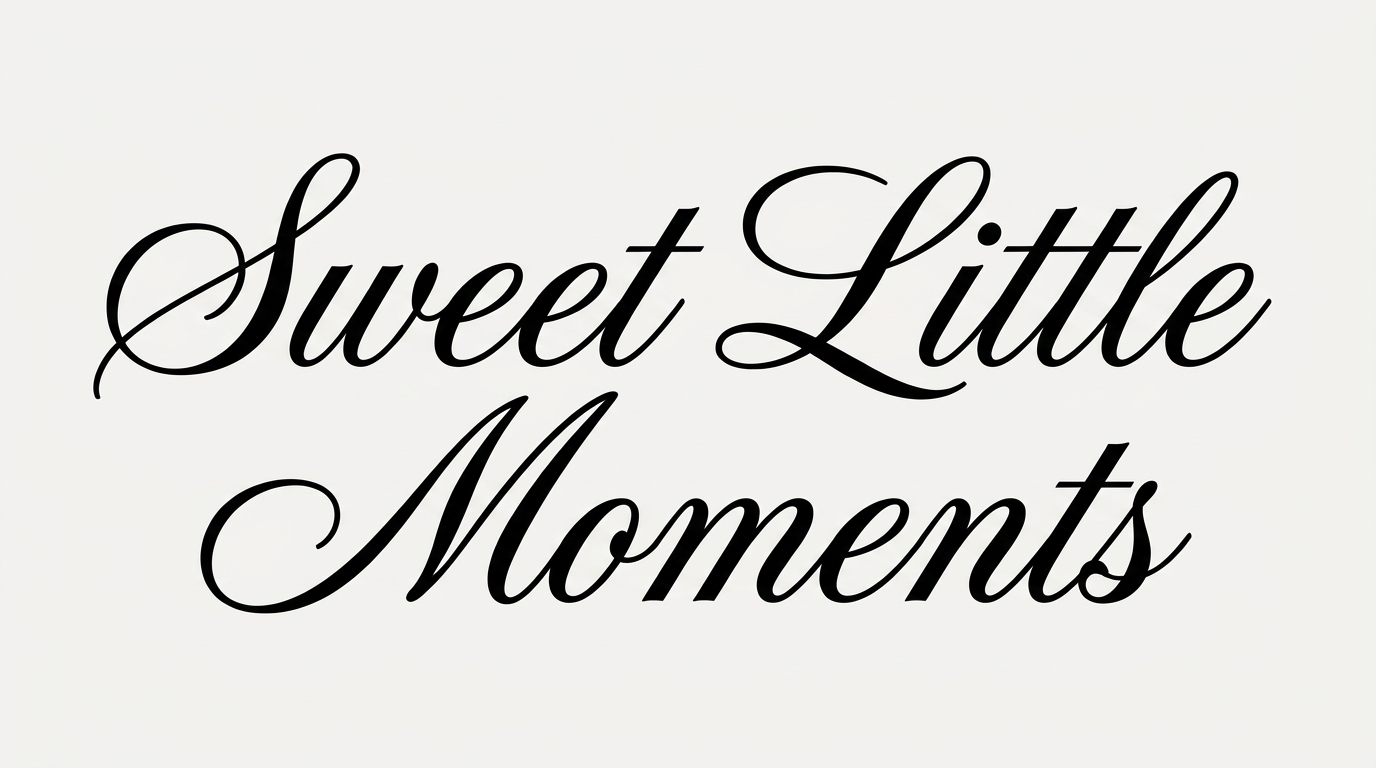
Free Cursive Logo Font Generator Online
Turn names and short phrases into bold, rounded connected script for logos, packaging, and storefront branding.
- Templates
- 343
- Generations
- 200
- Downloads
- 223
- Rating
- 5.0
How to Use the Cursive Logo Font Generator
Shape bold connected script for a wordmark, then save the finished lettering as reusable image artwork.
- 01
Enter your wordmark text
Type a name and choose an aspect ratio such as 16:9 for a horizontal logo.
- 02
Set the visual options
Set the font color and choose a template, custom-color, or uploaded background before generating.
- 03
Save the PNG or SVG artwork
Review the connected script, then download the finished lettering as a PNG or SVG image.
Cursive Logo Font Generator in Use: Design Examples & Showcase
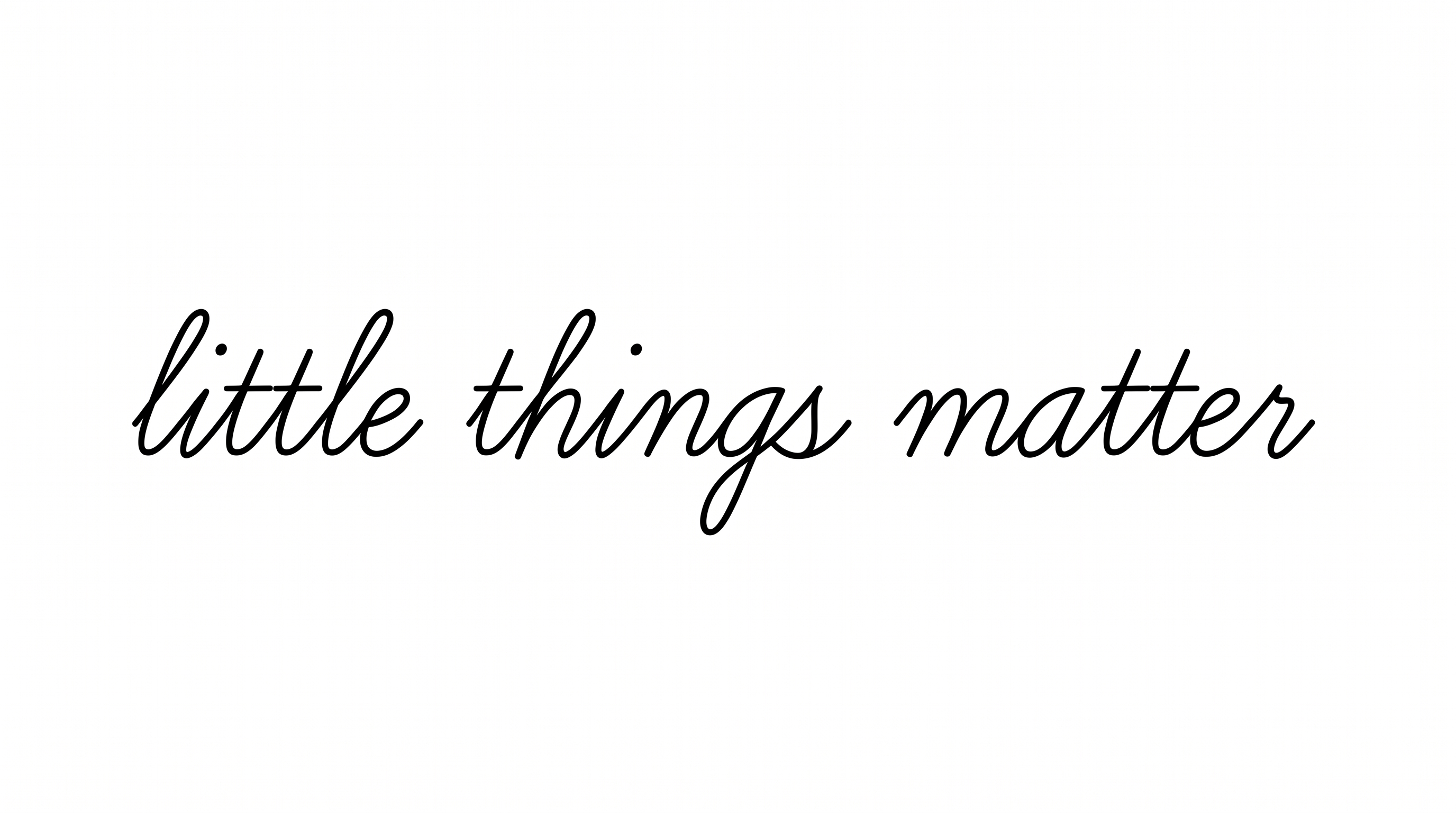
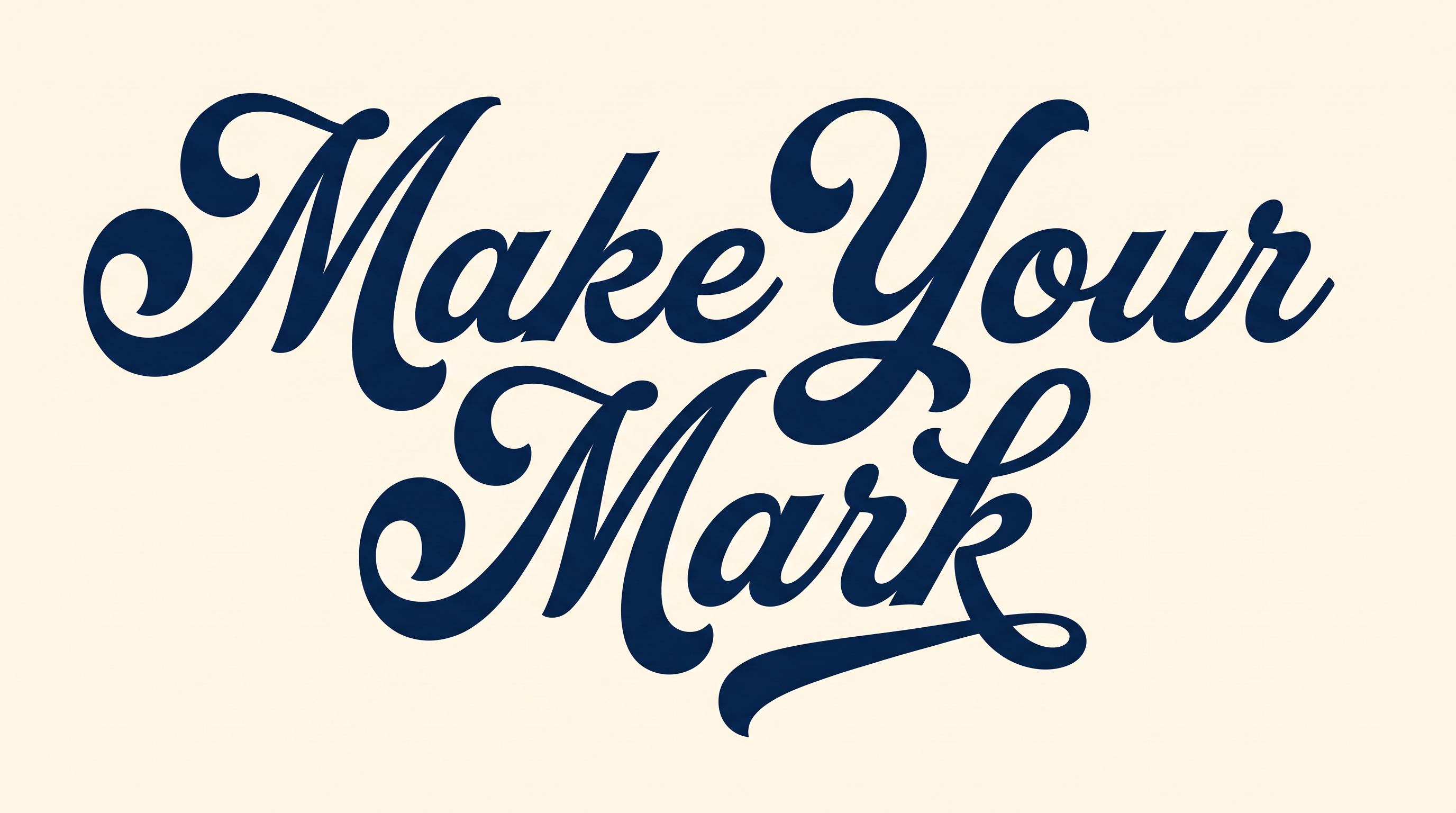
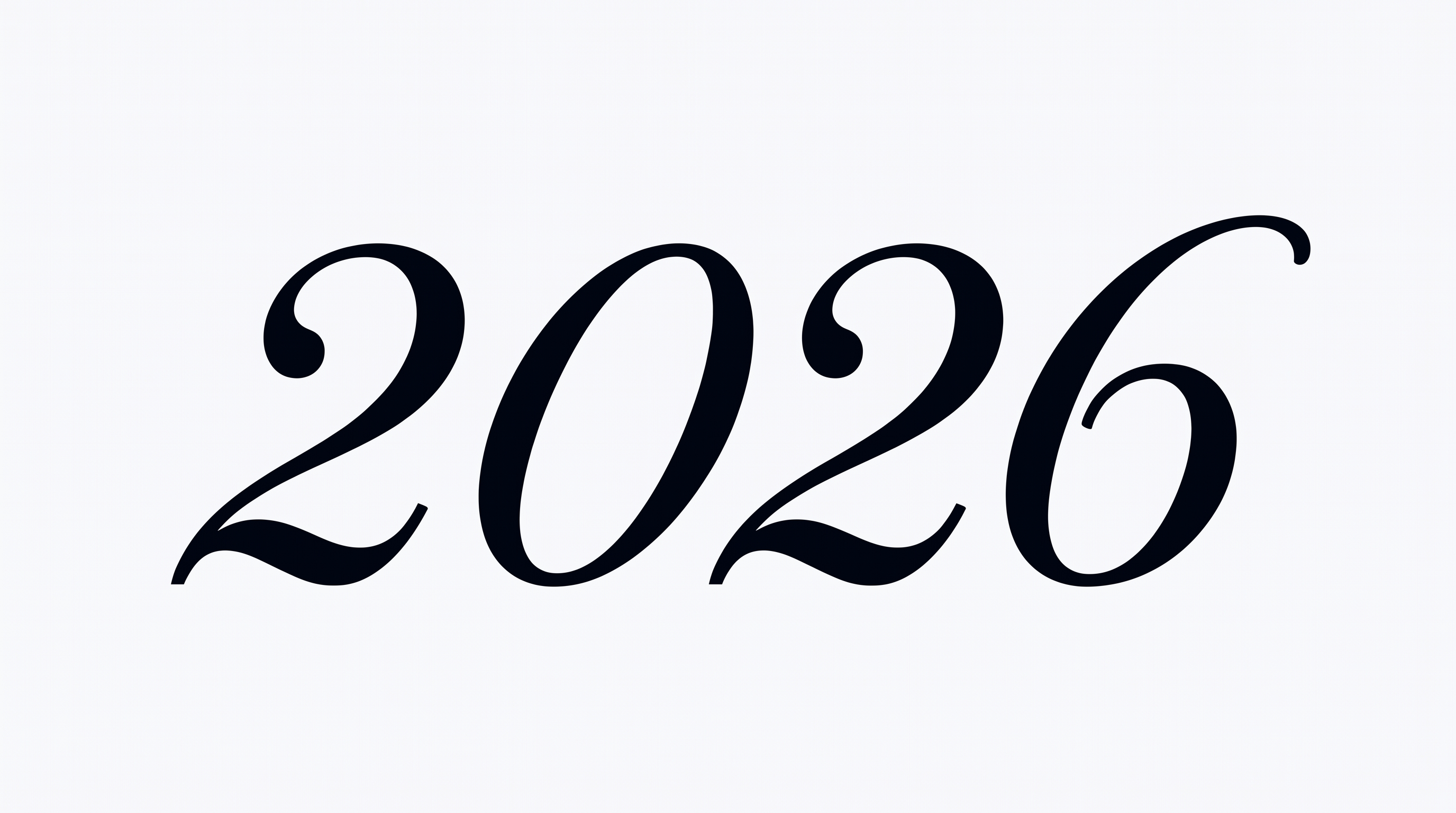
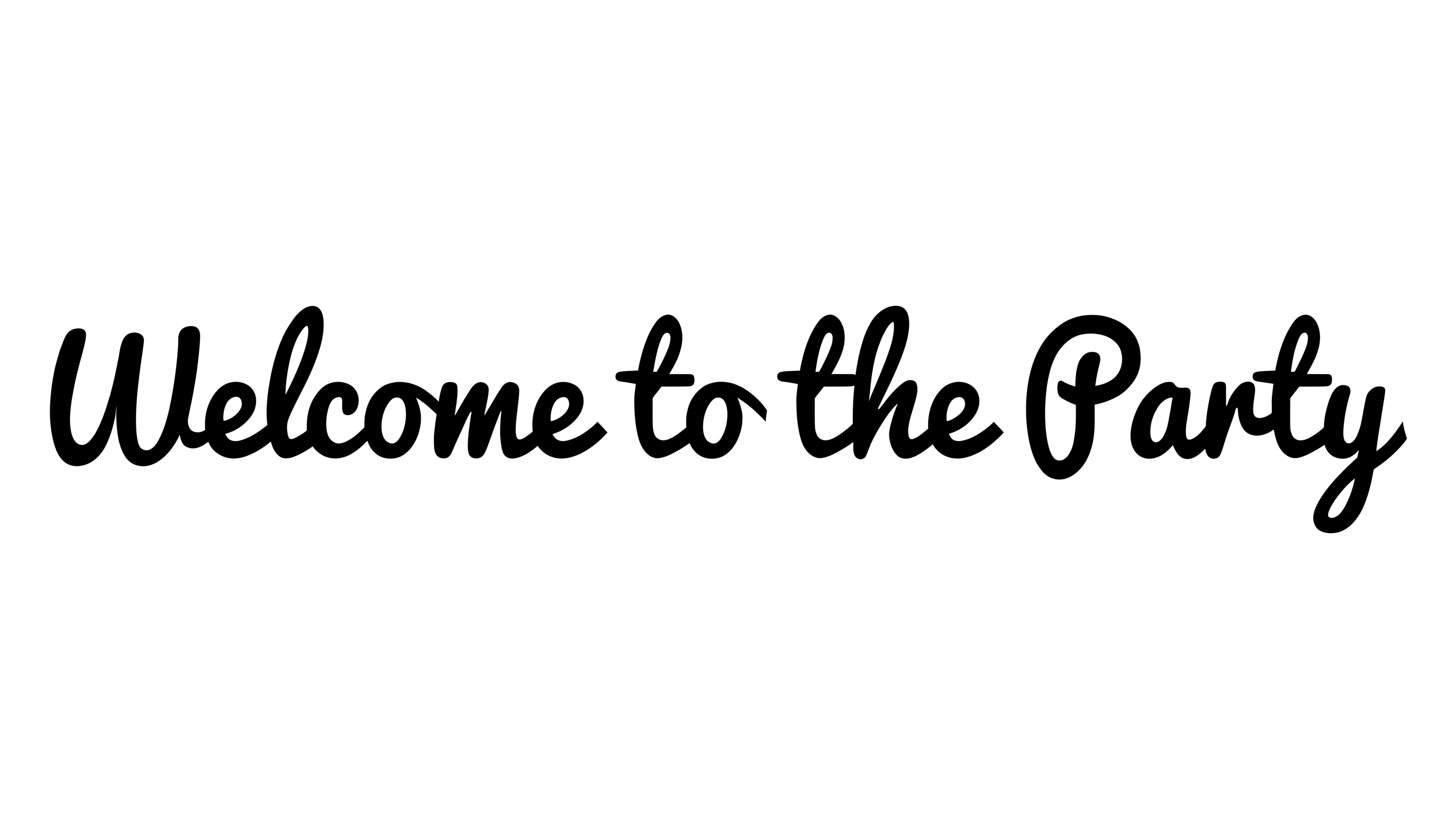
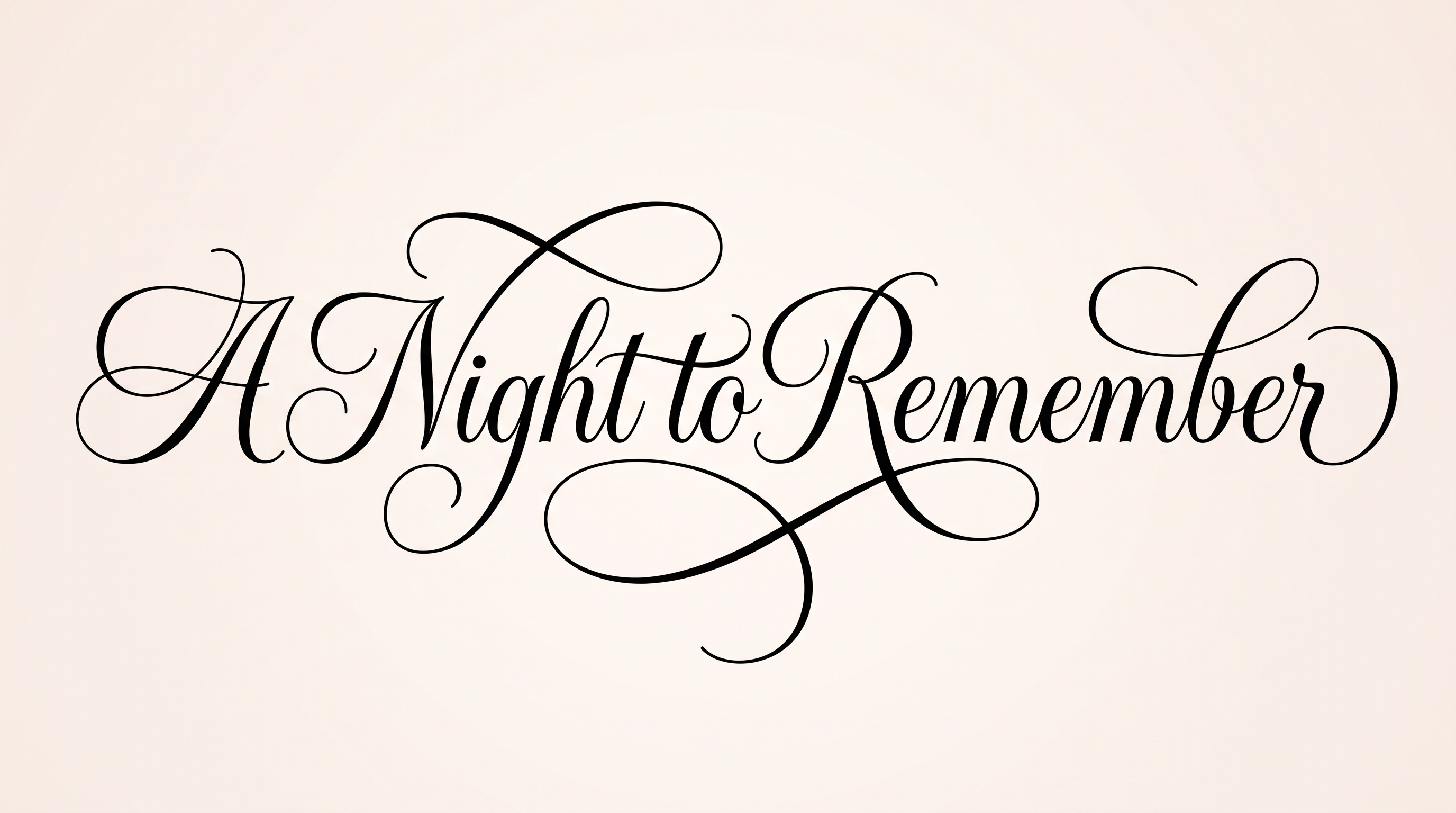
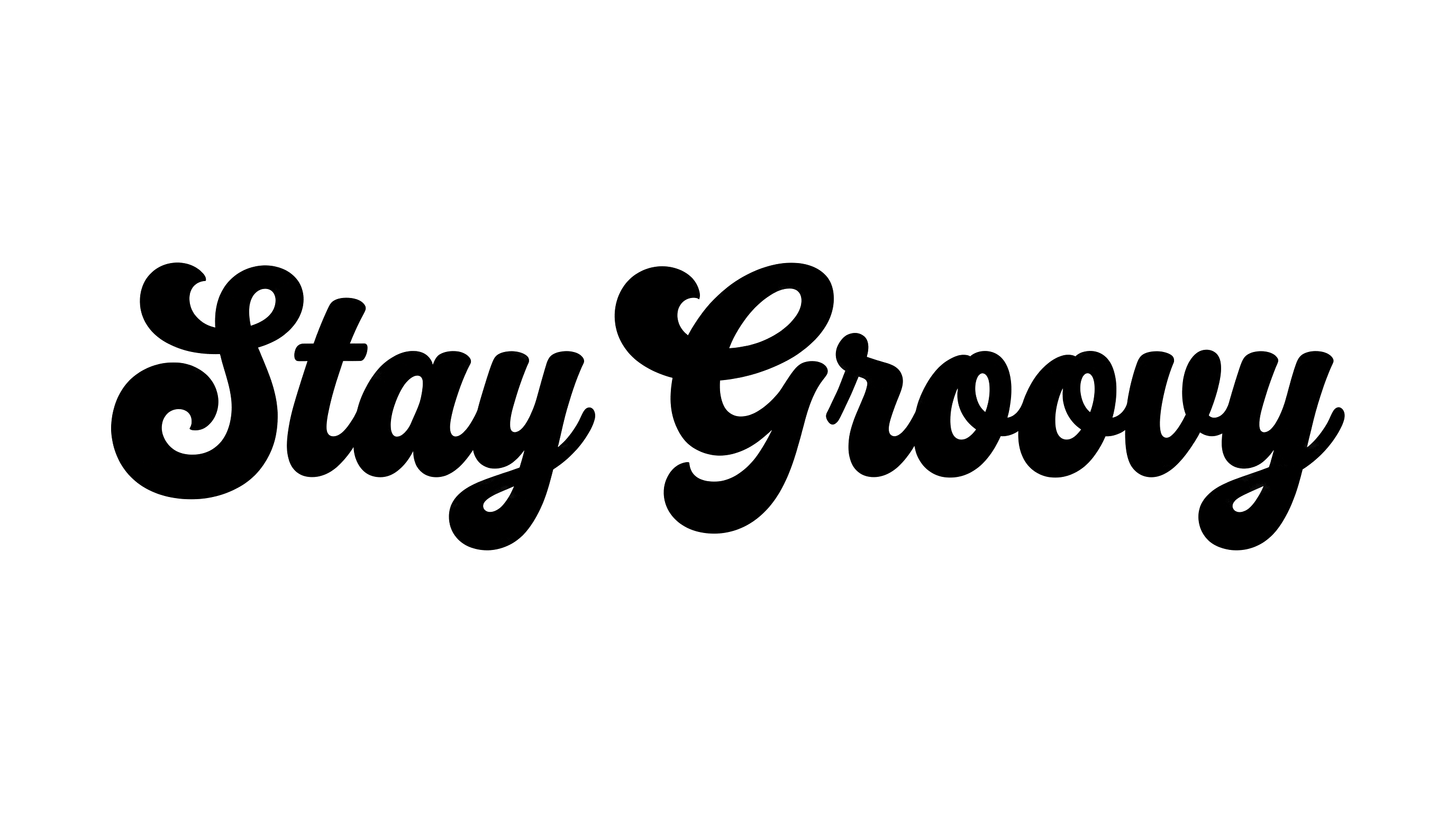
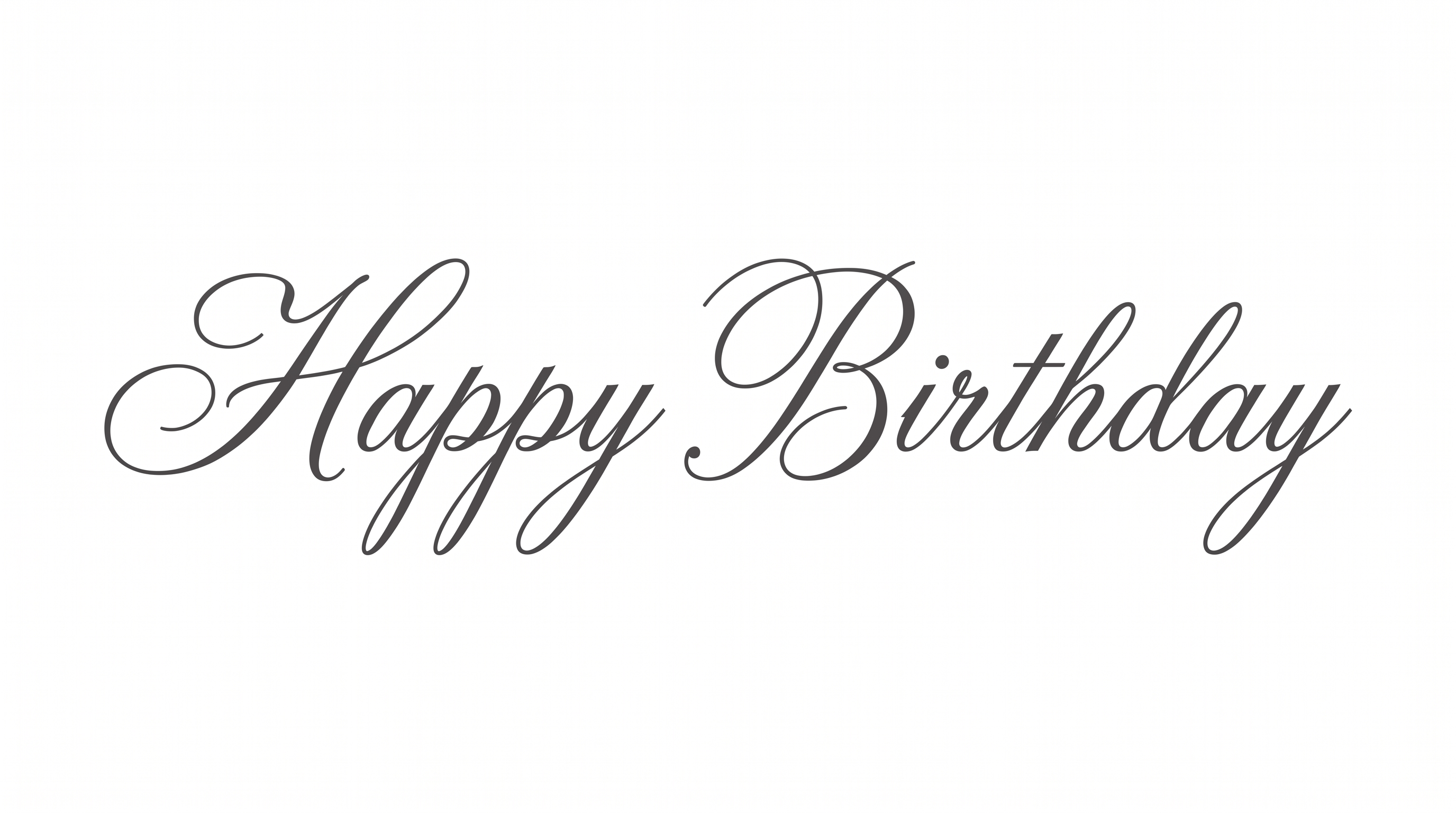
See how bold connected script adapts to packaging, storefront signs, invitations, merchandise, menu covers, and digital headers.
Cursive Logo Font Style Profile
Heavy rounded strokes, rightward slant, and flowing connections shape the smooth script wordmark.
Letter Connections
Continuous joining strokes link most lowercase letters into flowing words.
Stroke Weight
Heavy, mostly even stroke bodies give the lettering a bold presence.
Slant
The letters lean consistently to the right along the horizontal baseline.
Stroke Endings
Visible terminals finish with smooth, rounded ends.
Letter Construction
Individual letters are formed from smooth, continuous script strokes.
Color Treatment
Solid black fills the letter strokes with a flat, consistent treatment.