

Free Cute Cursive Font Generator Online
Use the Cute Cursive Font Generator to turn your words into sweet, flowing cursive text images. Customize color, background, and size for your next design.
- Templates
- 343
- Generations
- 7,728
- Downloads
- 6,395
- Rating
- 5.0
More Cute Cursive Font Generator Tools and Cute Cursive Font Alternative
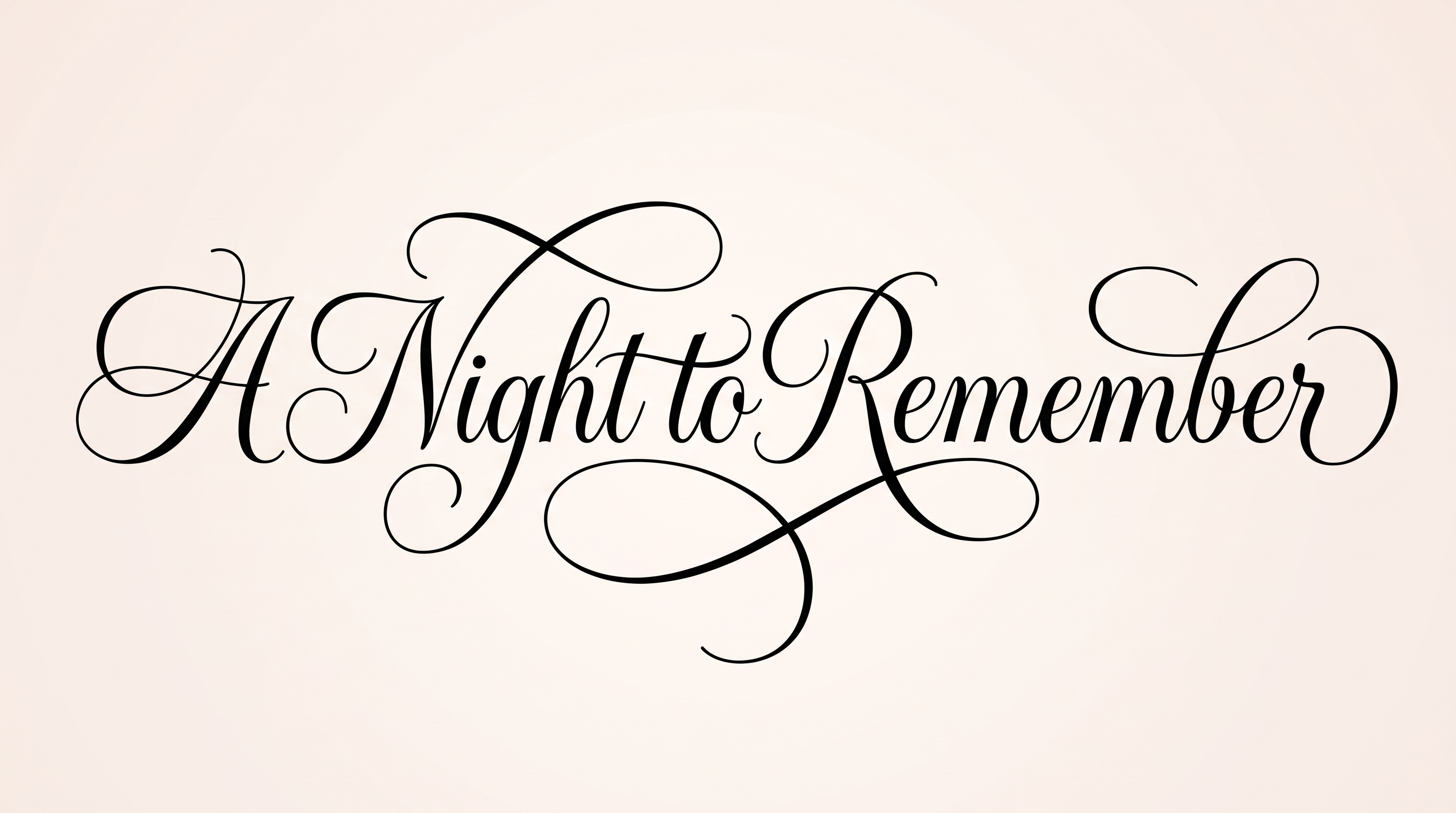
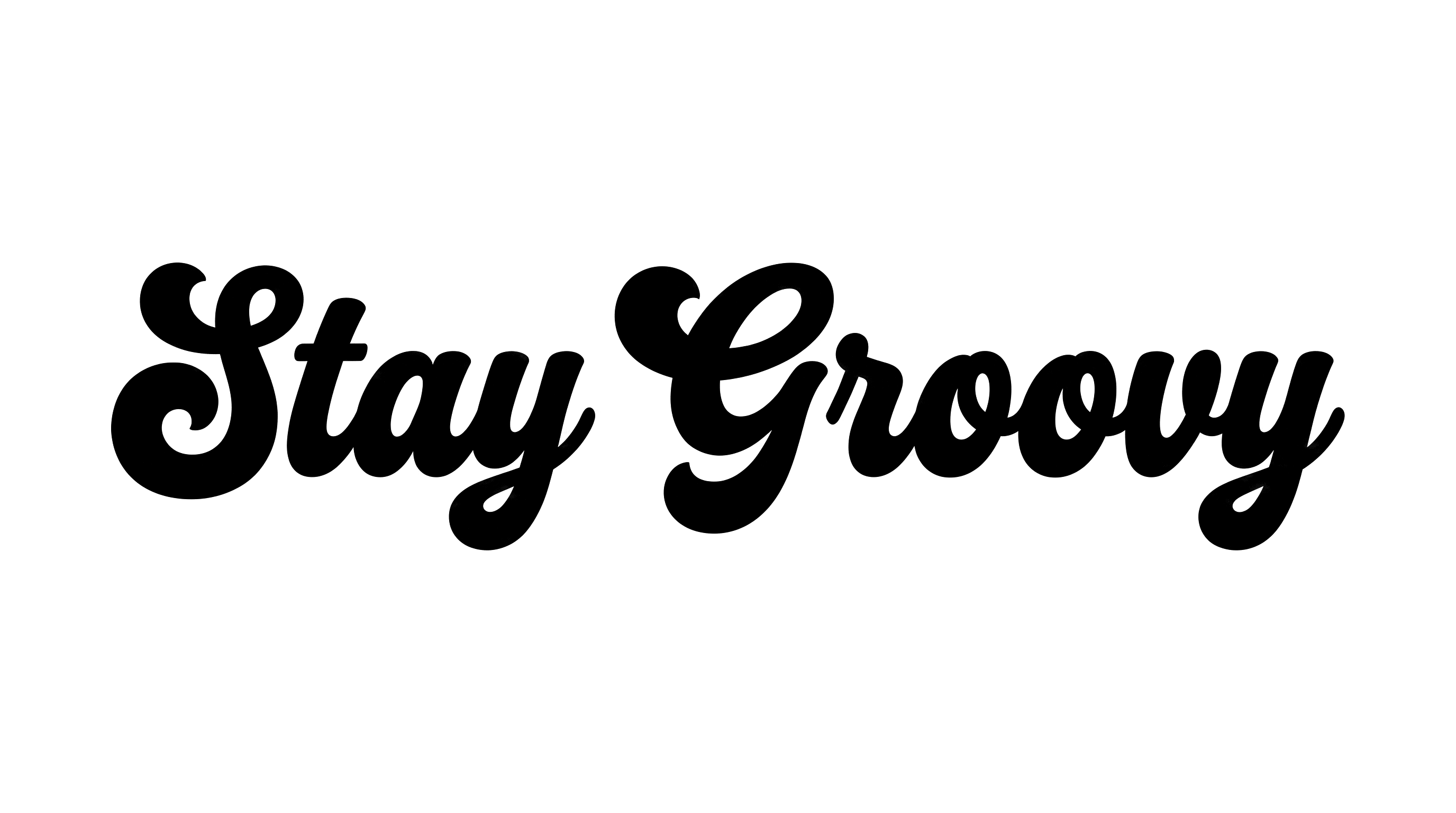
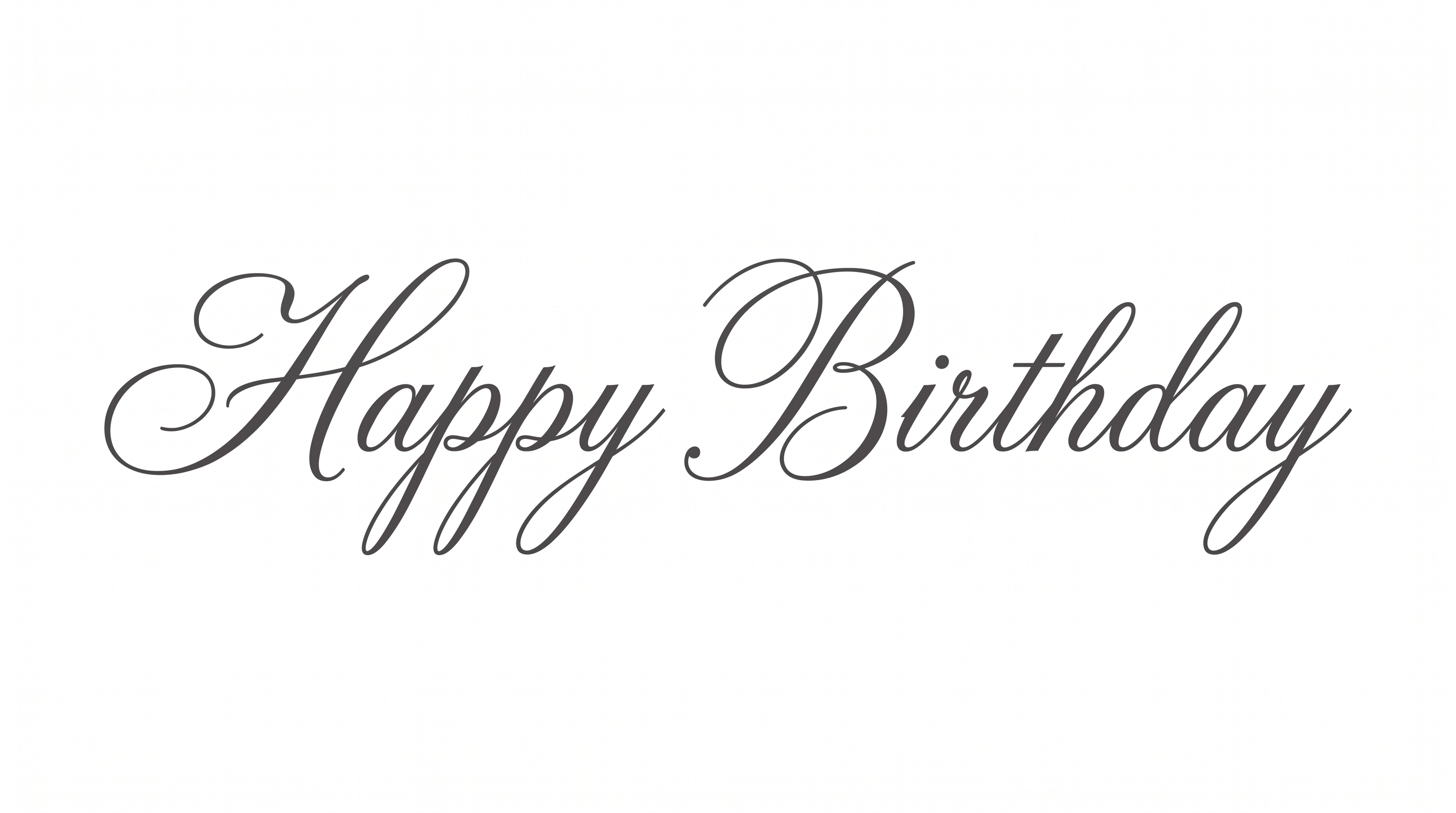
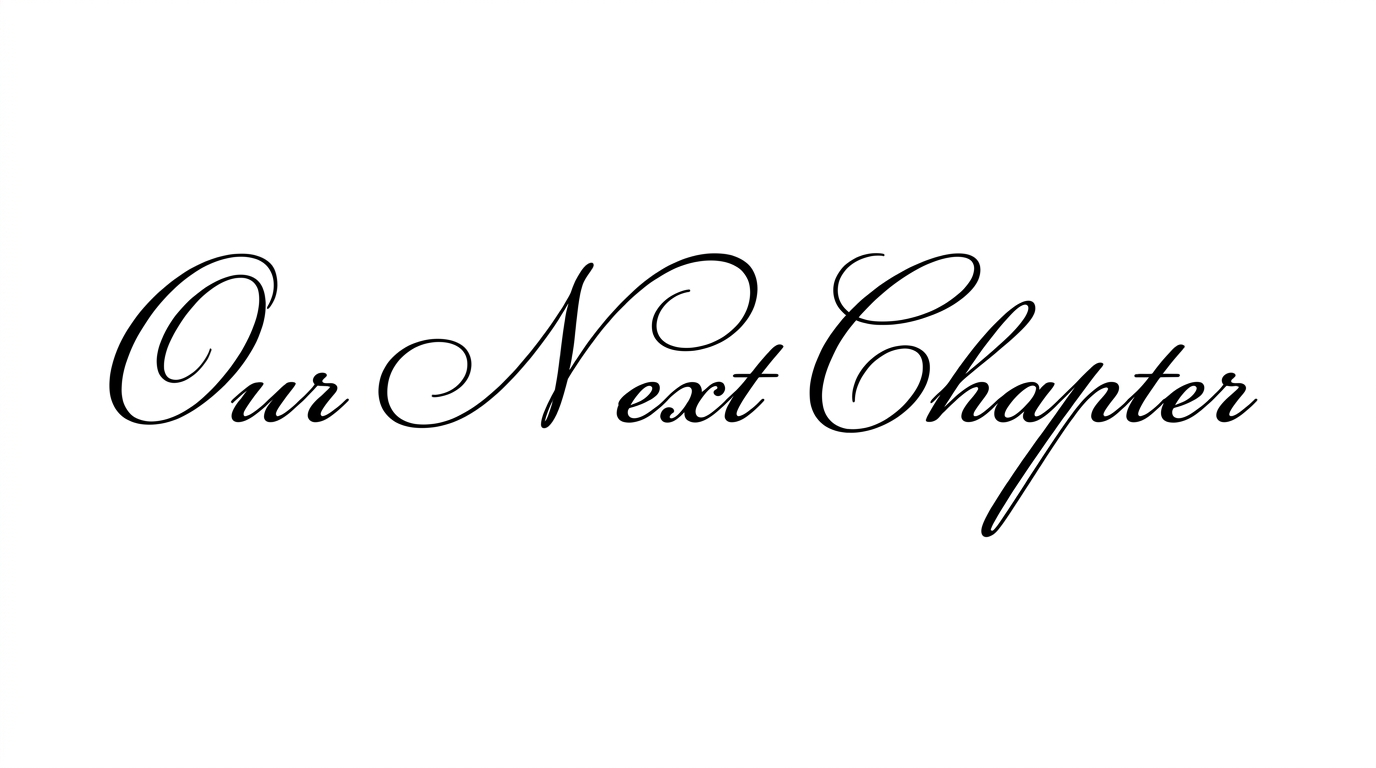
Explore related text tools for creating styled lettering in other visual directions.
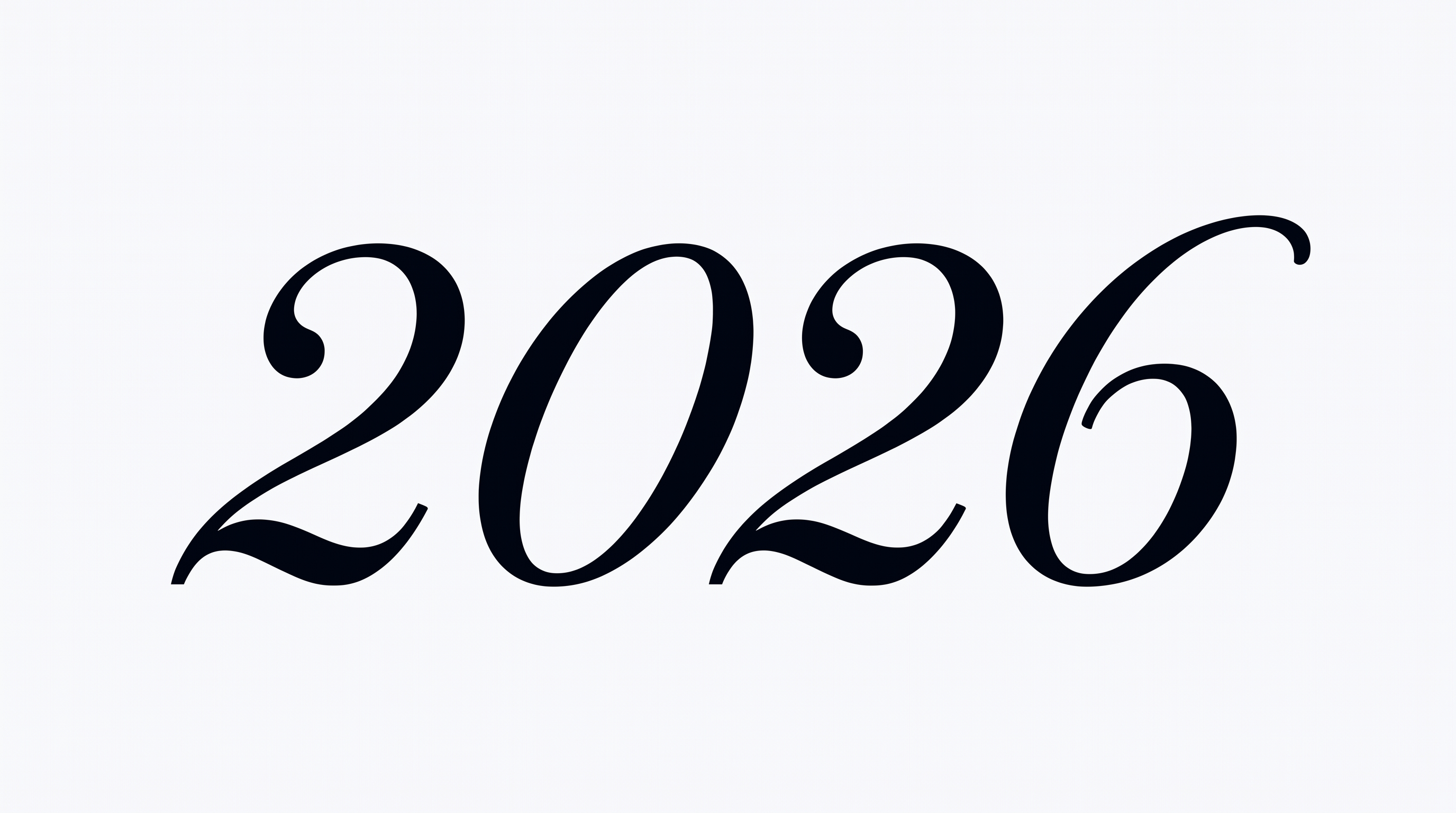
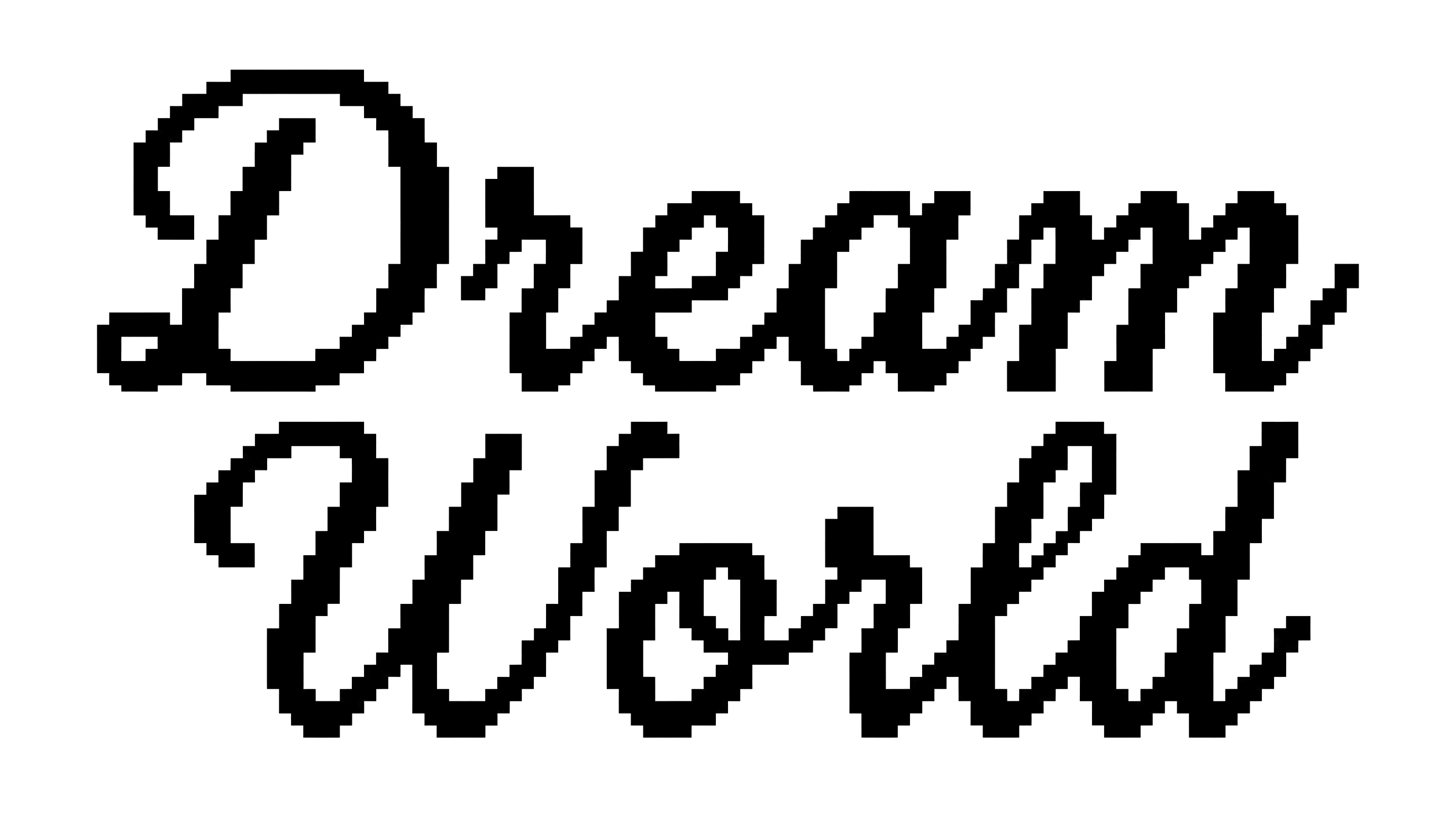
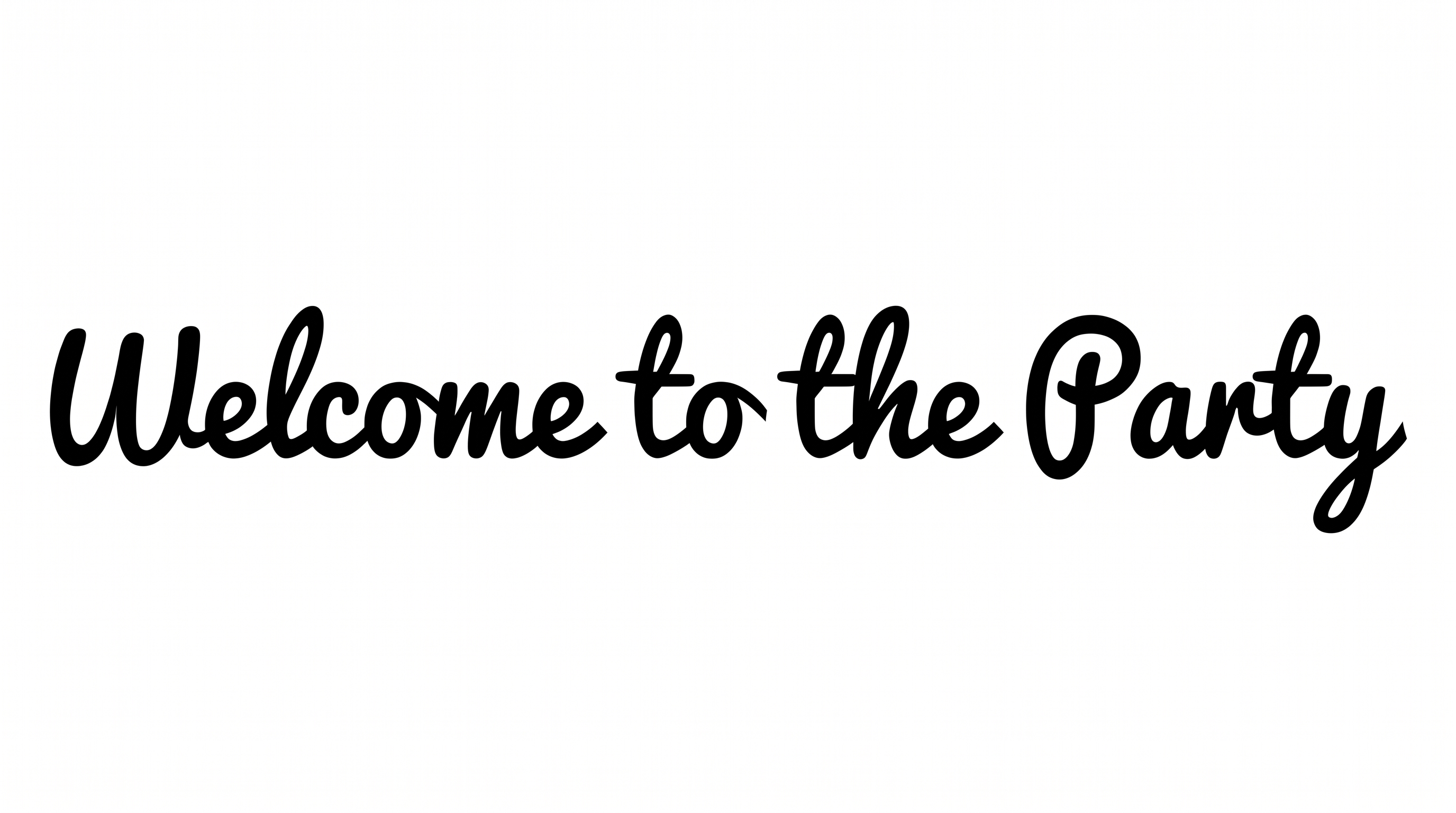
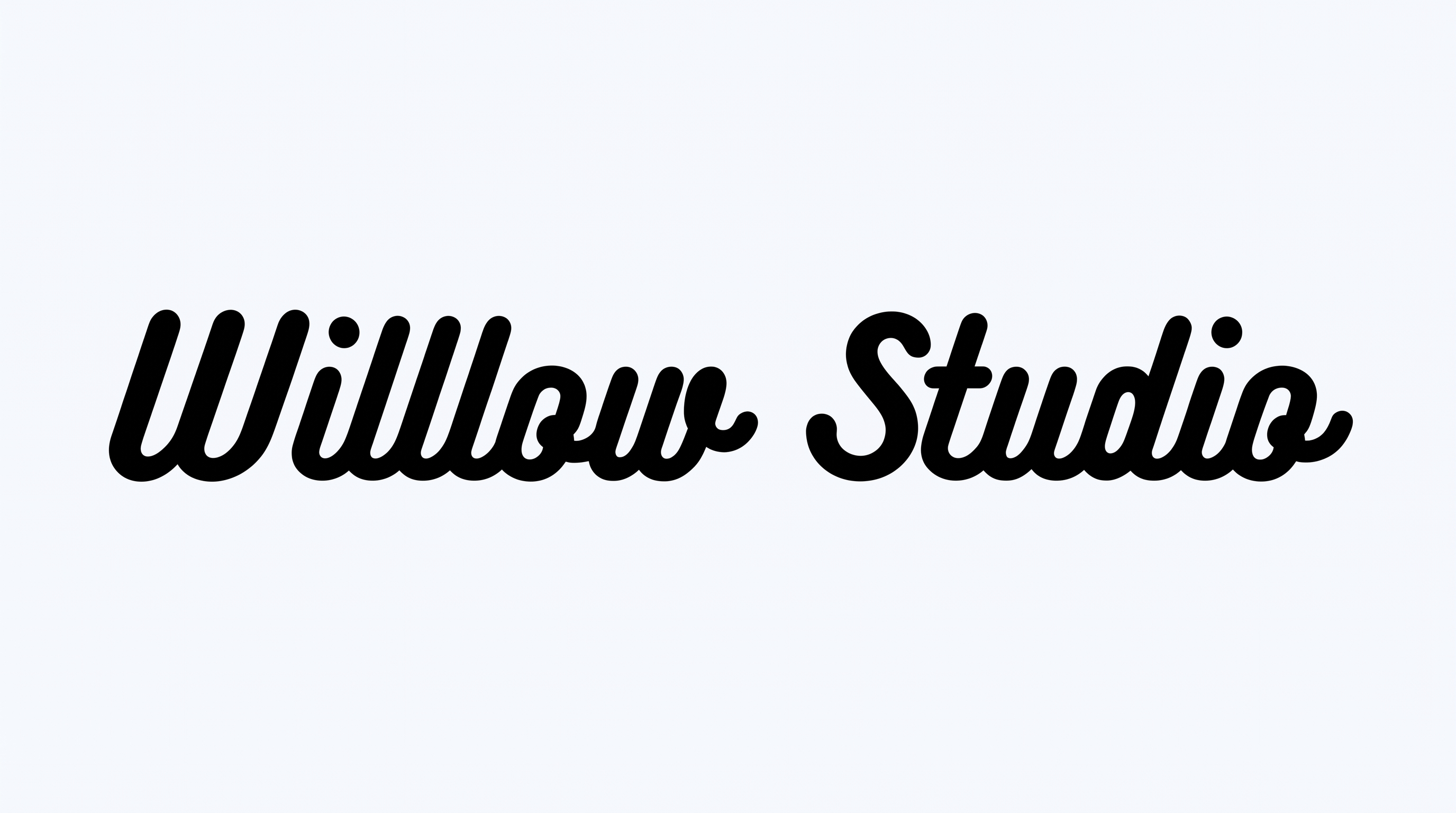
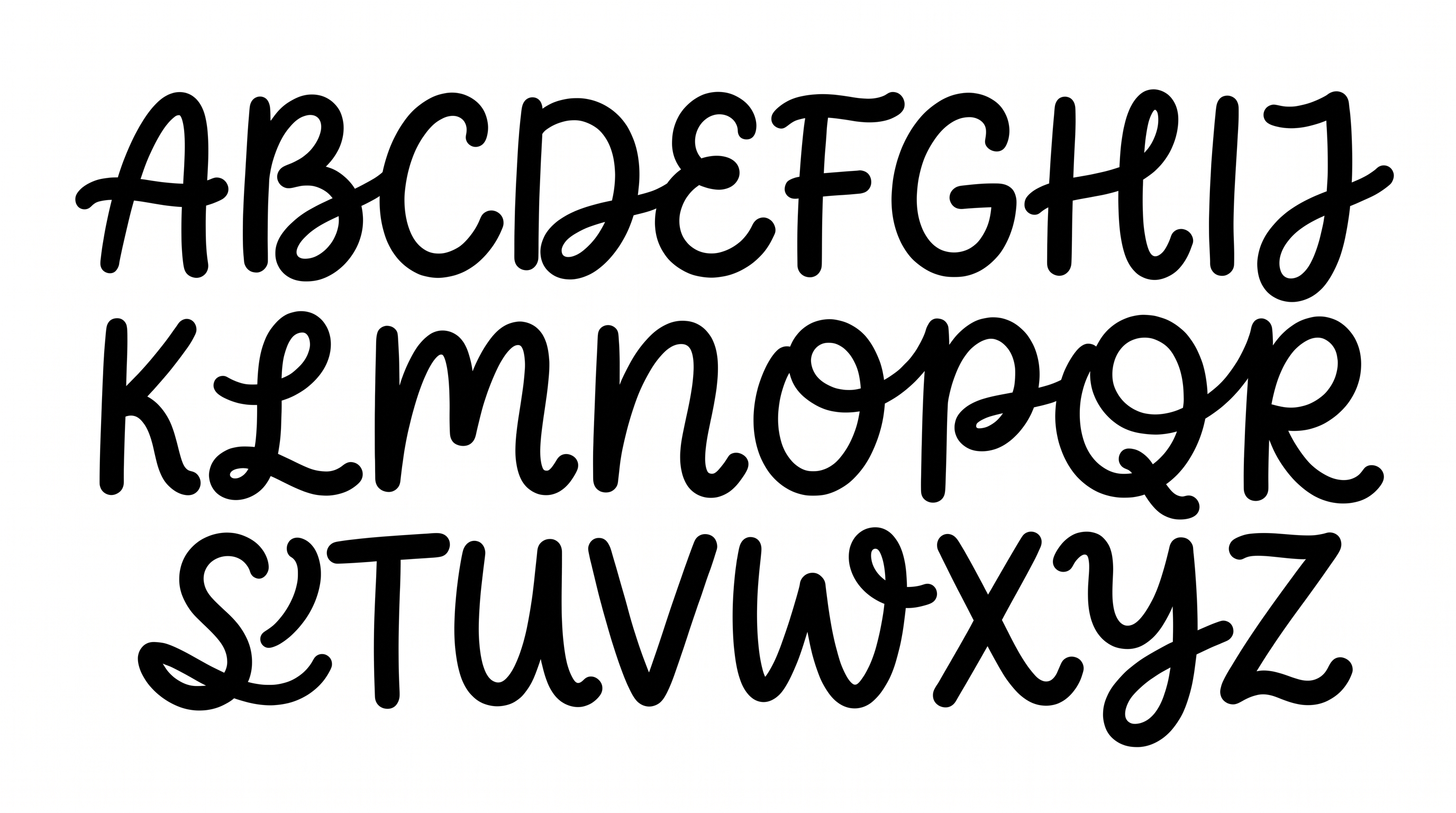
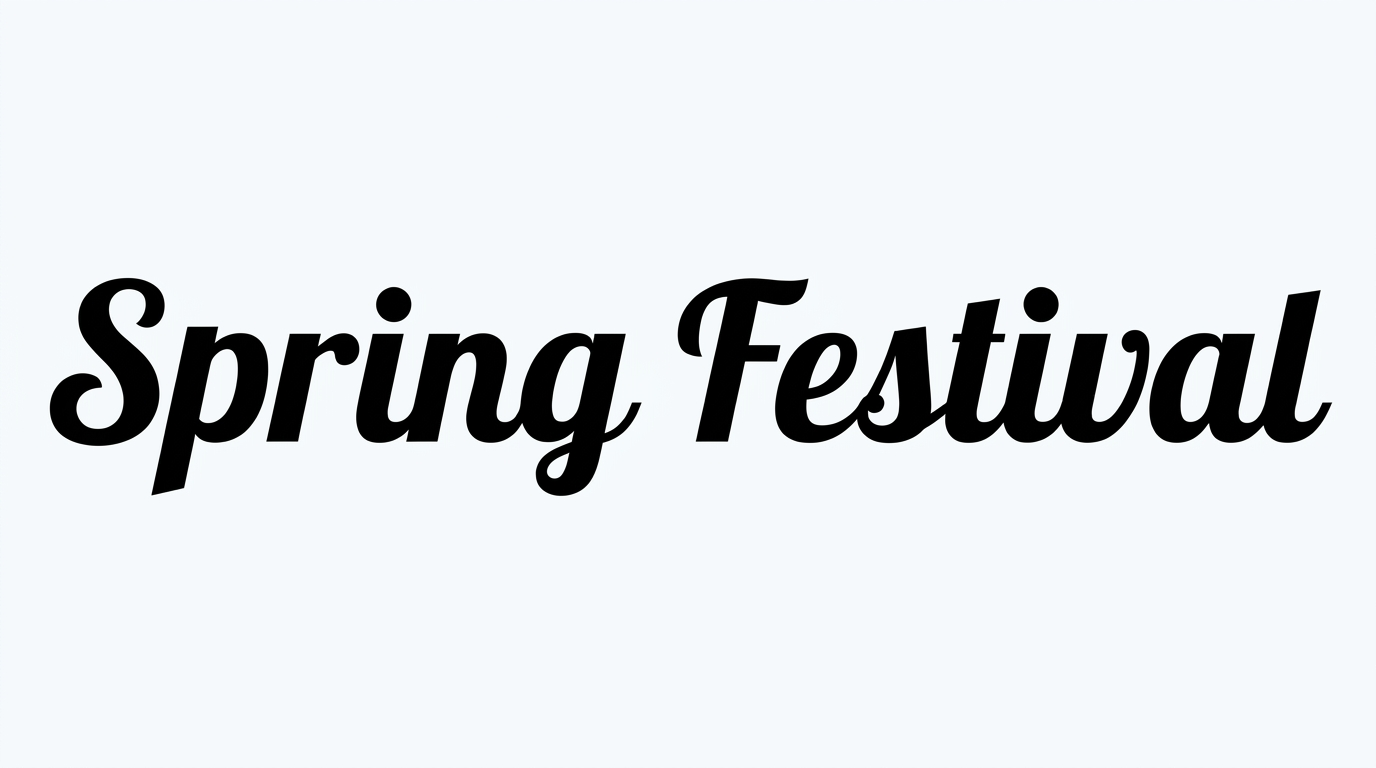
How to Use the Cute Cursive Font Generator
Enter your text, customize the available options, then generate and download your finished image.
- 01
Enter your words
Type the name, message, or phrase you want to style.
- Check your spelling and capitalization before generating the image.
- 02
Customize and generate
Choose your background, font color, and preferred image size.
- Select a preset aspect ratio or keep the default image size.
- 03
Cute Cursive Font Download Free & Cute Cursive Font Copy and Paste
Review the result, then download the generated PNG or SVG image.
- Check the lettering and spacing before saving your chosen format.
Cute Cursive Font in Use: Design Examples & Showcase
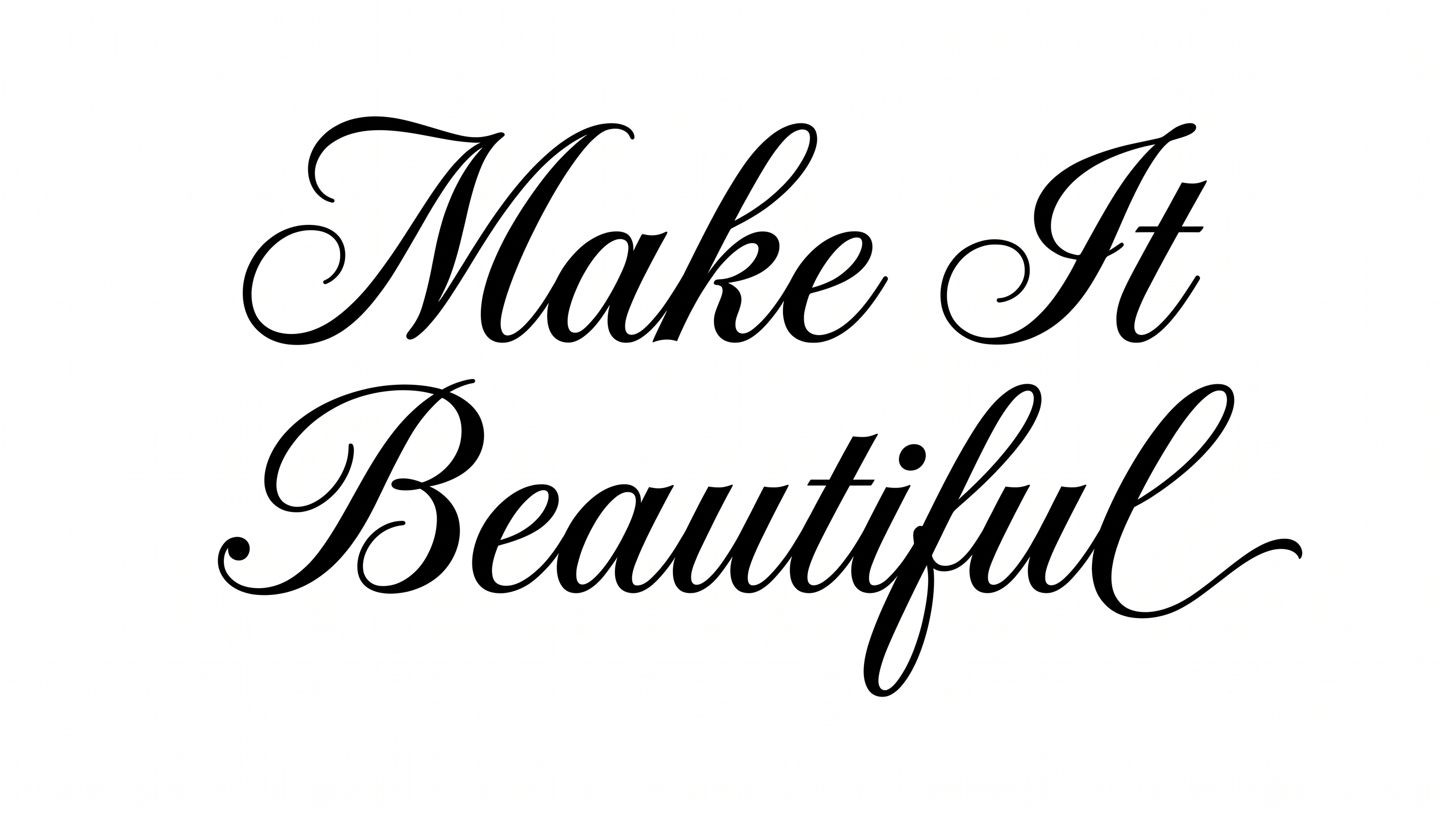
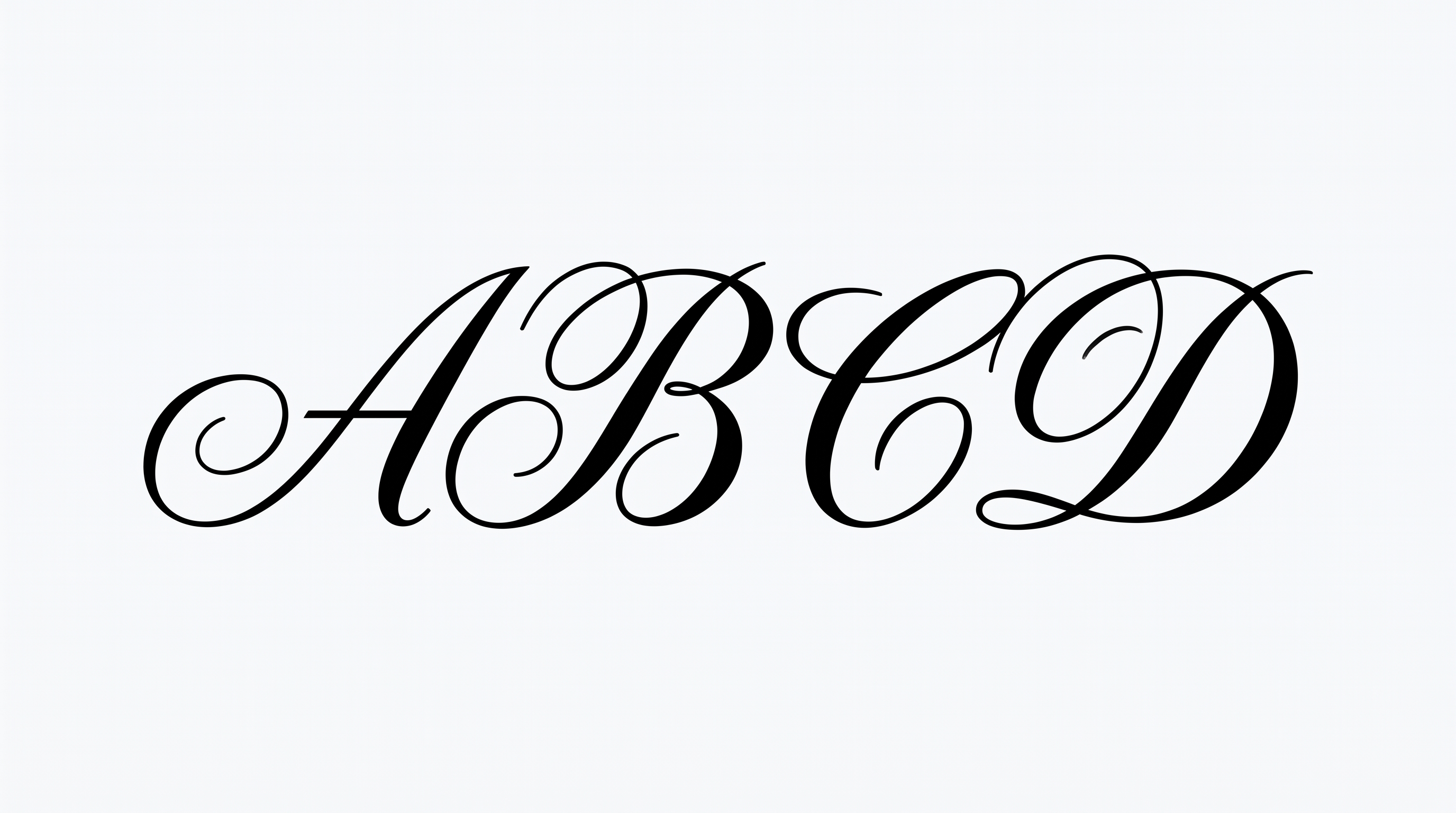
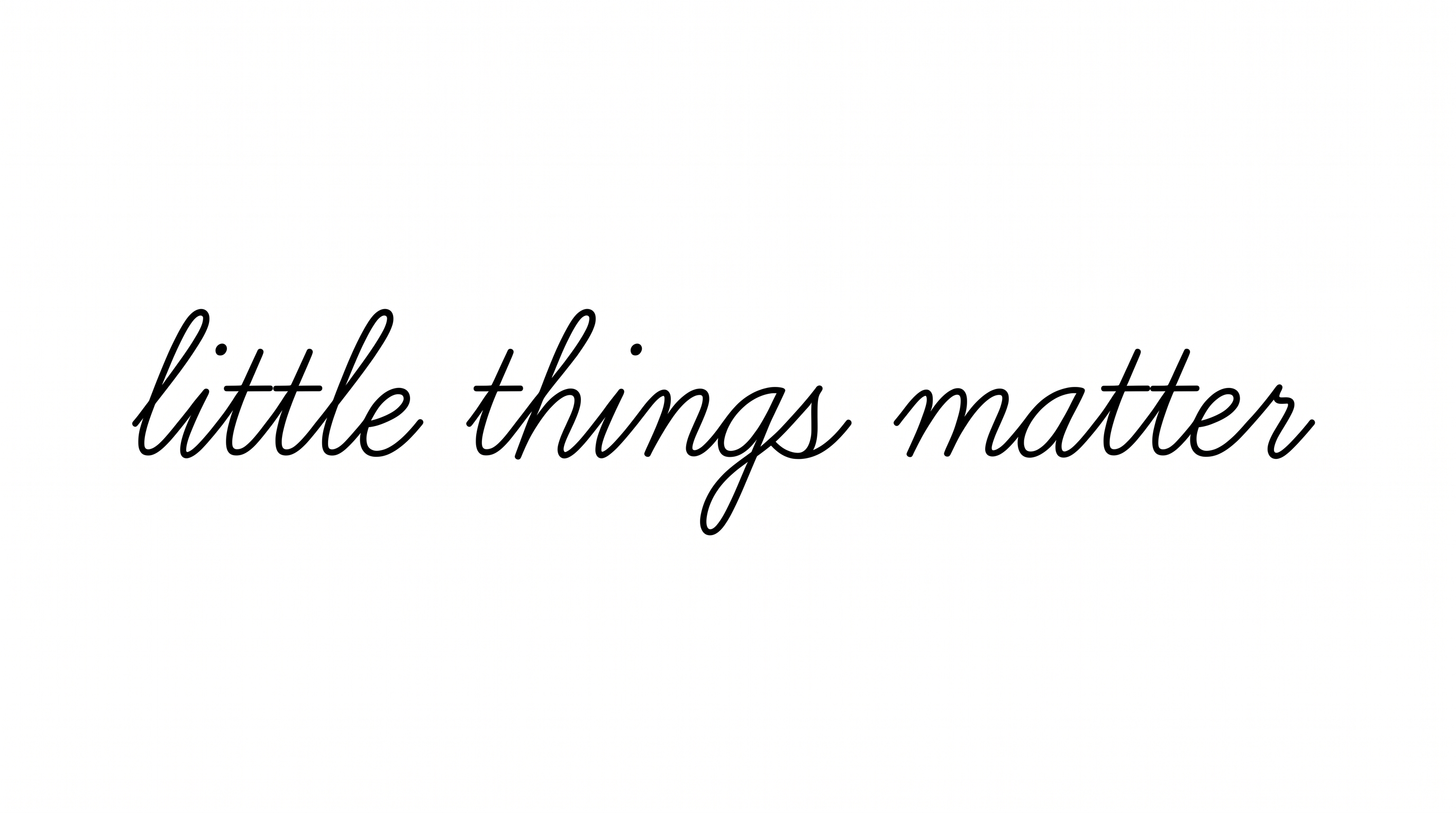
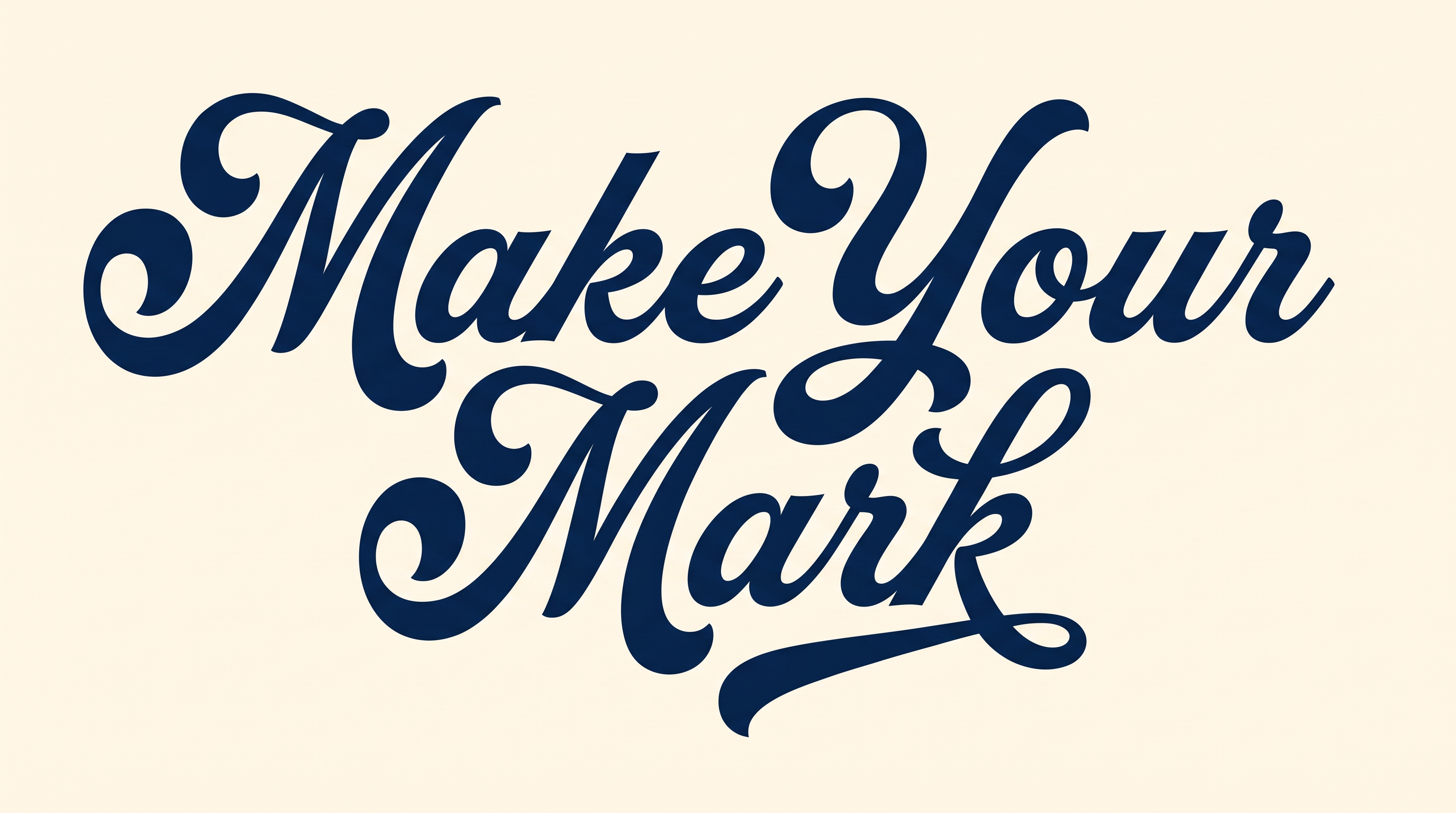
Explore examples featuring initials, alphabets, numbers, logos, titles, names, birthday designs, usernames, posters, banners, and symbols.
Use Cute Cursive Fonts in Your Favorite Apps
Download the generated text image, then follow the app-specific steps below to add or share it.
- 01
Cute Cursive Font Canva
- Open Canva and add the Cute Cursive Font Canva PNG to your design.
- Resize and position the lettering, then download your completed design.
- 02
Cute Cursive Font CapCut
- Import the Cute Cursive Font CapCut PNG and place it on an overlay track.
- Adjust its position, size, and timing before exporting the video.
- 03
Cute Cursive Font Cricut
- Upload the Cute Cursive Font Cricut PNG into Cricut Design Space.
- Resize the image and prepare it for a Print Then Cut project.
- 04
Cute Cursive Font Microsoft Word
- Insert the Cute Cursive Font Microsoft Word PNG into your document.
- Move or resize the image, then save the finished document.
- 05
Cute Cursive Font Google Docs
- Upload the Cute Cursive Font Google Docs PNG through the Insert menu.
- Position the lettering on the page, then share or download the document.
- 06
Cute Cursive Font Instagram
- Add the Cute Cursive Font Instagram PNG to a post, Story, or Reel.
- Place the lettering within your composition, then share the finished content.
- 07
Cute Cursive Font TikTok
- Add the Cute Cursive Font TikTok PNG to a video or photo post.
- Set its placement and timing, then preview and publish your content.
- 08
Cute Cursive Font Discord
- Attach the Cute Cursive Font Discord PNG to a channel or direct message.
- Add accompanying text if desired, then send the image.
- 09
Cute Cursive Font Chat
- Share the Cute Cursive Font Chat PNG in your selected conversation.
- Include a short message, then send the styled image.
Frequently asked questions about Cute Cursive Font Generator
The free online Cute Cursive Font Generator turns your own words into a Cute Cursive Font text image. Enter a name, message, or phrase, then generate styled cursive lettering as an image for design and sharing.
Yes. The free Cute Cursive Font text generator lets you enter wording and create a styled text image online. Use it as a font changer or font typer for names, messages, and design-ready lettering.
Enter wording in the Cute Cursive Font typer, then choose available options and generate the image. The Cute Cursive Font text generator supports 2K and 4K results, with transparent output when enabled. Use Cute Cursive Font copy and paste or Cute Cursive Font download free for a PNG image. TTF download is not supported.
Choose font color and background color from the available controls. Shadow color and stroke color are not separate controls. When transparent output is enabled, the image has no background and no watermark, making it ready for layered designs.
Use the free online Cute Cursive Font maker to test your wording across related visual directions. Compare letter shapes, flow, and spacing to identify a similar Cute Cursive Font or a Cute Cursive Font alternative that suits your design.
Under the Cute Cursive Font license, minimum membership covers personal use. Higher membership covers commercial use. Check pricing for details about the applicable membership before using the image in a project. Review the plan terms for your intended project type.
Start with the Cute Cursive Font maker to create a reusable name or label image. Return to the Cute Cursive Font changer when you need different wording, colors, backgrounds, or dimensions for another design.
Choose a transparent image with no background for an overlay on a photo or video. Position the lettering where it remains readable, then resize it to fit the composition and preserve clear spacing.