

Get 5 Free Credits

Free Fancy Writing Font Generator Online

Create expressive brush-script lettering with flowing connections, looped capitals, and bold contrast for invitations, covers, or labels.

Enter the text to generate, e.g. Fontify.ai

Font color
Background
Templates
71
Generations
73
Downloads
263
Rating
5.0

How to Use the Fancy Writing Font Generator

Shape flowing brush-script artwork for invitations, covers, labels, and other prominent display text.

  1. 01

    Write your phrase

    Enter a short name, headline, or message that suits the flowing brush script.

  2. 02

    Set the image composition

    Choose a font color, background, and aspect ratio such as 1:1 or 16:9.

  3. 03

    Generate and download the artwork

    Review the rendered lettering, then download the finished image as a PNG or SVG.

Fancy Writing Font Style Profile

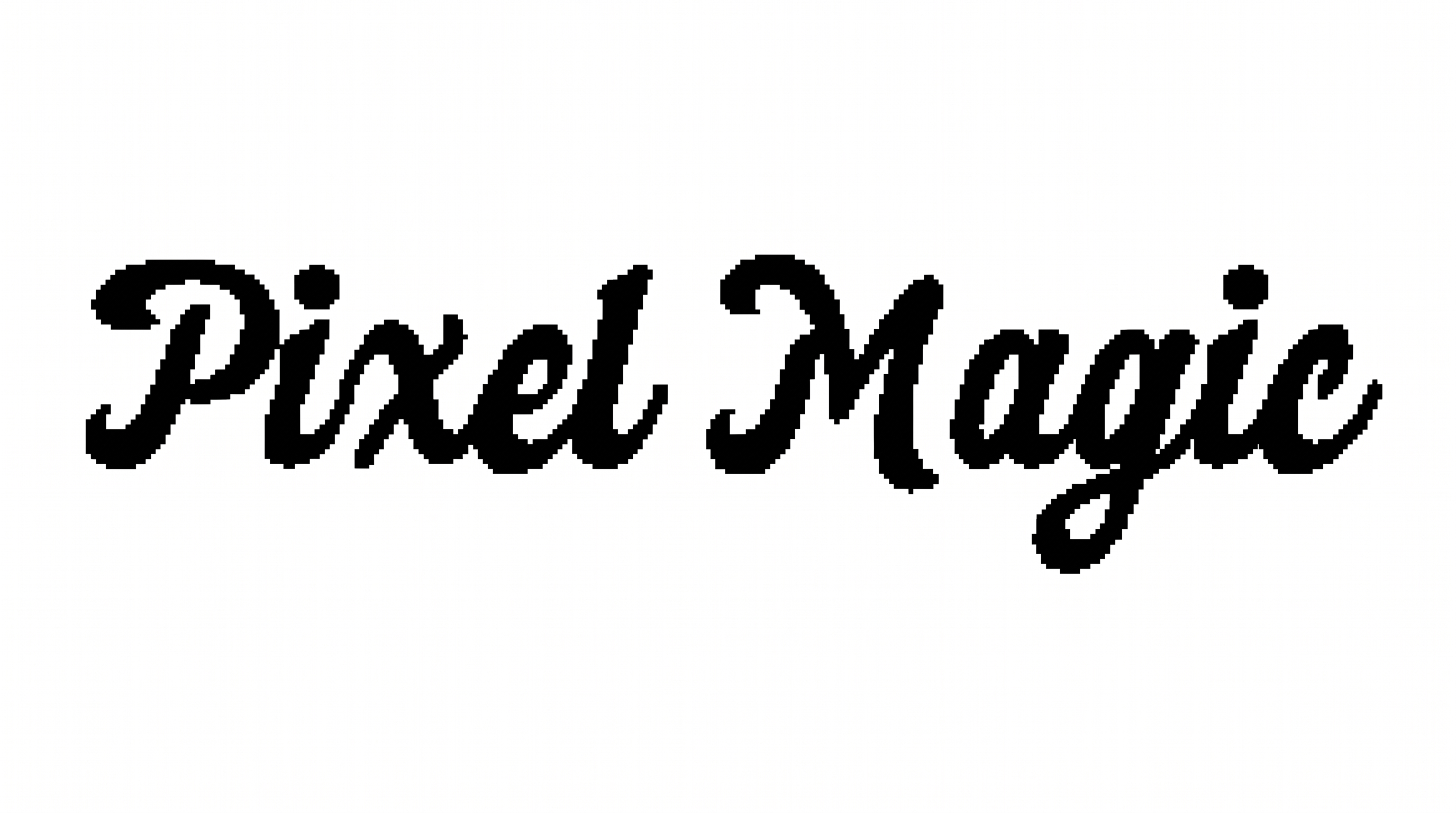
Connected, right-slanting letters combine strong stroke contrast with loops and tapered brush endings.

  • Stroke Contrast

    Broad downstrokes alternate with fine connecting and rising strokes.

  • Letter Connections

    Many lowercase letters join through continuous flowing strokes.

  • Flourishes

    Looped capitals and extended tails add expressive decoration to the words.

  • Slant

    The visible letters lean consistently toward the right.

  • Stroke Endings

    Visible brush strokes finish in pointed or gently tapered tips.

  • Baseline Rhythm

    Changing letter heights and positions create a lively handwritten rhythm.
Frequently asked questions about Fancy Writing Font Generator

Yes. You can use the generator for free and download the resulting image in PNG or SVG format. The free-use option covers trying the tool and obtaining artwork; project usage follows the applicable membership terms.

Commercial use is covered by the higher membership, while the minimum membership covers personal use. Review pricing to choose the membership that applies to your intended project before using the finished artwork.

Browse the related tools section and compare lettering by stroke shape, connections, slant, and decorative detail. Generate the same short phrase in several styles so differences in readability and visual mood are easier to judge.

Download the generated PNG artwork, then upload it in Canva for a design. Insert the image into a Google Docs document, or import it into a project in the Cricut app, also known as Cricut Design Space.

Use it as a prominent headline on invitations, covers, labels, signs, or social graphics. Give the flowing capitals free space around their loops, and keep supporting details visually separate from the main lettering.

Place the script over a calm area and keep the phrase concise. Strong contrast between the lettering and its surroundings helps the connected strokes remain distinct at the design's intended display size.

Its bold brush strokes, rightward slant, and looped capitals create an expressive handwritten mood. It can feel celebratory on greeting cards, refined on invitations, or personal on journals and letter-themed designs.
READY TO CREATE?

Create Custom Fancy Writing Fonts & Text Effects

Try Fancy Writing Font Generator Free