Free Fancy Font Generator Online
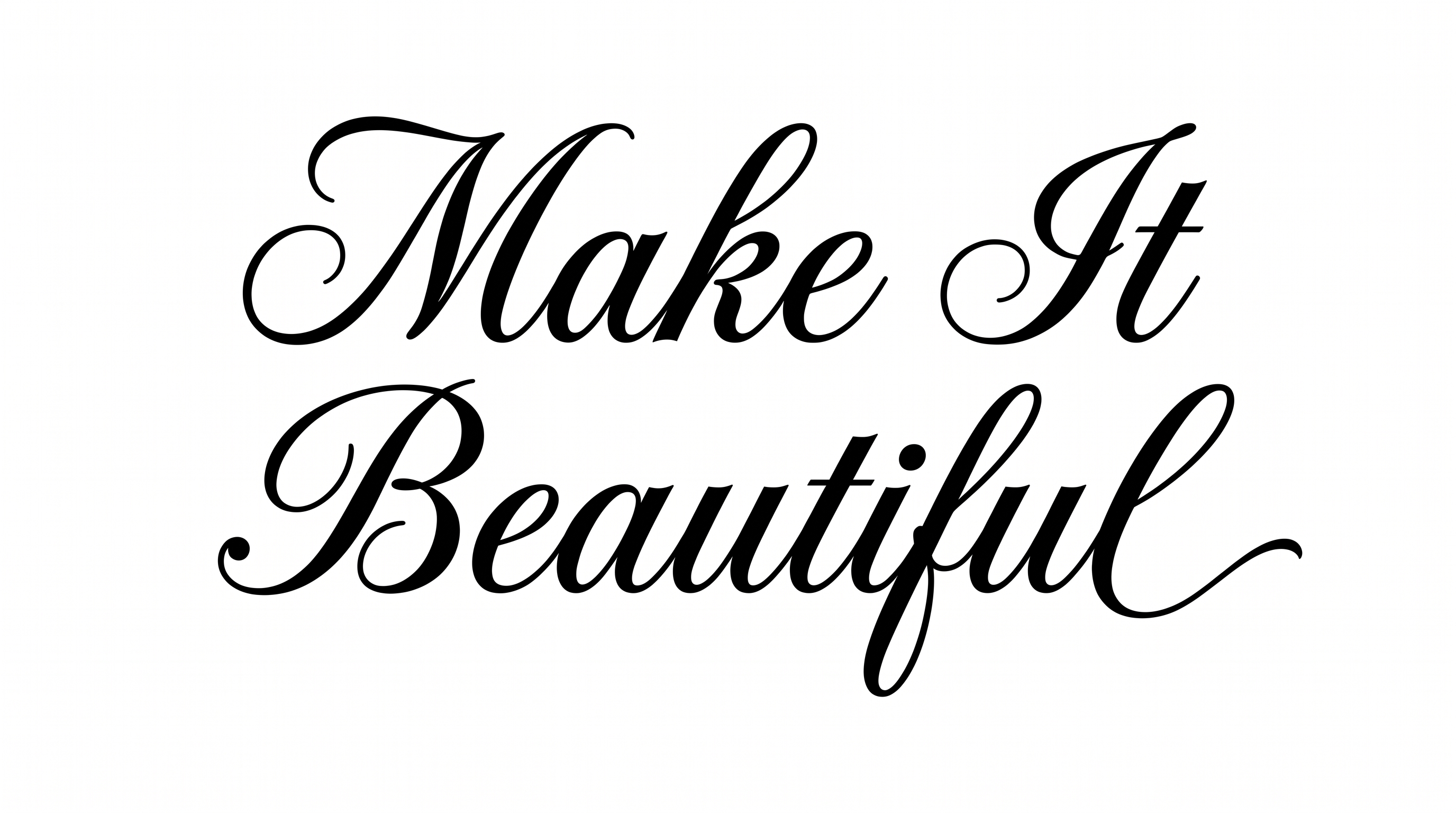
Create refined fancy serif lettering with sharp serifs and strong thick-to-thin contrast for elegant editorial-style text artwork.
- Templates
- 22
- Generations
- 165
- Downloads
- 215
- Rating
- 5.0
How to Use the Fancy Font Generator
Create elegant high-contrast serif artwork by combining your wording with a suitable layout and PNG result.
- 01
Enter an editorial phrase
Type a title or short phrase to shape into high-contrast fancy serif lettering.
- 02
Choose the image settings
Select a 1:1 or 16:9 image size, then adjust the background and font color options.
- 03
Generate and download PNG artwork
Review the refined serif shapes, generate the image, and download the PNG for your design.
Fancy Font Generator in Use: Design Examples & Showcase
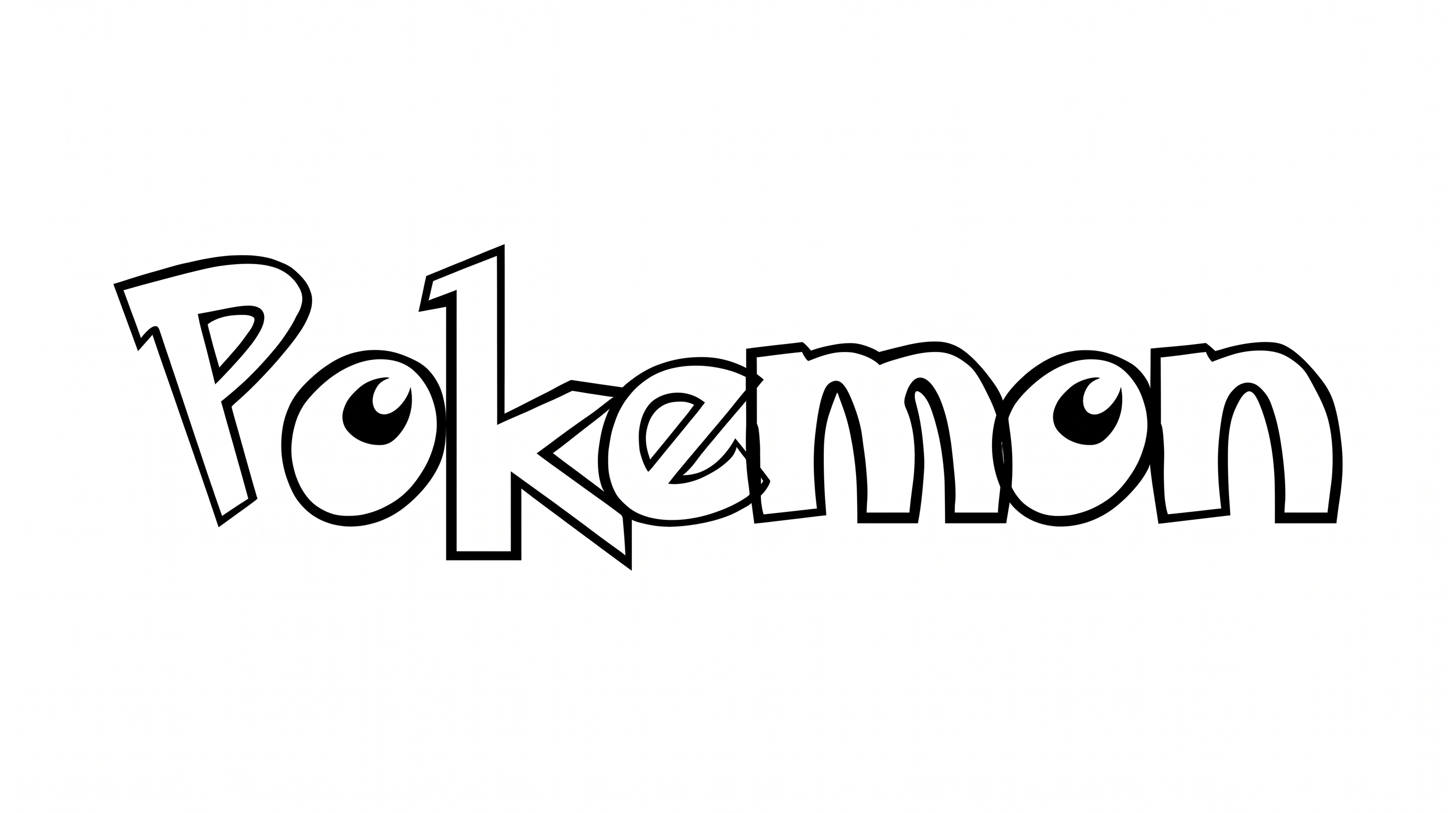
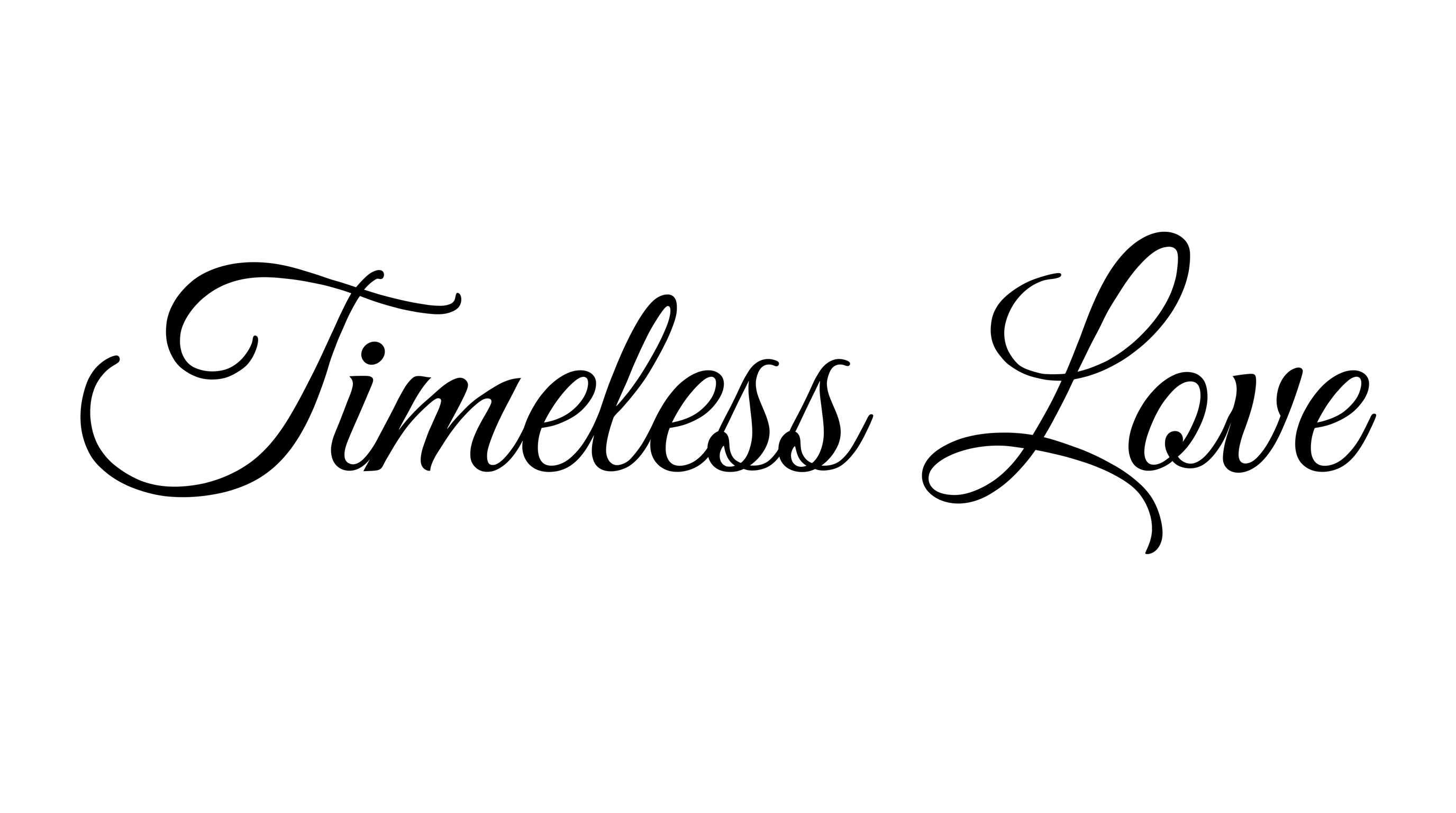
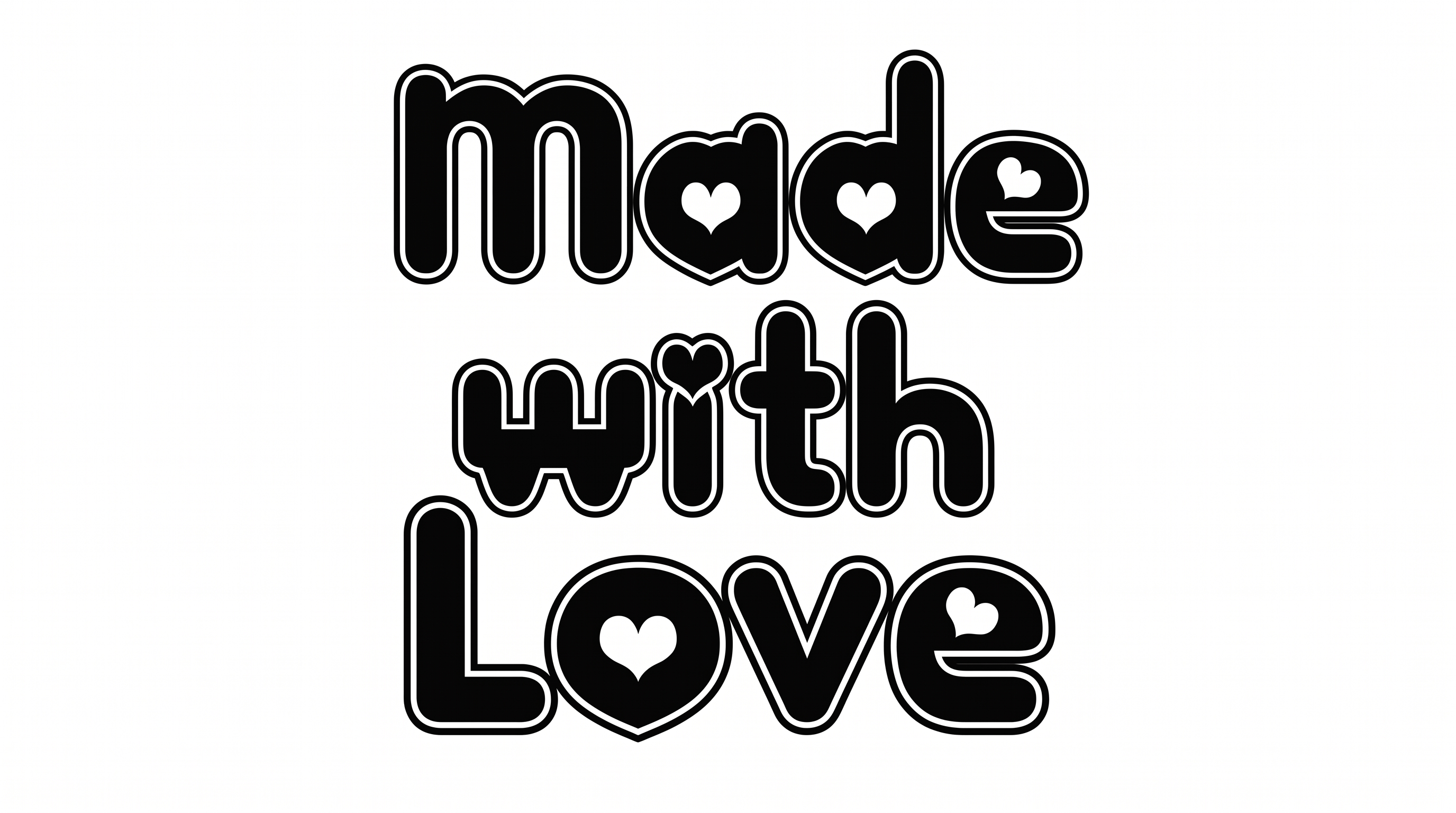
See how elegant high-contrast serif lettering suits book covers, editorial layouts, invitations, labels, and other title-focused designs.
Fancy Font Style Profile
High contrast, narrow proportions, and sharp serif details define this elegant editorial lettering.
Stroke Contrast
Strong thick-and-thin differences give the serif lettering a refined high-contrast appearance.
Letter Width
The individual letters appear tall and narrow, creating an elongated display shape.
Corner Shape
Sharp serif corners give the letterforms a crisp, pointed character.
Stroke Endings
Serif terminals finish the strokes with clean, sharply defined edges.
Letter Construction
Each character uses continuous serif letterform construction with clear internal counters.
Baseline Rhythm
The letters follow a steady baseline that keeps the long display line composed.