
Free Calligraphy Font Generator Online
Create elegant calligraphy text with connected italic script, high-contrast strokes, and dramatic flourishes for invitations and formal designs.
- Templates
- 111
- Generations
- 106
- Downloads
- 234
- Rating
- 5.0
More Calligraphy Font Generator Tools and Calligraphy Font Alternative
Explore related text tools for creating elegant lettering in other visual directions.
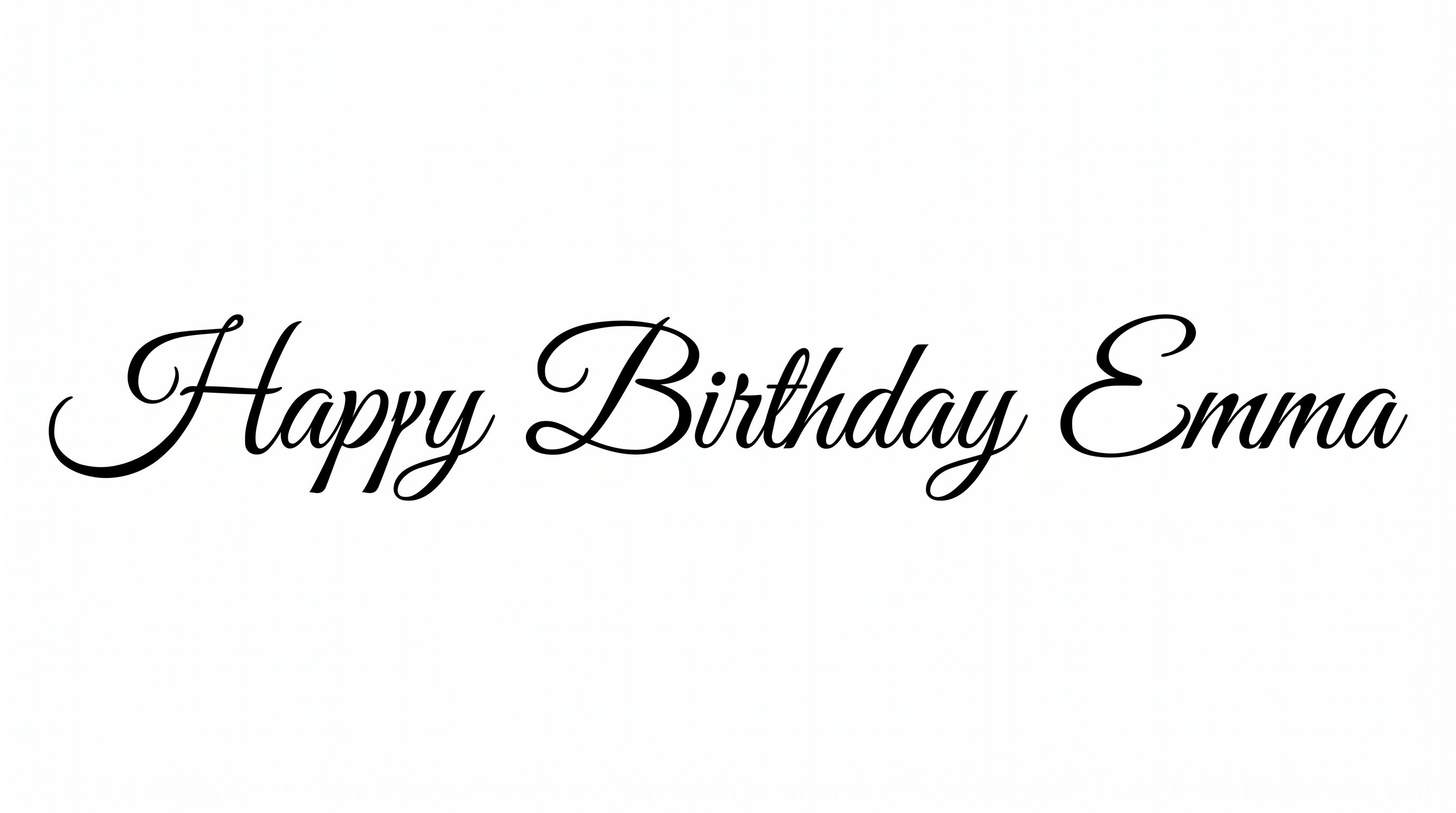
How to Use the Calligraphy Font Generator
Create connected italic lettering, customize its presentation, and download the finished PNG artwork.
- 01
Enter your calligraphy wording
Type a name, phrase, or heading to shape with the connected italic script style.
- 02
Choose the image presentation
Select an image size such as 16:9 and adjust the background or font color options.
- 03
Generate and download the PNG
Review the flourishes and letter connections, then download the generated PNG image.
Calligraphy Font Generator in Use: Design Examples & Showcase
See the connected script applied to invitations, menus, packaging, certificates, covers, labels, and other formal design settings.
Calligraphy Font Style Profile
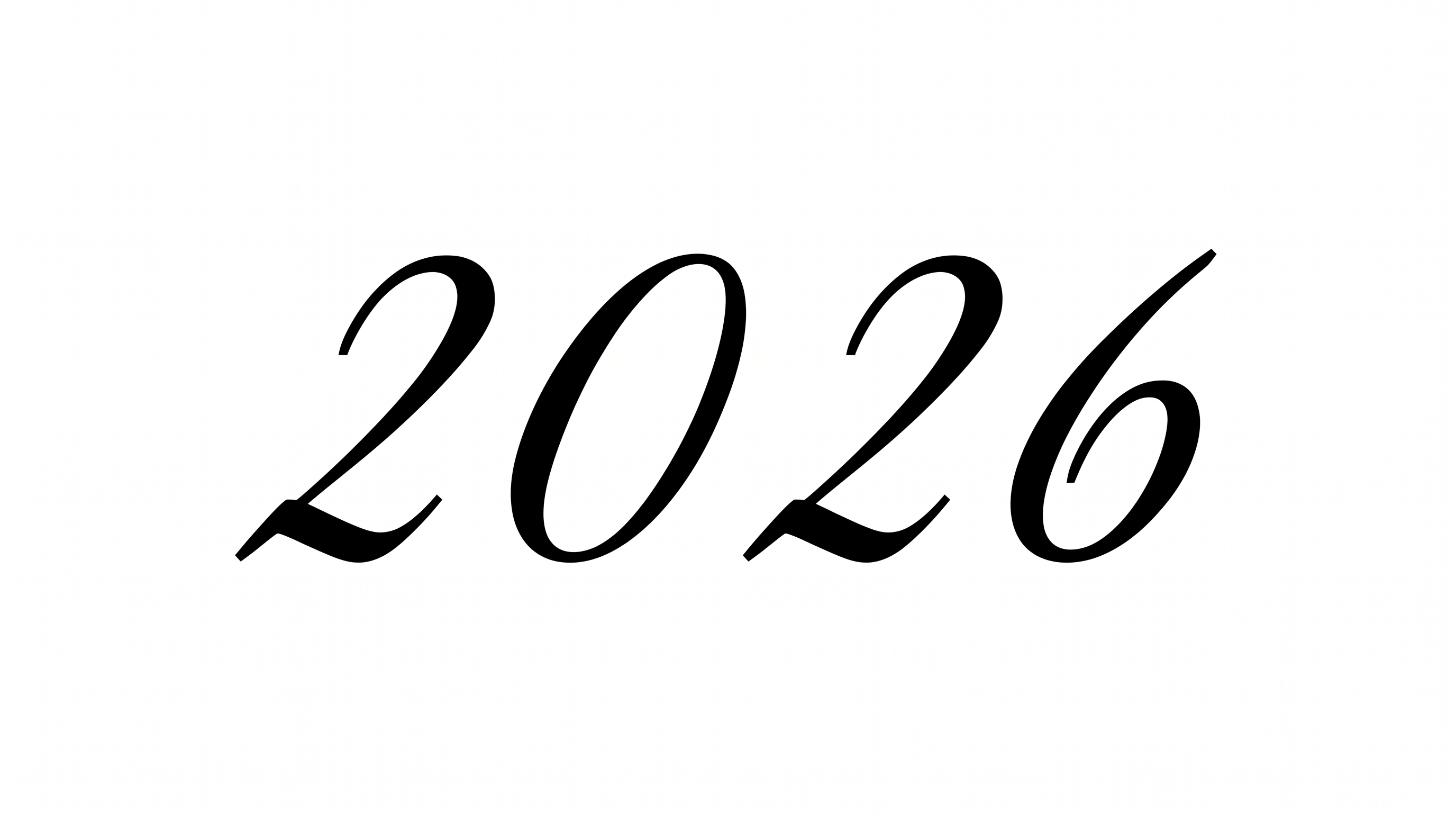
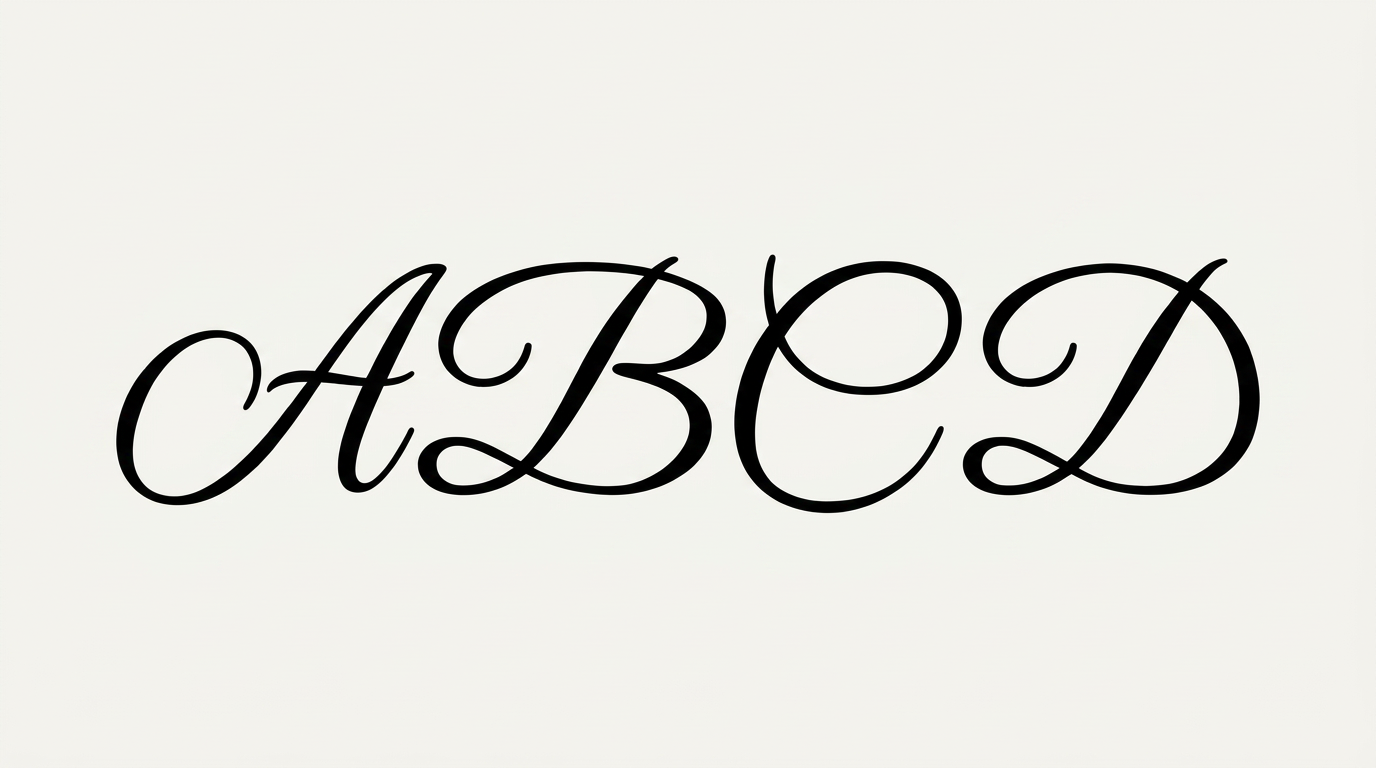
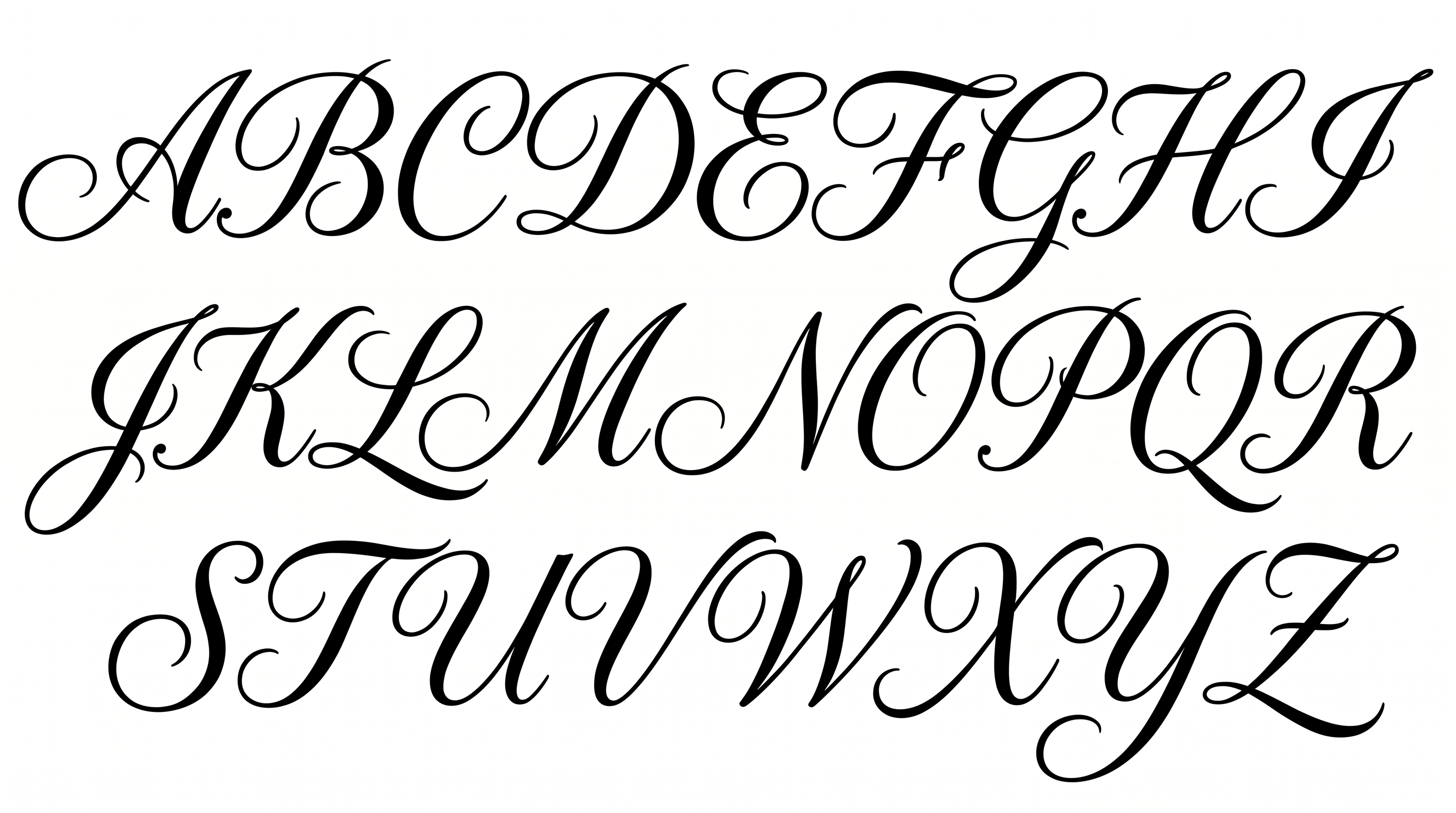
Italic connections, strong stroke contrast, and ornamental swashes define this formal script lettering.
Letter Connections
Continuous strokes join neighboring letters into an elegant flowing script.
Stroke Contrast
Dramatic differences between thick downstrokes and fine hairlines shape the lettering.
Slant
The letterforms lean noticeably to the right along the text baseline.
Flourishes
Extended loops and sweeping swashes add ornamental movement to the letters.
Stroke Endings
Many strokes finish in fine tapered tips that extend the graceful script rhythm.
Letter Spacing
Close spacing keeps neighboring letters visually connected within each word.