
Free Retro Font Generator Online
Turn your words into heavy, rounded 1970s-style display lettering suited to album covers and bold graphic titles.
- Templates
- 167
- Generations
- 58
- Downloads
- 302
- Rating
- 5.0
More Retro Font Generator Tools and Retro Font Alternative
Explore related text tools for creating lettering in other visual directions.
How to Use the Retro Font Generator
Shape bold, rounded display lettering for covers, signs, packaging, and other graphic layouts.
- 01
Enter your display wording
Type a short title, name, or phrase for the heavy retro treatment.
- 02
Shape the composition
Choose a font color, background treatment, and image ratio such as 16:9.
- 03
Generate and save the artwork
Create the preview, review the rounded letter shapes, then download a PNG or SVG.
Retro Font Generator in Use: Design Examples & Showcase
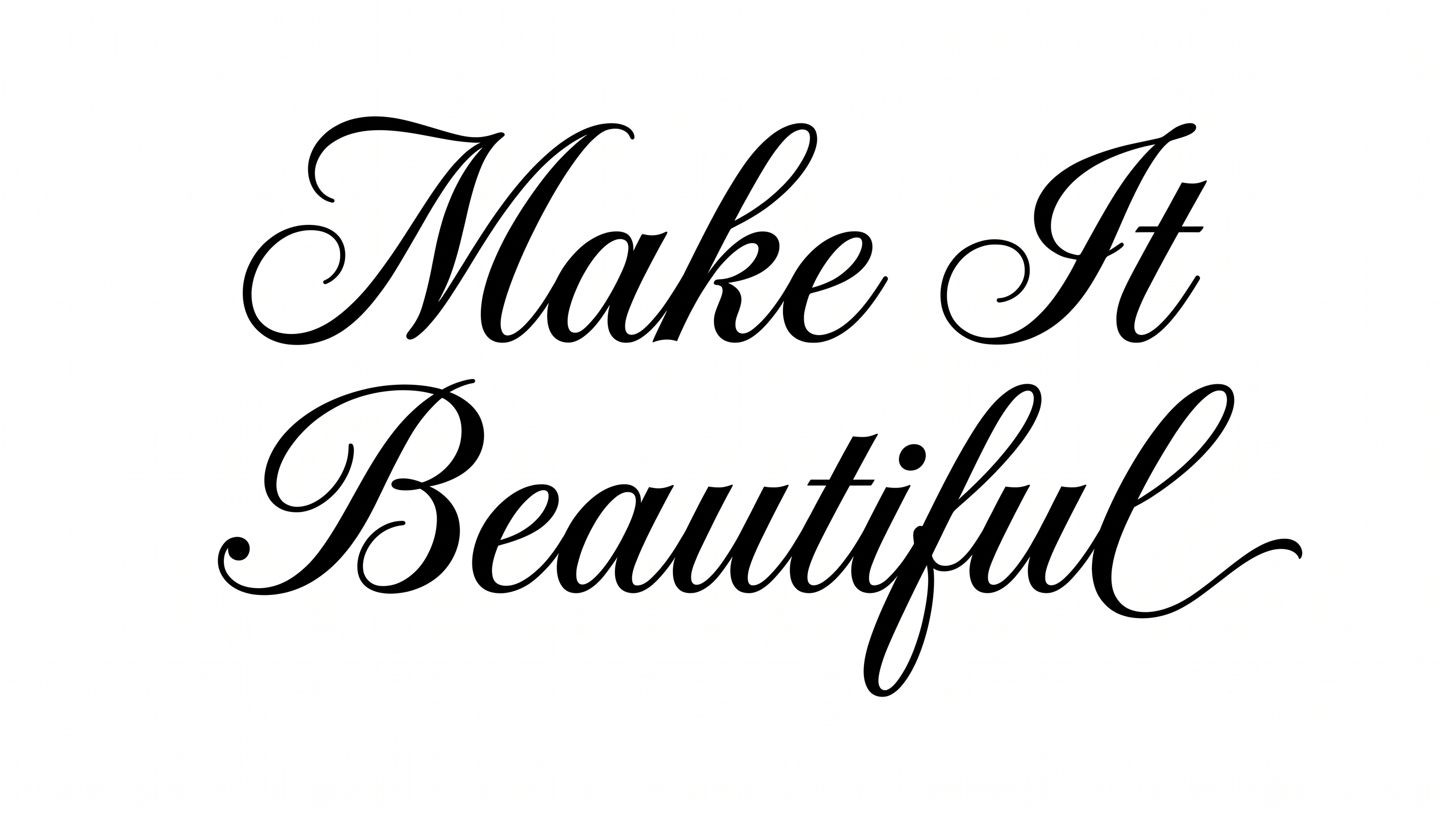
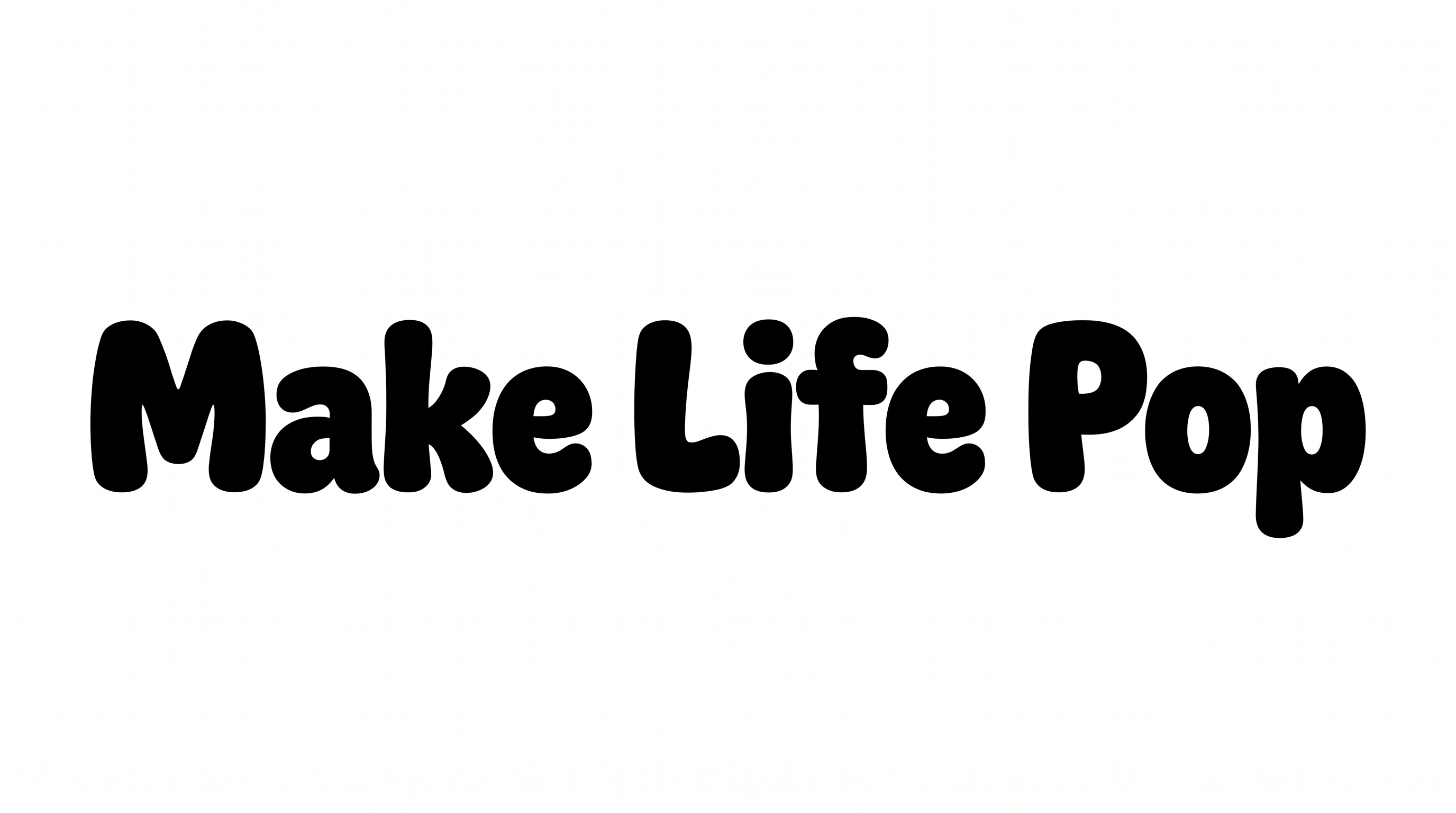
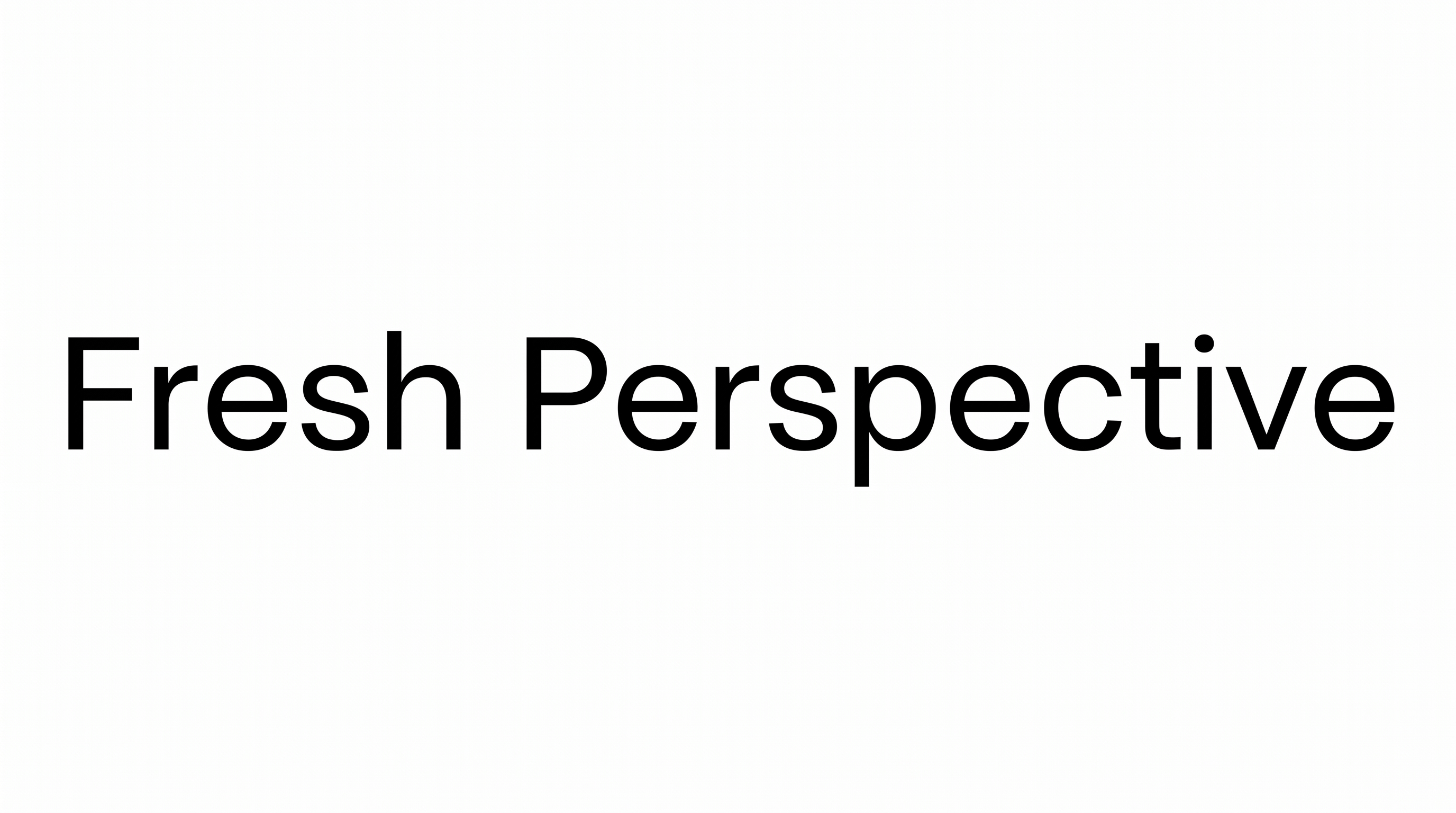
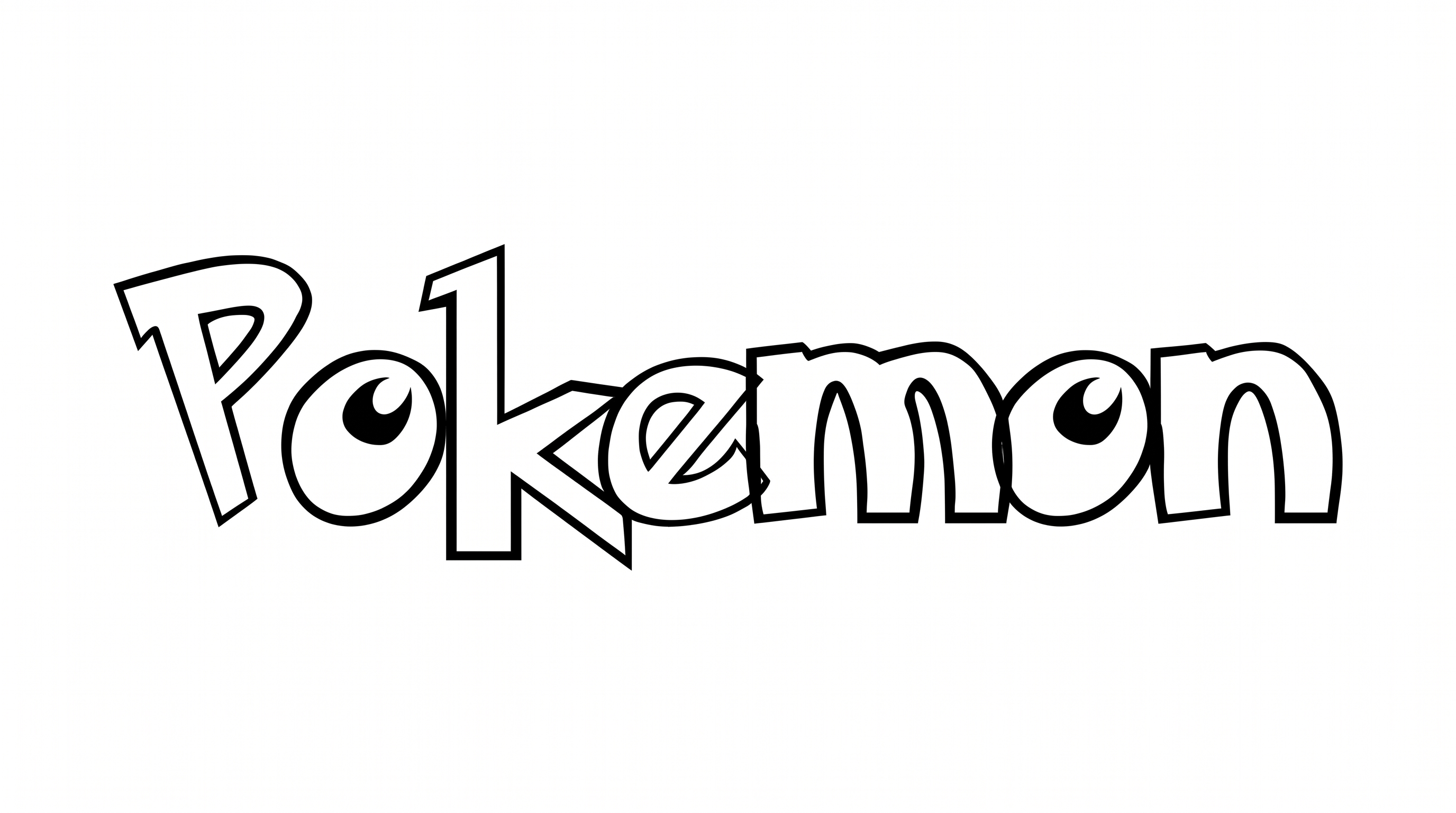
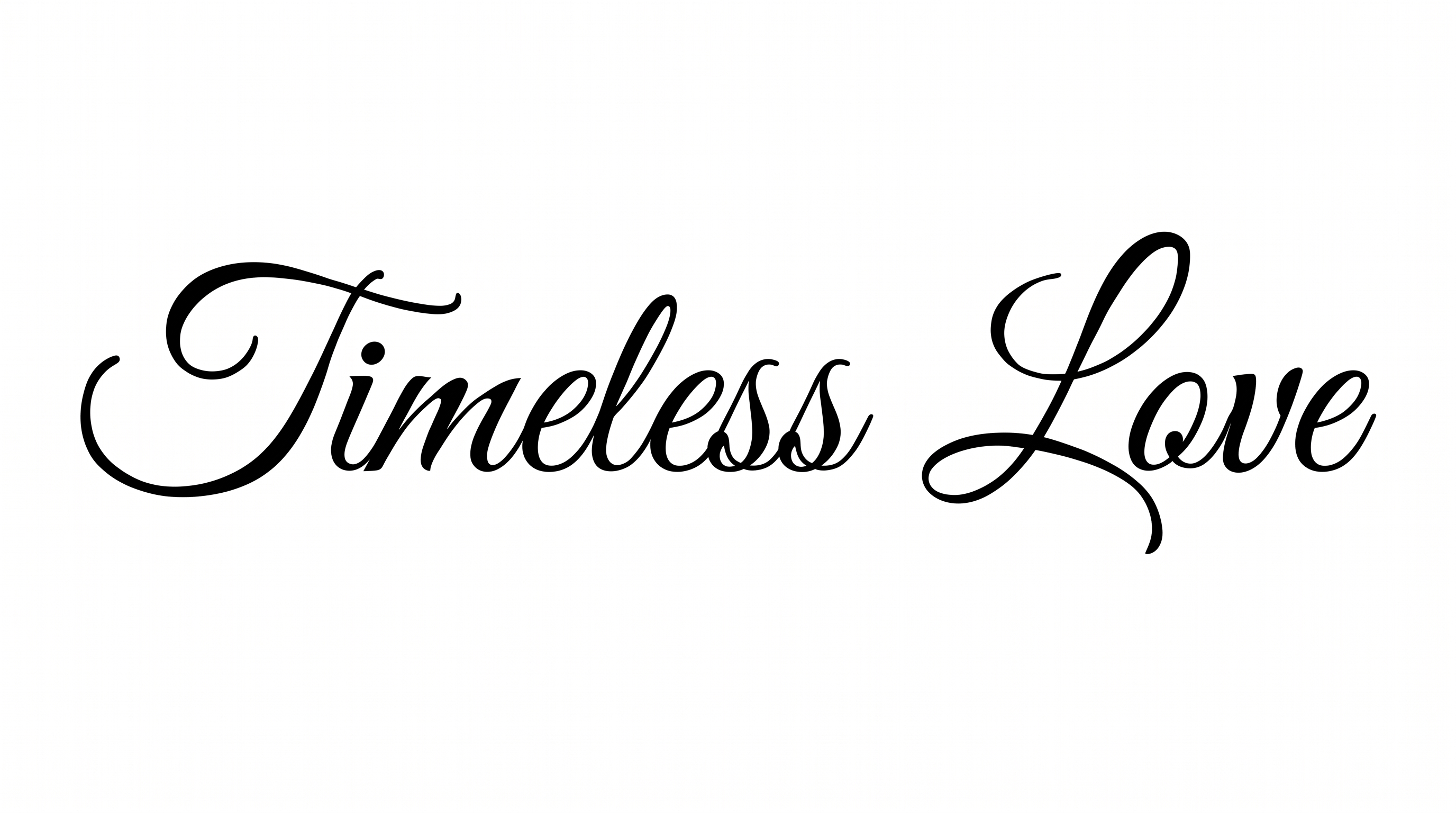
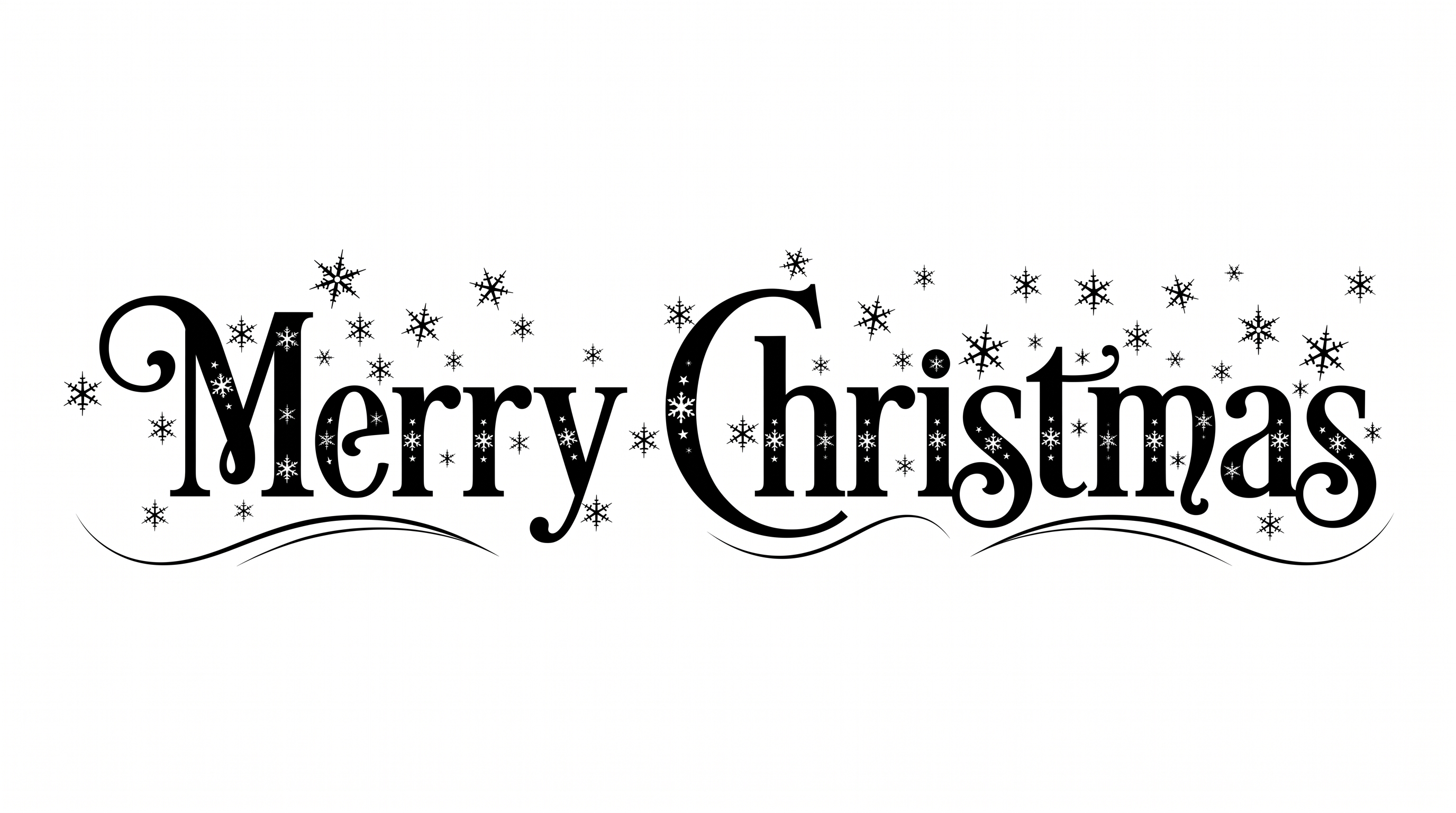
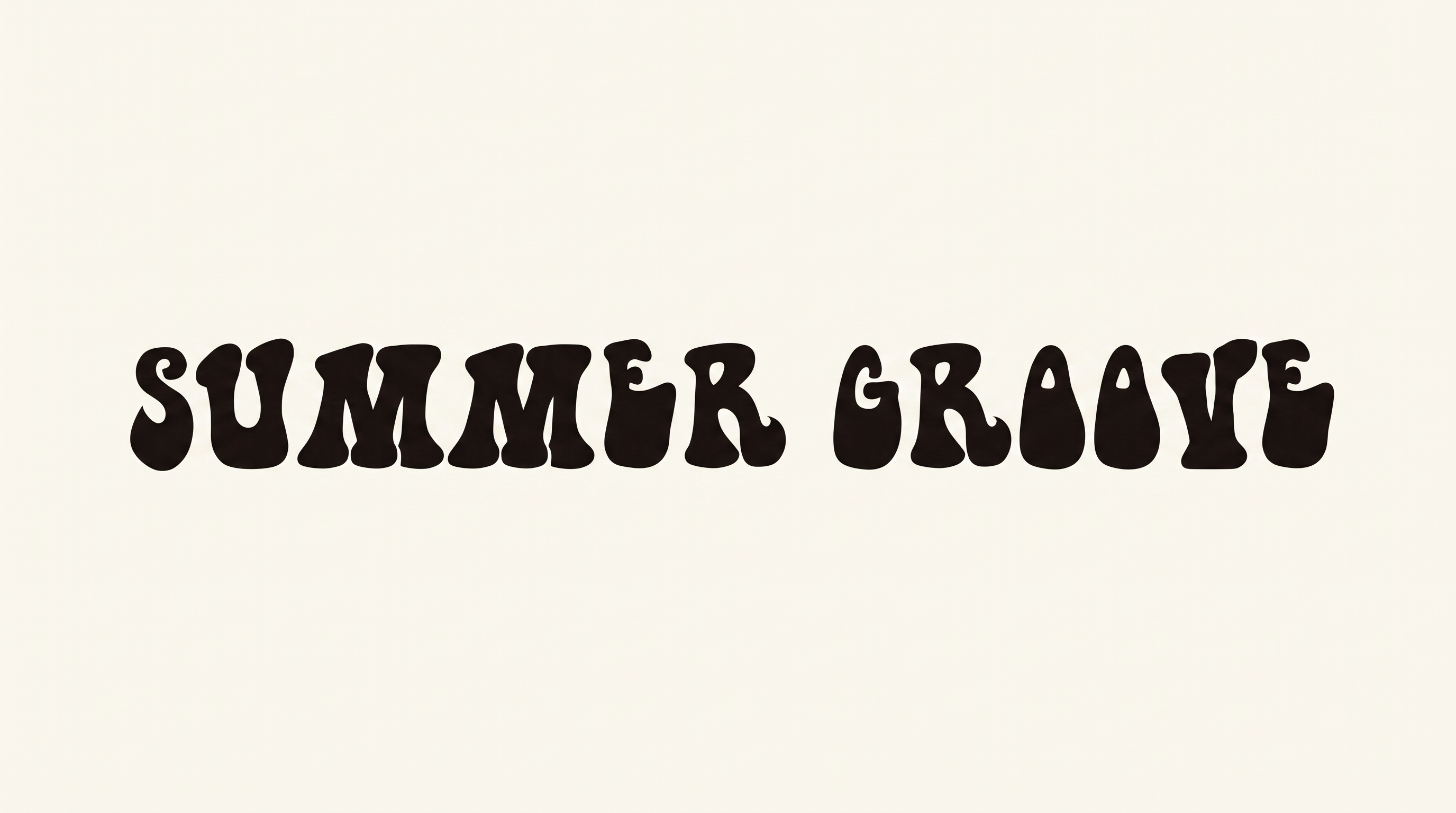
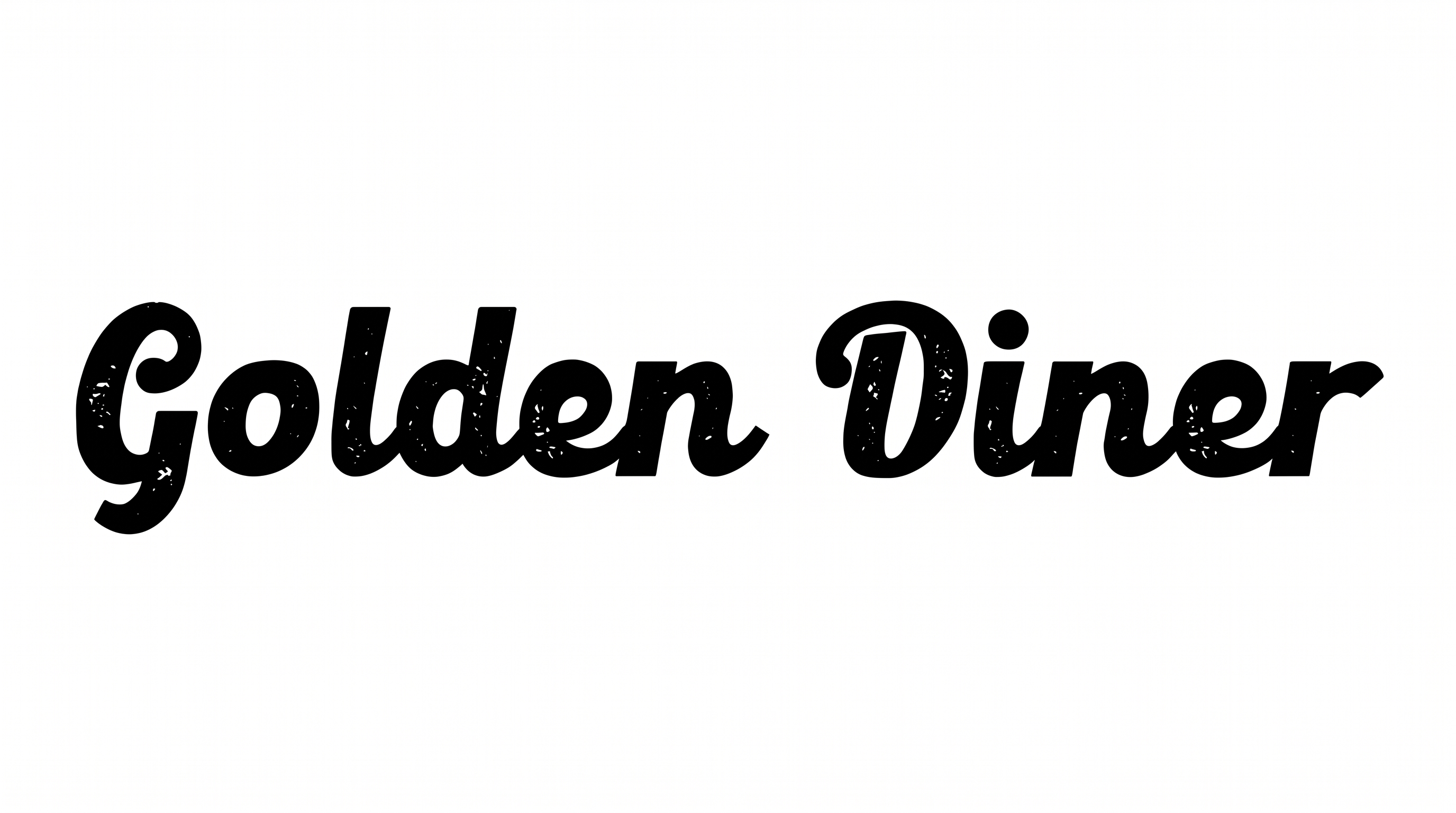
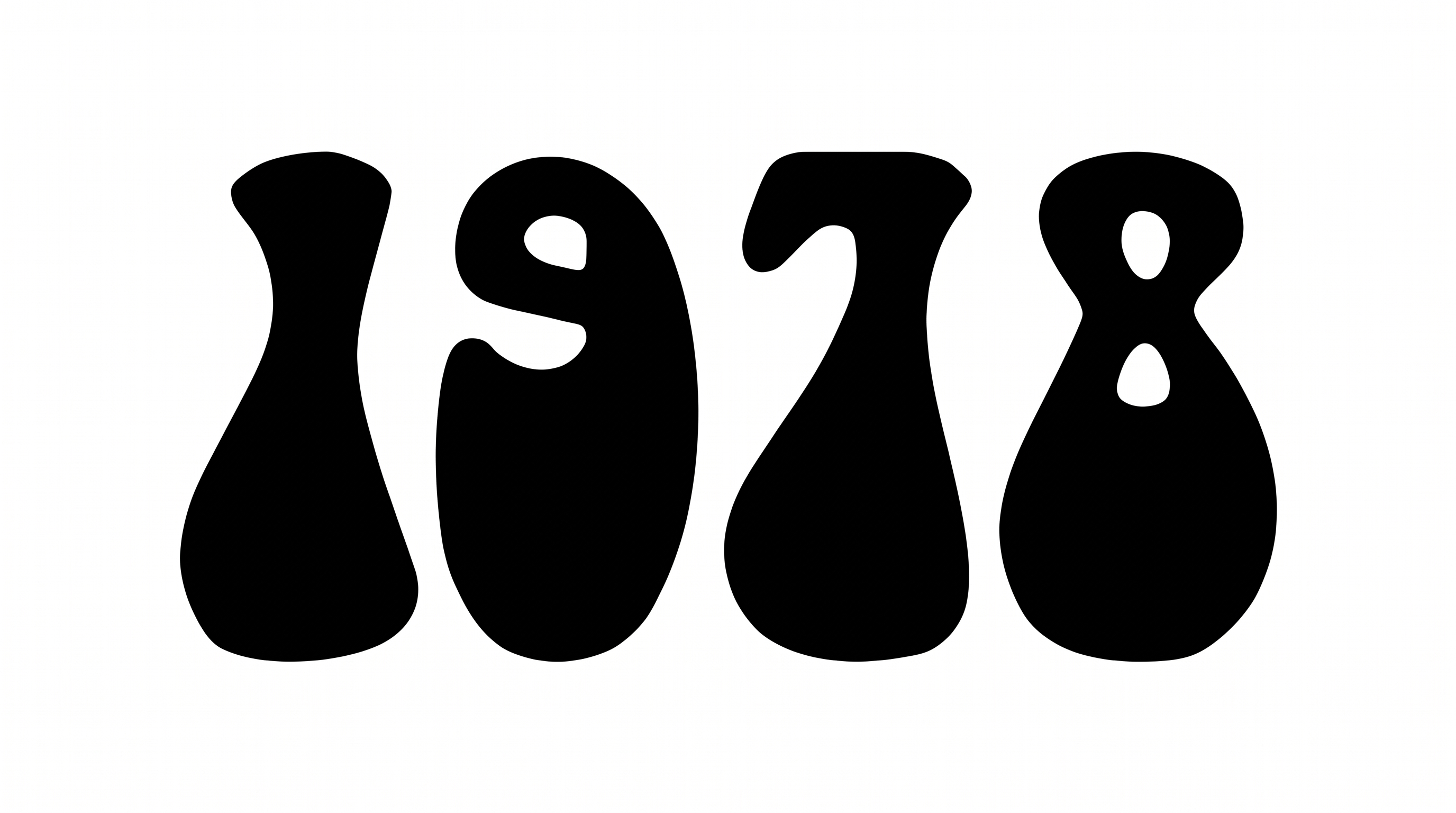
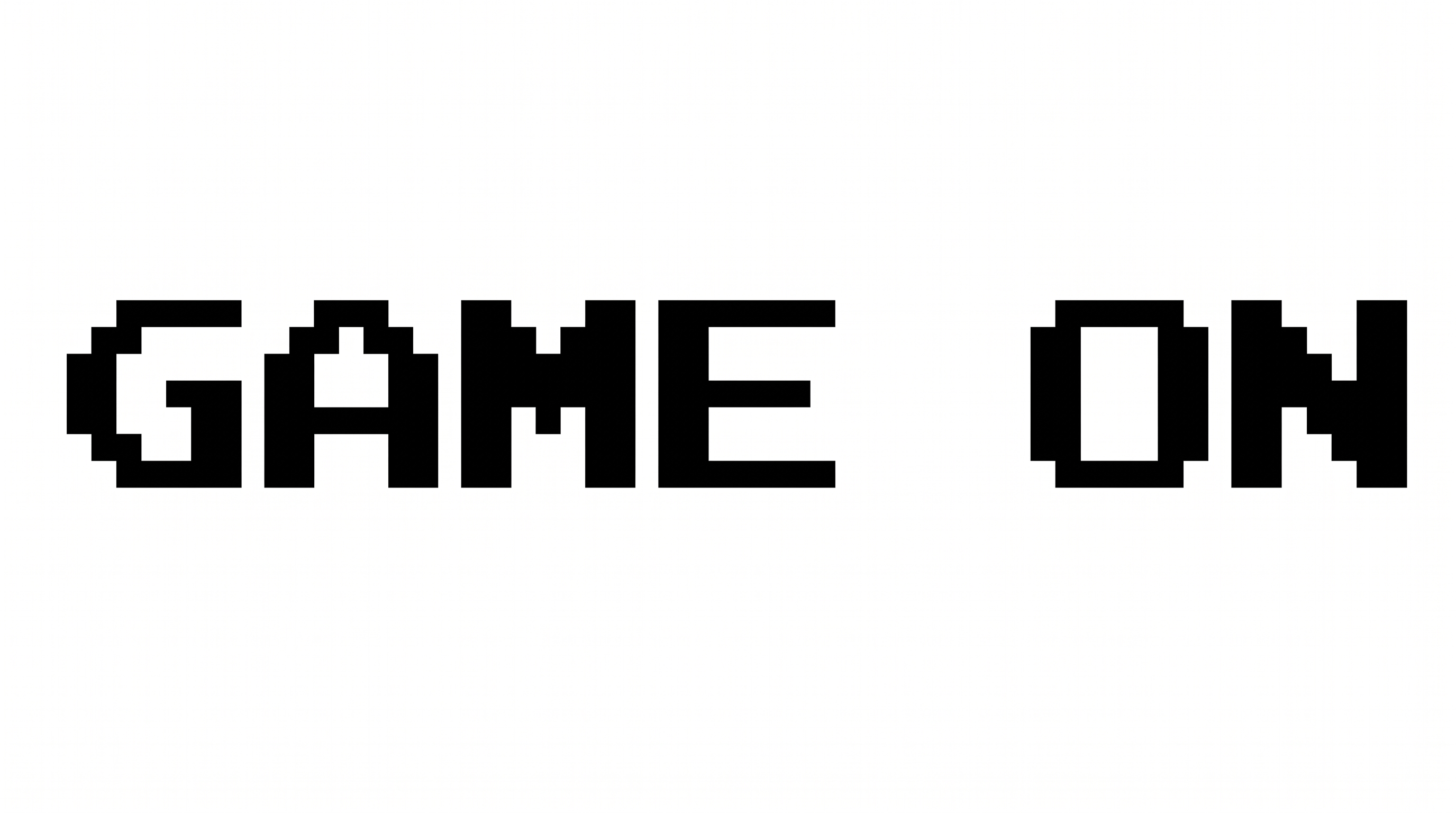
Compare how the heavy, rounded lettering anchors album covers, book jackets, packaging, stage screens, signs, and compact event graphics.
Retro Font Style Profile
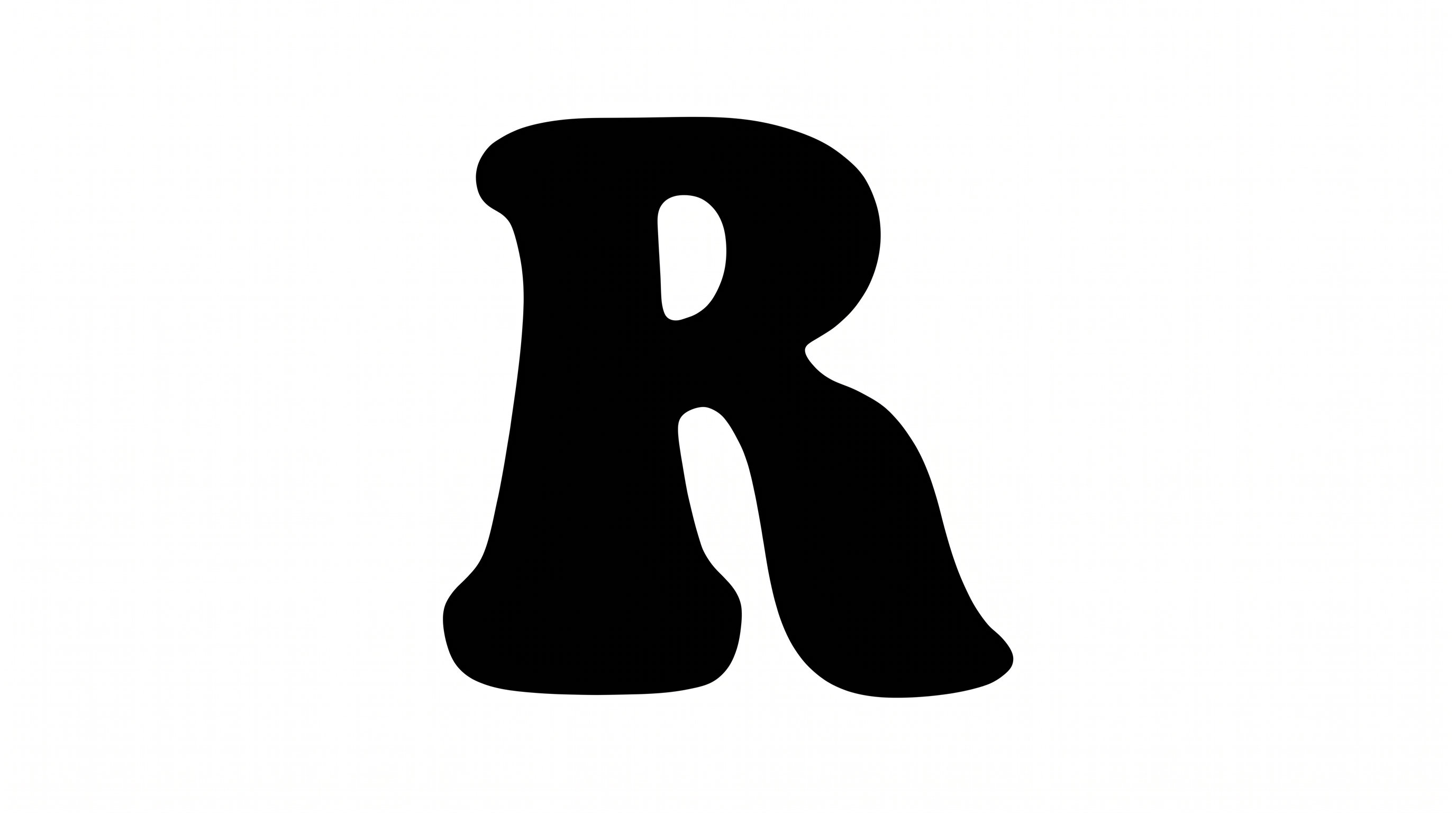
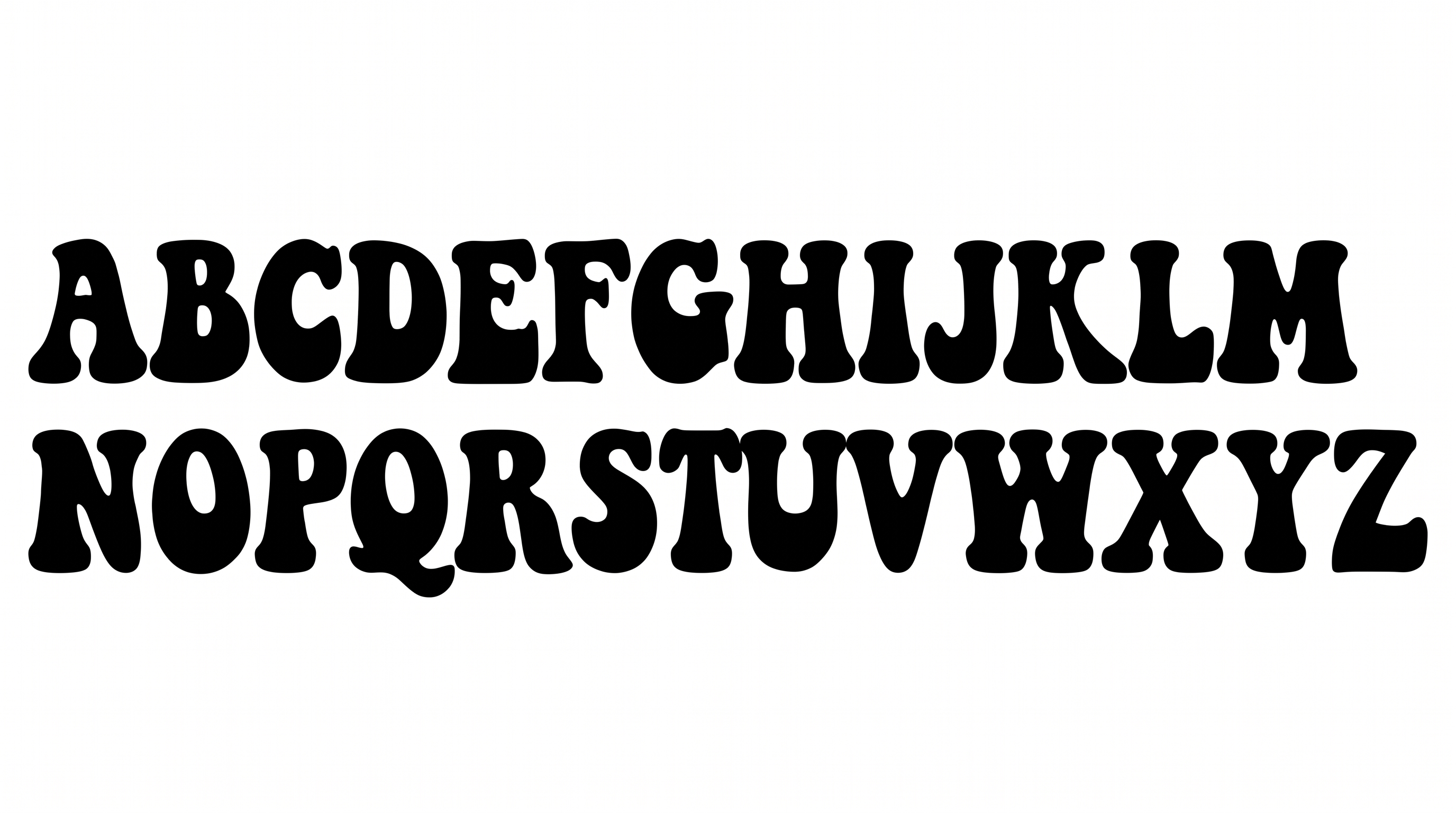
Heavy strokes, bulbous construction, and rounded corners create a bold, hand-drawn display style.
Stroke Weight
Heavy, solid stroke bodies give the visible letters substantial visual weight.
Letter Construction
Bulbous, hand-drawn forms build each letter with softly irregular contours.
Corner Shape
Rounded corners soften the turns and joins throughout the visible letterforms.
Stroke Endings
Stroke endings alternate between rounded terminals and short, pointed tips.
Letter Width
Individual letters use broad proportions, with naturally varied widths.
Letter Connections
Letters remain separate, with clear breaks between neighboring characters.