Free Undertale Wingdings Font Generator Online
Turn your words into crisp uppercase pixel lettering with bold geometric forms, ideal for retro game menus and graphic headlines.
- Templates
- 93
- Generations
- 110
- Downloads
- 290
- Rating
- 5.0
How to Use the Undertale Wingdings Font Generator
Shape uppercase pixel lettering for a layout and save the finished text artwork.
- 01
Enter your pixel heading
Type a short name, message, or title for the uppercase block treatment.
- 02
Set the image layout
Choose a 16:9 image size, font color, and custom background color.
- 03
Generate and download PNG or SVG
Render the text image, review its block shapes, and save your preferred format.
Undertale Wingdings Font Generator in Use: Design Examples & Showcase
See how uppercase pixel lettering adapts to game menus, posters, packaging, apparel, tickets, covers, signs, and compact merchandise.
Undertale Wingdings Font Style Profile
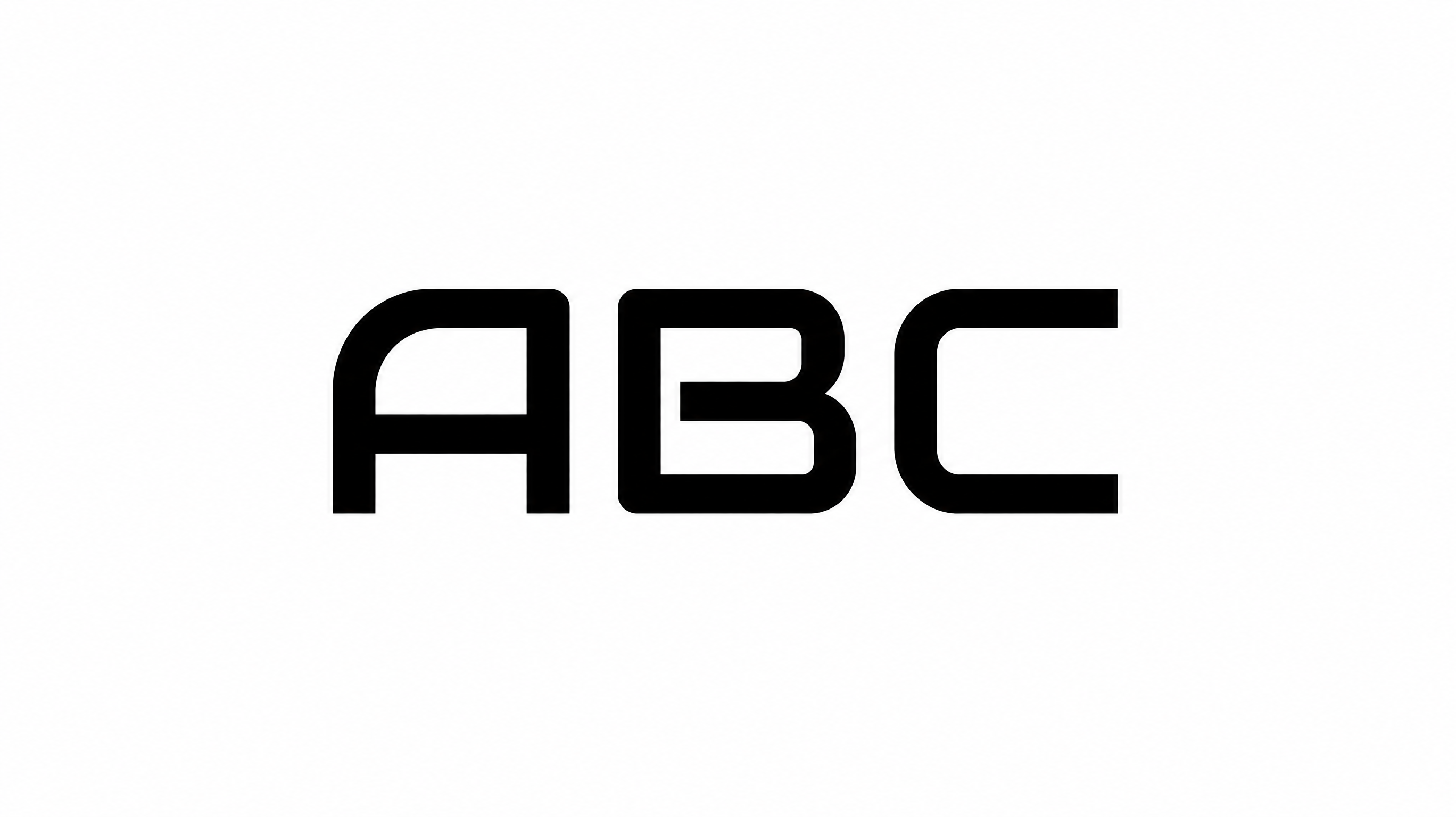
Pixel-built construction, heavy strokes, and angular corners define the crisp uppercase lettering.
Letter Construction
Square pixel modules build each visible uppercase letter.
Stroke Weight
Heavy, mostly even stroke bodies give the letters a bold presence.
Corner Shape
Sharp right-angled corners define the blocky letterforms.
Stroke Endings
Visible strokes finish with broad, flat pixel edges.
Letter Connections
Letters remain separate, with clear breaks between neighboring characters.
Baseline Rhythm
The uppercase letters align along a steady, even baseline.