Free Wingdings 2 Font Generator Online
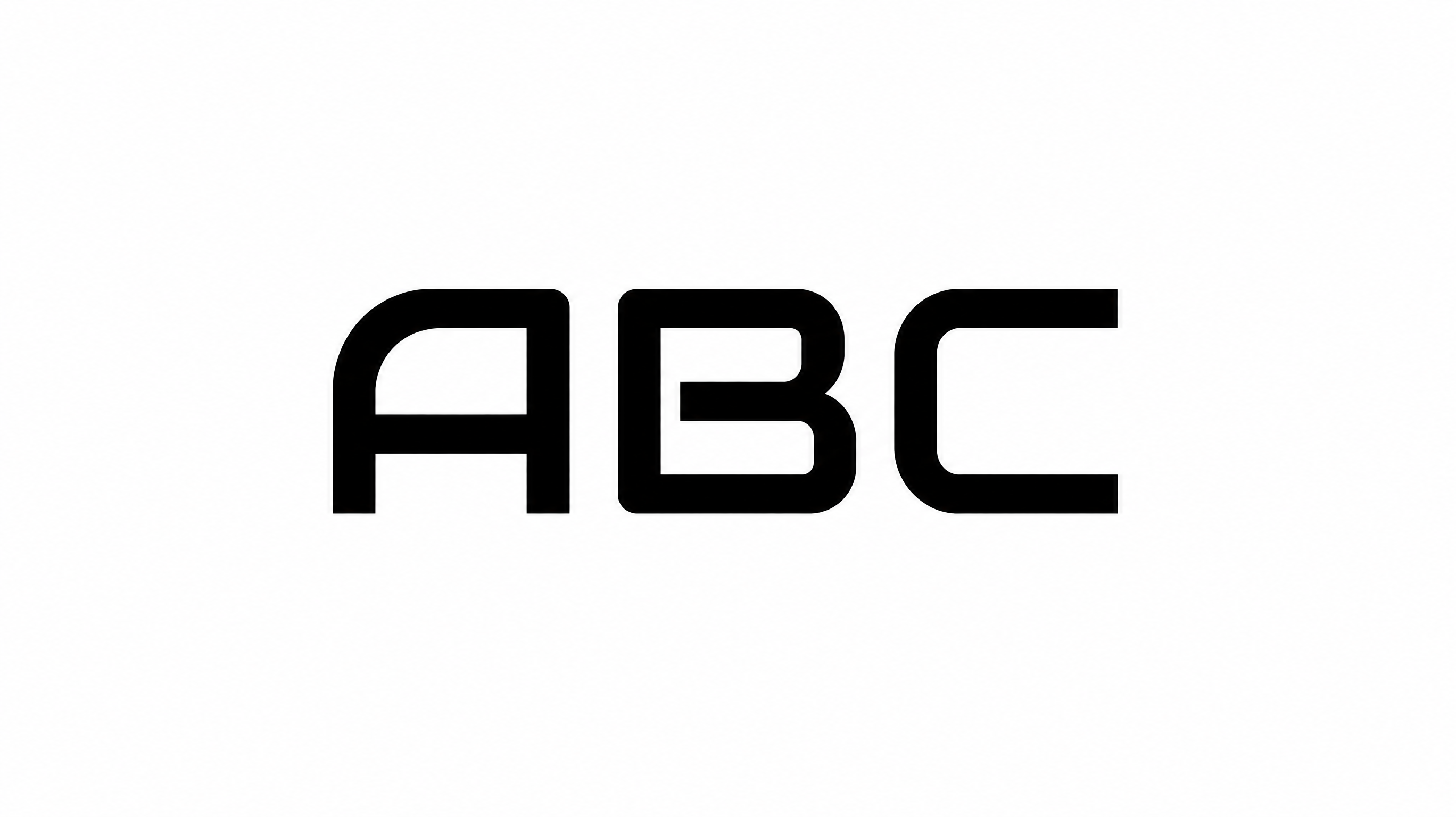
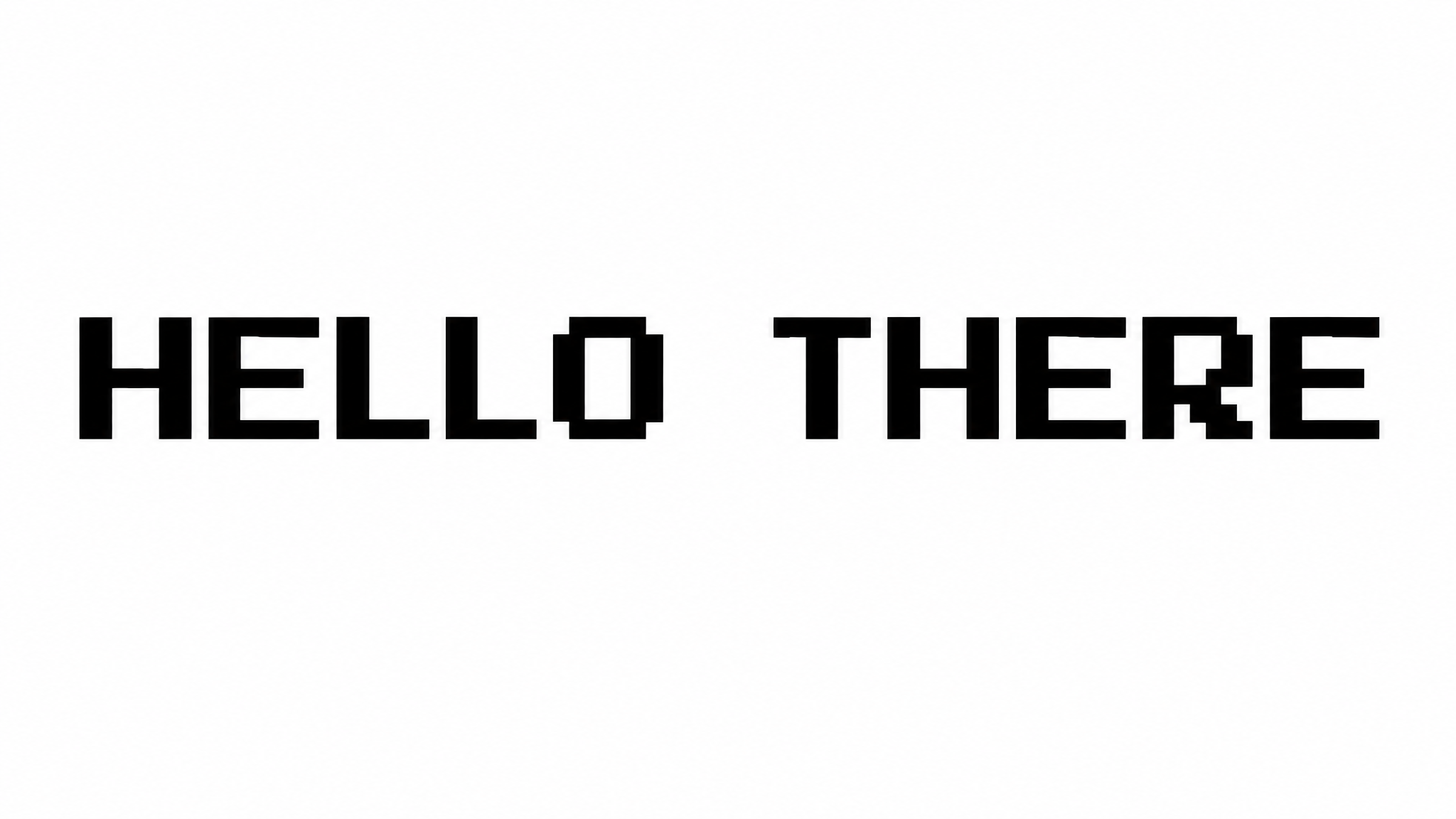
Create thin, geometric uppercase lettering with a clean monoline look for wordmarks, headings, posters, and other design artwork.
- Templates
- 93
- Generations
- 129
- Downloads
- 298
- Rating
- 5.0
How to Use the Wingdings 2 Font Generator
Shape clean geometric lettering with selectable colors and formats for focused design artwork.
- 01
Enter a geometric heading
Type your words and choose an image size such as 1:1 or 16:9 for the layout.
- 02
Set the lettering appearance
Select a custom font color or background option, then generate the thin monoline text.
- 03
Review and download the PNG
Check the uppercase forms in your composition, then download the generated PNG image.
Wingdings 2 Font Generator in Use: Design Examples & Showcase
View the thin geometric lettering across centered wordmarks, alphabet studies, music artwork, exhibition walls, and other design settings.
Wingdings 2 Font Style Profile
Thin monoline strokes, separate geometric letters, and crisp angular turns define this uppercase style.
Stroke Weight
Thin, mostly even strokes give the uppercase letters a delicate monoline appearance.
Letter Connections
Letters remain separate, with clear breaks between neighboring characters.
Stroke Contrast
The letterforms use a mostly consistent stroke thickness throughout each character.
Corner Shape
Crisp angular turns define the L, V, and E while the O remains smoothly rounded.
Letter Construction
Simple continuous geometric strokes build the uppercase characters.
Baseline Rhythm
The uppercase letters sit on a steady baseline with an orderly visual rhythm.