Get 5 Free Credits

Free Wingdings 3 Font Generator Online

Create bold, wide geometric lettering with rounded modular forms, suited to display headings for posters, signage, and packaging.

Enter the text to generate, e.g. Fontify.ai

Font color
Background
Templates
93
Generations
131
Downloads
248
Rating
5.0

How to Use the Wingdings 3 Font Generator

Shape bold modular lettering for clear display use, then save the finished artwork in a supported image format.

  1. 01

    Enter your display wording

    Type a short heading for the bold, modular lettering.

  2. 02

    Set the color and canvas

    Choose font color, a custom background, and a 16:9 image size before generating.

  3. 03

    Download the text image

    Review the rounded forms, then download the finished text image as PNG or SVG.

Wingdings 3 Font Style Profile

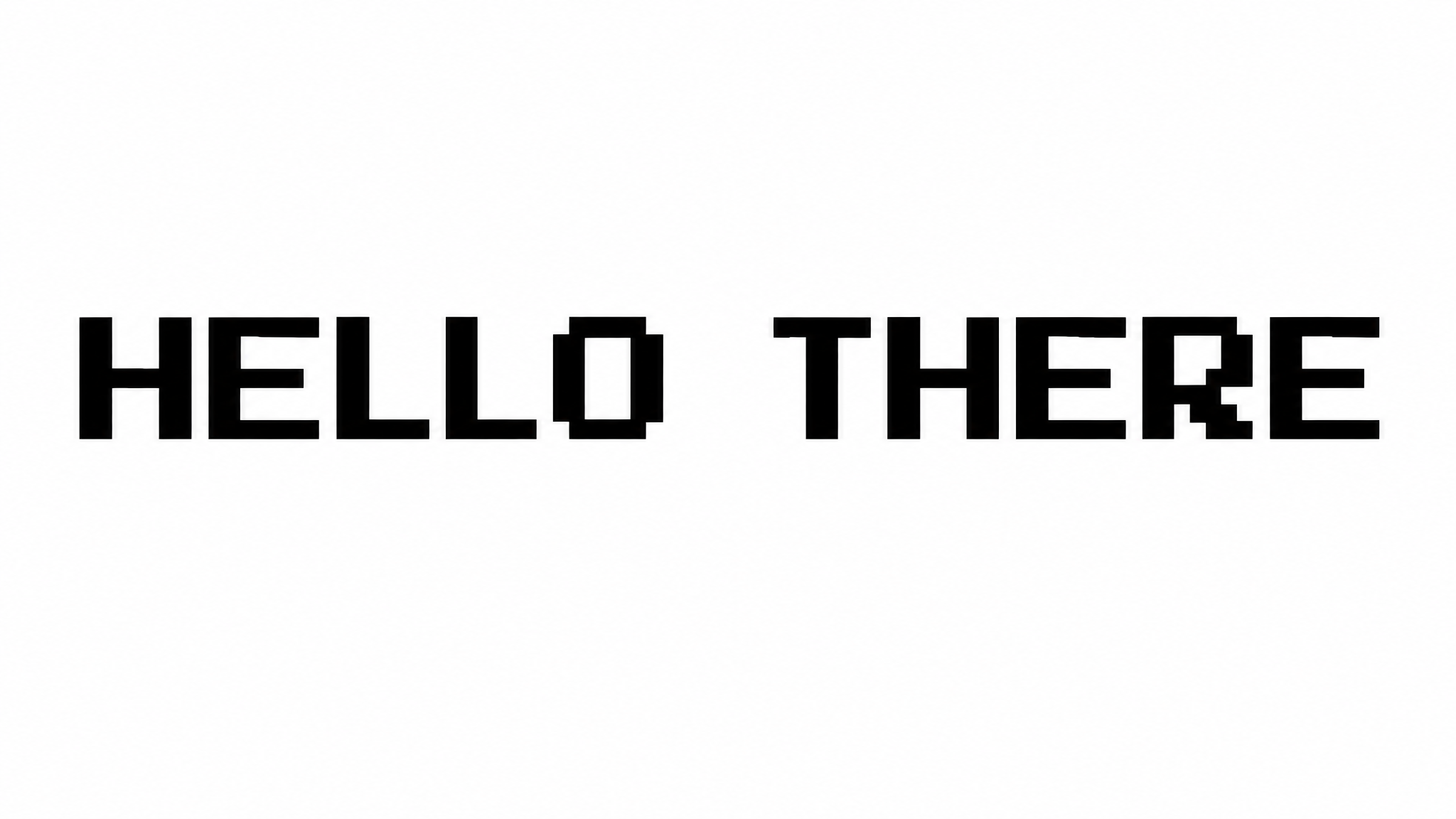
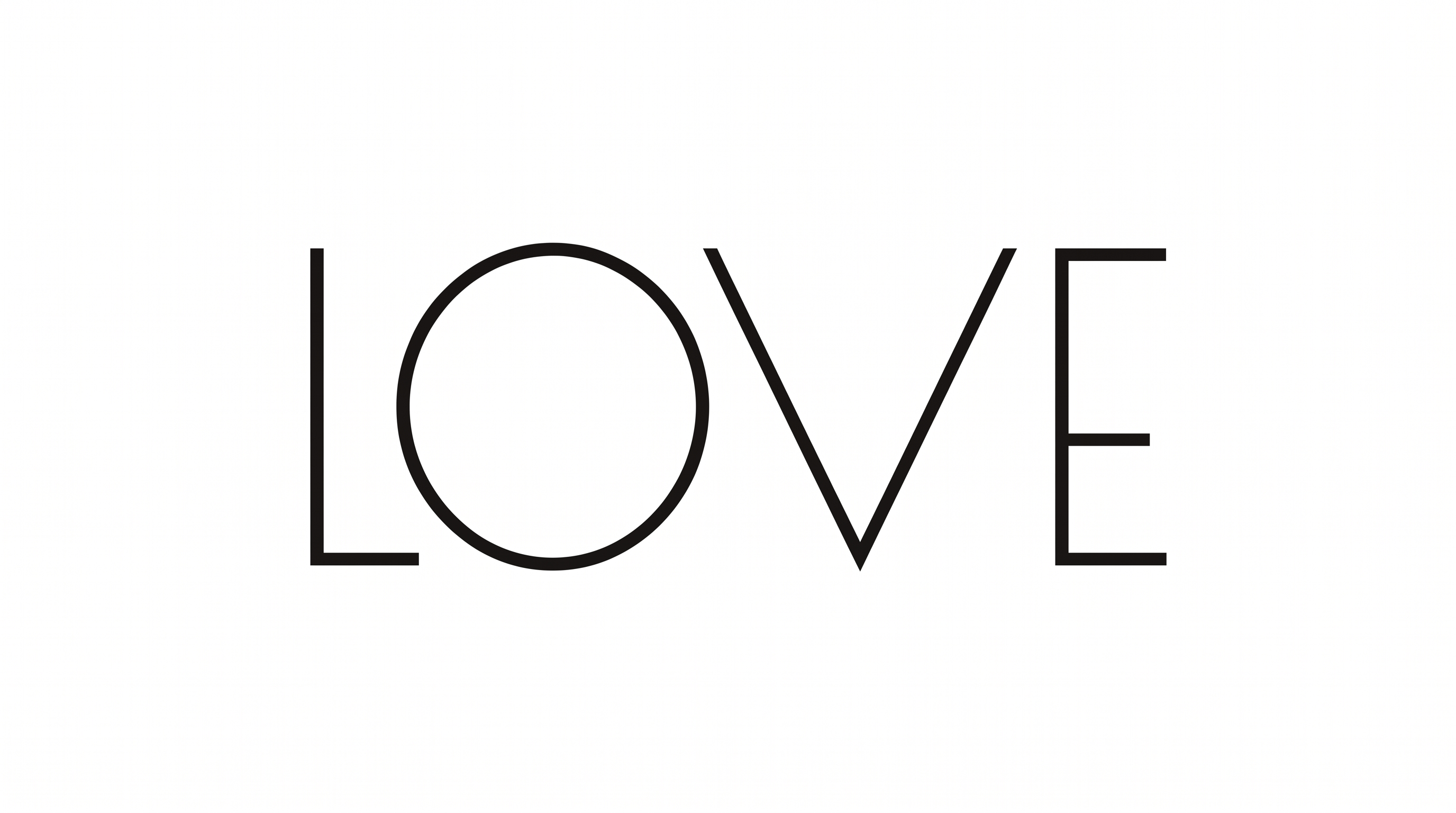
Heavy monoline strokes, rounded corners, and broad modular forms create a bold geometric appearance.

  • Letter Construction

    Continuous geometric strokes build each character from simple modular forms.

  • Stroke Weight

    Heavy, even stroke bodies give the visible letters a bold presence.

  • Corner Shape

    Rounded turns soften the corners and joins of the geometric letterforms.

  • Letter Width

    Broad proportions give the visible characters a wide, extended stance.

  • Stroke Contrast

    Strokes maintain a nearly uniform thickness throughout the visible letterforms.

  • Color Treatment

    Solid black fills create a stark monochrome treatment across the letters.
Frequently asked questions about Wingdings 3 Font Generator

The generator turns your text into an image using bold, geometric Wingdings 3 lettering. Rounded transitions, wide forms, and mostly uniform strokes create clean display artwork for headings and graphic layouts. The finished design can be downloaded in PNG or SVG format.

Yes. The tool is free to use and download for creating text images. Minimum membership covers personal use, while a higher membership covers commercial use; check pricing for the membership that fits your project. PNG and SVG downloads are supported.

Type your text, choose available options such as font color, background, and image size, then generate the design. Review the result and download the artwork as PNG or SVG. The output is a text image rather than an installable font file.

Open the related tools area and compare how other generators handle shape, weight, spacing, and overall mood. Use the examples to identify a visual direction that suits your project, then test your wording in the chosen tool.

Use a short heading and give the wide letterforms enough room at their intended display size. Strong contrast between the lettering and background helps the rounded geometric shapes remain distinct in compact banners or social layouts.

Place the artwork as a dominant heading and keep the surrounding area free of competing details. A centered composition emphasizes its broad proportions, while a left-aligned layout leaves space for dates, labels, or supporting information.

The bold modular forms suit display-led applications such as posters, wayfinding panels, packaging, album covers, and stage screens. Keep the wording concise when the design must read quickly from a distance or within a busy setting.

Pair the lettering with simple grids, geometric illustrations, or restrained photography that echoes its clean construction. Use a quieter supporting type treatment for details, allowing the wide headline forms to establish the visual hierarchy.

The stark monochrome treatment feels bold, technical, and minimal, while rounded corners soften the geometry. This balance works well for modern cultural, technology, retail, and editorial concepts that need a strong display voice.
READY TO CREATE?

Create Custom Wingdings 3 Fonts & Text Effects

Try Wingdings 3 Font Generator Free