Get 5 Free Credits

Free Glitch Font Generator Online

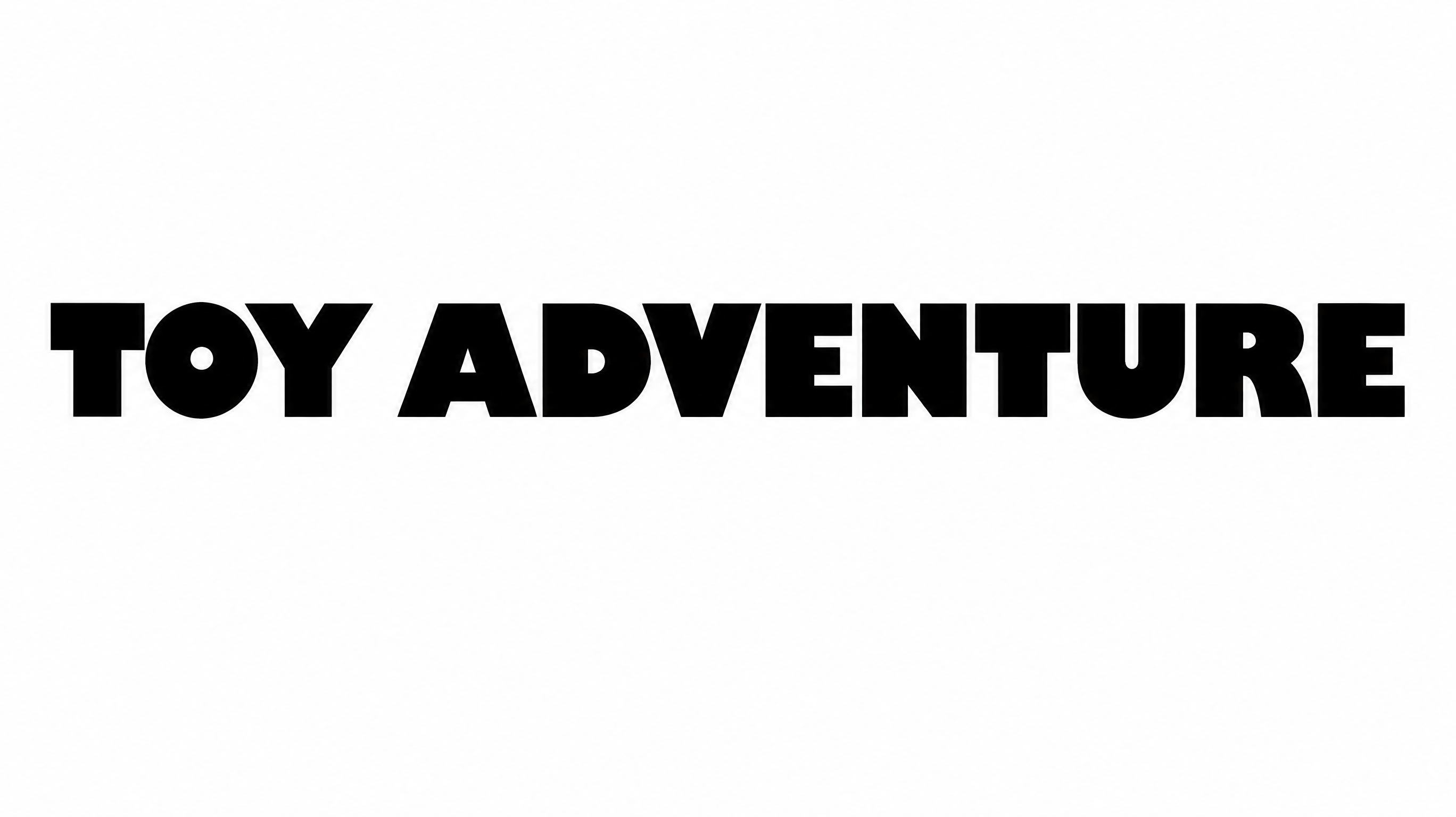
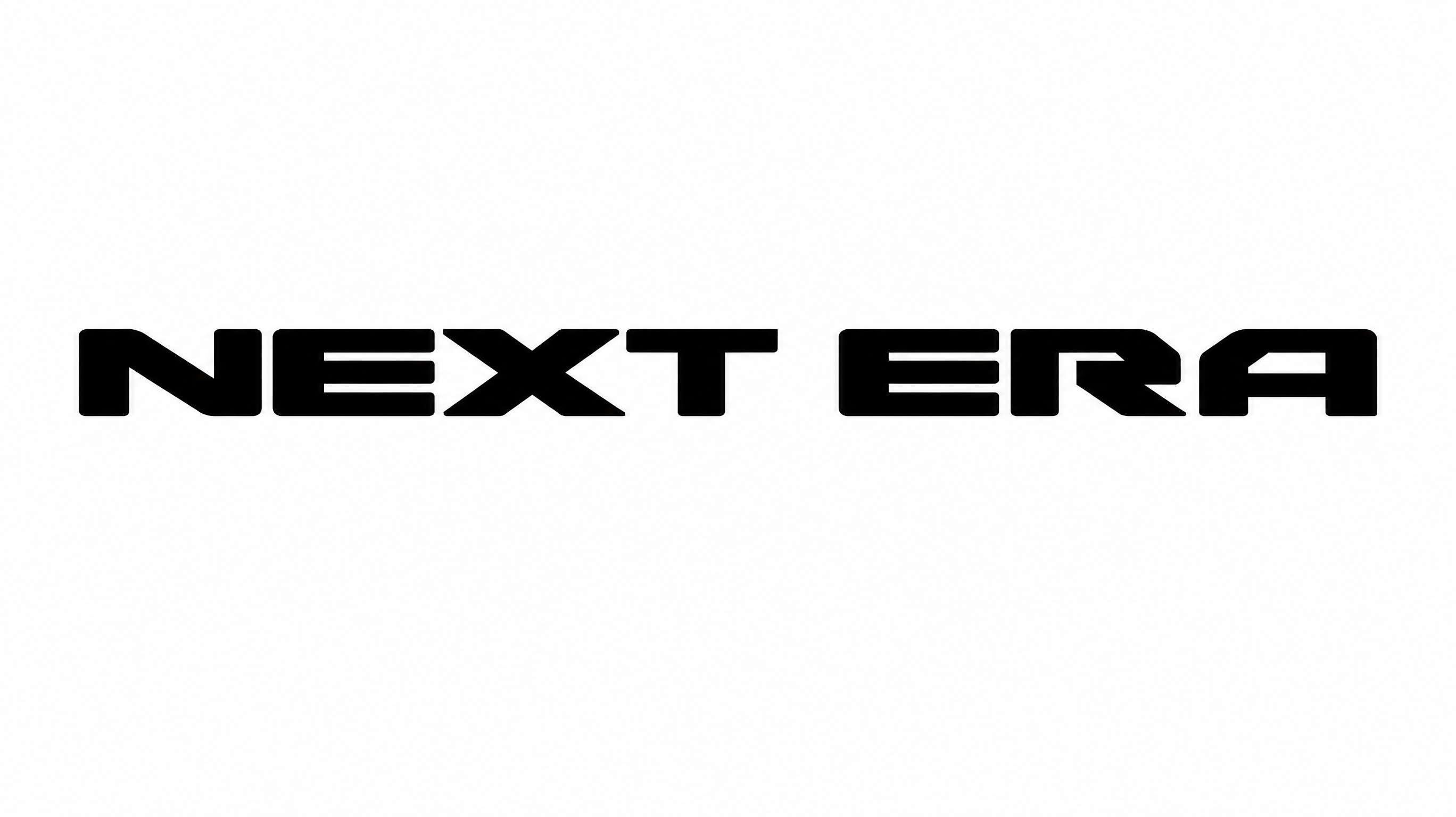
Turn your wording into heavy monochrome uppercase lettering with horizontal raster tears, ideal for bold digital titles and cover artwork.

Enter the text to generate, e.g. Fontify.ai

Font color
Background
Templates
22
Generations
174
Downloads
236
Rating
5.0

How to Use the Glitch Font Generator

Shape bold uppercase text for covers and screens while preserving the distinctive horizontal raster-tear effect.

  1. 01

    Enter your headline

    Type a short title or phrase suited to the heavy uppercase display style.

  2. 02

    Set the artwork layout

    Choose a font color, background and aspect ratio such as 16:9 or 1:1.

  3. 03

    Generate and save the image

    Review the raster-tear lettering, then download the finished artwork as PNG or SVG.

Glitch Font Style Profile

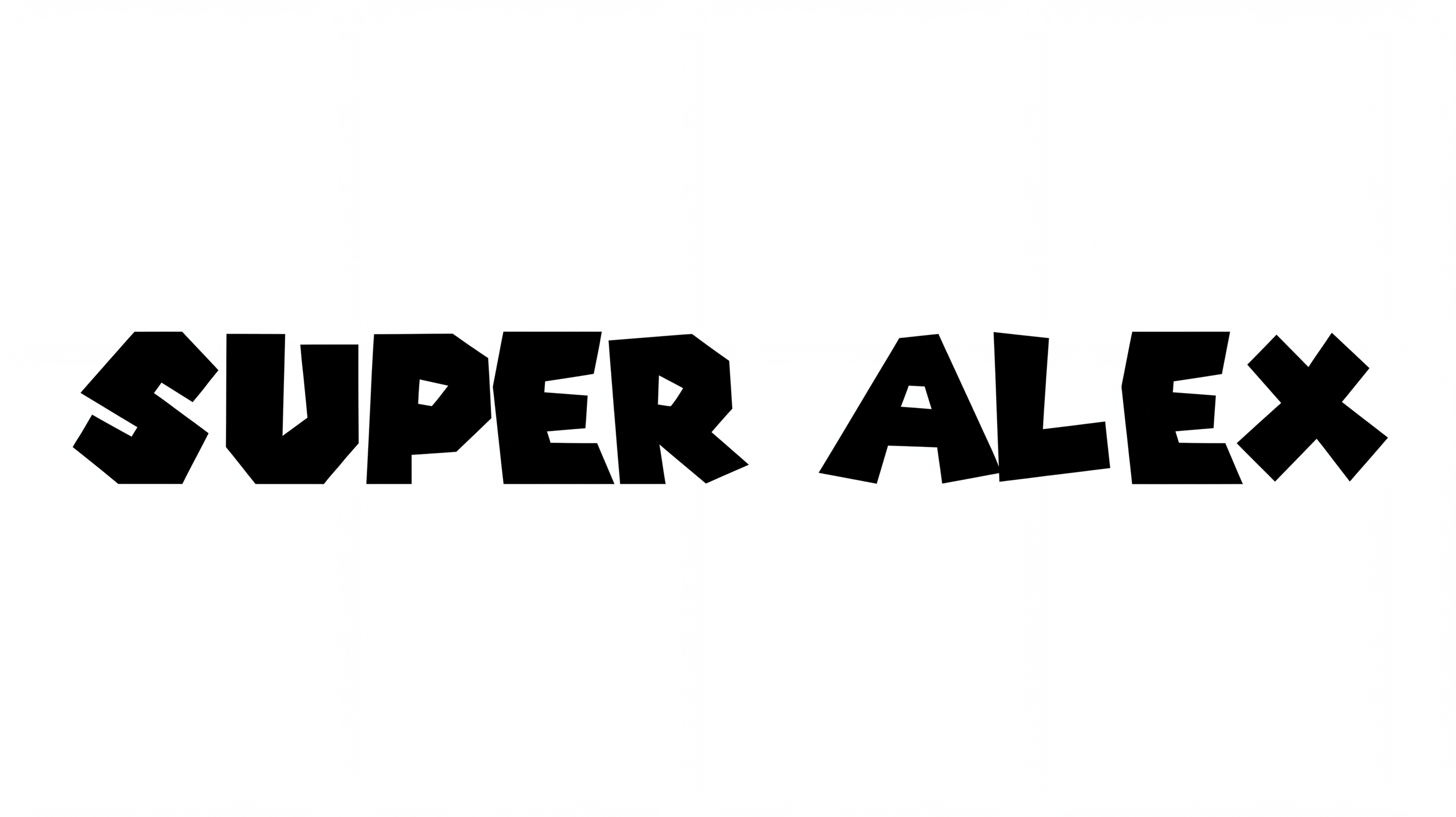
Heavy black forms, horizontal fragmentation and an even baseline define the distressed uppercase lettering.

  • Surface Texture

    Horizontal tears and rough signal-like fragments distress the black letter surfaces.

  • Letter Construction

    Solid uppercase forms are interrupted by narrow horizontal breaks and displaced segments.

  • Stroke Weight

    Heavy stroke bodies give the uppercase characters a bold display presence.

  • Color Treatment

    Solid black lettering creates a stark monochrome treatment.

  • Letter Spacing

    Small gaps keep neighboring letters closely arranged while preserving separation.

  • Baseline Rhythm

    The uppercase letters maintain a steady baseline across each displayed row.
Frequently asked questions about Glitch Font Generator

Yes. Transparent backgrounds are supported for layering the lettering over other artwork. This template also lets you choose a custom font color, select a custom background color, upload a background image and set the image size. Transparency is an output option rather than a guarantee that every result uses it by default.

Use the generated Glitch Font PNG as image artwork. Upload it in Canva and insert it into Google Docs. Import it into a project in the Cricut app, also known as Cricut Design Space. The rendered words remain image artwork rather than an installed font.

Commercial use requires the applicable higher membership, while the minimum membership covers personal use. Review pricing to choose the membership that matches your project. The generated artwork should be used according to those membership terms.

Yes. You can use the generator and download your lettering through the supported free-use options. Free access does not establish commercial rights, so projects intended for business use follow the separate membership conditions.

Its heavy uppercase forms and digital distortion suit album covers, game-menu headings, streaming overlays and technology-themed online graphics. Use it as a prominent title where the horizontal raster tears can remain visible.

Use the Glitch Font Generator with a wide ratio such as 16:9 or 21:9. Keep the main phrase prominent, then leave clear surrounding space for navigation, credits or supporting information.

Favor a short phrase, display it at a generous size and preserve strong contrast around the black letterforms. The raster tearing works best when the underlying uppercase shapes remain easy to recognize.

Pair the monochrome distortion with restrained supporting text, technical diagrams, halftone imagery or photocopy-style collage. This creates a tense digital mood while allowing essential details to remain visually organized.
READY TO CREATE?

Create Custom Glitch Fonts & Text Effects

Try Glitch Font Generator Free