Free Mario Font Generator Online
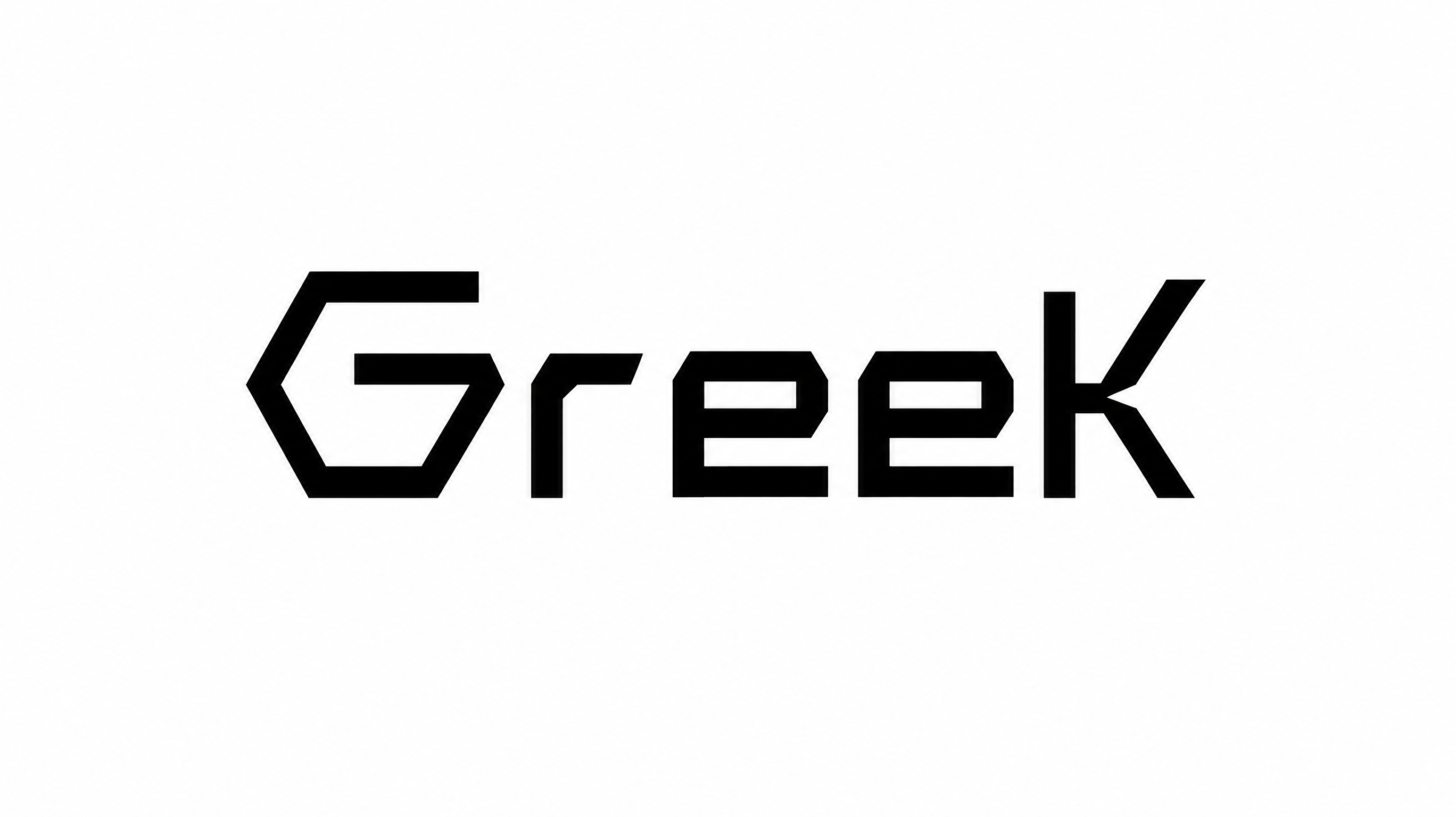
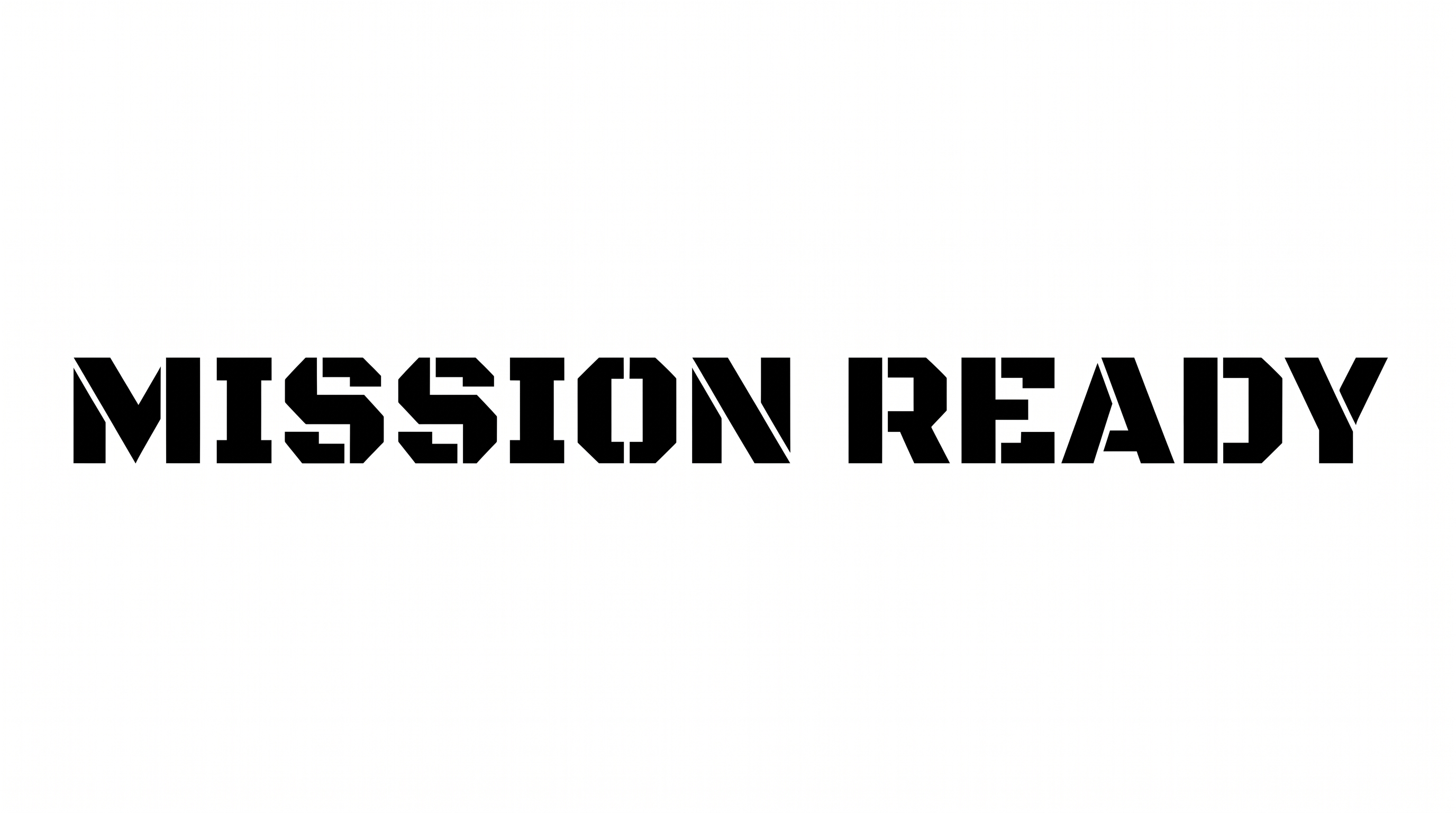
Turn words into heavy, angular uppercase lettering with playful polygonal shapes suited to game titles and bold display graphics.
- Templates
- 254
- Generations
- 197
- Downloads
- 236
- Rating
- 5.0
More Mario Font Generator Tools and Mario Font Alternative
Explore more text tools for other bold, playful, and geometric lettering directions.

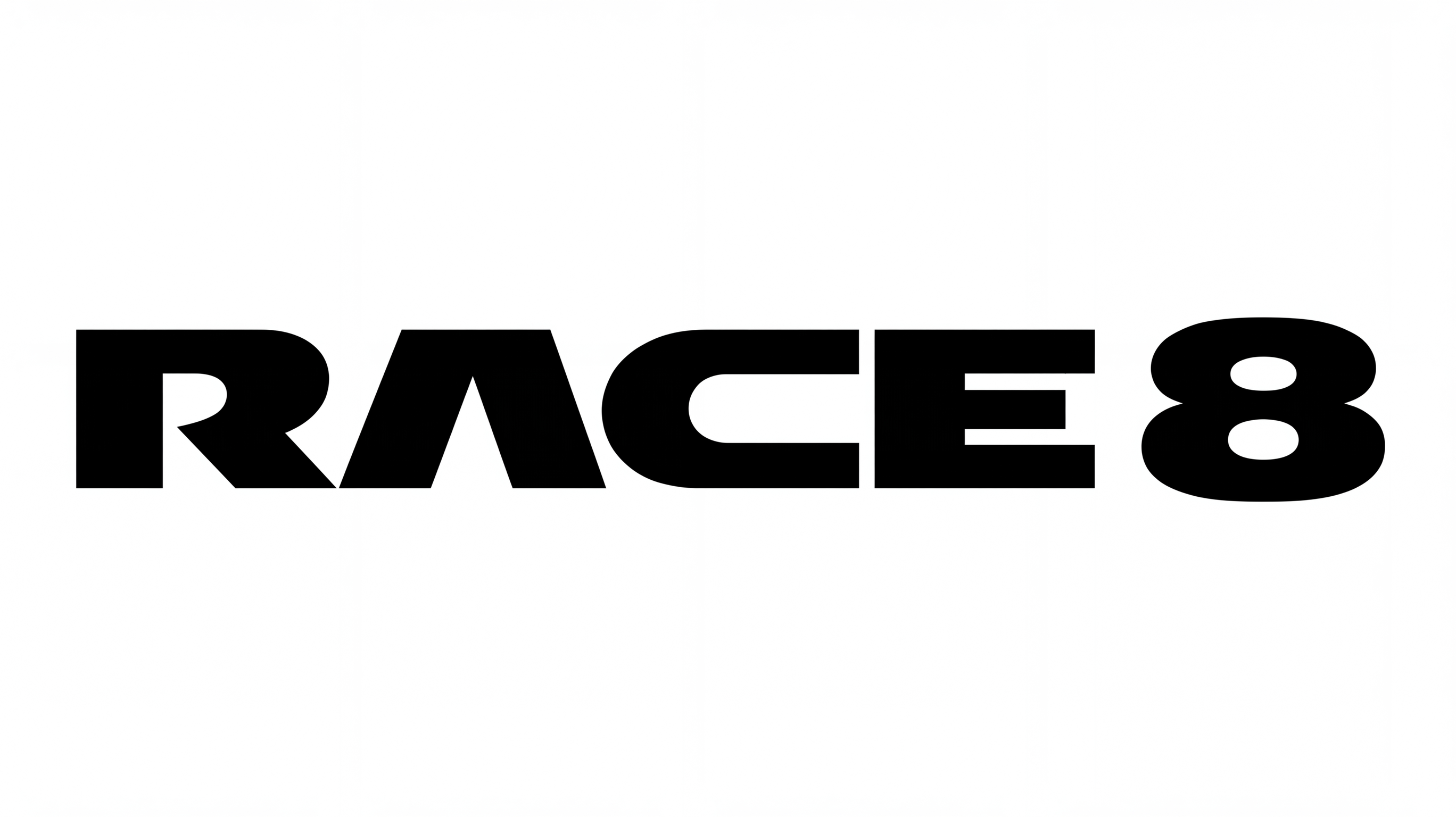
How to Use the Mario Font Generator
Shape a bold display title and size the angular lettering for its intended layout.
- 01
Write your display title
Enter a short name or title to shape into bold, angular block lettering.
- 02
Set the image layout
Choose a custom font color, background, and a 16:9 image size for a wide layout.
- 03
Generate and download the image
Generate the image, review the polygonal capitals, then download it as PNG or SVG.
Mario Font Generator in Use: Design Examples & Showcase
Compare how the bold, angular lettering works across arcade marquees, packaging, apparel, signs, stationery, and digital layouts.
Mario Font Style Profile
Heavy block forms, sharp polygonal corners, and separate letters create a playful, irregular display style.
Letter Construction
Solid polygonal forms build each capital as a compact block shape.
Corner Shape
Sharp, irregular corners give the capitals a cut-paper geometric profile.
Stroke Weight
Heavy black stroke bodies give the visible capitals a forceful presence.
Letter Connections
Letters remain separate, with clear breaks between neighboring characters.
Baseline Rhythm
Subtle shifts in height and position create a lively, uneven baseline rhythm.
Stroke Endings
Broad, angular cuts form blunt endings on the visible strokes.