Free Stranger Things Font Generator Online
Create elegant, high-contrast uppercase serif lettering for editorial covers, title cards and other bold display layouts.
- Templates
- 38
- Generations
- 154
- Downloads
- 257
- Rating
- 5.0
More Stranger Things Font Generator Tools and Stranger Things Font Alternative
Explore related text tools and compare other visual directions for your lettering.
How to Use the Stranger Things Font Generator
Shape high-contrast uppercase lettering for covers, title cards and other display-focused artwork.
- 01
Compose an uppercase title
Type a concise phrase that suits the high-contrast uppercase serif style.
- 02
Set the canvas and colors
Choose font color, a custom background or uploaded image, and an aspect ratio such as 16:9.
- 03
Generate and download PNG or SVG
Generate the image, review the rendered lettering, then download the finished artwork.
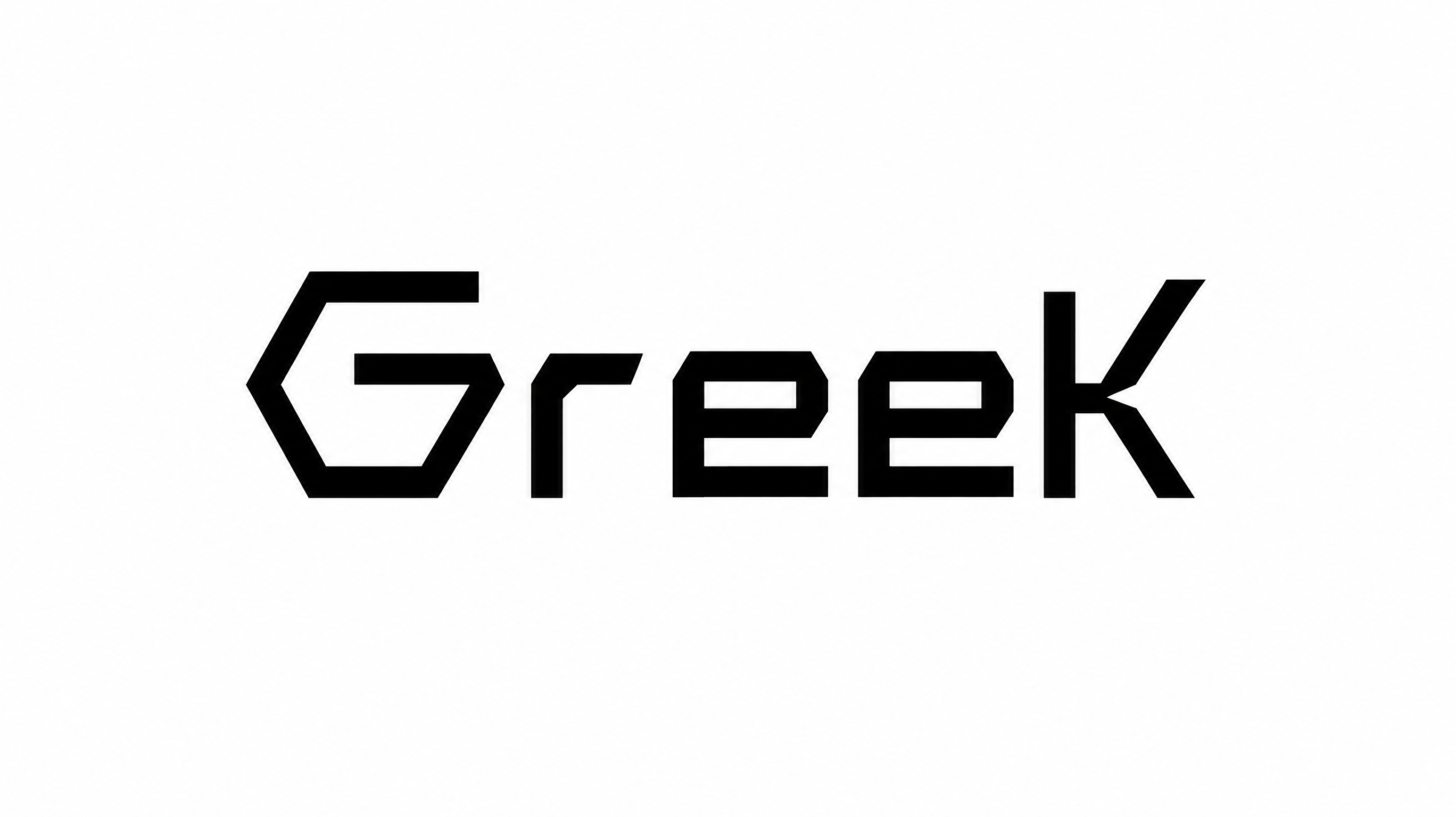
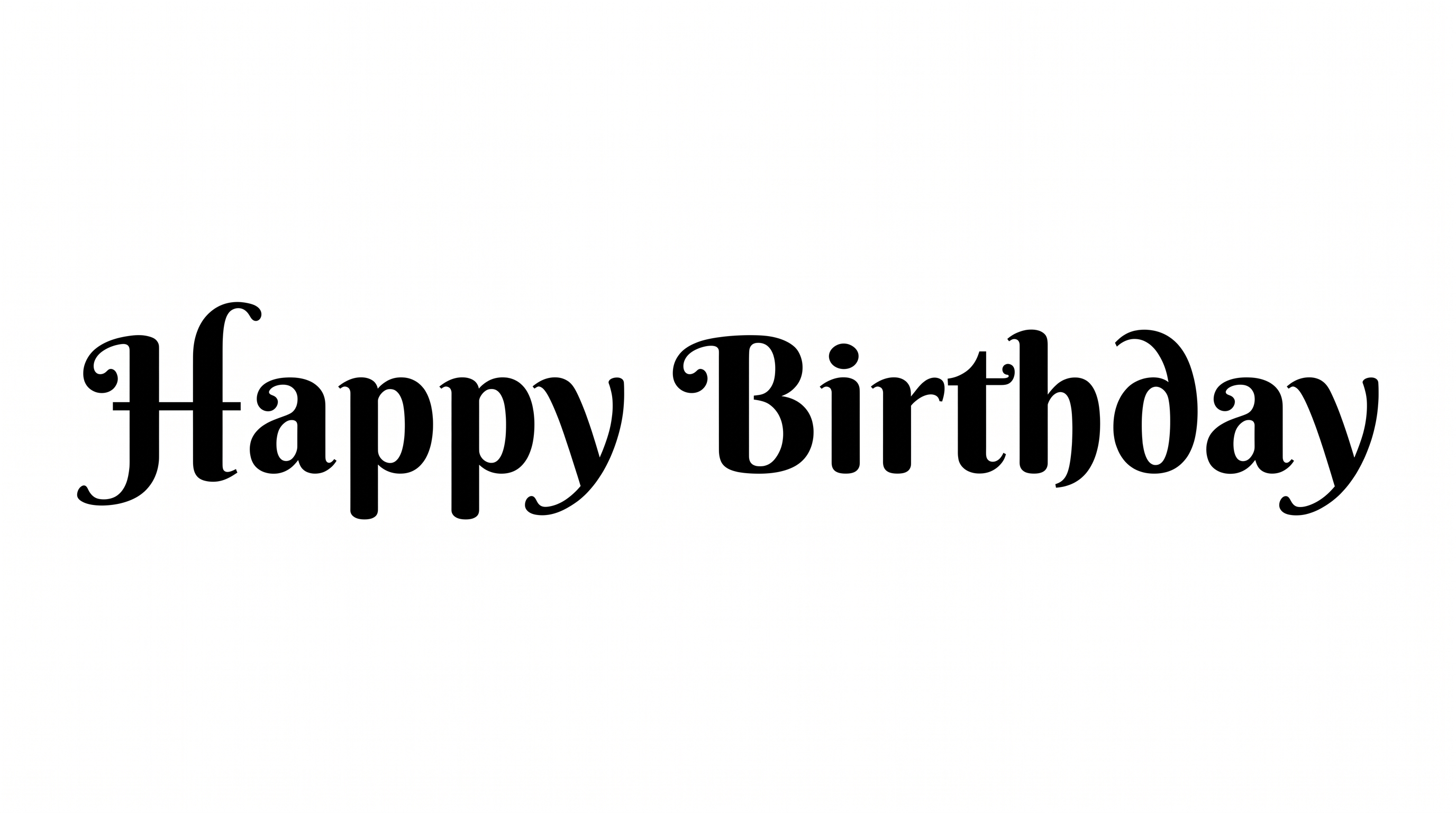
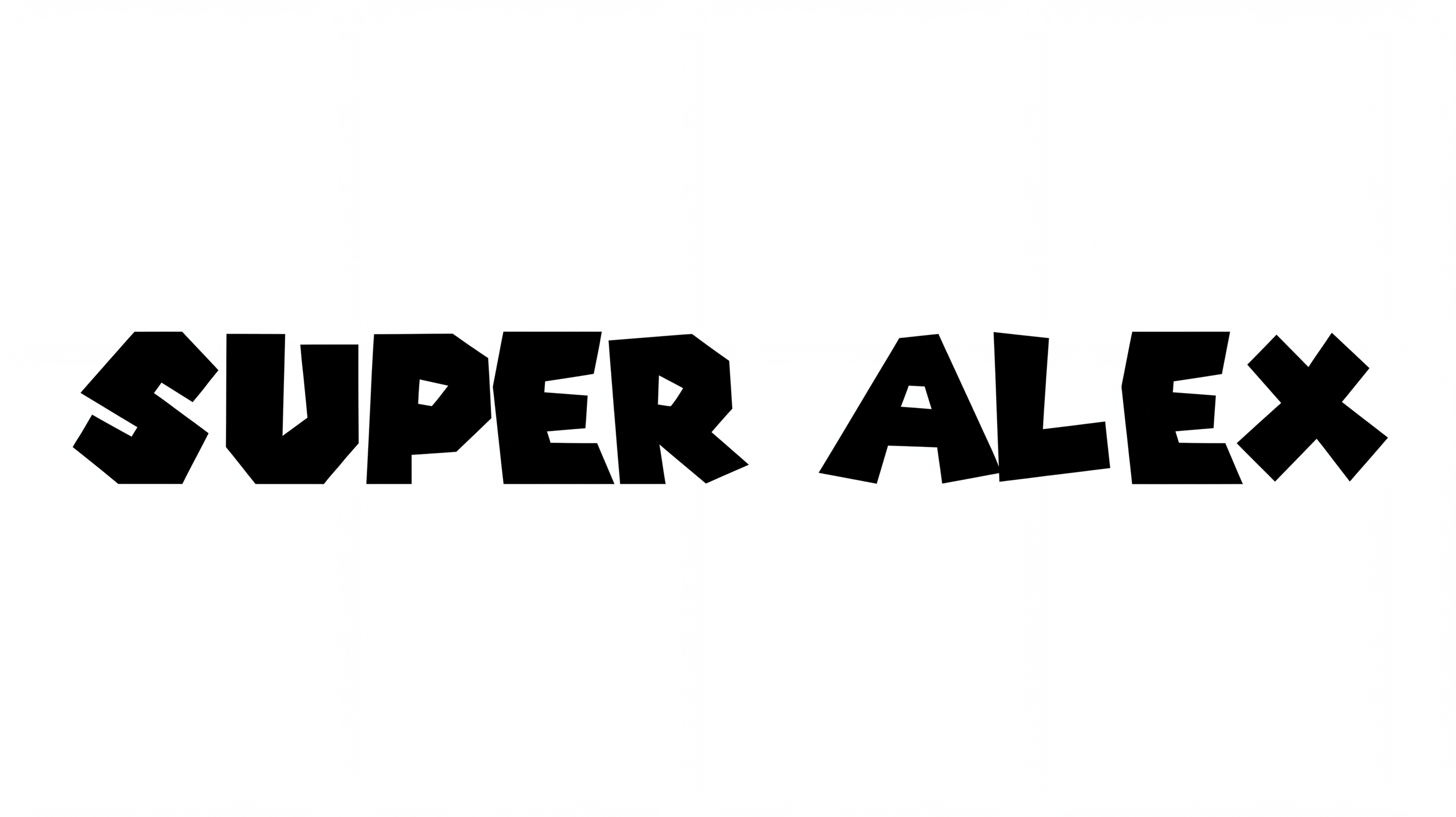
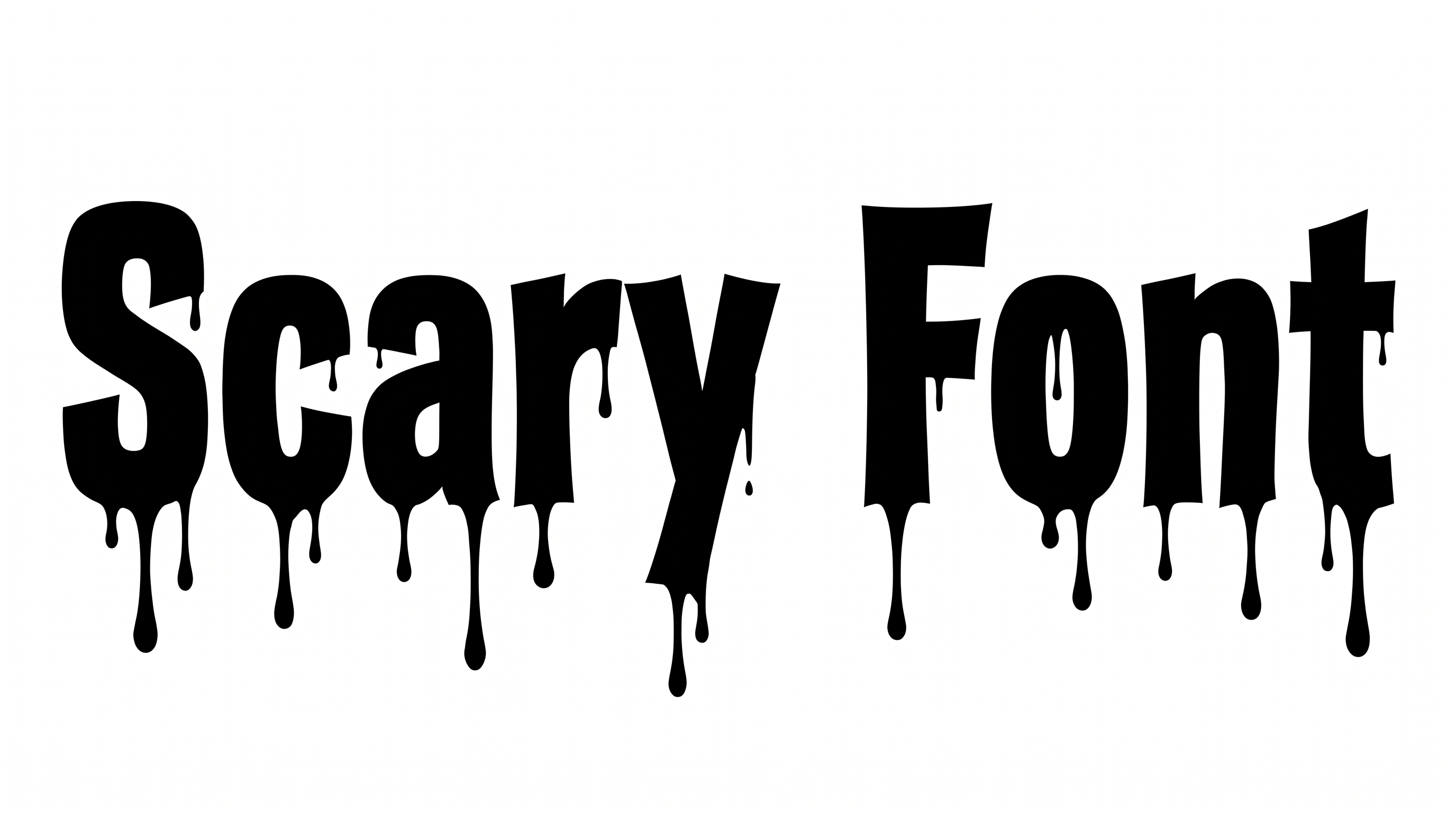
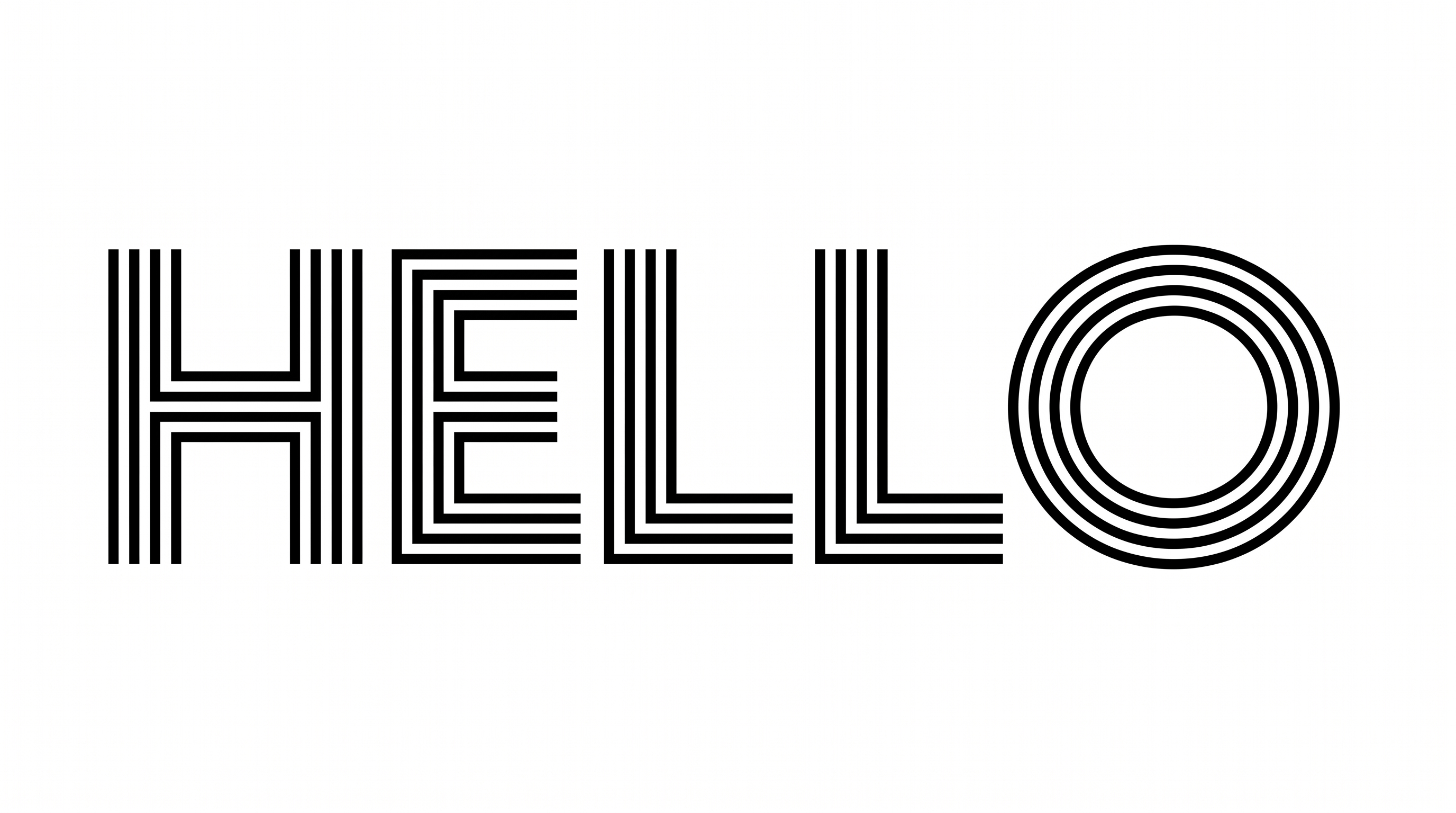
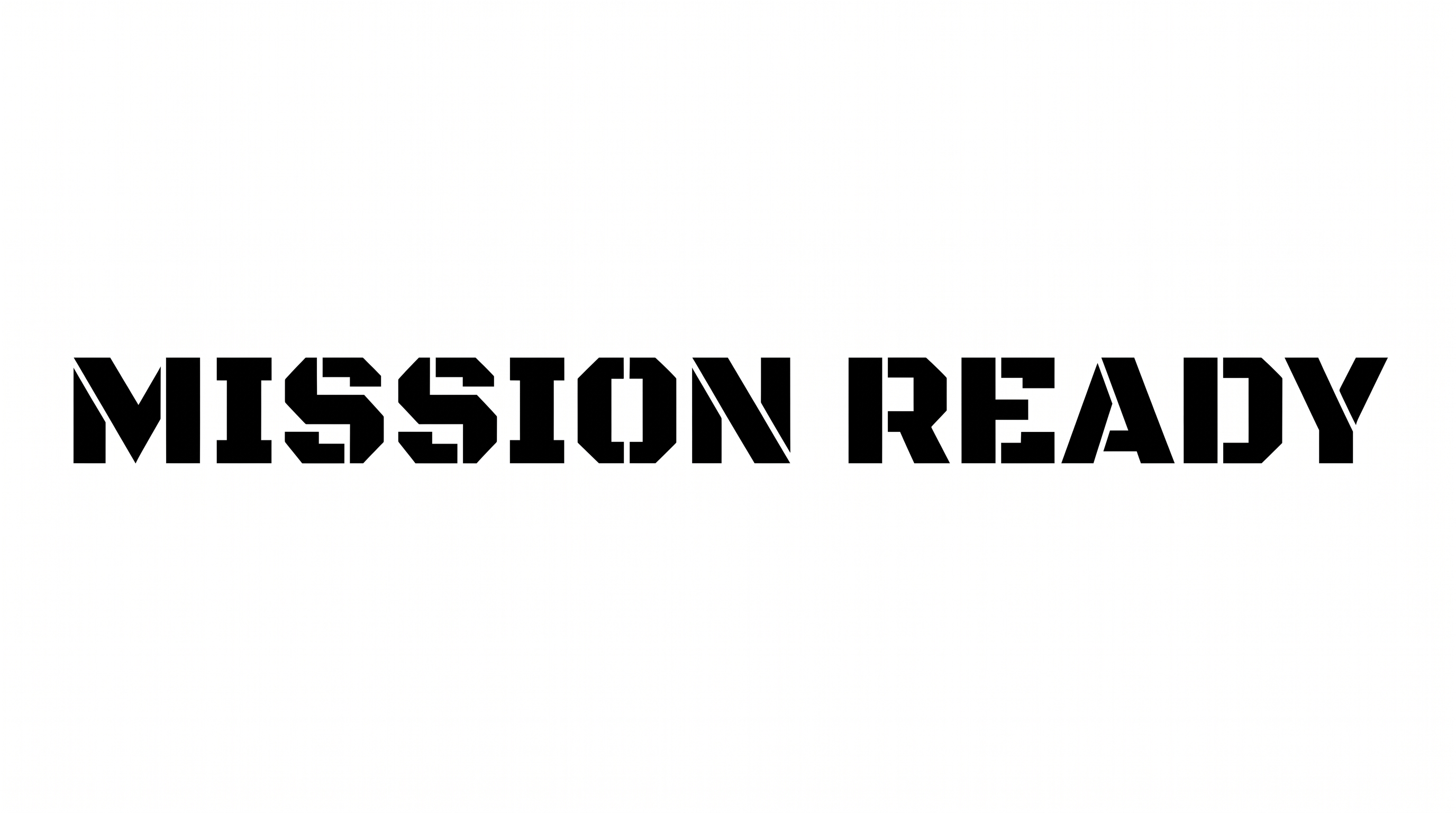
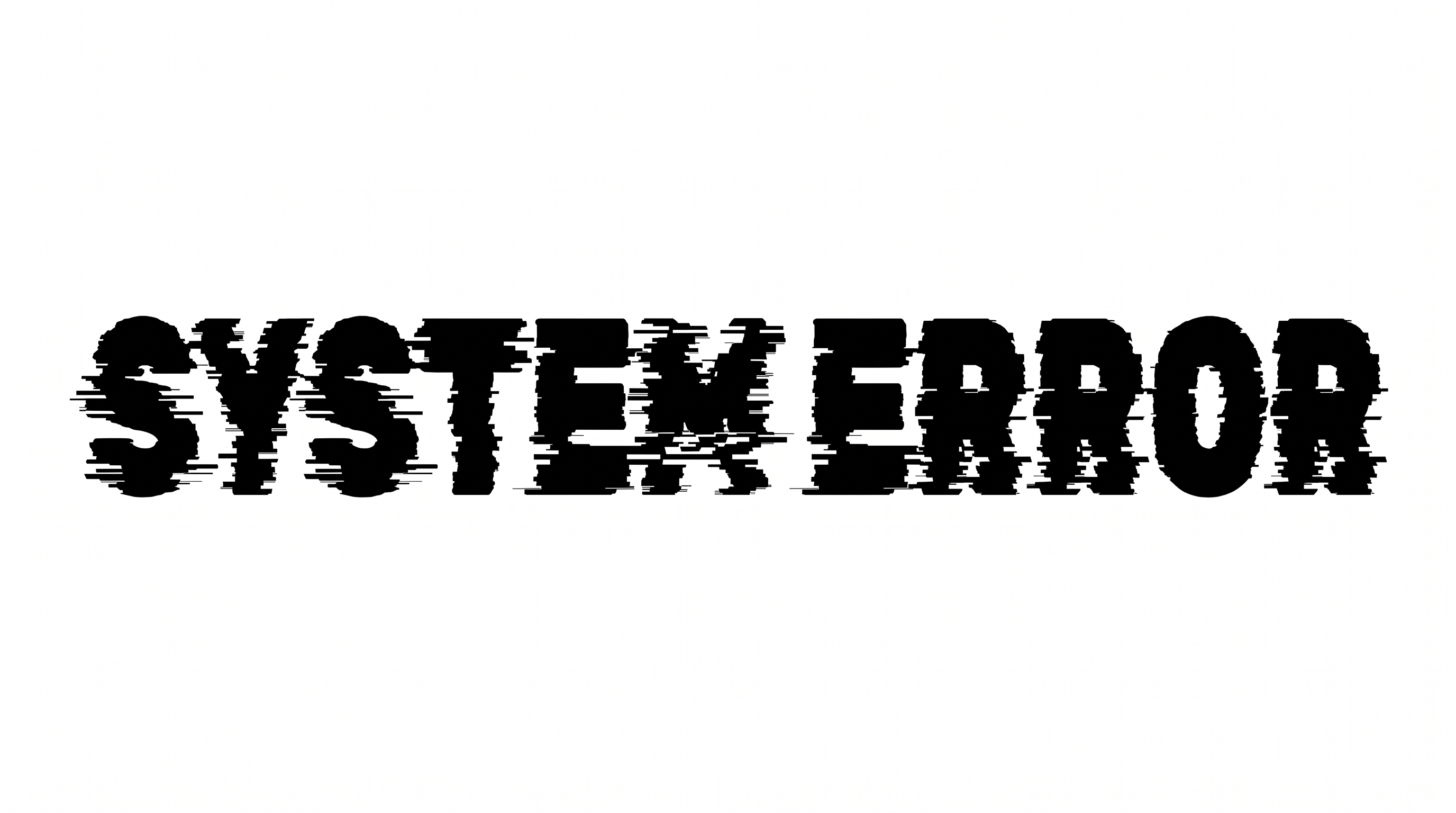
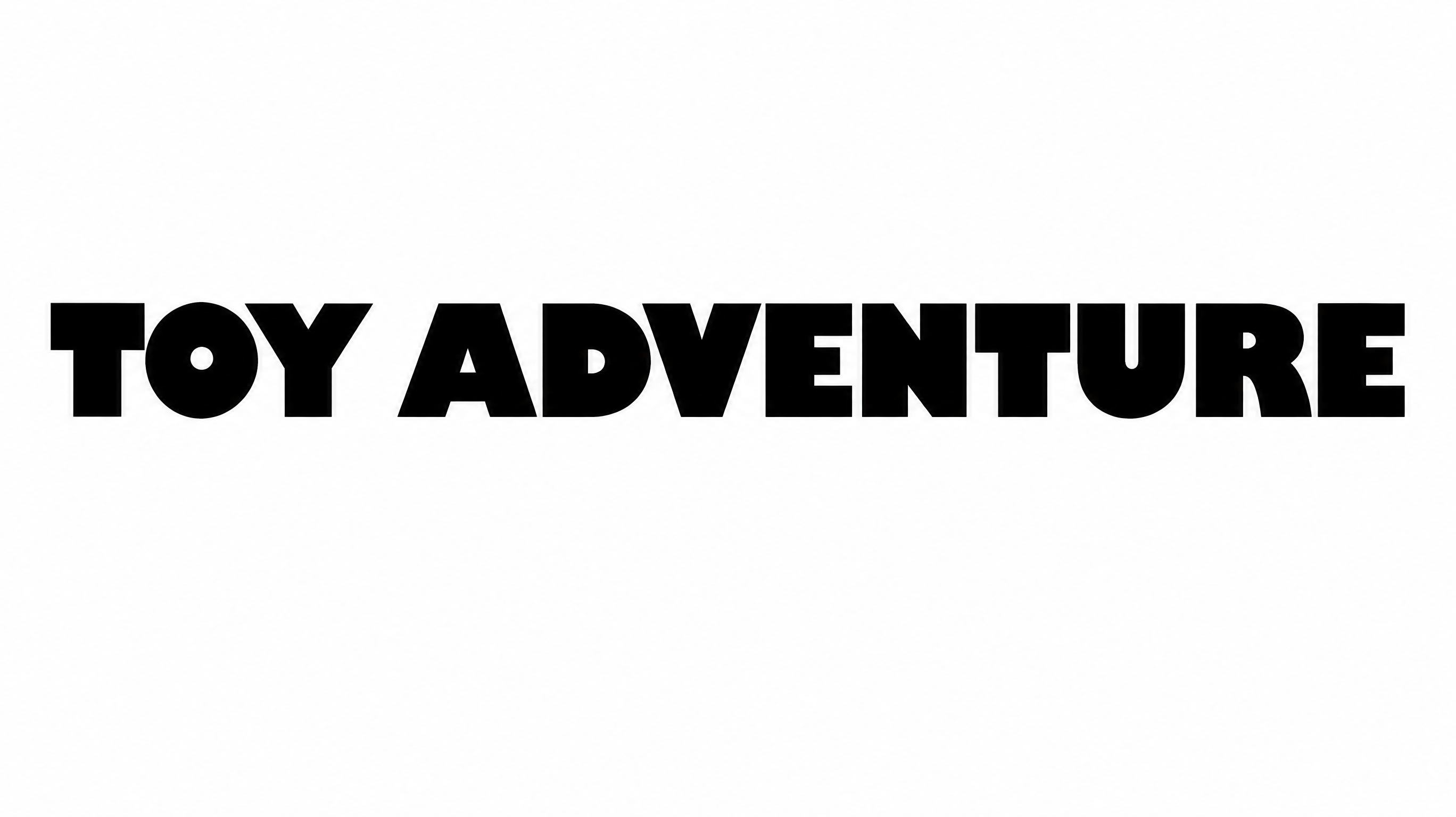
Stranger Things Font Generator in Use: Design Examples & Showcase
Compare how the uppercase serif lettering adapts to book covers, magazine mastheads, album artwork and wide title compositions.
Stranger Things Font Style Profile
Strong stroke contrast, sharp serifs and closely set capitals create an elegant editorial character.
Stroke Contrast
Strong shifts between thick stems and hairline strokes define the uppercase letters.
Stroke Endings
Sharp wedge-like serifs finish many visible strokes.
Letter Construction
Each uppercase character uses solid, continuous serif forms.
Letter Spacing
Narrow gaps keep neighboring letters closely set within each word.
Letter Connections
Letters remain separate, with clear breaks between neighboring characters.
Baseline Rhythm
The capitals align along a steady baseline in the visible words and alphabet.