Get 5 Free Credits

Free Military Font Generator Online

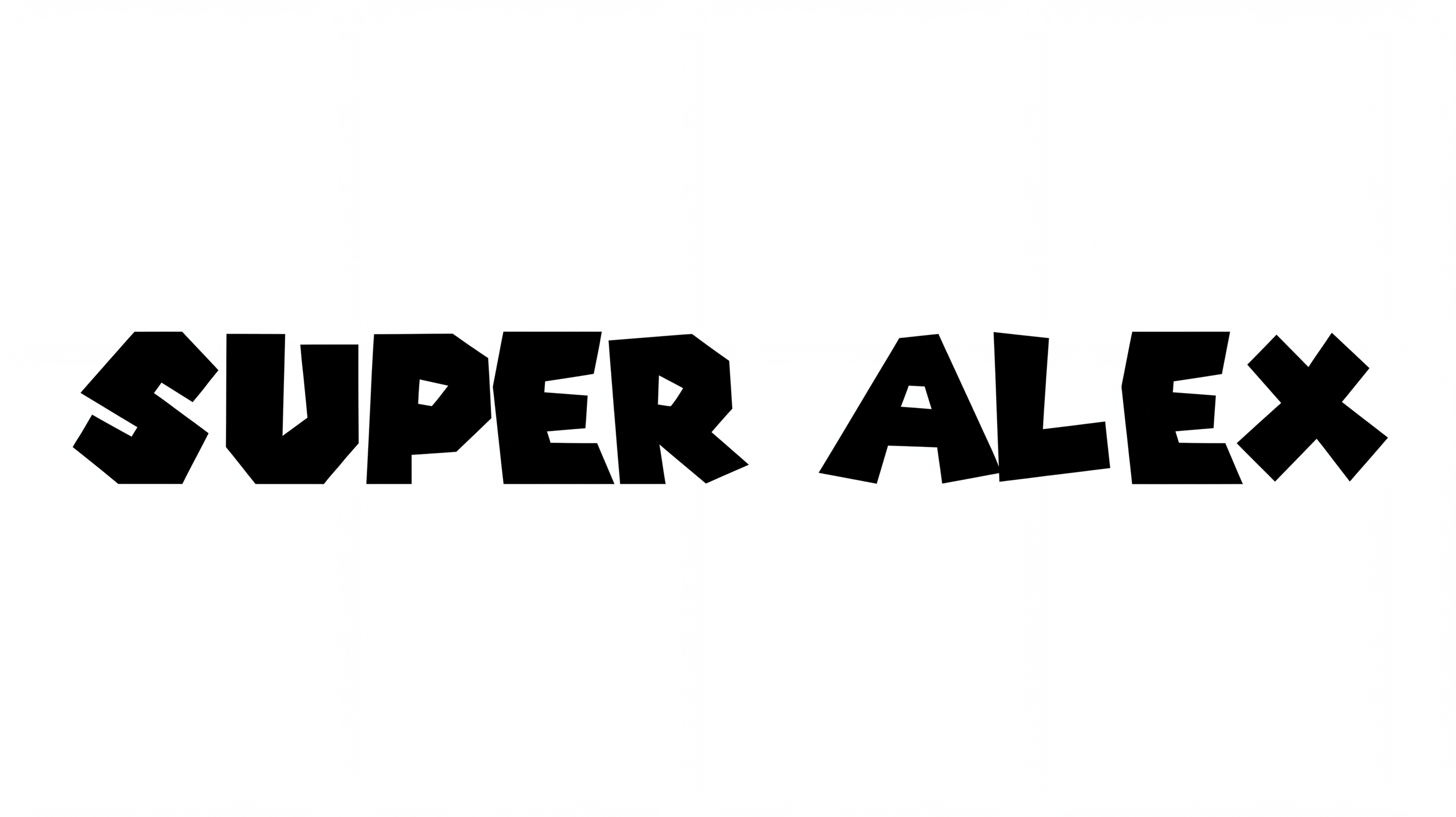
Turn your wording into bold geometric capitals with clipped corners and stencil-like cutouts for labels, covers, and signage.

Enter the text to generate, e.g. Fontify.ai

Font color
Background
Templates
25
Generations
88
Downloads
281
Rating
5.0

How to Use the Military Font Generator

Shape a bold stencil heading with an image size and background suited to its final layout.

  1. 01

    Set your stencil wording

    Enter a short title, then choose a 16:9 size for a wide stencil composition.

  2. 02

    Choose colors and a background

    Set the font color and select a custom color or uploaded image for the background.

  3. 03

    Generate and save the image

    Generate the angular lettering, review the image, then download it as PNG or SVG.

Military Font Style Profile

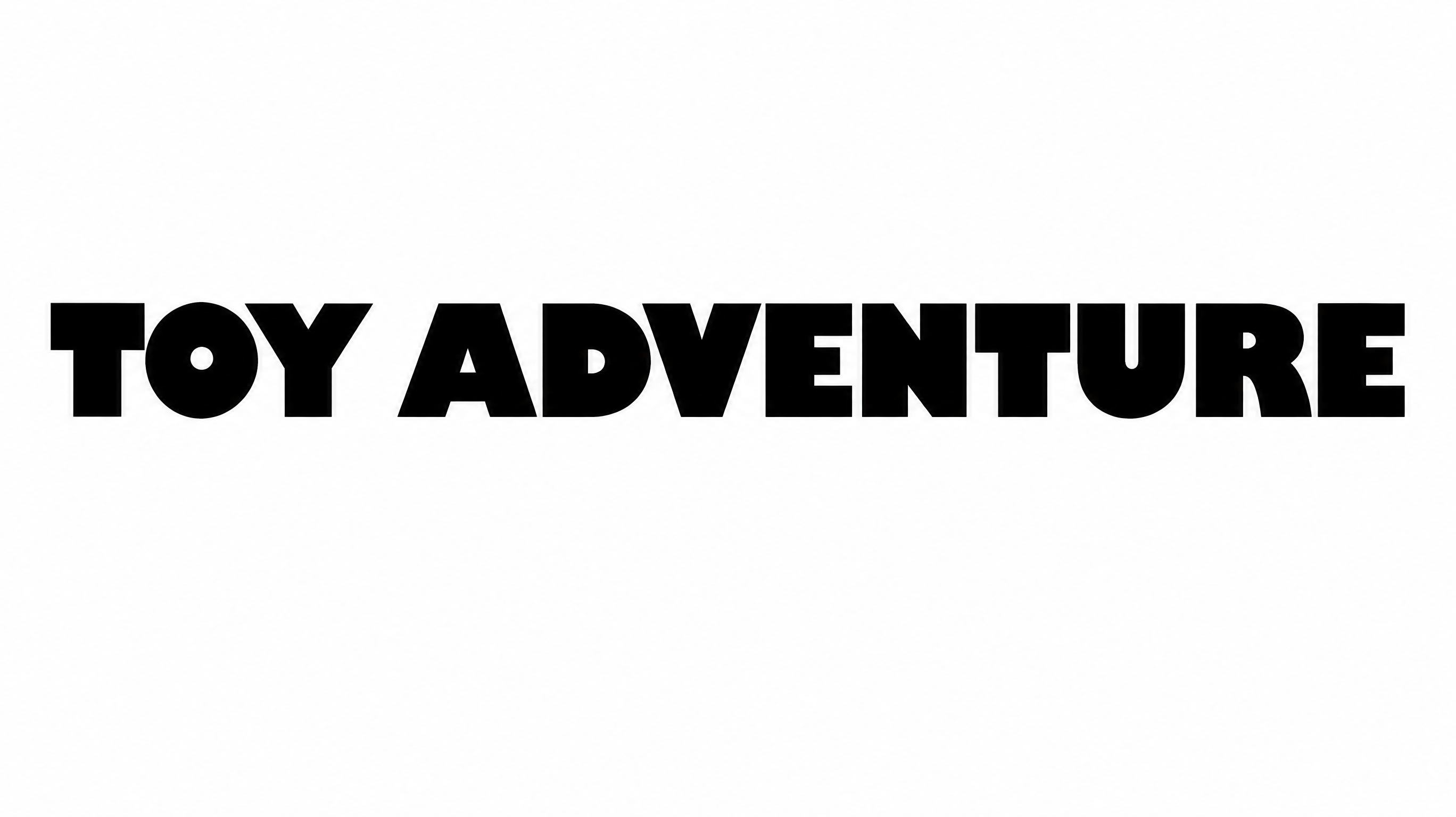
Heavy geometric capitals use clipped corners, broad proportions, and deliberate stencil gaps.

  • Letter Construction

    Stencil gaps divide several capitals into clearly separated geometric segments.

  • Corner Shape

    Clipped and diagonal corners give the capitals a sharply angular profile.

  • Stroke Weight

    Heavy, mostly even stroke bodies create a dense display presence.

  • Letter Width

    Broad capital proportions create a wide, commanding silhouette.

  • Letter Spacing

    Moderate gaps keep neighboring capitals distinct within each word.

  • Letter Connections

    Letters remain separate, with clear breaks between neighboring characters.
Frequently asked questions about Military Font Generator

It turns your wording into a rendered text image built from heavy geometric capitals, clipped corners, and stencil-like gaps. The result works as bold display artwork for labels, covers, signage, and other layouts.

Yes. The generator supports free use and free PNG or SVG downloads. Minimum membership covers personal use, while a higher membership covers commercial use; check pricing to choose the applicable level.

Enter your text, choose an available font color, background, and image size, then generate the artwork. Review the rendered result and download the finished image as a PNG or SVG.

Browse the related text tools and compare their examples, letter shapes, spacing, and overall mood. Choose a direction that fits your layout while keeping the content and intended display size in mind.

Use the Military Font Generator for prominent headings on packaging, covers, banners, labels, apparel graphics, and signs. Wide wording suits horizontal placements, while shorter text can anchor square or portrait compositions.

Use concise uppercase wording and leave clear space around the heading. Test the artwork at its intended online display size, especially when stencil gaps and clipped corners appear in smaller layouts.

Pair the heavy geometric heading with simpler supporting text and keep smaller copy free from stencil interruptions. A restrained hierarchy lets the angular display lettering establish the mood while details remain easy to scan.
READY TO CREATE?

Create Custom Military Fonts & Text Effects

Try Military Font Generator Free