Get 5 Free Credits

Free Mario Bros Font Generator Online

Turn a short title into wide, polygonal uppercase lettering with heavy black contours, ideal for retro game posters and arcade-style headings.

Enter the text to generate, e.g. Fontify.ai

Font color
Background
Templates
254
Generations
115
Downloads
265
Rating
5.0

How to Use the Mario Bros Font Generator

Shape an angular arcade title for a layout, then save the generated artwork in a supported format.

  1. 01

    Enter your arcade title

    Type a short name or phrase for the outlined uppercase treatment.

  2. 02

    Set the color and composition

    Choose a font color, background, and image size such as 16:9.

  3. 03

    Generate and save the artwork

    Render the text image, review the angular shapes, and download a PNG or SVG.

Mario Bros Font Style Profile

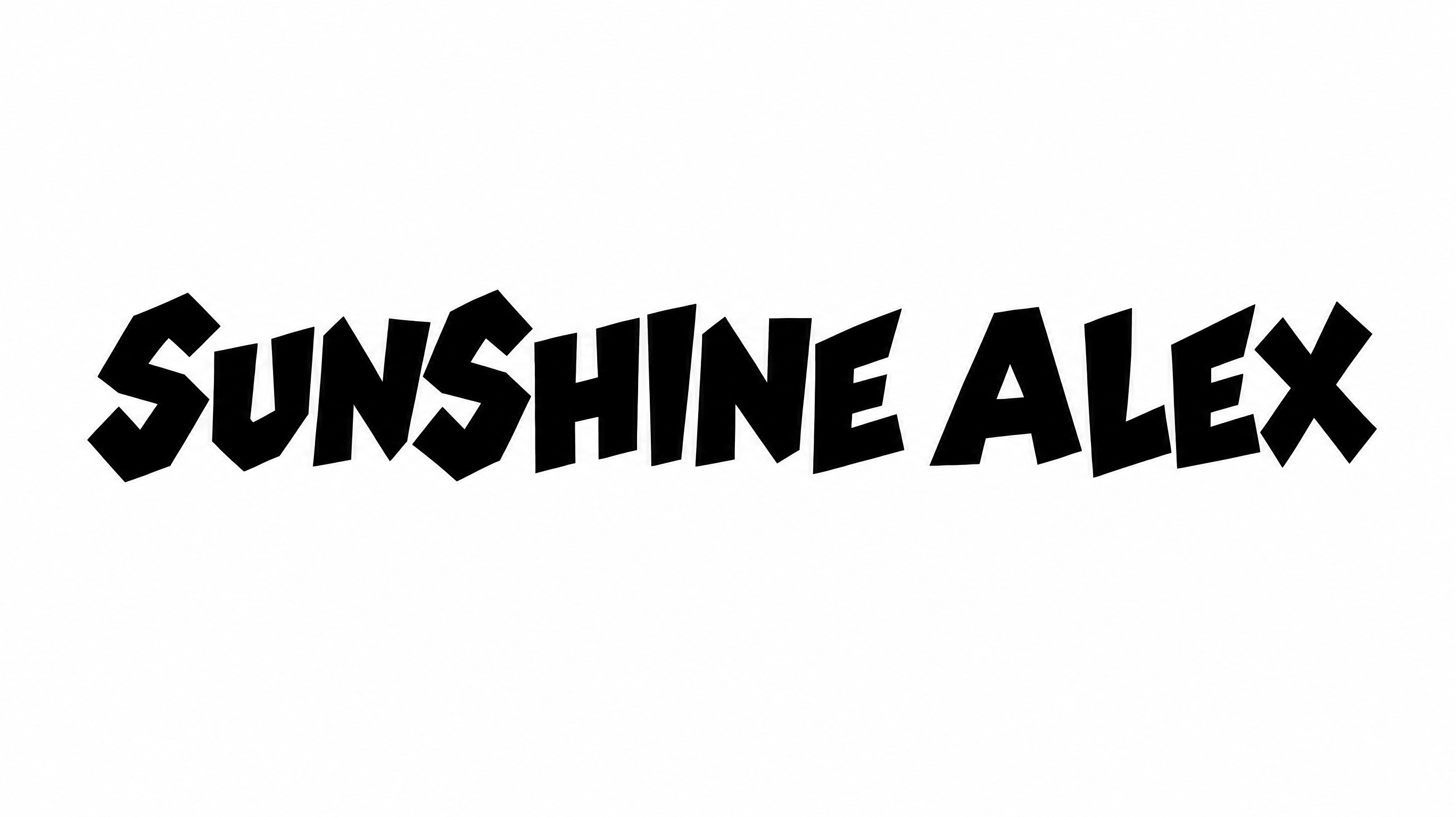
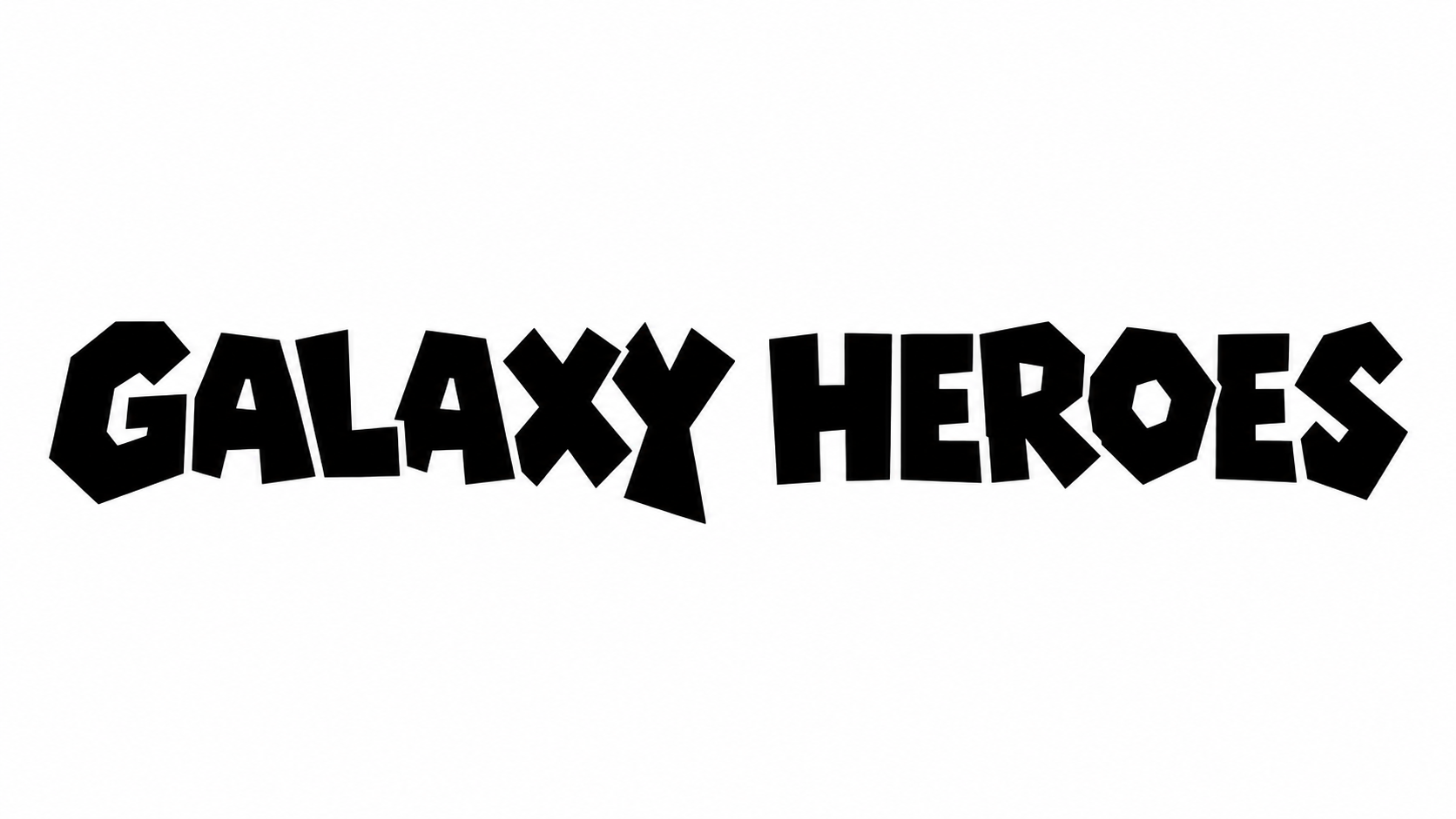
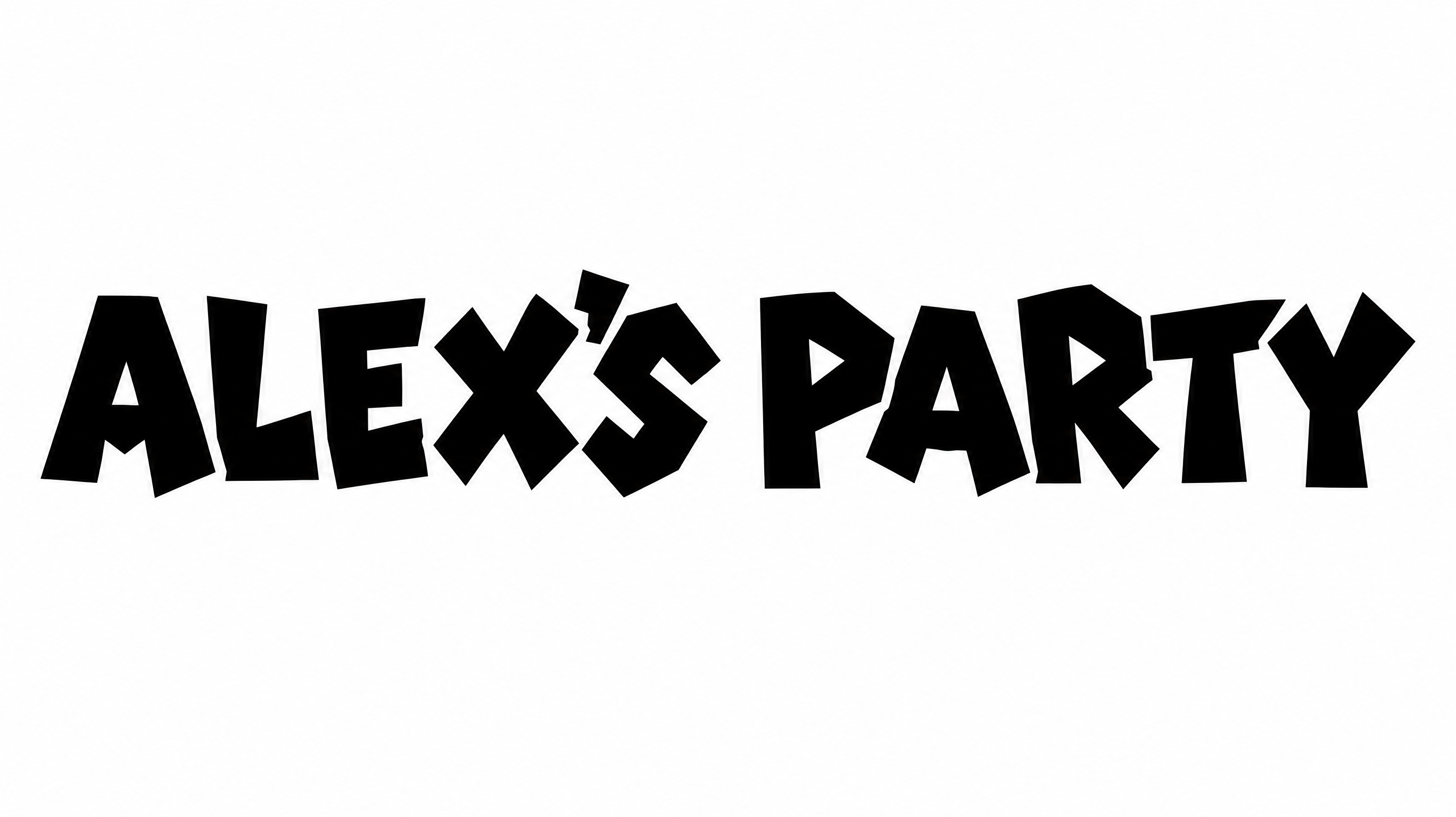
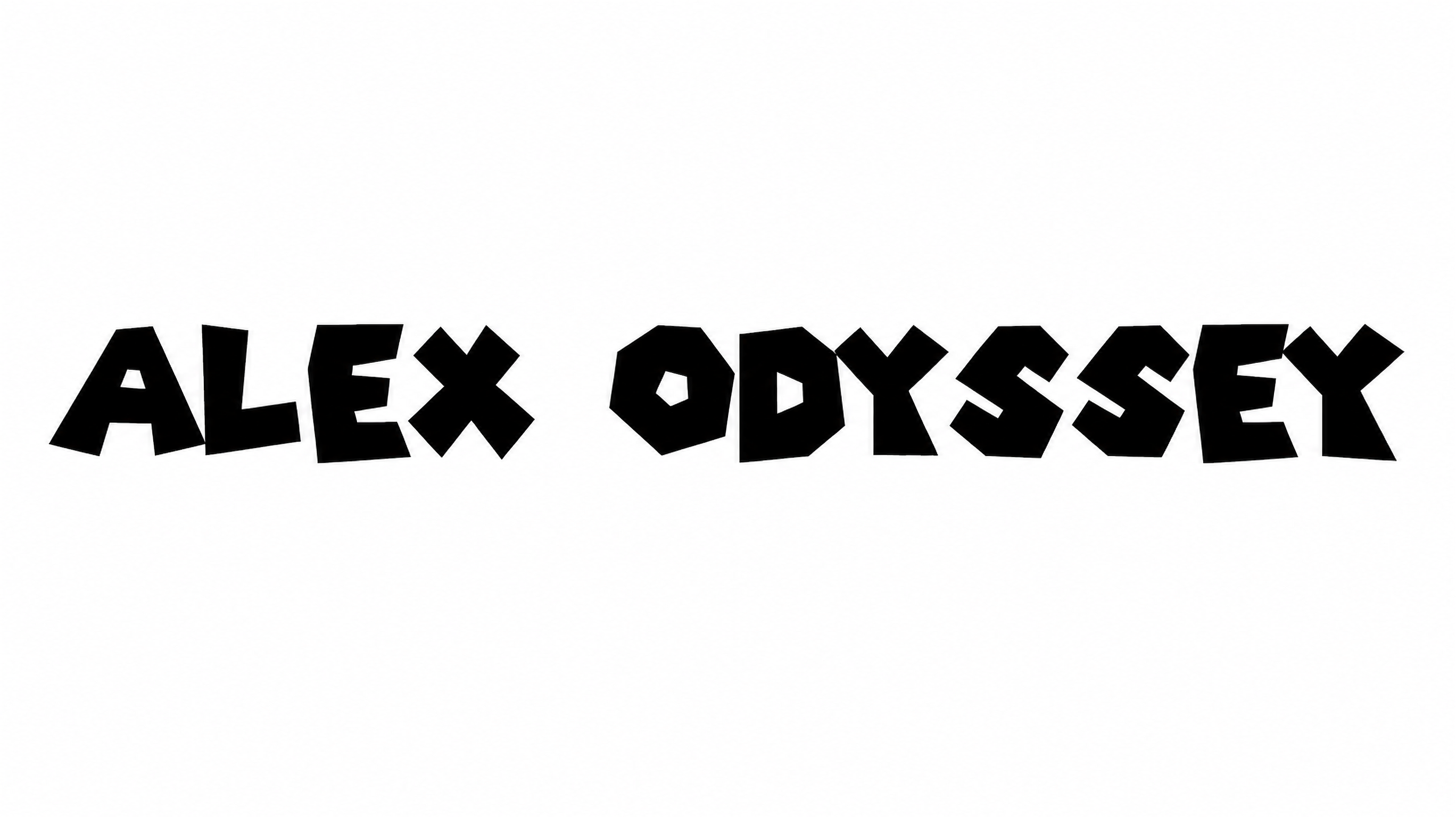
Bold outlines, angular polygonal construction, and broad separate capitals define the lettering.

  • Outline

    A heavy black contour frames each white letter face.

  • Corner Shape

    Sharp corners and angled joins give the letters an irregular geometric profile.

  • Letter Construction

    Irregular polygonal shapes build the visible uppercase letters.

  • Letter Width

    Broad character proportions create a wide display-letter appearance.

  • Letter Connections

    Letters remain separate, with clear breaks between neighboring characters.

  • Color Treatment

    White letter faces contrast sharply with the solid black contours.
Frequently asked questions about Mario Bros Font Generator

Transparent backgrounds are supported for layering the lettering over other artwork. This template also lets you choose font color, use a custom background color, upload a background image, and select image size.

Yes. You can use the generator and download the result for free under the available free-use offering.

Browse the related tools and compare their letter shapes, outlines, spacing, and overall mood. Choose a visual direction that fits your project rather than relying on a named alternative.

Enter your wording, choose the available font color, background, and image size options, then generate the design. Review the rendered result and download the artwork as a PNG or SVG image.

Use the Mario Bros Font Generator for arcade marquees, game-event posters, banners, or compact profile graphics. Match the aspect ratio to the placement, then keep the outlined title prominent.

Place the angular title inside the central safe area and leave open space around its broad capitals. A wide aspect ratio can support panoramic headers and streaming graphics.

Start with a short heading and preview it at the intended display size. Keep the heavy contours distinct from nearby graphics and preserve clear space around the letter edges.

Pair the display title with a simpler supporting type style for dates, locations, scores, or instructions. This creates a clear hierarchy while preserving the polygonal lettering as the focal point.

The irregular polygonal capitals and bold black contours create an energetic retro-game mood. They work especially well when the design needs a playful arcade or competition theme.
READY TO CREATE?

Create Custom Mario Bros Fonts & Text Effects

Try Mario Bros Font Generator Free