Get 5 Free Credits

Free Mario Party Font Generator Online

Create bold, angular party lettering with irregular polygonal shapes for invitations, signs, and playful event designs.

Enter the text to generate, e.g. Fontify.ai

Font color
Background
Templates
254
Generations
120
Downloads
229
Rating
5.0

How to Use the Mario Party Font Generator

Shape bold angular lettering with a suitable size, then review and download the finished PNG image.

  1. 01

    Enter a party heading

    Type your wording, such as a name or event title, into the text input.

  2. 02

    Choose the image settings

    Select an image size like 1:1 or 16:9 and adjust font color or background options.

  3. 03

    Generate and download the PNG

    Review the polygonal letter shapes, then download the generated PNG for your design.

Mario Party Font Style Profile

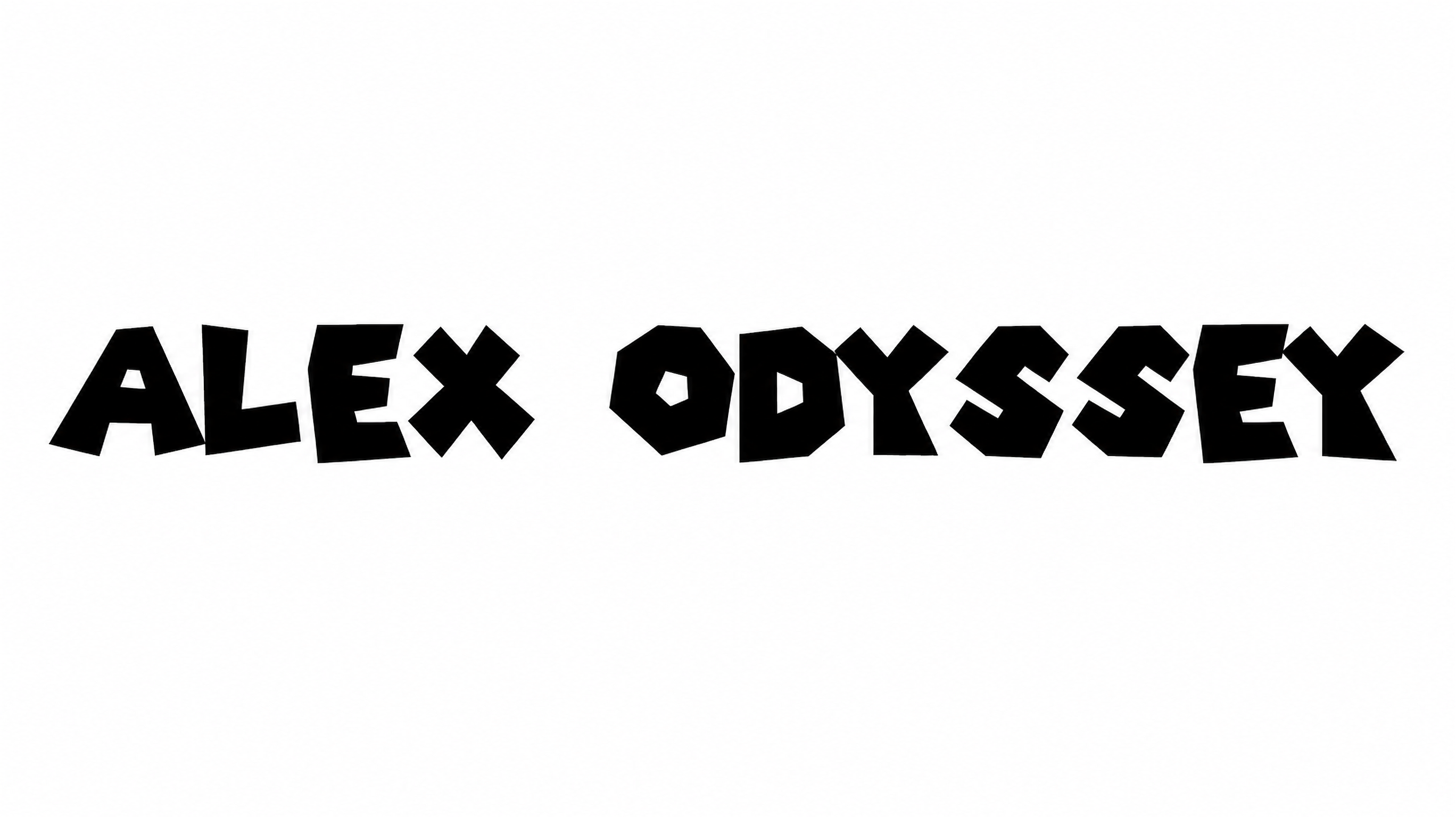
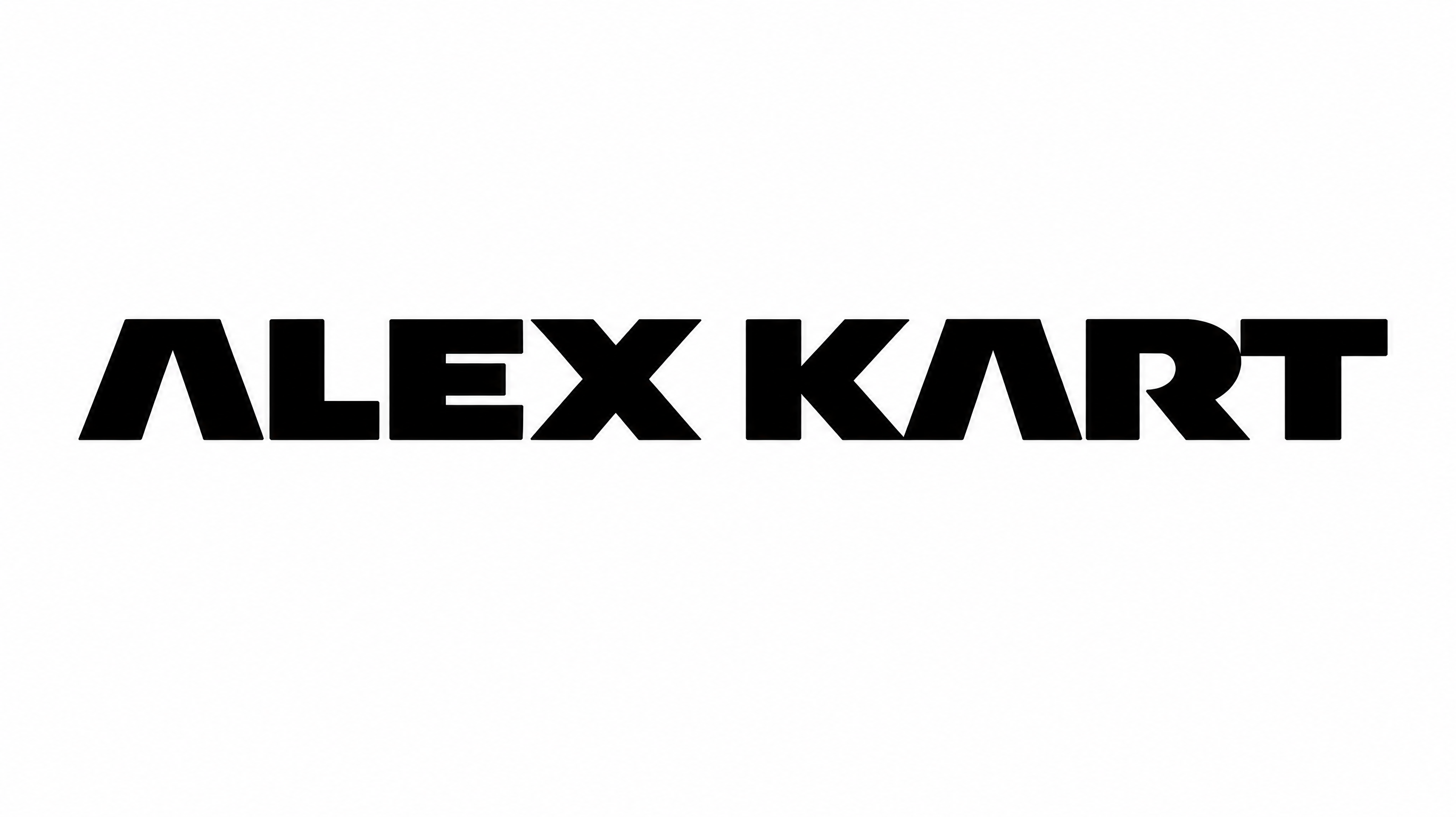
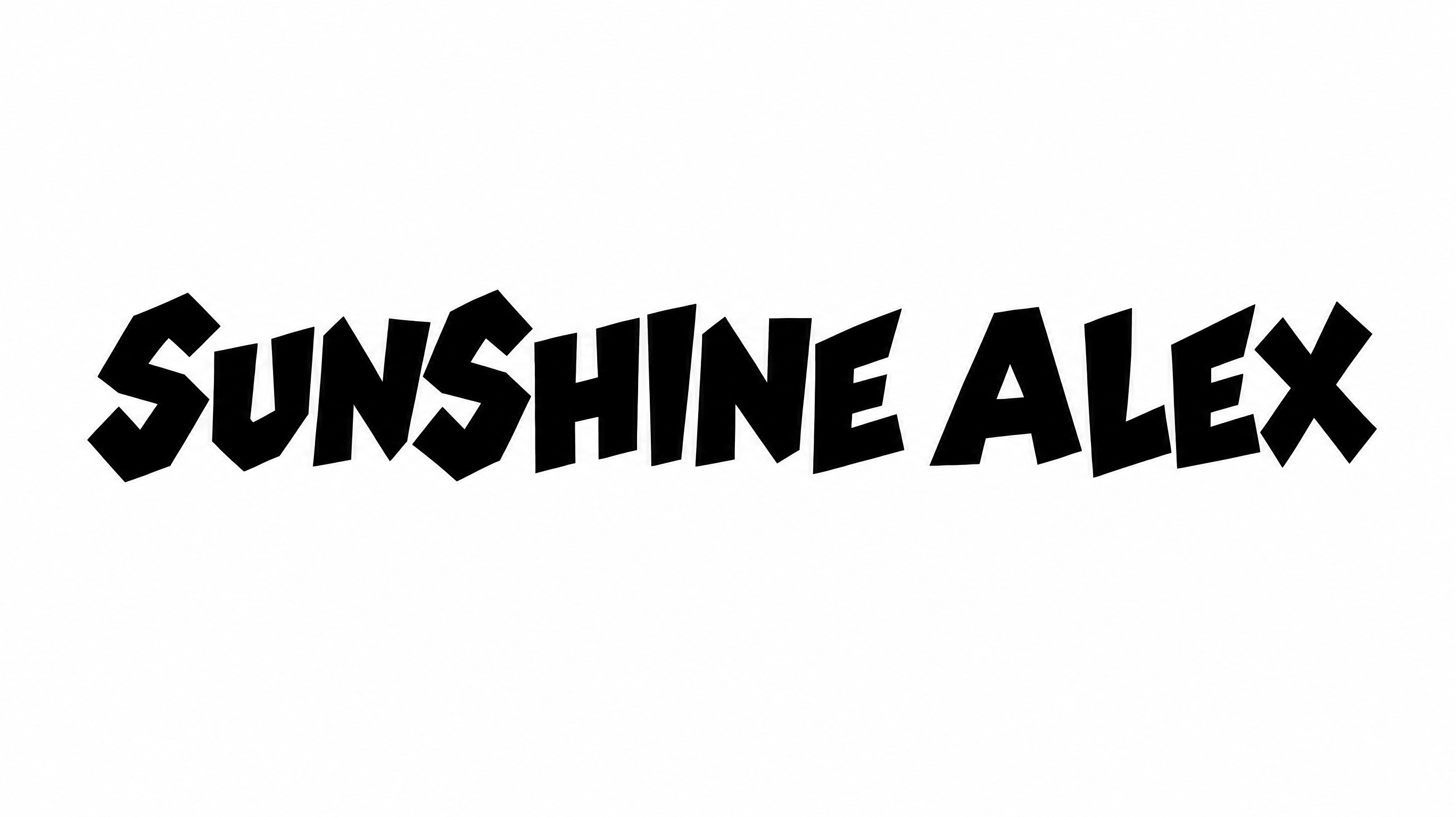
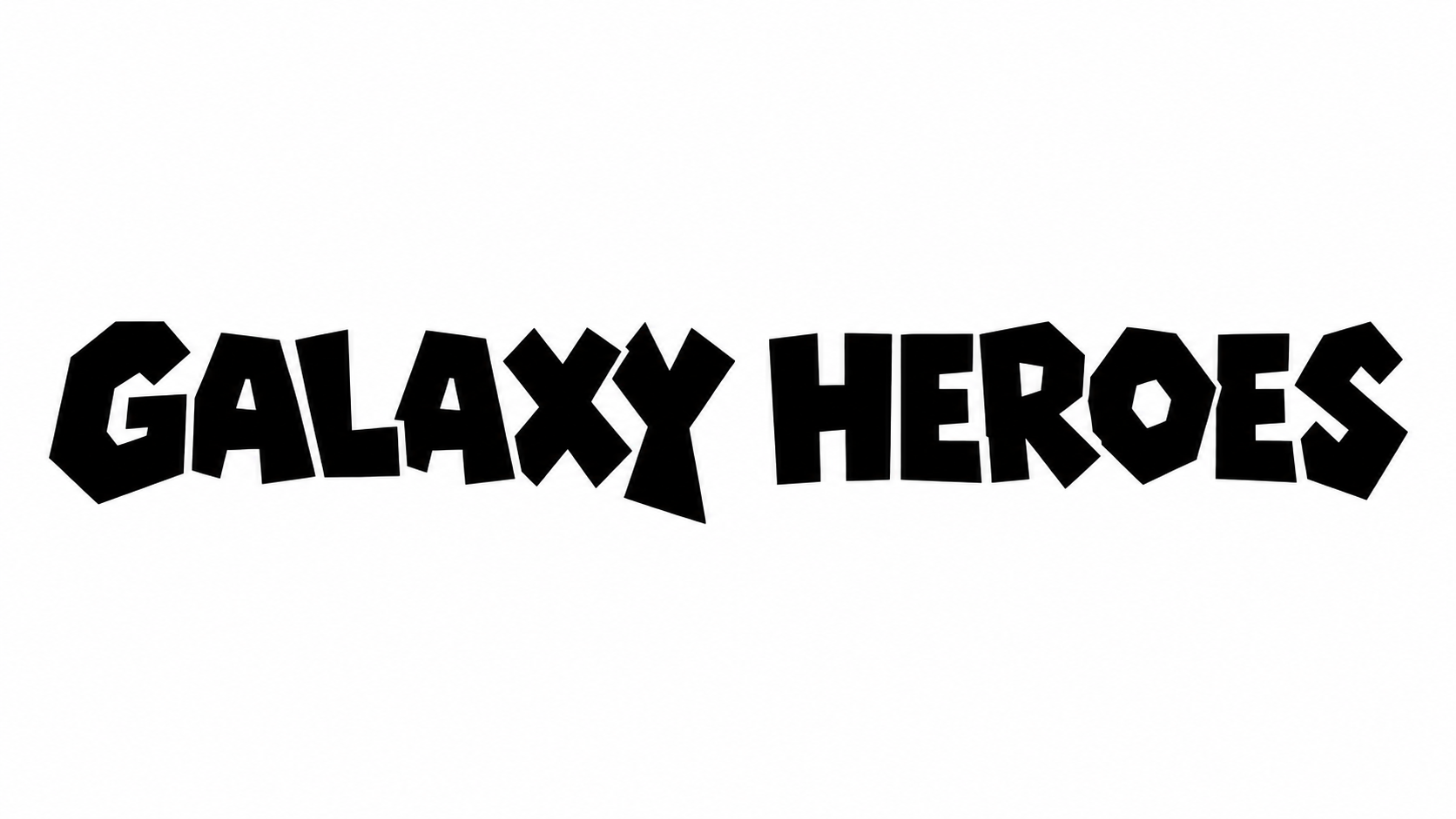
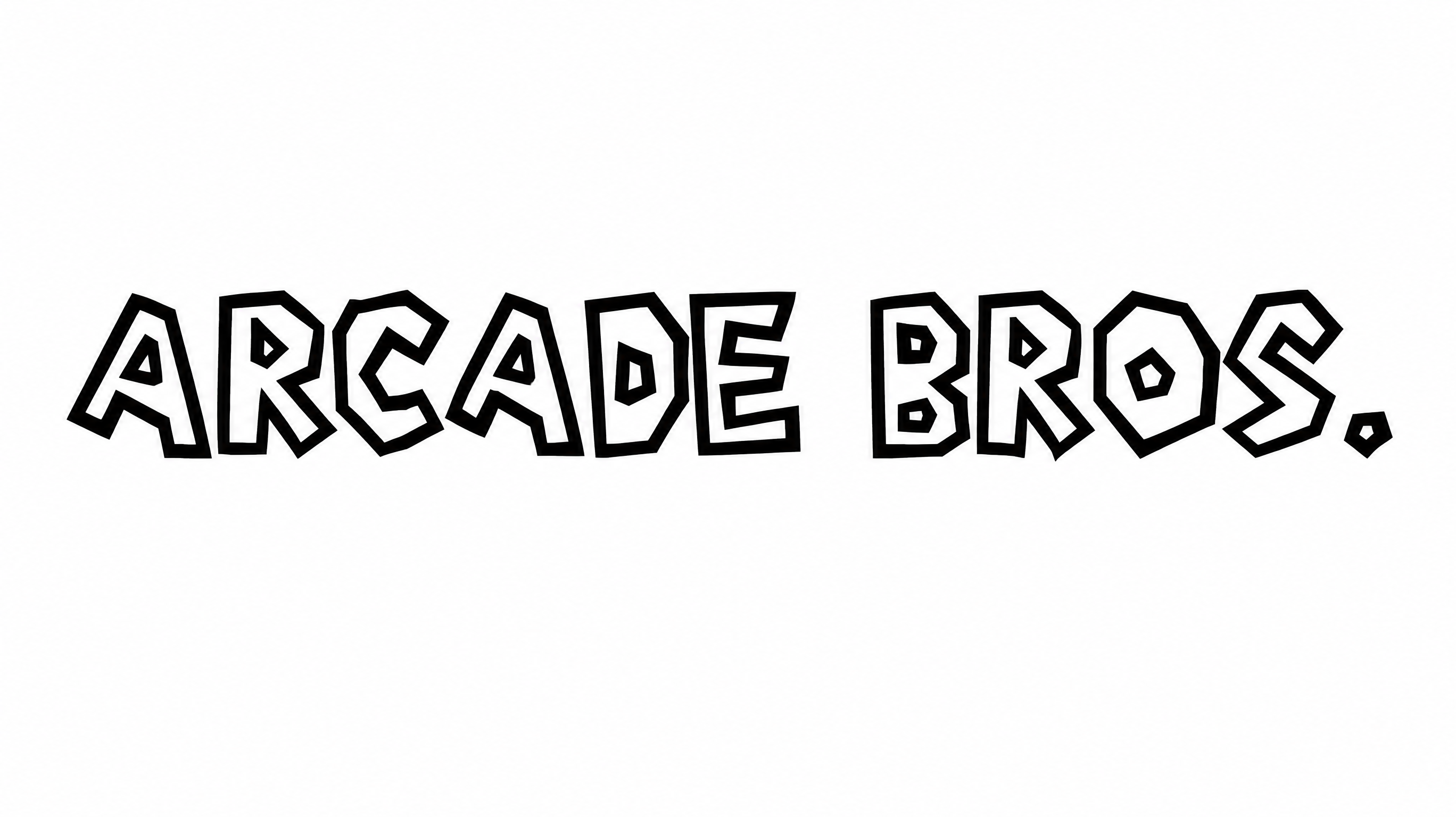
Angular construction, heavy strokes, and an uneven baseline create a bold polygonal appearance.

  • Letter Construction

    Irregular polygonal shapes form each bold uppercase letter.

  • Corner Shape

    Sharp angular corners define the turns and points of the letterforms.

  • Stroke Weight

    Heavy black strokes give the uppercase lettering a substantial presence.

  • Baseline Rhythm

    Varied letter positions create a lively, uneven rhythm across the baseline.

  • Letter Connections

    Letters remain separate, with clear breaks between neighboring characters.

  • Color Treatment

    Solid black fills create a consistent treatment across the visible letterforms.
Frequently asked questions about Mario Party Font Generator

Yes. Transparent-background output is supported for layering the lettering over other artwork. This template also offers font color, custom background color, uploaded background images, and image-size options through its available generator controls.

Enter your wording, choose available options such as image size or color, and generate the design. Review the rendered text image, then download the result as PNG artwork. SVG downloads are also supported.

Commercial use depends on your membership. The minimum membership covers personal use, while a higher membership covers commercial use. Review pricing to choose the membership that applies to your project before publishing or selling the artwork.

Browse the related tools section to explore other styled lettering directions. Compare the shapes, spacing, and overall mood of each result, then choose the visual treatment that best suits your event design.

Use the heading as a clear focal point near the top of an invitation or announcement. The Mario Party Font Generator creates artwork that can sit above dates, locations, and supporting details while keeping the main message short.

Use short words, preserve clear space around the heading, and check the rendered image at its intended display size. Strong contrast between the lettering and its background helps the bold angular shapes remain easy to recognize.

Black lettering pairs naturally with bright party colors, clean white space, or colorful event accents. Keep supporting details visually simpler so the angular uppercase heading remains the strongest element in the composition.

Yes. Its bold uppercase construction suits invitations, cake toppers, gift packaging, name plaques, and other celebratory displays. Choose an image ratio that matches the available space and keep longer phrases comfortably sized.
READY TO CREATE?

Create Custom Mario Party Fonts & Text Effects

Try Mario Party Font Generator Free