Get 5 Free Credits

Free Super Mario Galaxy Movie Font Generator Online

Create chunky uppercase lettering with angular geometry, irregular handmade variation, and a bold monochrome title style.

Enter the text to generate, e.g. Fontify.ai

Font color
Background
Templates
254
Generations
79
Downloads
270
Rating
5.0

How to Use the Super Mario Galaxy Movie Font Generator

Shape an angular uppercase heading and save the generated artwork for your chosen layout.

  1. 01

    Enter your display wording

    Type a short title or name to suit the chunky uppercase lettering.

  2. 02

    Choose the composition and colors

    Select an image size such as 16:9, then set the font color and background.

  3. 03

    Generate and download the artwork

    Create the text image, review the irregular shapes, and download it as PNG or SVG.

Super Mario Galaxy Movie Font Style Profile

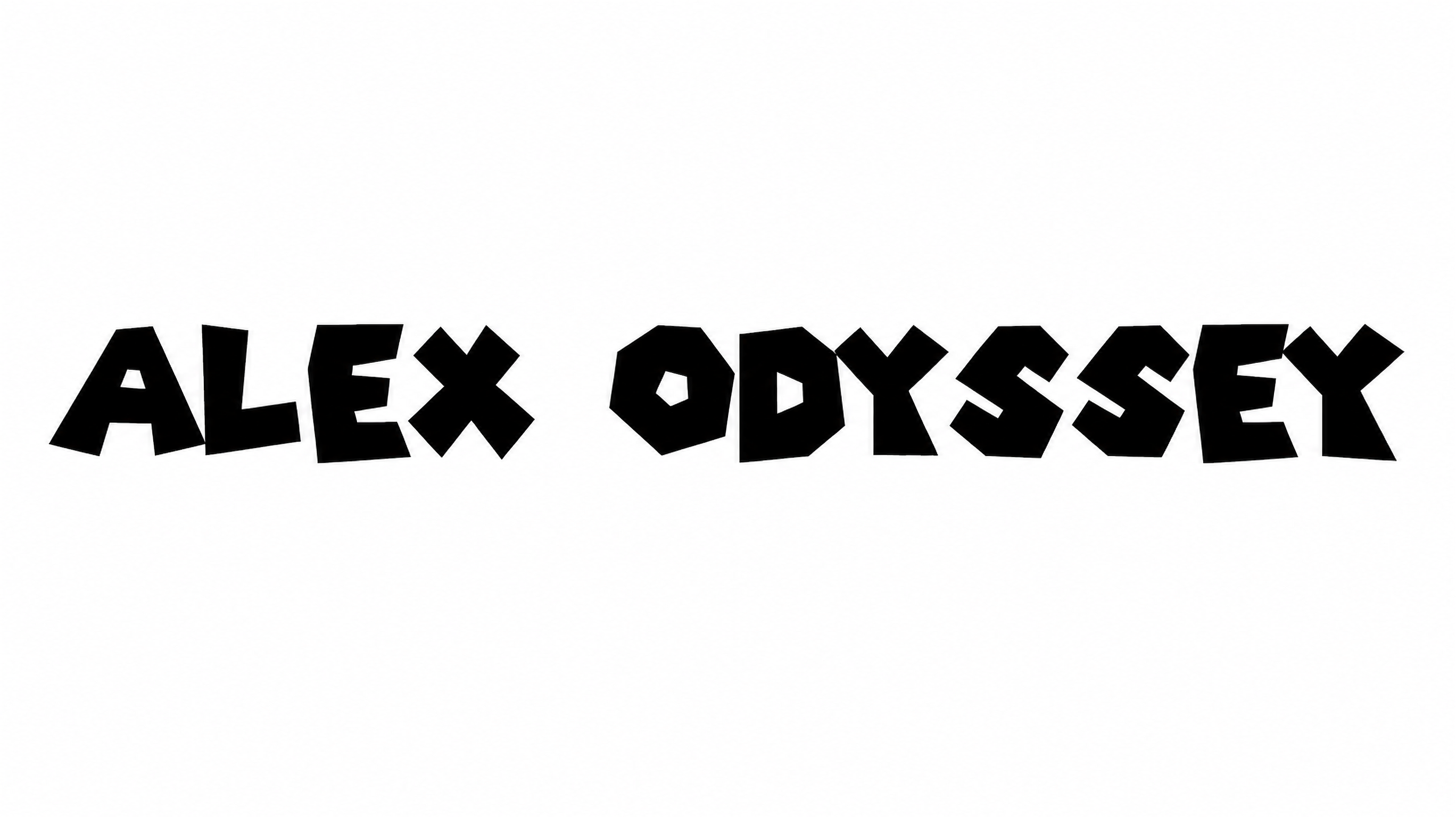
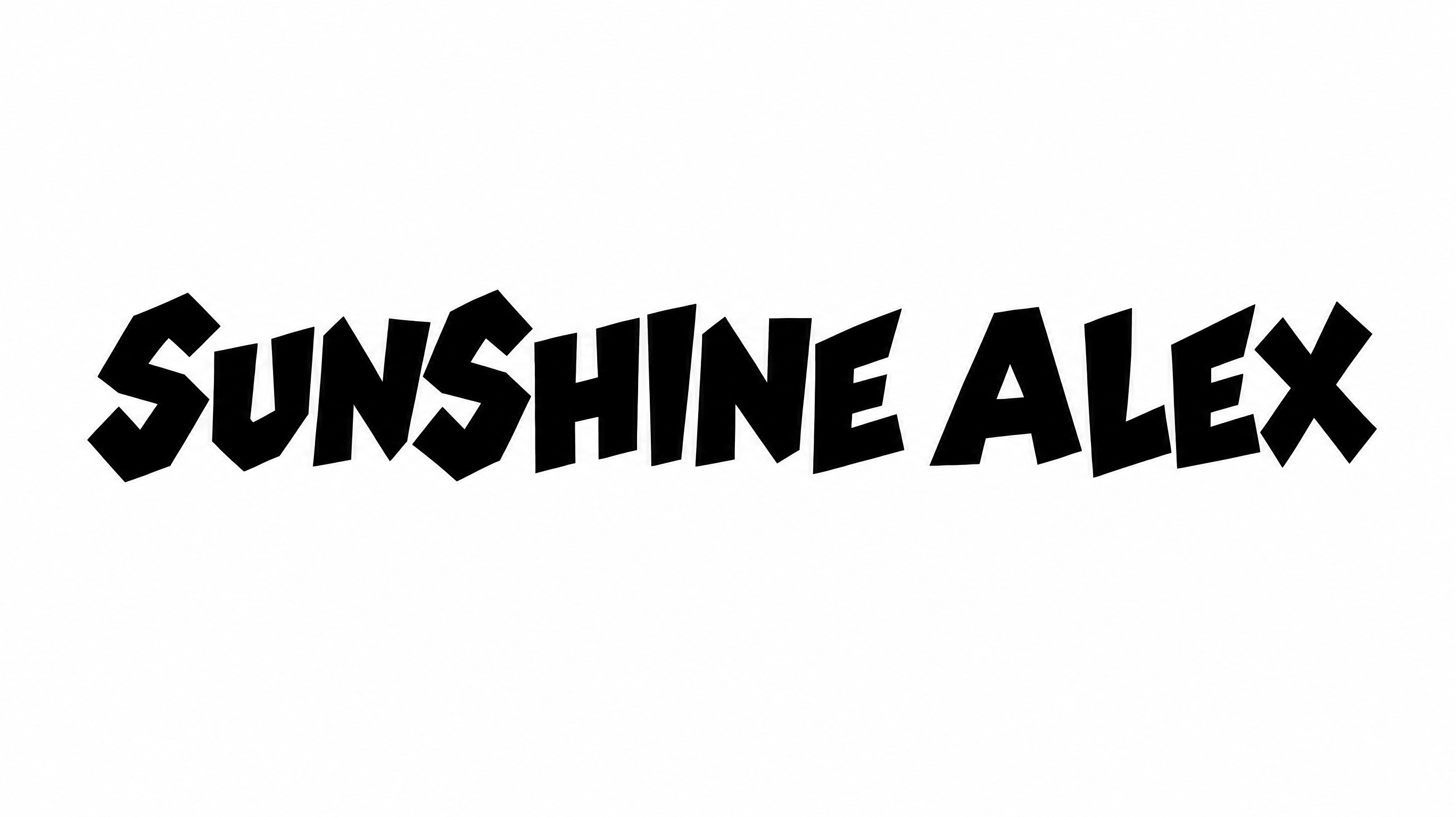
Heavy strokes, angular construction, and uneven letter positions create a playful geometric display style.

  • Letter Construction

    Irregular geometric shapes give the uppercase letters a hand-cut construction.

  • Corner Shape

    Sharp corners and angled joins create jagged, faceted letterforms.

  • Stroke Weight

    Heavy stroke bodies give the uppercase lettering a substantial presence.

  • Baseline Rhythm

    Varied lower edges create a lively, uneven rhythm along the baseline.

  • Stroke Endings

    Broad, blunt cuts reinforce the chunky appearance of visible stroke endings.

  • Letter Connections

    Letters remain separate, with clear breaks between neighboring characters.
Frequently asked questions about Super Mario Galaxy Movie Font Generator

Download the generated PNG artwork, then upload it in Canva or insert it into a Google Docs document. For Cricut, import the PNG into a project in the Cricut app, also known as Cricut Design Space. These workflows treat the rendered lettering as image artwork.

The minimum membership covers personal use, while a higher membership covers commercial use. Check pricing to select the membership that matches your project and intended usage.

Yes. You can use the generator and download generated lettering through the supported free-use options. The finished artwork is available in PNG and SVG formats.

Enter your wording, choose an available image size, and adjust the font color or background options. Generate the result, review the rendered lettering, then download the artwork as a PNG or SVG image.

Use the lettering as a prominent title on an online poster, album cover, or social graphic. Leave open space around the broad characters so their angular silhouettes remain clear.

Keep the phrase concise, provide generous surrounding space, and choose strong contrast between the heavy lettering and its background. Review the artwork at its intended display size before placing supporting details.

Its irregular geometric forms suit playful, energetic, and cinematic compositions. Pair the bold title with simpler supporting text so the hand-cut shapes remain the main visual focus.

The wide display style works well for album artwork, book covers, signs, event graphics, labels, and presentation titles. Match the selected image size to the carrier and reserve a clear area for the heading.

Use a centered title block or a short two-line arrangement for square and portrait formats. Preserve clear margins around the heavy characters and keep secondary information visually quieter.
READY TO CREATE?

Create Custom Super Mario Galaxy Movie Fonts & Text Effects

Try Super Mario Galaxy Movie Font Generator Free