Free Roboto Font Generator Online
Create clean, highly legible sans-serif lettering with a restrained neo-grotesque look for titles, labels, and other text artwork.
- Templates
- 23
- Generations
- 50
- Downloads
- 219
- Rating
- 5.0
How to Use the Roboto Font Generator
Create clear neo-grotesque text artwork by choosing a suitable layout and generating a downloadable PNG image.
- 01
Enter a clear text line
Type a name, heading, or phrase to create a clean single-line lettering composition.
- 02
Choose the image settings
Select an image size such as 16:9 and adjust font color or background options when available.
- 03
Generate and download the PNG
Review the rendered lettering, then download the PNG image for use in your design.
Roboto Font Generator in Use: Design Examples & Showcase
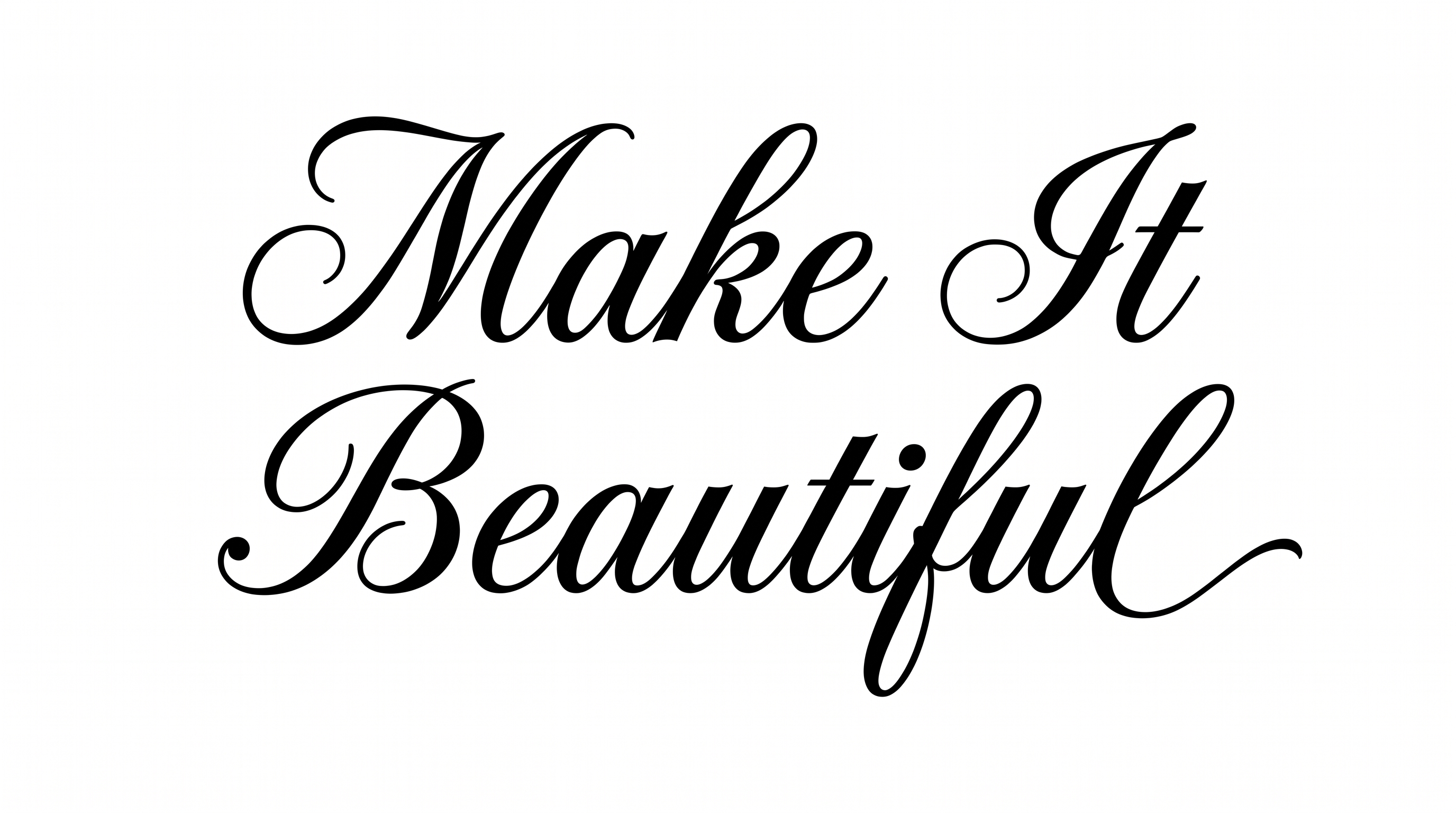
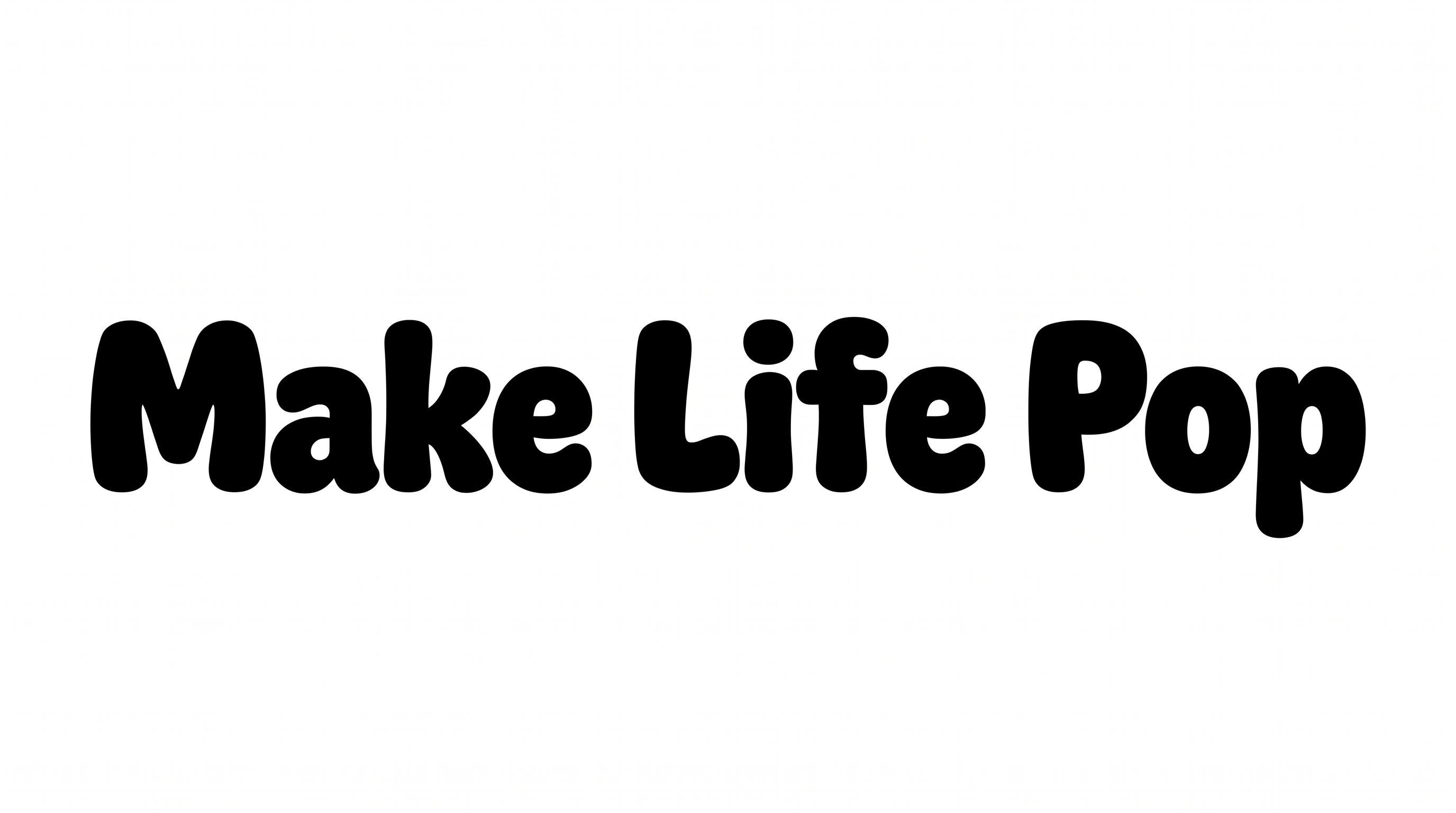
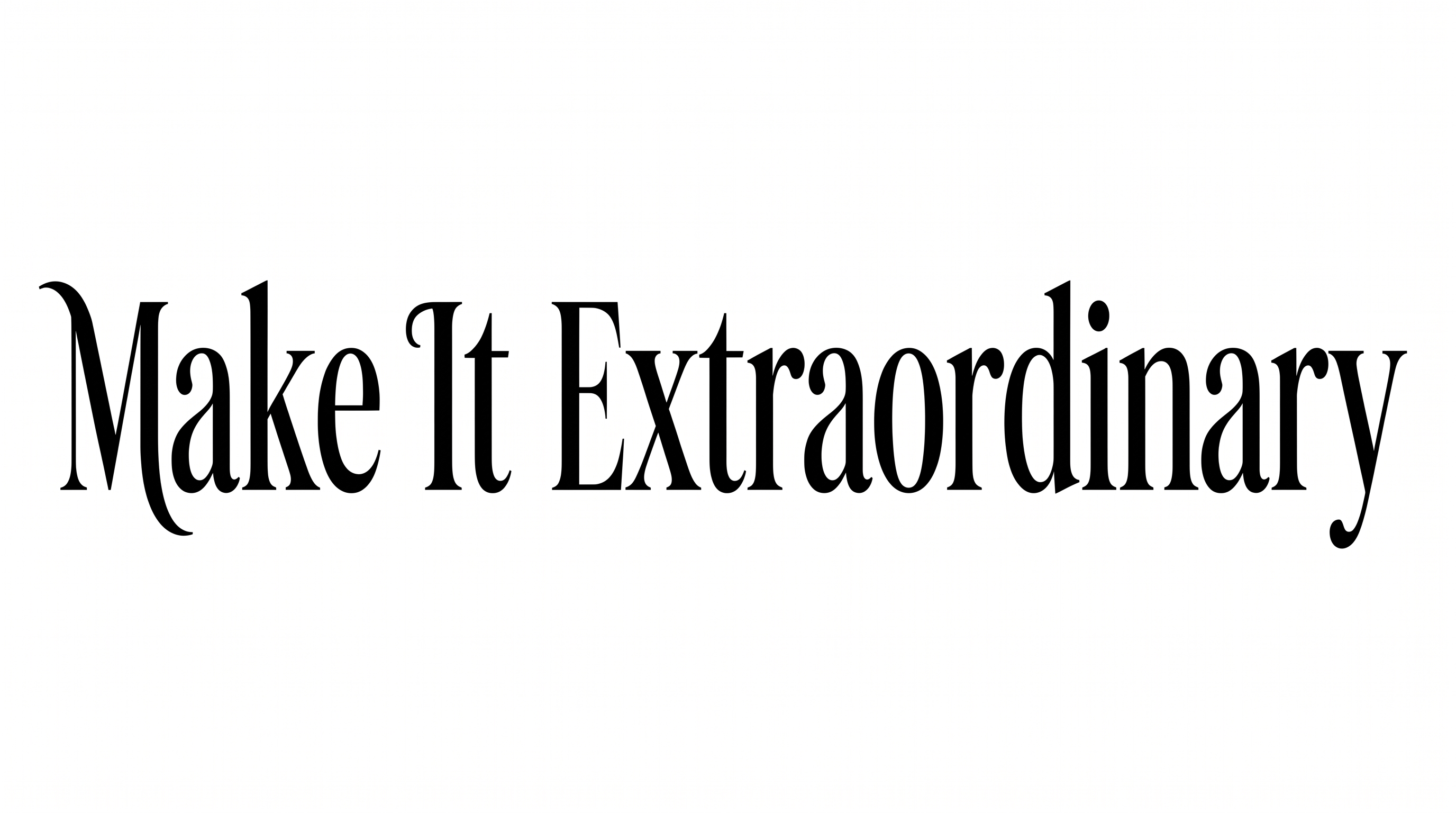
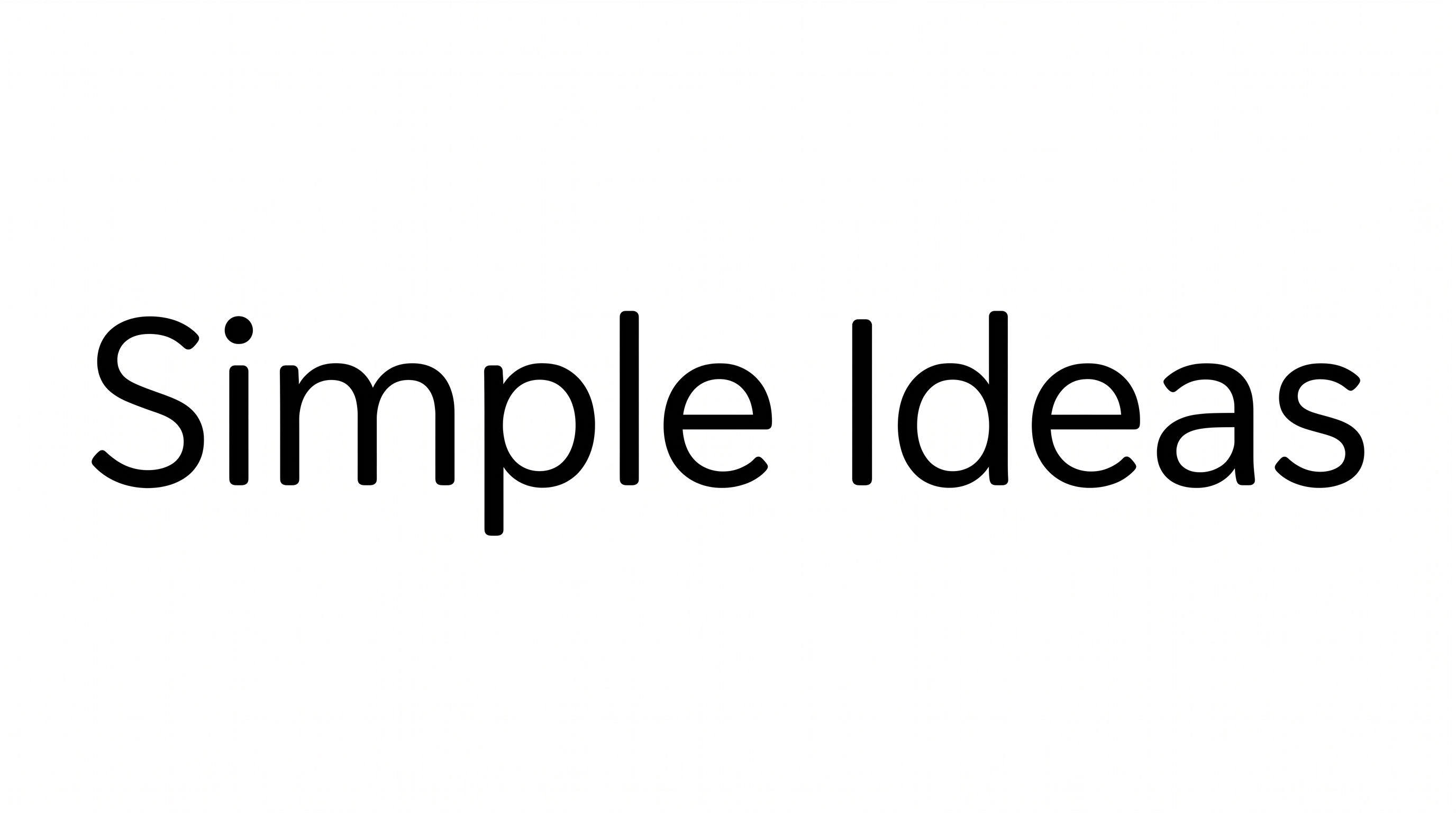
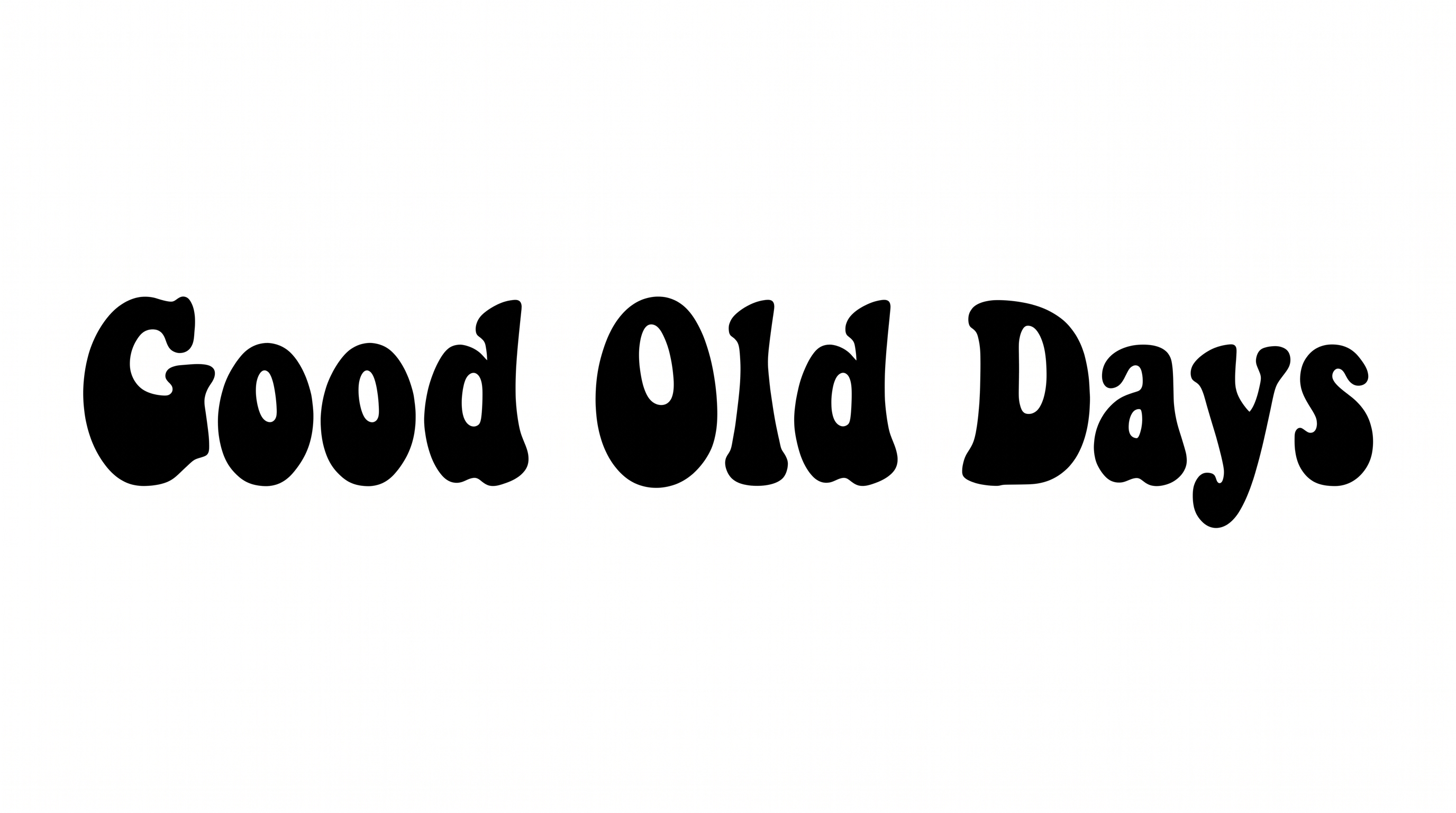
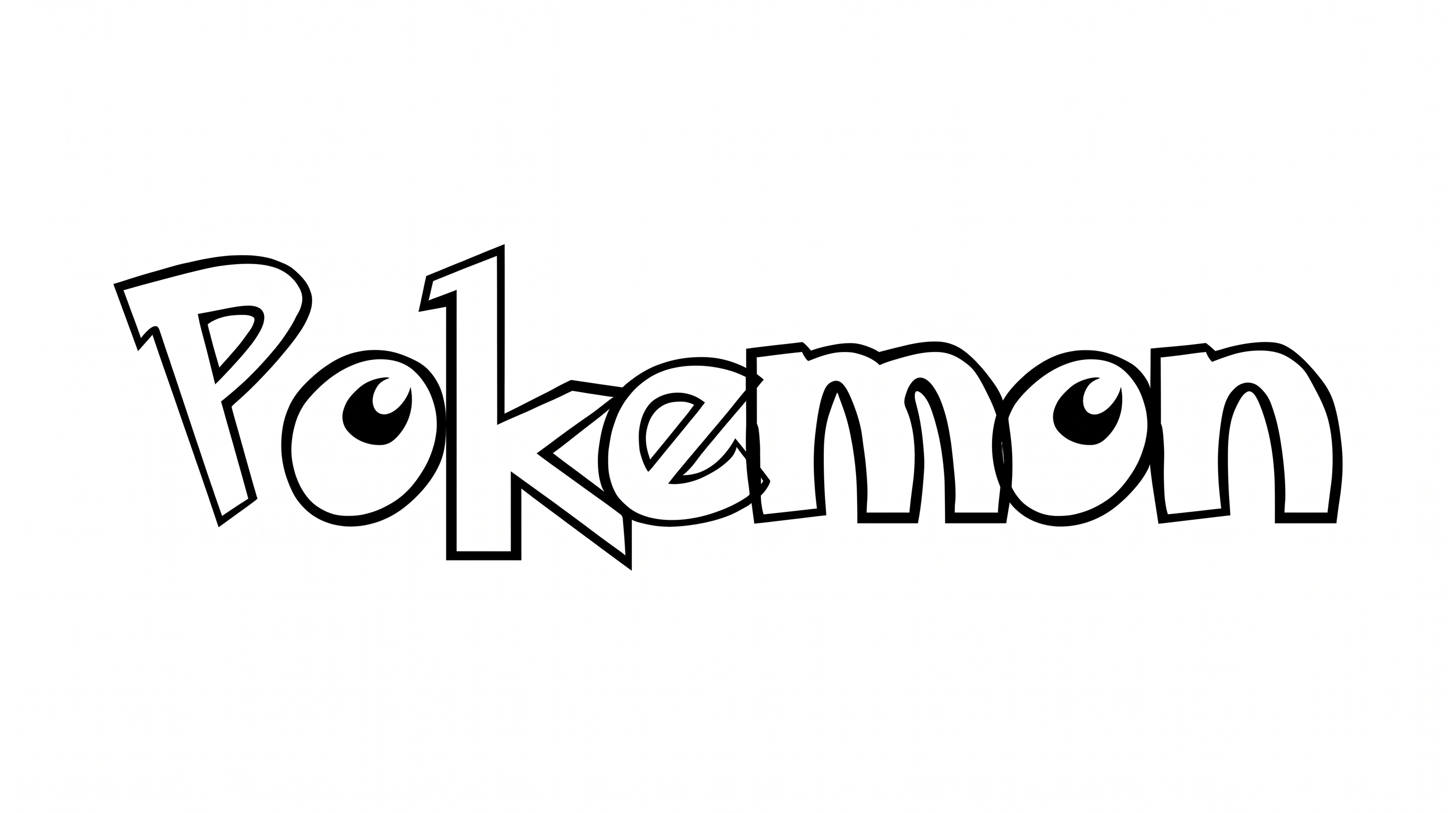
See how clean, readable sans-serif lettering adapts to book covers, apparel graphics, labels, signs, and digital layouts.
Roboto Font Style Profile
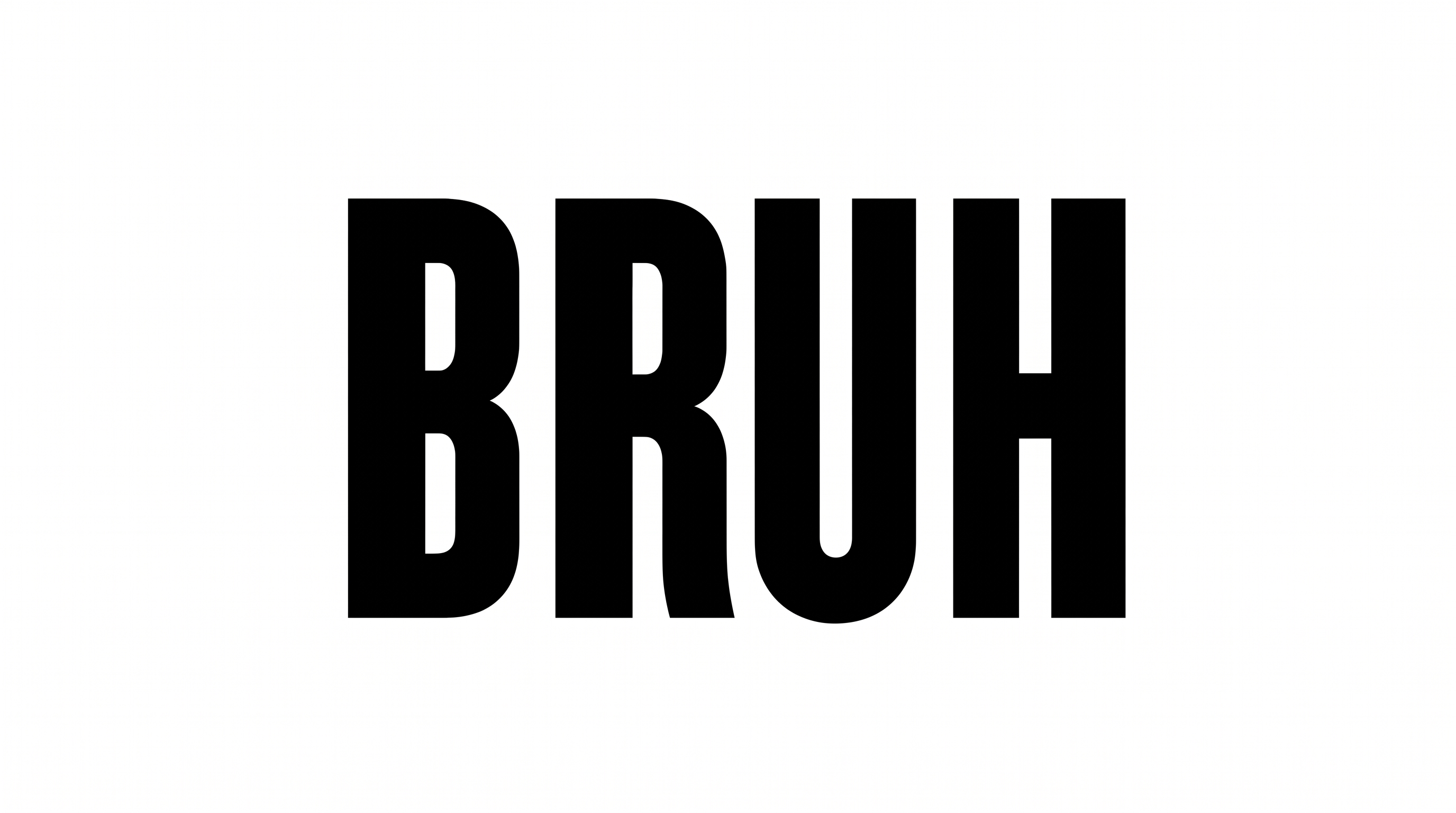
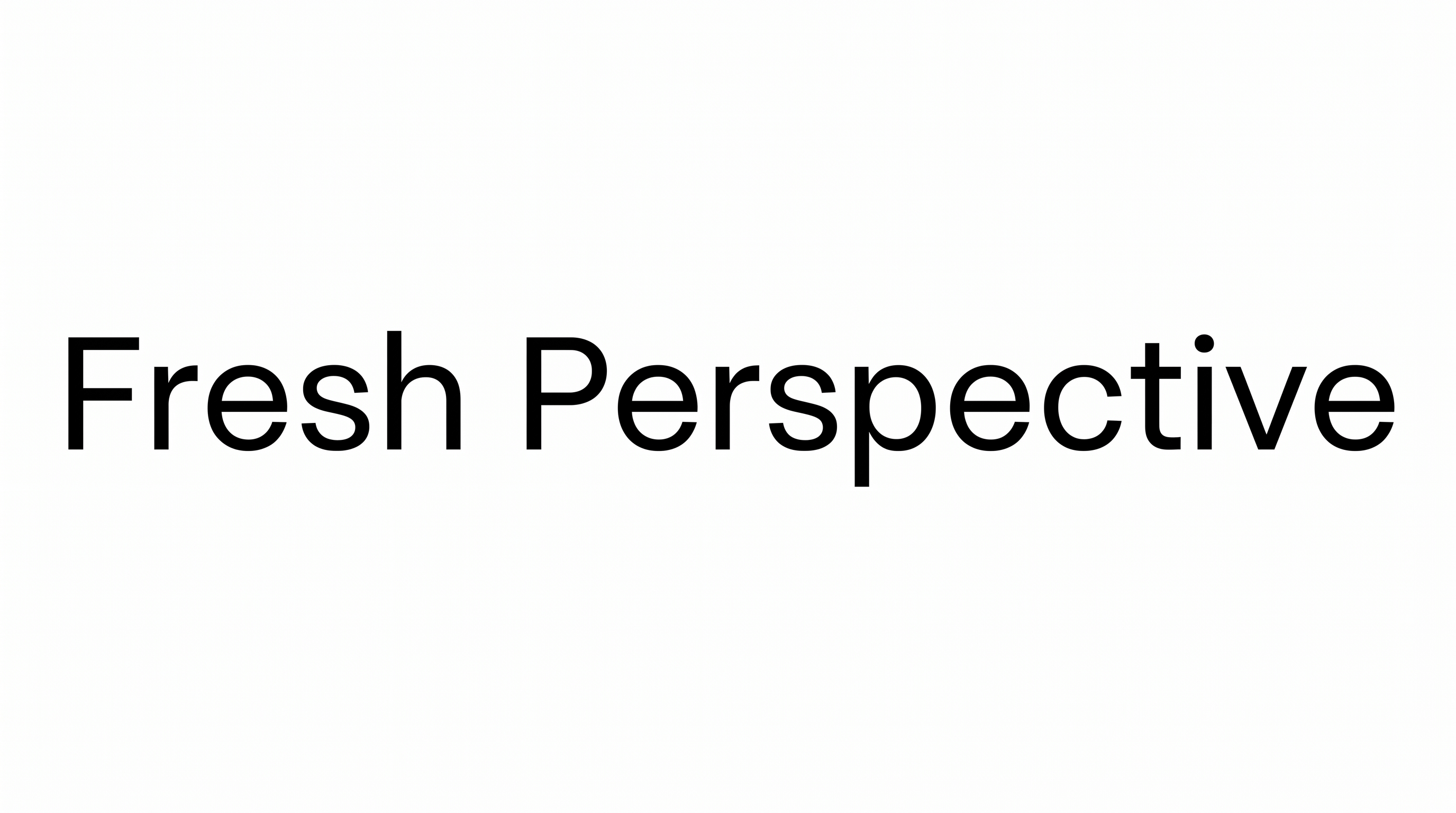
Clean construction, narrow proportions, and even spacing define the visible lettering style.
Letter Construction
The letters use clean, continuous sans-serif forms with simple geometric construction.
Stroke Weight
The lettering shows solid, mostly even strokes with a clear medium visual weight.
Letter Width
Individual characters have relatively narrow proportions within the displayed wordmark.
Letter Spacing
Neighboring letters keep compact gaps while remaining clearly distinct.
Baseline Rhythm
The characters align along a steady horizontal baseline.
Color Treatment
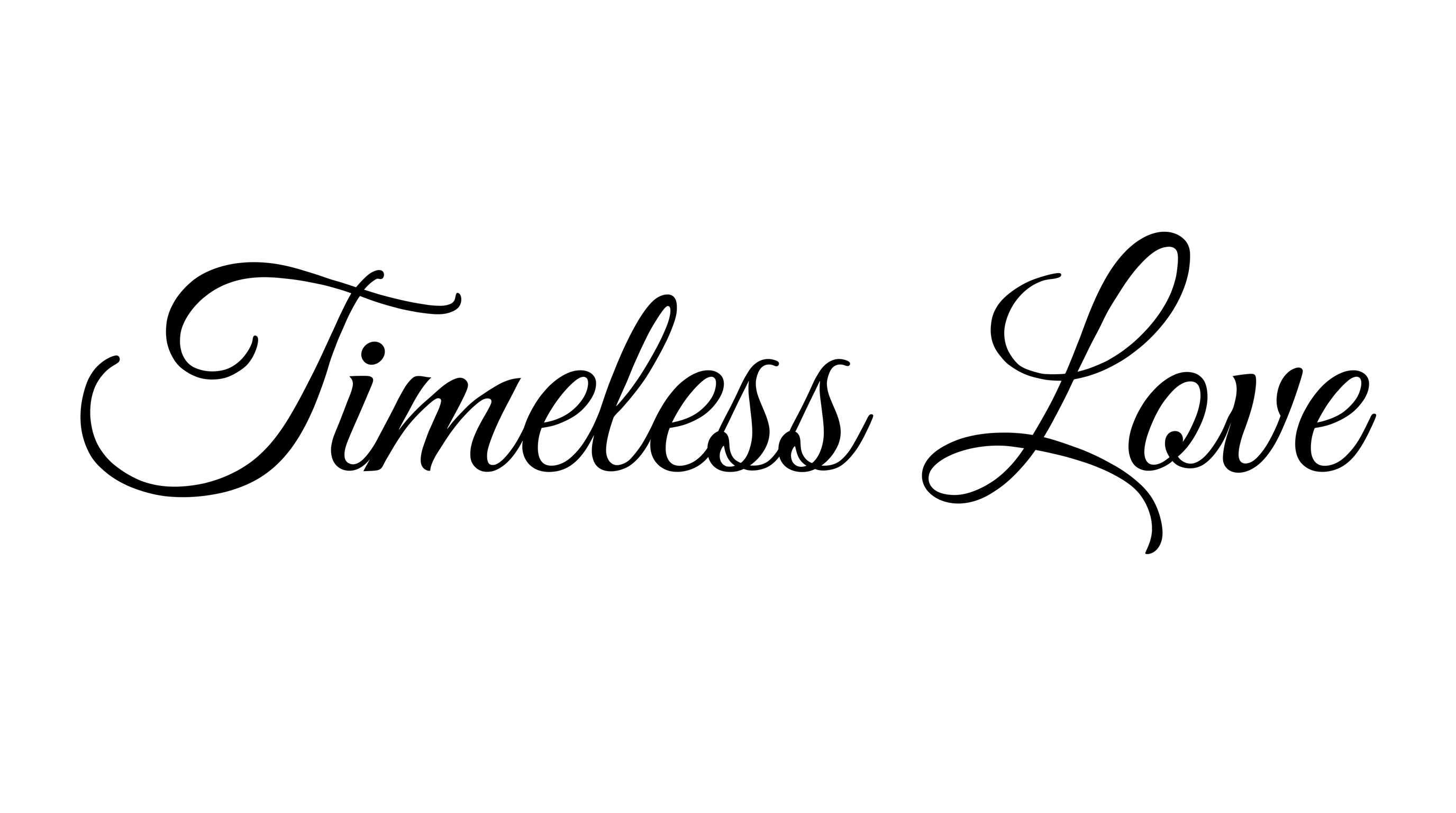
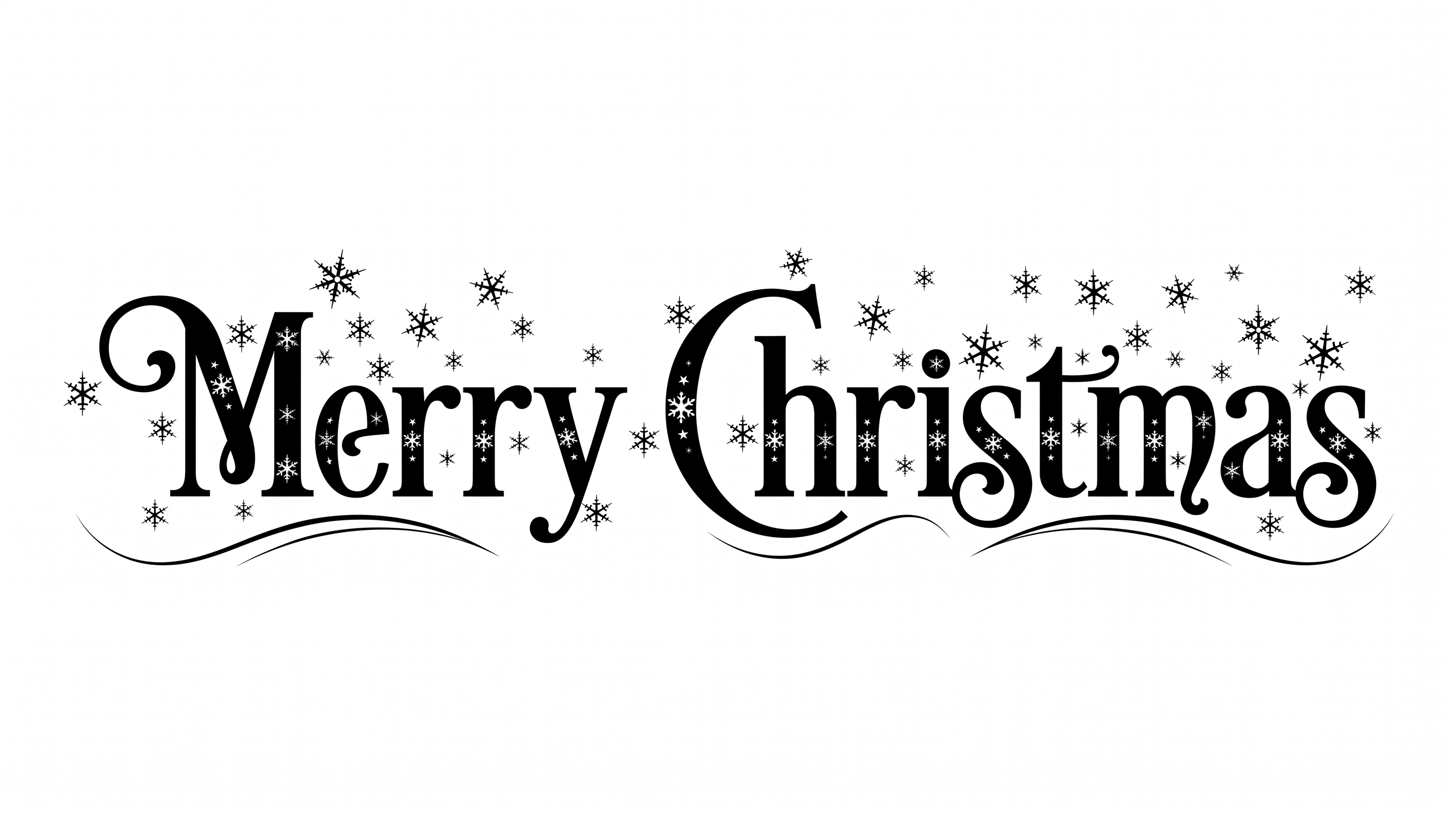
The main wordmark uses solid black letter strokes on a white field.