Get 5 Free Credits

Free Baseball Number Font Generator Online

Create heavy, condensed varsity-style numerals with angular cuts, suited to bold player identification on jersey backs.

Enter the text to generate, e.g. Fontify.ai

Font color
Background
Templates
225
Generations
103
Downloads
291
Rating
5.0

How to Use the Baseball Number Font Generator

Shape bold athletic numerals for clear player identification, then save the finished artwork for your layout.

  1. 01

    Enter the player number or text

    Type a number, player name, or short phrase for the athletic text image.

  2. 02

    Set the canvas and colors

    Choose a 3:2 image size, then set a custom font color and background for the composition.

  3. 03

    Generate and download PNG or SVG

    Generate the image, review the condensed block forms, then download the finished PNG or SVG artwork.

Baseball Number Font Style Profile

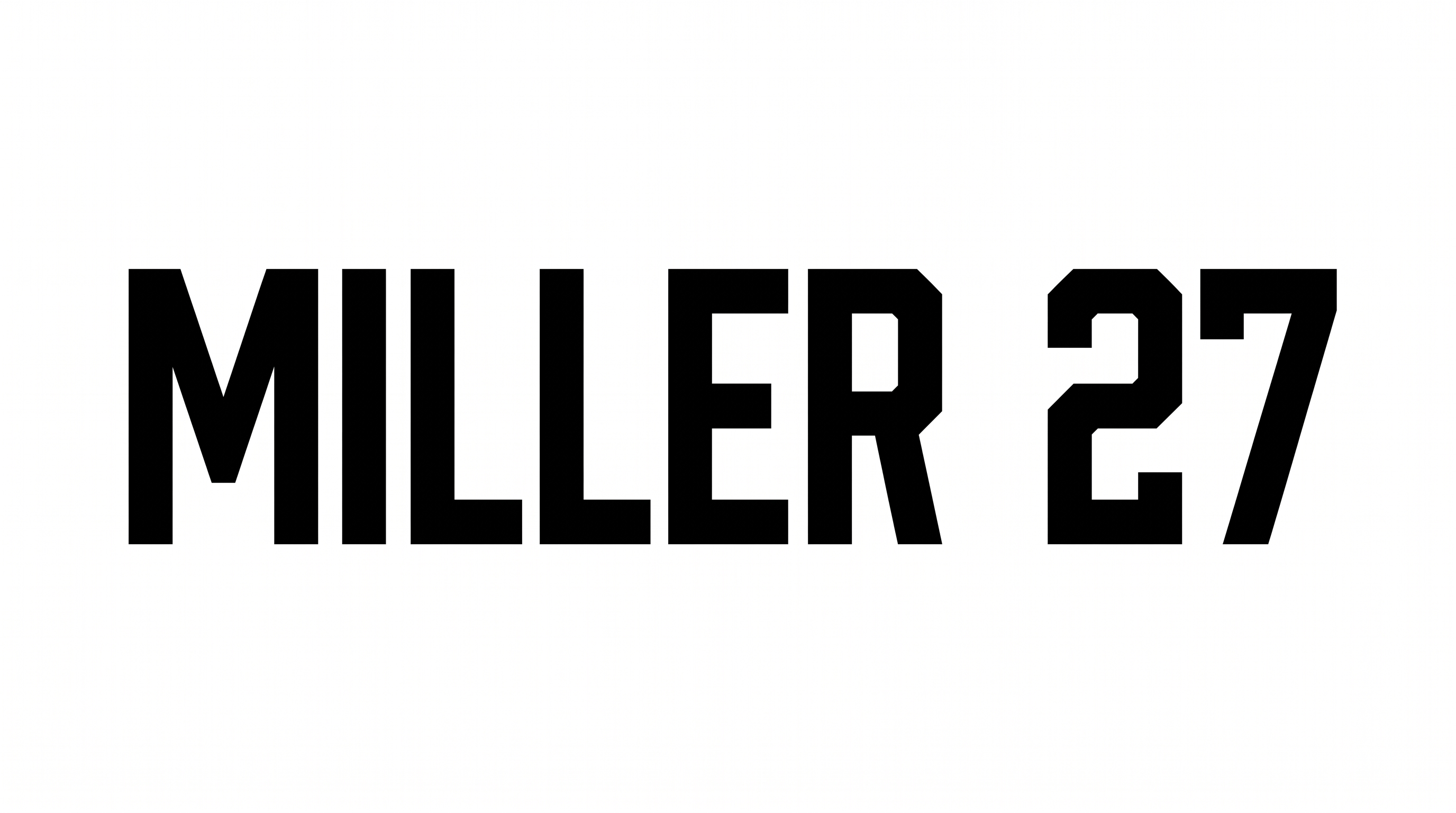
Heavy strokes, condensed proportions, and chamfered corners define the geometric athletic lettering.

  • Letter Construction

    Geometric block shapes build the visible numerals and capital letters.

  • Stroke Weight

    Heavy, mostly even stroke bodies give the numerals a forceful athletic presence.

  • Letter Width

    Condensed proportions make each visible numeral and capital letter notably narrow.

  • Corner Shape

    Chamfered and square corners create the angular varsity-style silhouette.

  • Stroke Endings

    Flat and angled cuts finish the visible stroke endpoints.

  • Letter Connections

    Letters remain separate, with clear breaks between neighboring characters.
Frequently asked questions about Baseball Number Font Generator

Transparent backgrounds are supported, allowing the lettering to layer over other artwork. This template also lets you select a custom font color, choose a custom background color, or upload a background image. Transparency is an output option rather than a promise that every generated result starts transparent.

Browse the related-tools area to compare other visual directions for styled text. Focus on differences in construction, weight, width, and overall mood. Then choose the approach that best fits your jersey, scoreboard, poster, or identification layout.

Download the artwork as a PNG. Upload it in Canva and insert it into a Google Docs document. Import it into a project in the Cricut app, also known as Cricut Design Space. In each platform, treat it as placed image artwork rather than an installed font.

Commercial projects require the higher membership, while the minimum membership covers personal use. Review pricing to select the membership that matches your intended project. These conditions apply to using the generated artwork, so choose the appropriate level before publishing commercial work.

For a free design draft, place the number as the dominant element on a jersey back, scoreboard, or poster. The condensed numerals work especially well when they have generous surrounding space and a clear visual hierarchy.

Keep short numbers large, preserve clear gaps between characters, and test the artwork at its intended display size. The heavy strokes and condensed construction support impact. Uncluttered surrounding space helps angular details remain distinct on compact labels or score graphics.

Pair the athletic numerals with simple supporting text and geometric rules that echo their structured construction. A restrained color palette keeps the number dominant. A contrasting accent can organize player names, dates, scores, or section details around it.
READY TO CREATE?

Create Custom Baseball Number Fonts & Text Effects

Try Baseball Number Font Generator Free