Free Minecraft Font Generator Online
Build game-inspired titles with heavy, modular pixel lettering suited to banners, video covers, packaging, and event graphics.
- Templates
- 139
- Generations
- 94
- Downloads
- 263
- Rating
- 5.0
More Minecraft Font Generator Tools and Minecraft Font Alternative
Explore related text tools and compare other visual directions for your next lettering project.

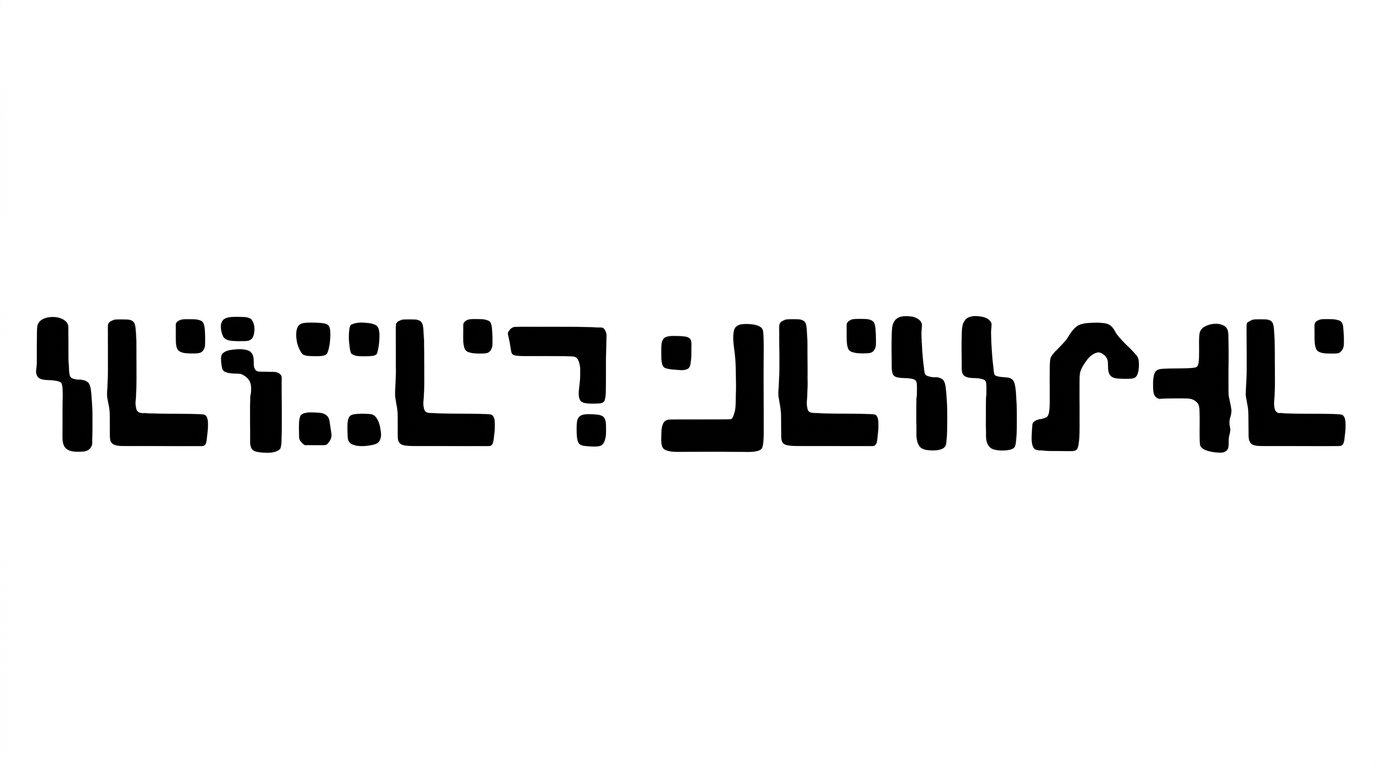
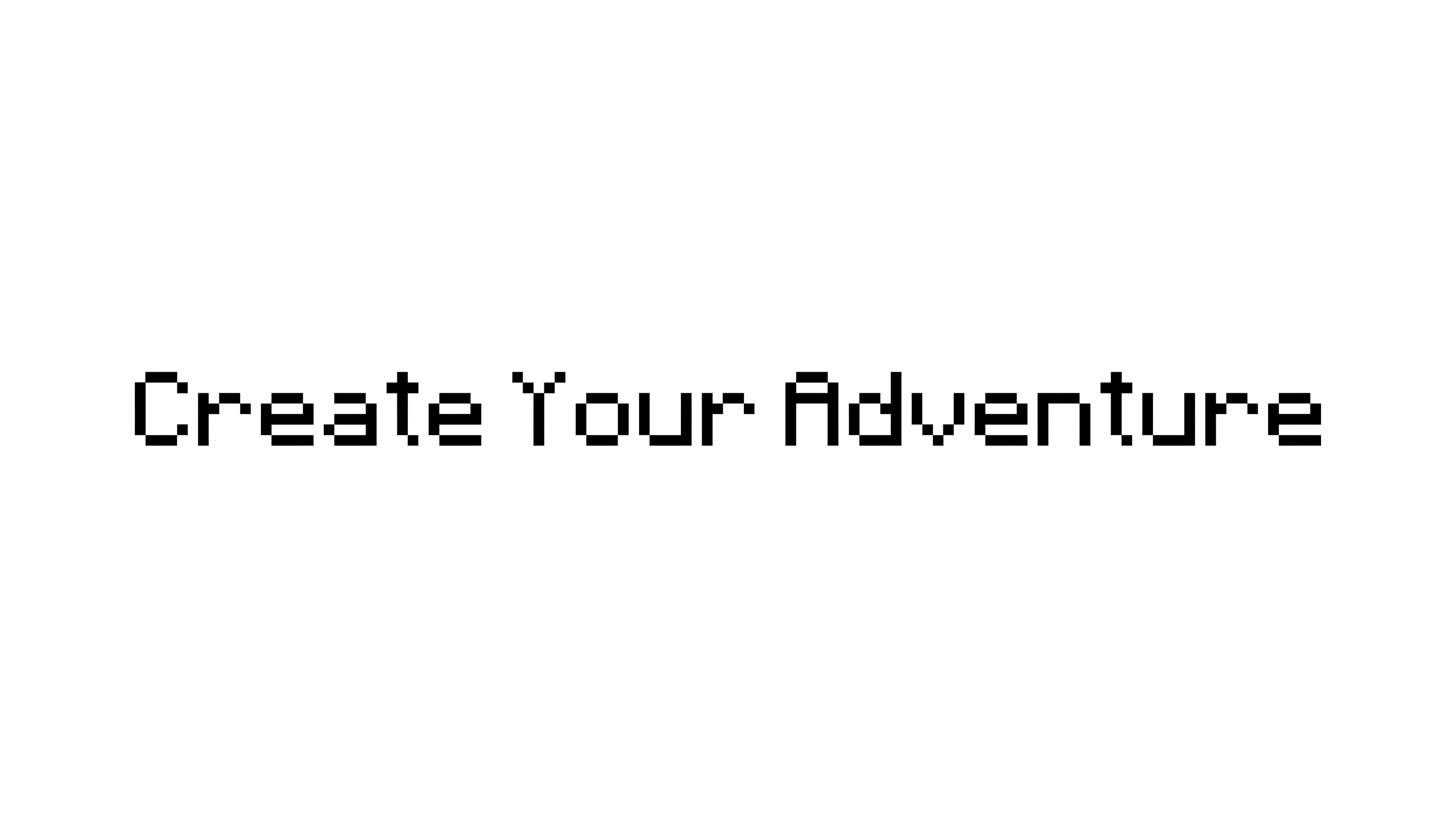
How to Use the Minecraft Font Generator
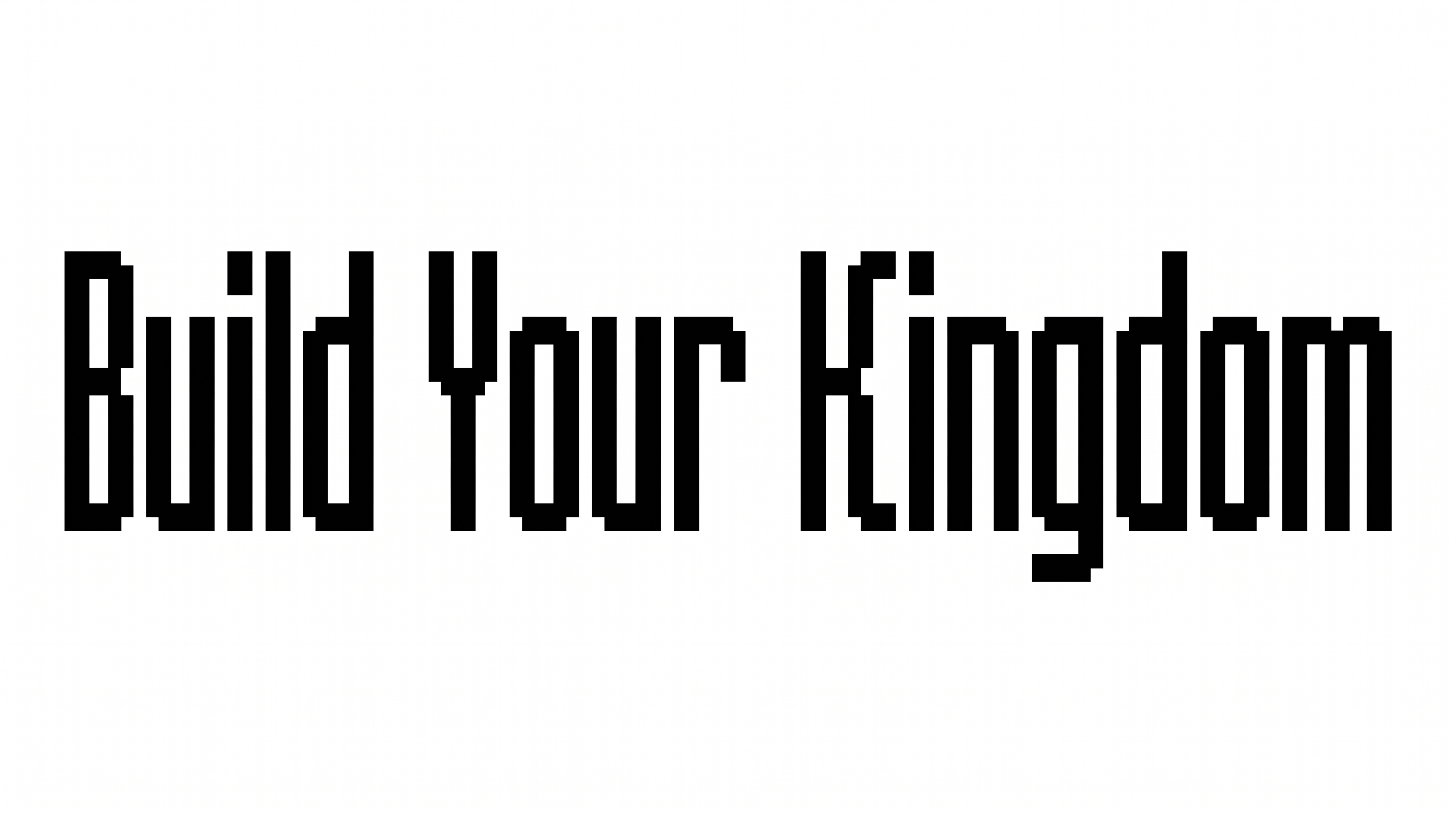
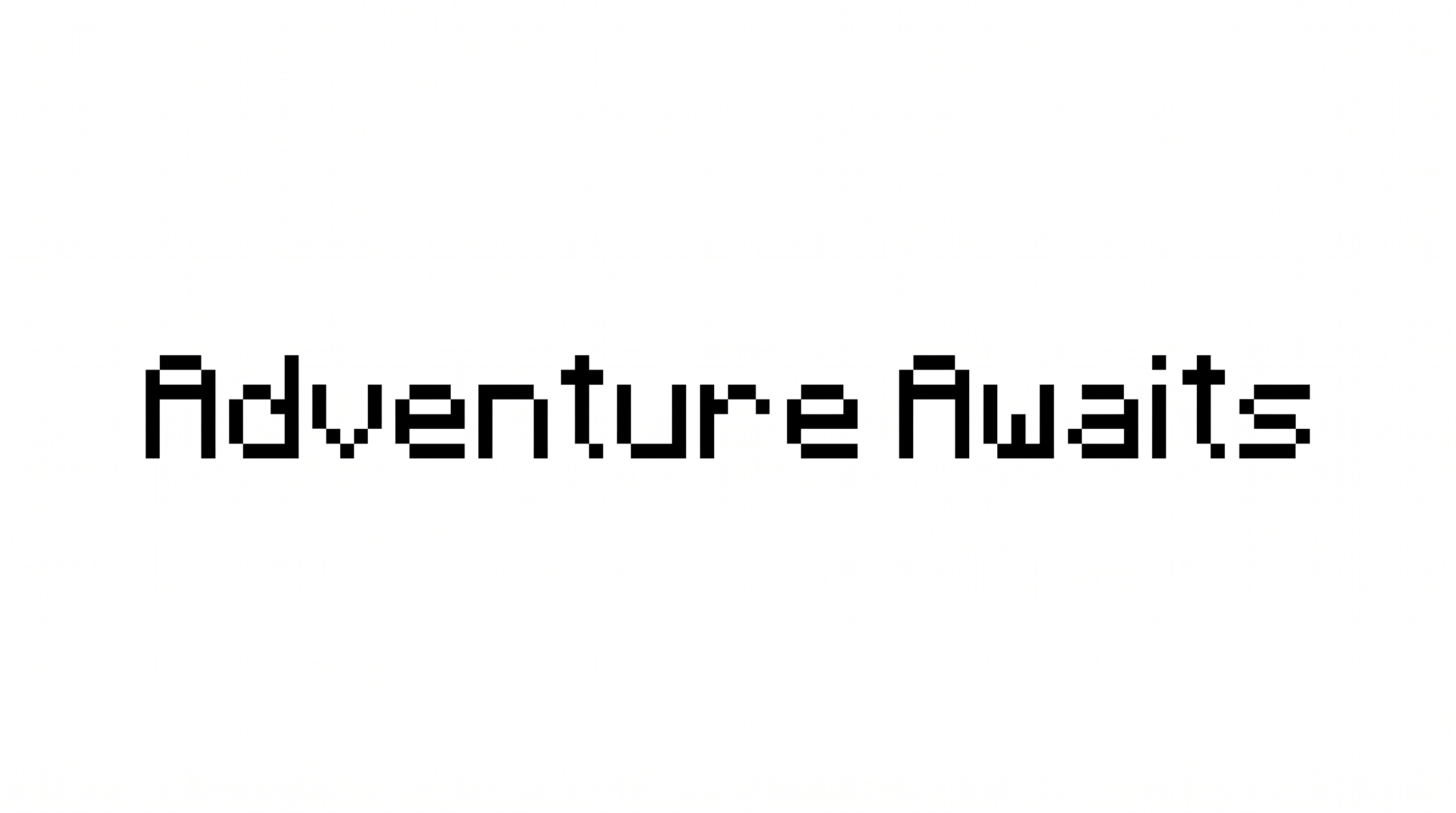
Create a heavy pixel-block heading sized and colored for your intended design.
- 01
Enter your heading
Type the word or short phrase you want rendered in modular pixel lettering.
- 02
Shape the composition
Choose a font color, background, and image size such as 16:9 for a wide layout.
- 03
Generate and save the artwork
Review the rendered text image, then download it as a PNG or SVG.
Minecraft Font Generator in Use: Design Examples & Showcase
See heavy pixel lettering across game packaging, arcade marquees, apparel, banners, album covers, tickets, and other display-focused compositions.
Minecraft Font Style Profile
Heavy strokes, modular construction, and sharp corners create a bold pixel-built silhouette.
Letter Construction
Visible letters are assembled from square pixel-like modules and stepped segments.
Corner Shape
Sharp right-angled corners define the blocky turns and joins.
Stroke Weight
Heavy, mostly even stroke bodies give the uppercase letters a solid silhouette.
Stroke Endings
Visible strokes finish in broad flat cuts or stepped square ends.
Letter Spacing
Narrow but clear gaps keep neighboring letters separate within the word.
Baseline Rhythm
The uppercase letters align along a steady, even baseline.