Get 5 Free Credits

Free Thin Sans Serif Font Generator Online

Create airy, ultra-light sans serif lettering with clean monoline strokes for refined wordmarks and editorial titles.

Enter the text to generate, e.g. Fontify.ai

Font color
Background
Templates
769
Generations
66
Downloads
251
Rating
5.0

How to Use the Thin Sans Serif Font Generator

Shape clean monoline lettering for wordmarks, covers, signage and other minimal layouts.

  1. 01

    Enter your wording

    Type a name, title or short phrase for the thin sans serif treatment.

  2. 02

    Set the image layout

    Choose an aspect ratio such as 1:1, then select font and background colors.

  3. 03

    Generate and download the artwork

    Review the rendered lettering, then download the finished image as PNG or SVG.

Thin Sans Serif Font Style Profile

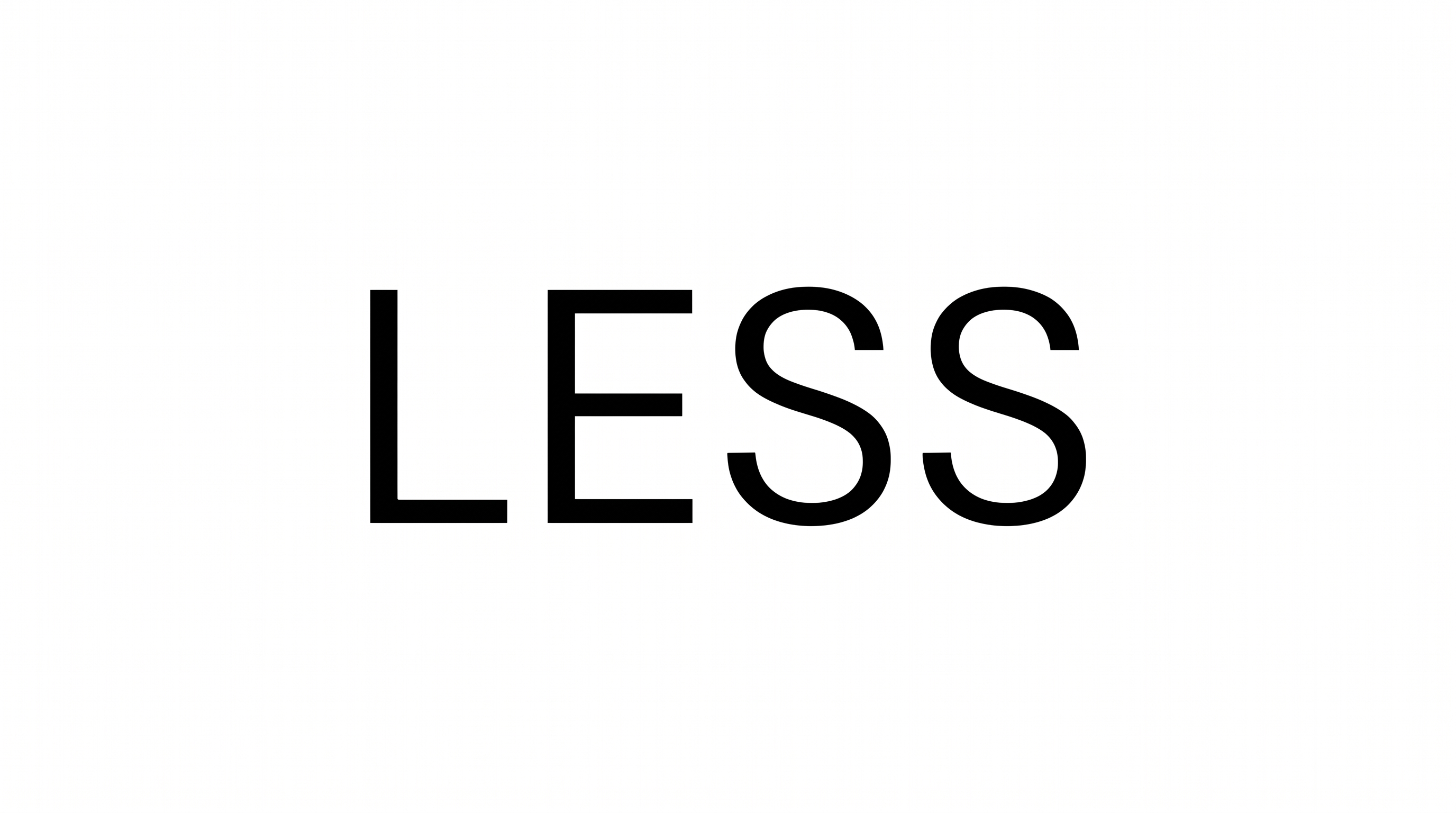
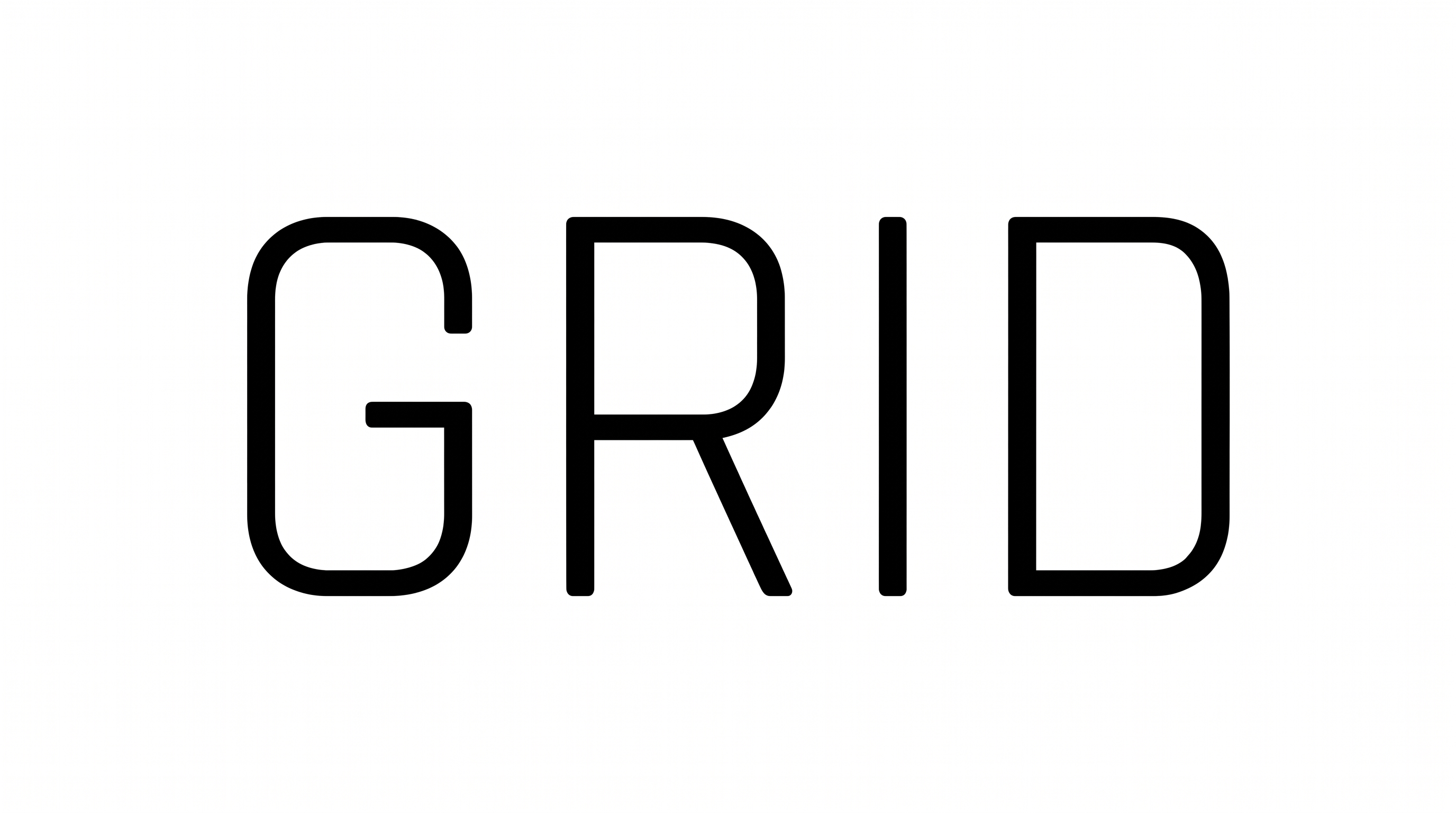
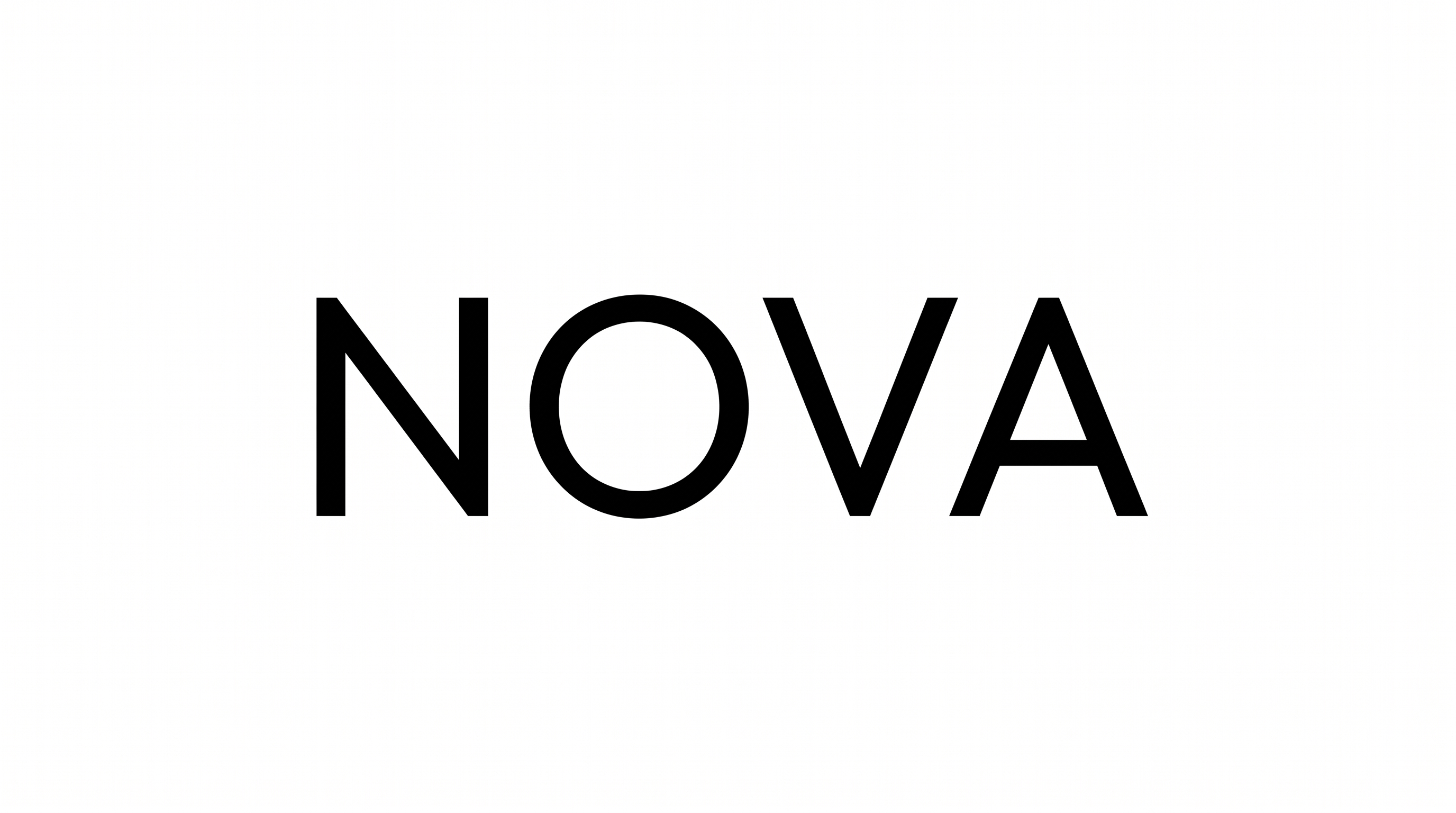
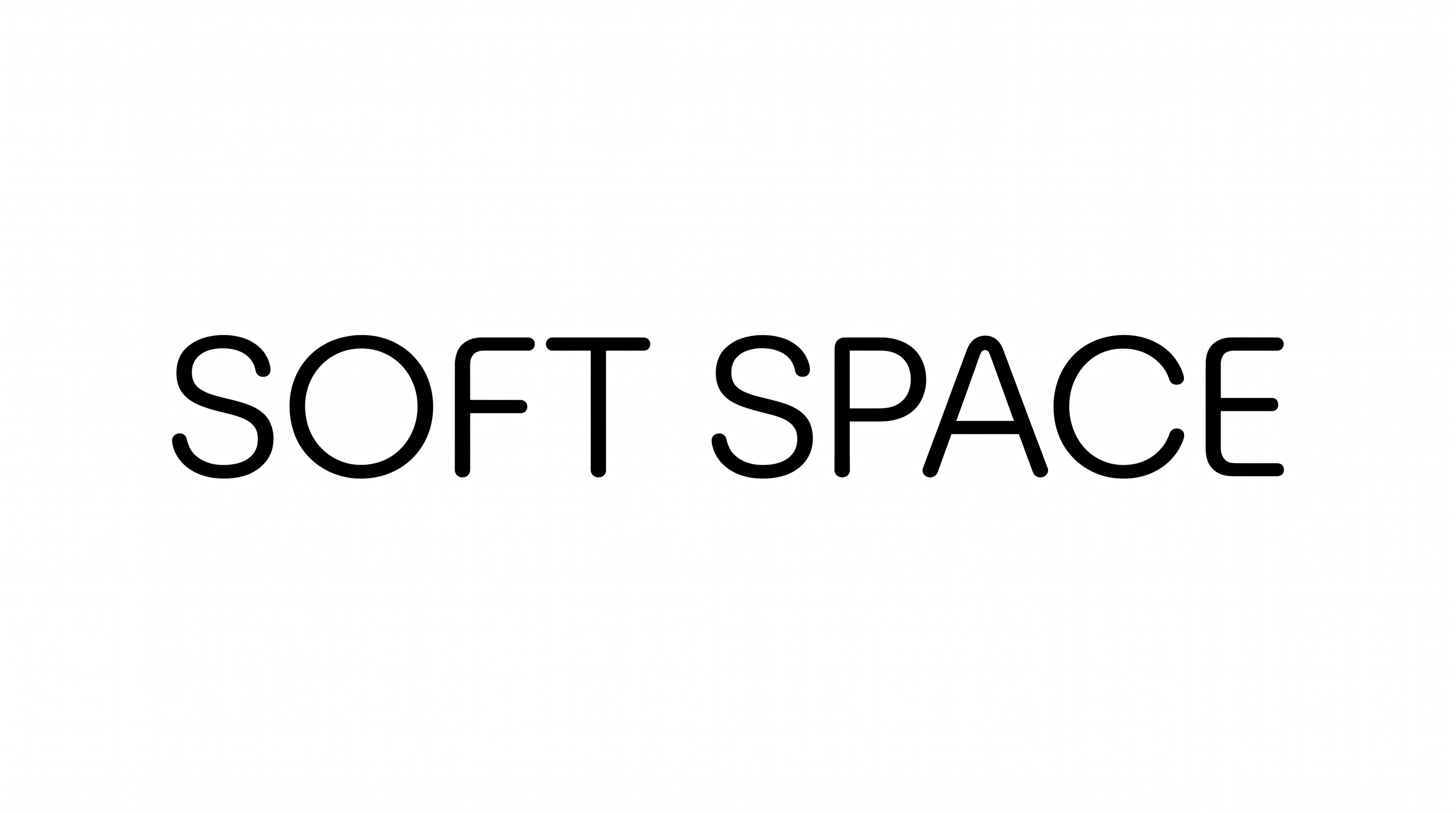
Extremely light, nearly uniform strokes form upright geometric letters with an even rhythm.

  • Stroke Weight

    Extremely light strokes give the visible lettering a delicate appearance.

  • Stroke Contrast

    The strokes maintain a nearly uniform thickness through straight and curved forms.

  • Letter Construction

    Simple straight lines and open geometric curves construct the visible letters.

  • Slant

    The letters stand upright relative to the horizontal baseline.

  • Letter Connections

    Letters remain separate, with clear breaks between neighboring characters.

  • Baseline Rhythm

    The letters align along an even and consistent baseline.
Frequently asked questions about Thin Sans Serif Font Generator

Download the generated lettering as a PNG image. Upload it in Canva, insert it into a Google Docs document, or import it into a Cricut project, also known as Cricut Design Space. Each platform uses the result as image artwork.

Yes. Transparent backgrounds are supported for layering the lettering over other artwork. This template also lets you choose a font color, select a custom background color, upload a background image and set the image size. Transparency is an output capability rather than a guarantee that every result uses it by default.

Commercial use depends on your membership. The minimum membership covers personal use, while a higher membership covers commercial use. Review pricing to choose the membership that applies to your project before using the generated artwork commercially.

Yes. You can use the generator and download the resulting artwork through the supported free-use options. This free access does not by itself grant commercial rights, which depend on the applicable membership terms.

Its ultra-light monoline appearance suits online editorial covers, calm interface headings and restrained wordmarks. Use generous surrounding space so the delicate strokes remain visually distinct, especially when the lettering appears over photography or within a detailed layout.

Use a short phrase, maintain strong contrast between the lettering and background, and avoid crowding the text with nearby elements. Check the exported image at its intended display size because the ultra-light strokes need adequate space and contrast.

Pair the delicate heading with a clearer supporting style for dates, directions or longer passages. Keep the visual hierarchy simple: let the thin lettering carry the main title while practical information uses stronger weight and comfortable spacing.

The light monoline strokes and generous open forms can create a calm, refined and contemporary mood. They work especially well when the composition uses restrained imagery, quiet geometry and ample negative space.
READY TO CREATE?

Create Custom Thin Sans Serif Fonts & Text Effects

Try Thin Sans Serif Font Generator Free