Free Sans Serif Bold Font Generator Online
Turn words into heavy, geometric uppercase lettering with a clean, high-impact presence suited to signs, covers, and packaging.
- Templates
- 769
- Generations
- 80
- Downloads
- 222
- Rating
- 5.0
How to Use the Sans Serif Bold Font Generator
Shape bold uppercase lettering for clear impact across print, merchandise, and signage layouts.
- 01
Write your uppercase message
Type the words you want to feature as a strong uppercase heading.
- 02
Set the visual format
Choose a font color, background treatment, and an image ratio such as 16:9.
- 03
Generate and download the artwork
Generate the image, review the uppercase forms, then download PNG or SVG artwork.
Sans Serif Bold Font Generator in Use: Design Examples & Showcase
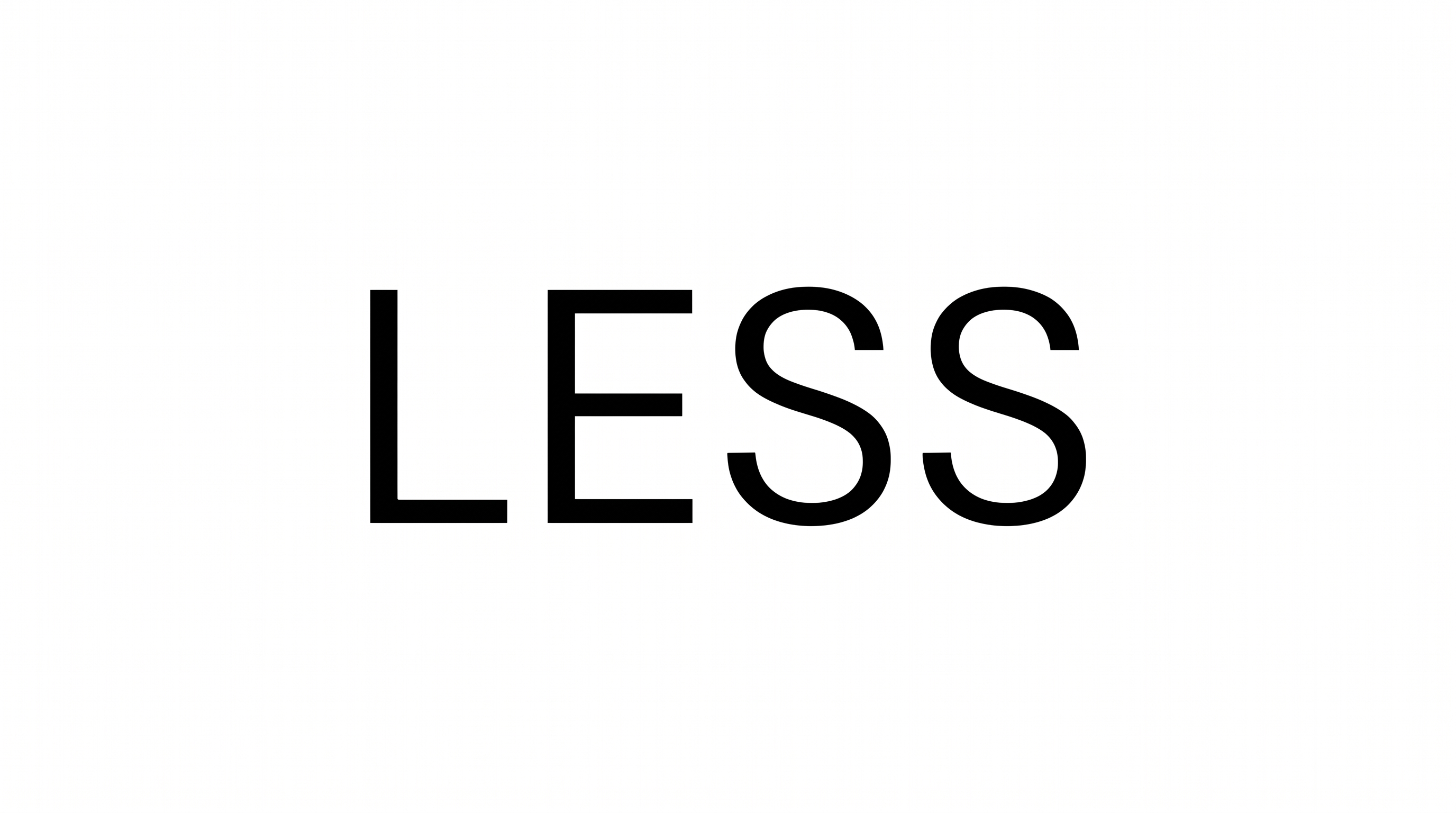
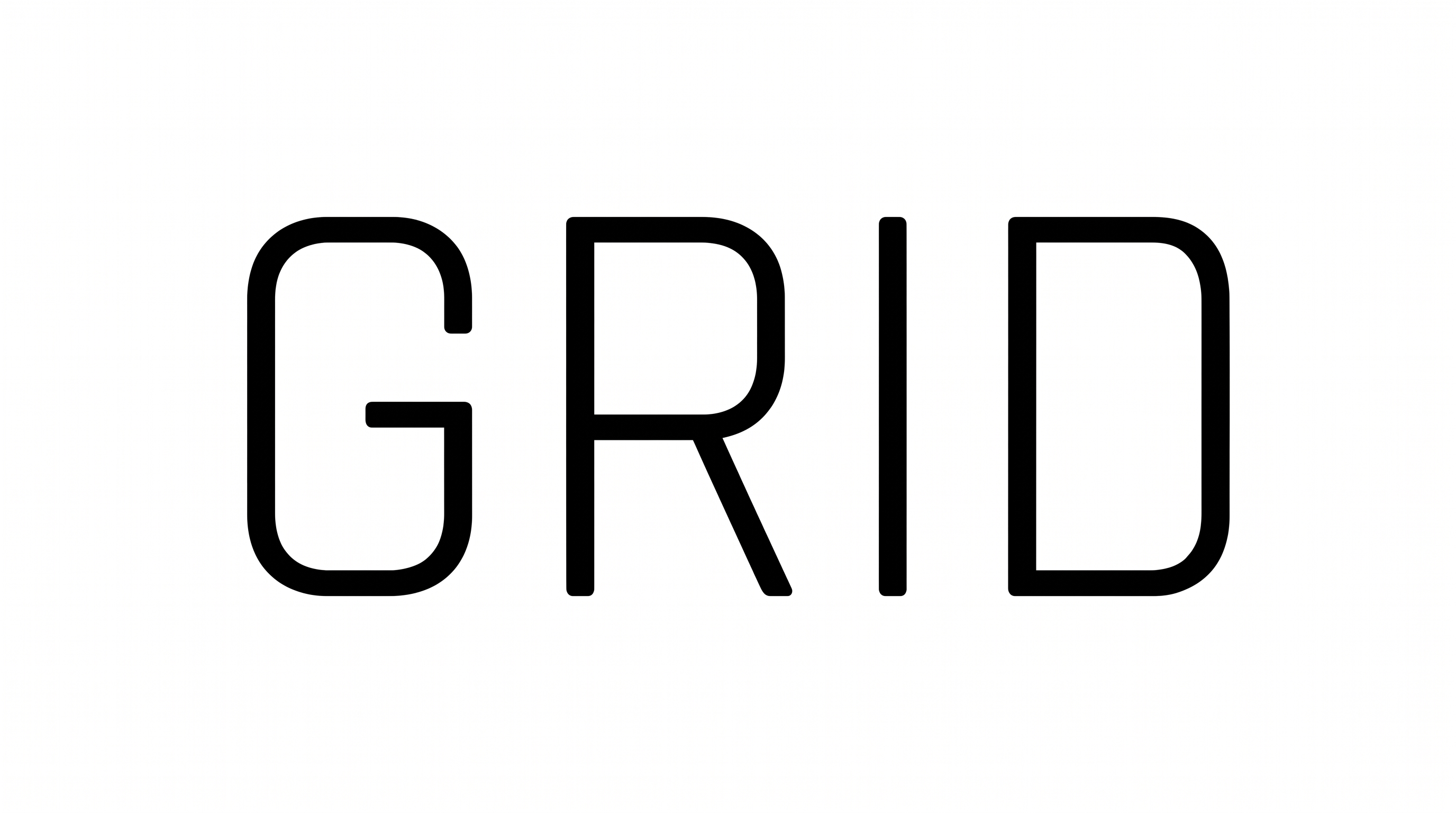
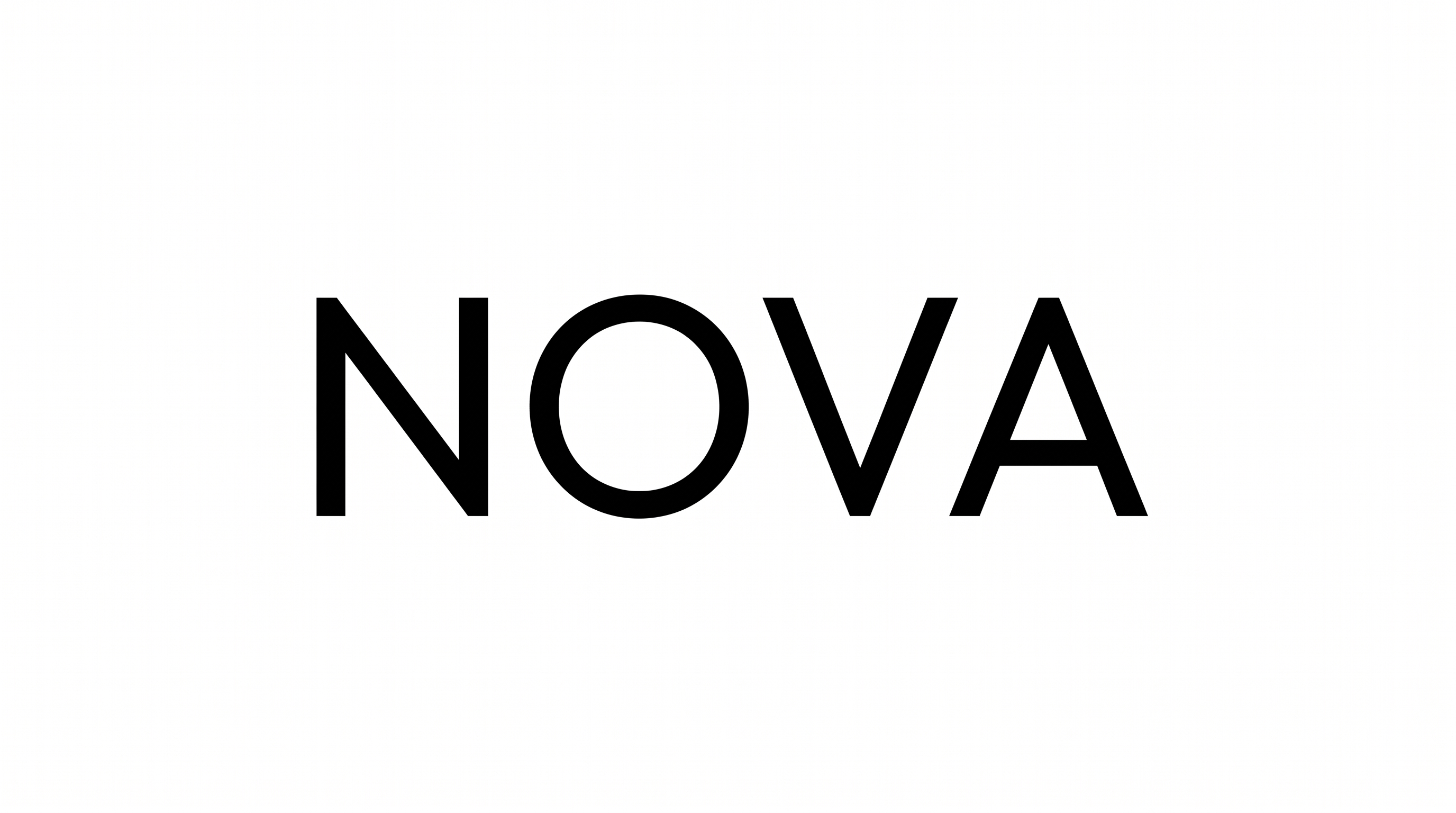
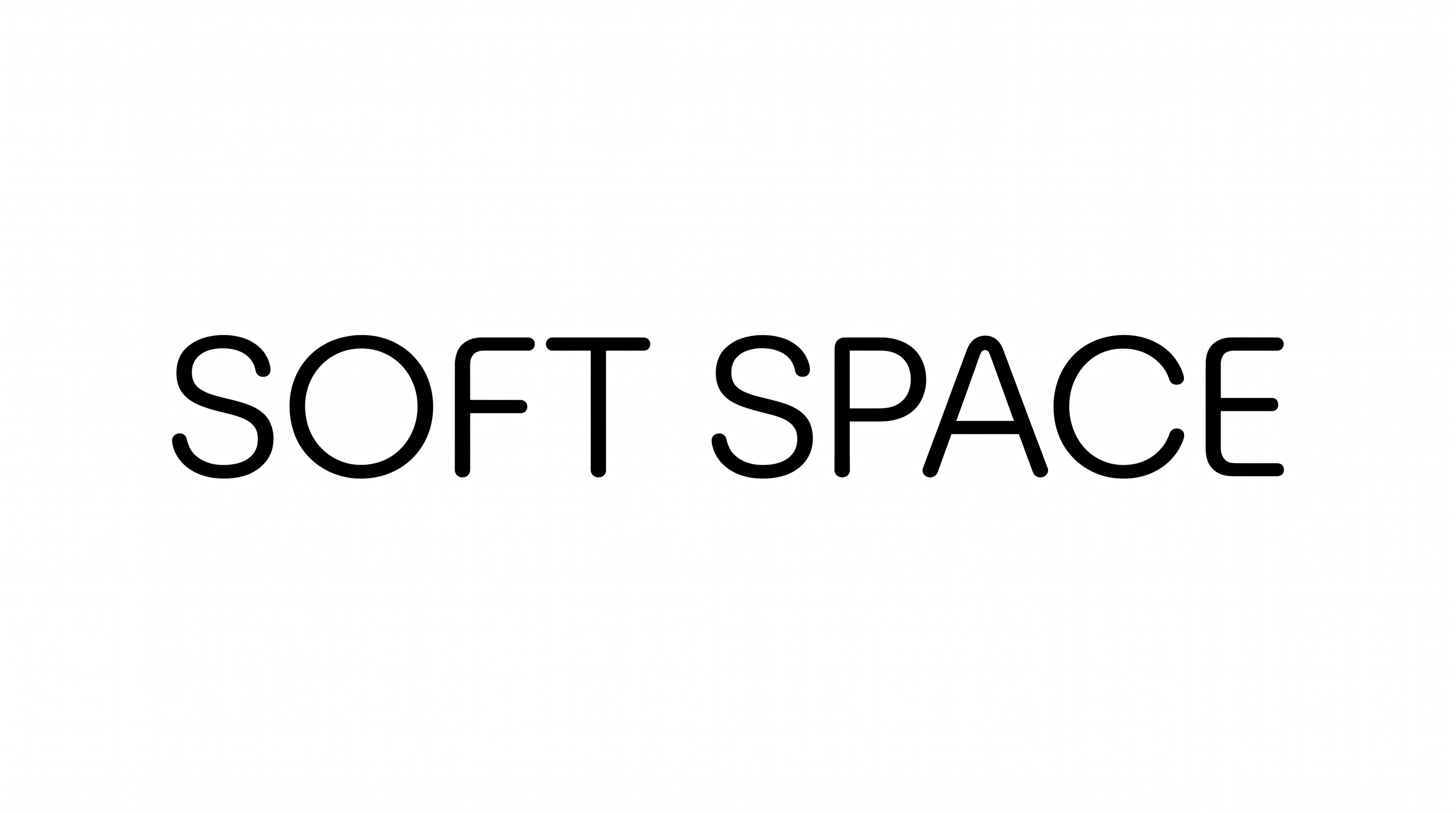
Compare how the bold uppercase lettering works across covers, packaging, storefronts, wayfinding, apparel, labels, and large-format event displays.
Sans Serif Bold Font Style Profile
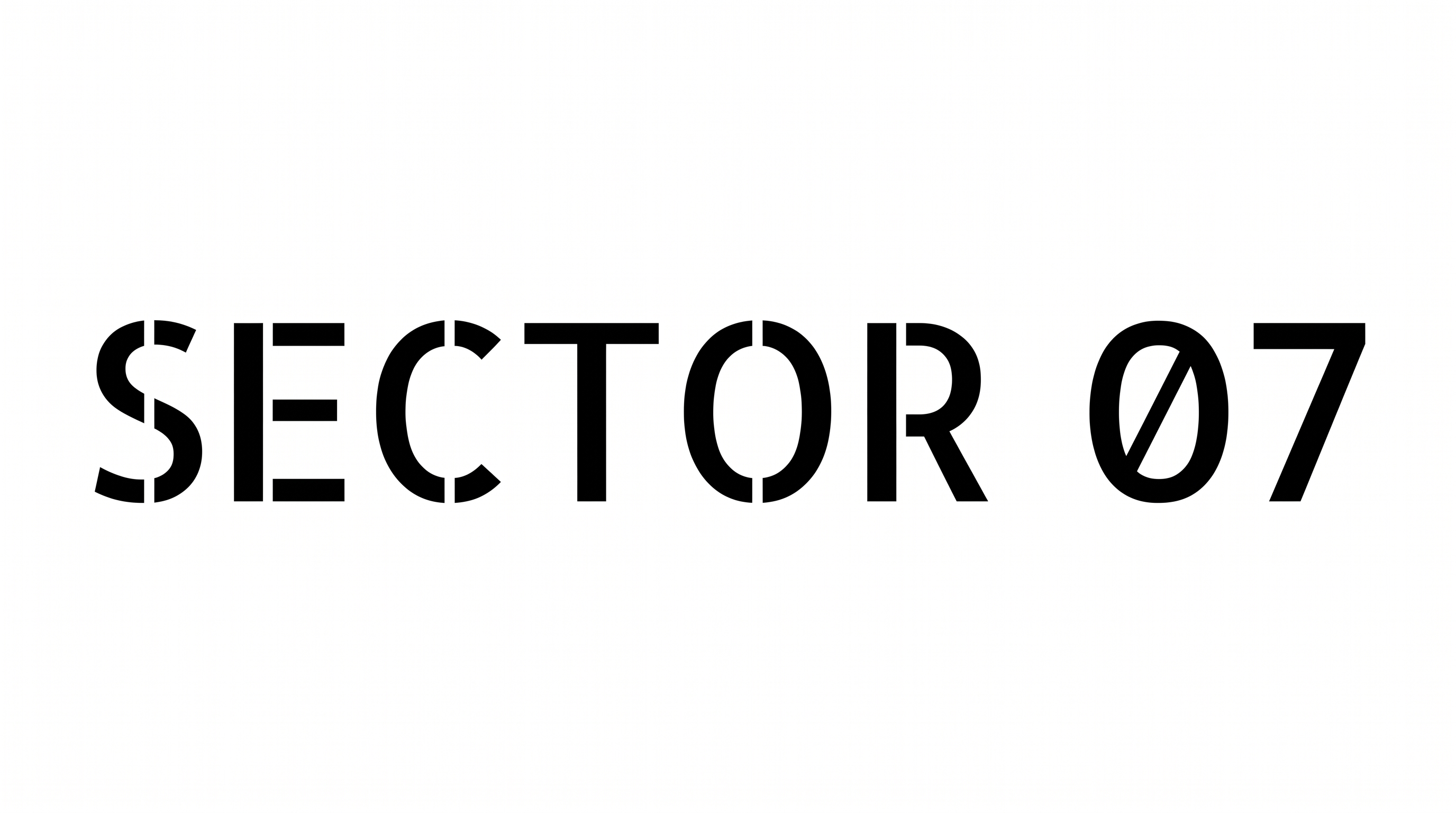
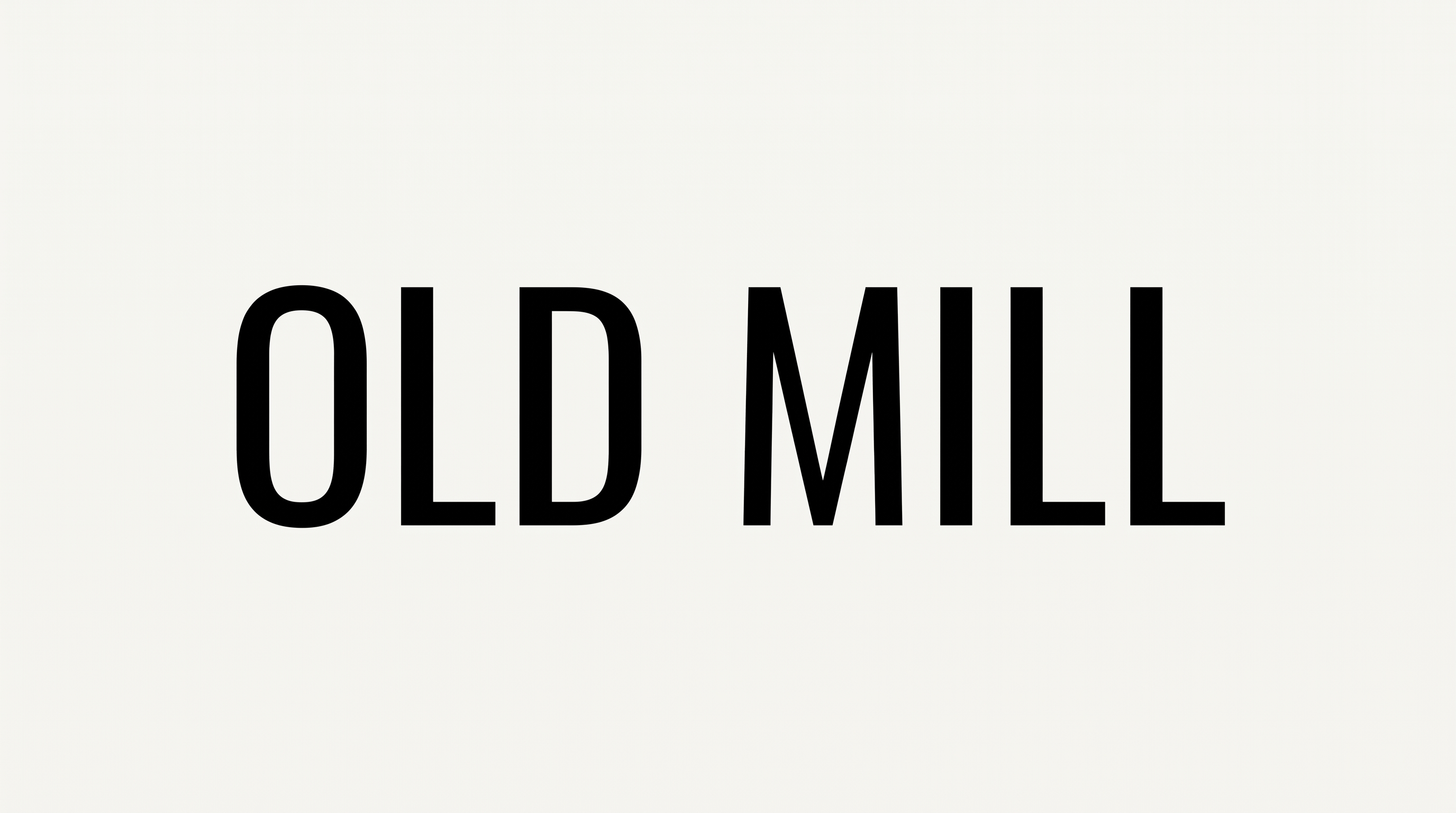
Heavy, condensed uppercase forms use even strokes, flat endings, and clear separation.
Stroke Weight
Heavy stroke bodies give the uppercase letters a forceful, solid appearance.
Letter Width
Relatively narrow letterforms create a compact, condensed uppercase setting.
Stroke Contrast
Strokes maintain low contrast across vertical, horizontal, and curved forms.
Letter Connections
Letters remain separate, with clear breaks between neighboring characters.
Stroke Endings
Visible stroke endings use broad, flat cuts.
Baseline Rhythm
Uppercase letters align along a steady, even baseline.