Get 5 Free Credits

Free Minecraftia Font Generator Online

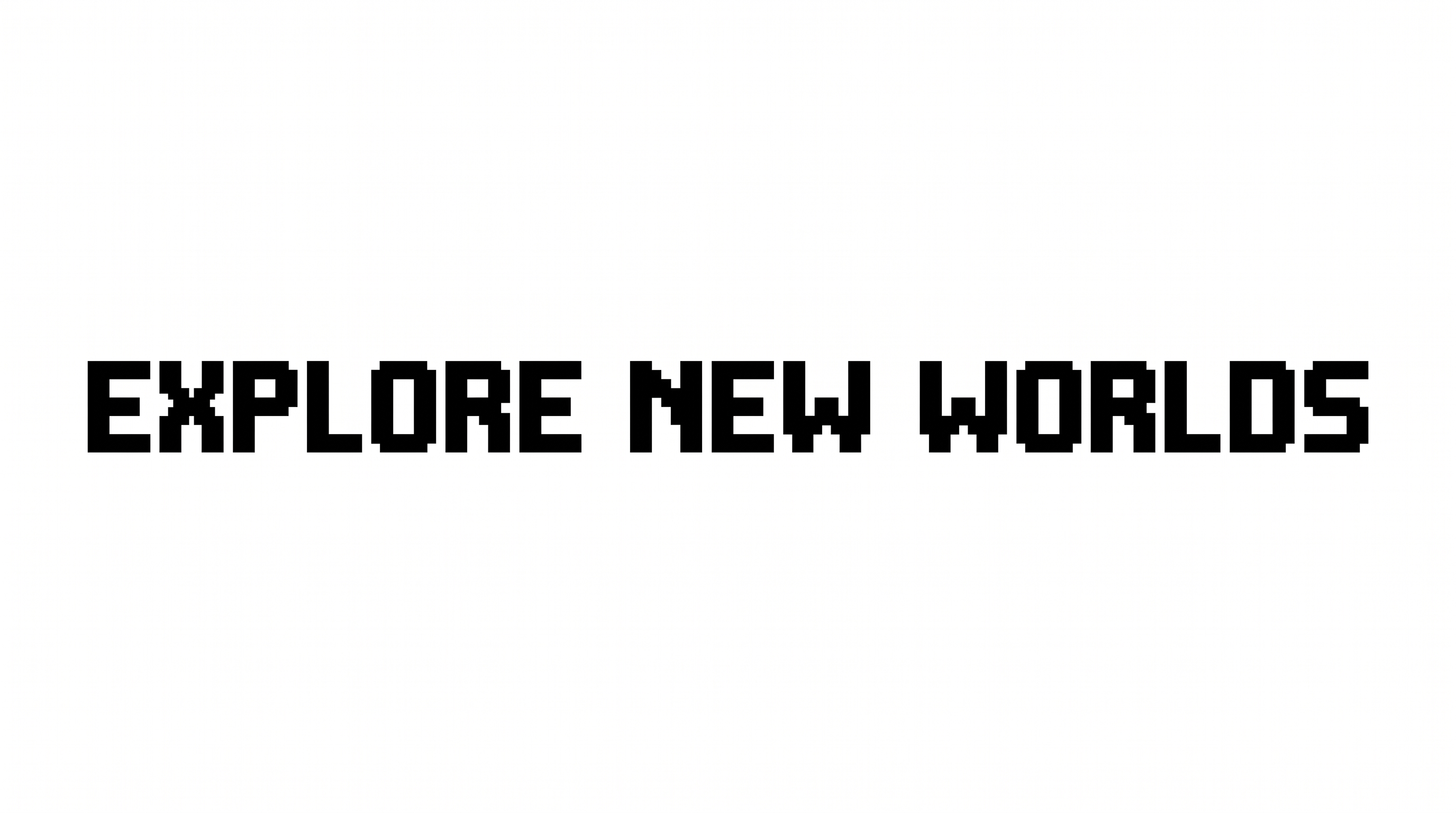
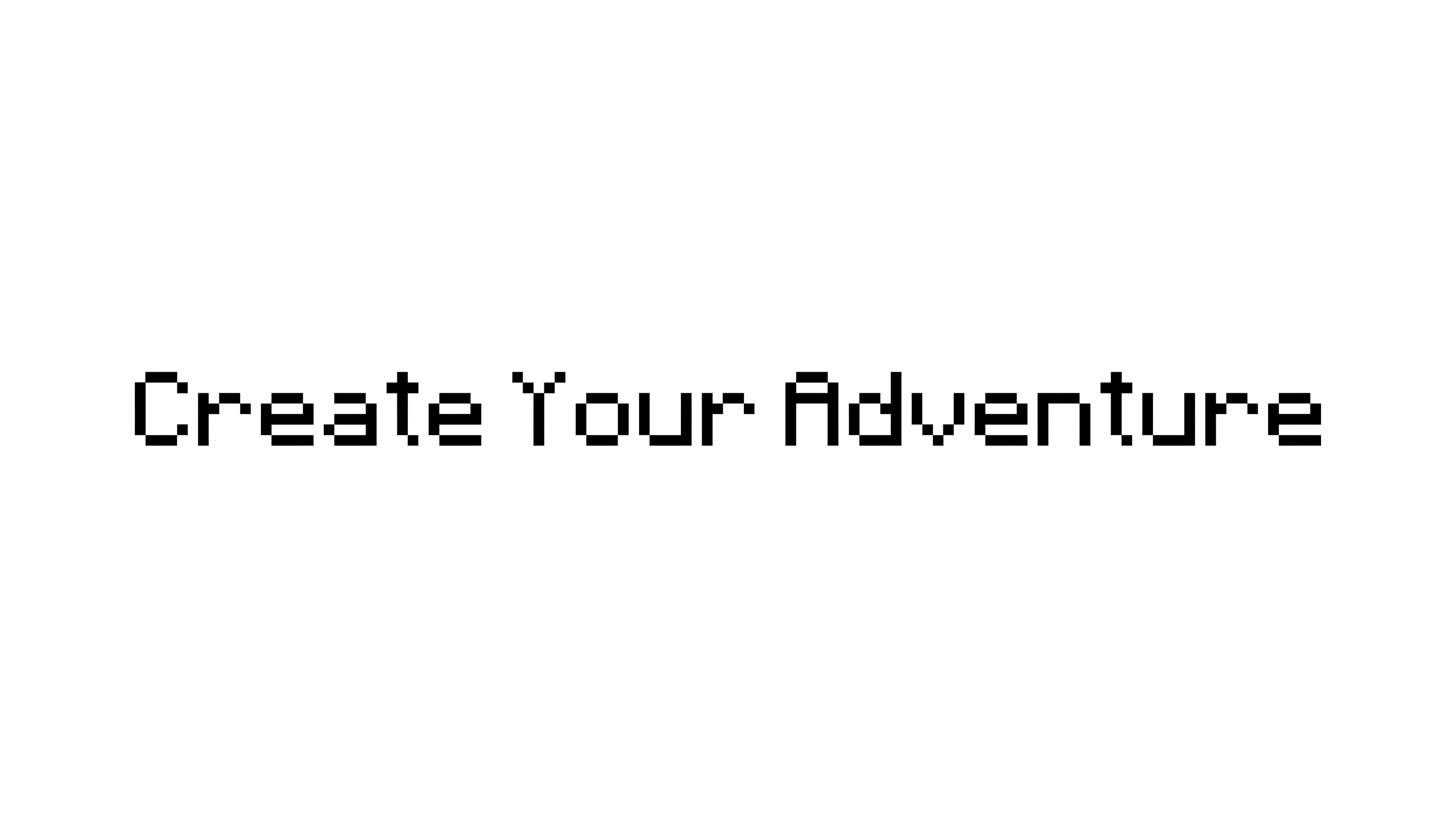
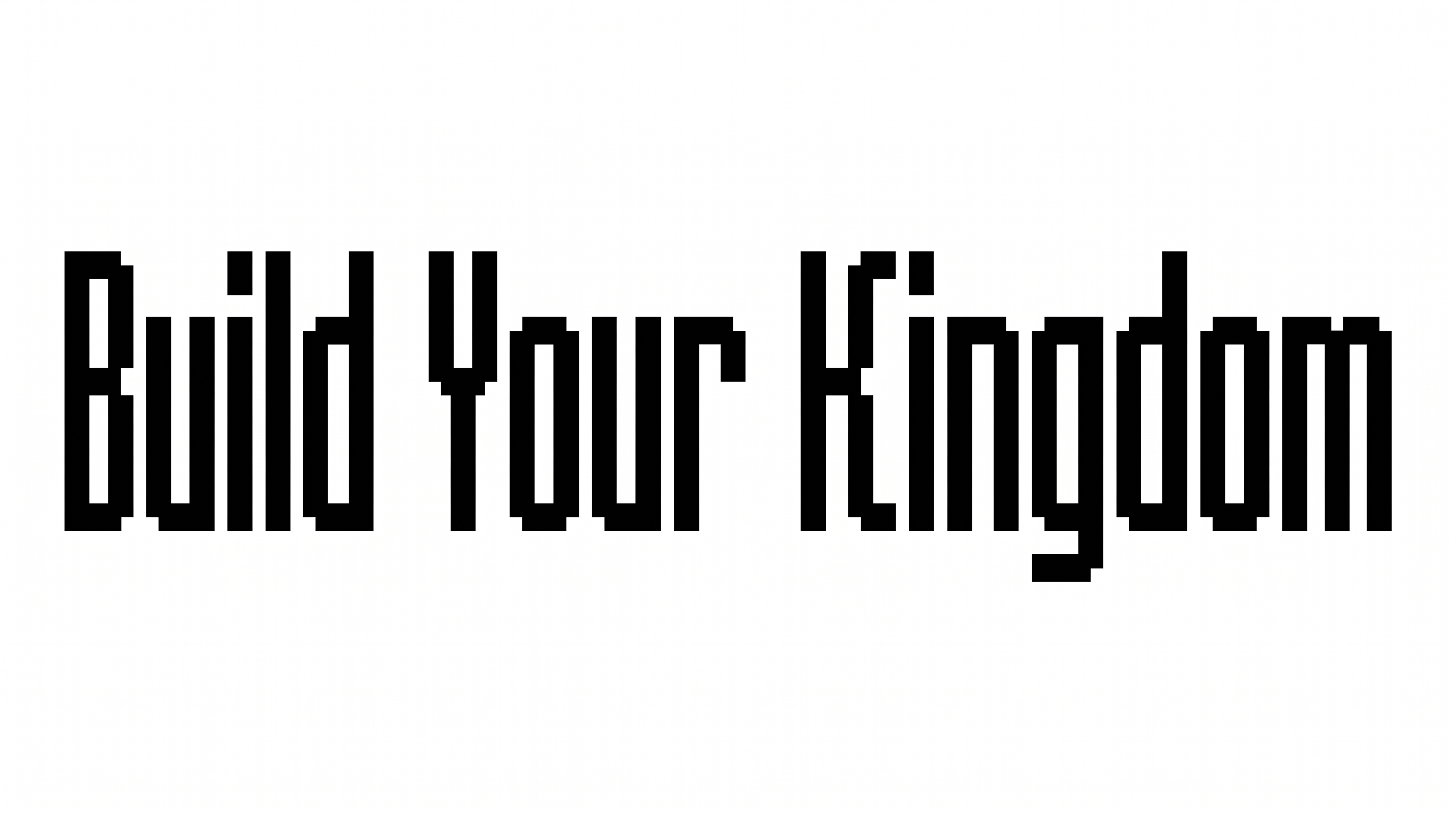
Turn your words into compact, hard-edged pixel lettering suited to retro game titles, stream graphics, and blocky display designs.

Enter the text to generate, e.g. Fontify.ai

Font color
Background
Templates
139
Generations
68
Downloads
256
Rating
5.0

How to Use the Minecraftia Font Generator

Shape a crisp pixel heading for game graphics, banners, packaging, or other display layouts.

  1. 01

    Enter your pixel-text wording

    Type a short title, name, or message for the compact bitmap lettering.

  2. 02

    Set the colors and image size

    Choose a custom font color, background option, or an aspect ratio such as 16:9.

  3. 03

    Generate and download the artwork

    Review the hard-edged result, then download the finished text image as PNG or SVG.

Minecraftia Font Style Profile

Pixel-block construction, sharp corners, and an even baseline define the compact lettering.

  • Letter Construction

    Visible letters are assembled from stepped pixel blocks and straight segments.

  • Corner Shape

    Sharp right-angled corners create the lettering's hard-edged silhouette.

  • Stroke Weight

    Medium, mostly even strokes keep the pixel forms clear and consistent.

  • Stroke Endings

    Visible strokes finish with square, flat-cut endings.

  • Letter Connections

    Letters remain separate, with clear breaks between neighboring characters.

  • Baseline Rhythm

    Characters sit on a steady baseline with consistent vertical alignment.
Frequently asked questions about Minecraftia Font Generator

The generator turns your wording into a text image using compact, hard-edged pixel lettering. Its crisp bitmap construction and restrained monochrome character suit retro game titles, banners, stream graphics, and other block-led designs.

Type your wording, then choose an available font color, background, or image size. Generate the design and review the rendered preview. You can download the finished text artwork in PNG or SVG format.

The minimum membership covers personal use, while a higher membership covers commercial use. Review pricing to choose the membership that applies to your intended project.

Yes. The generator is free to use, and you can download the generated artwork in PNG or SVG format. Usage rights for personal and commercial projects follow the applicable membership terms.

Its compact pixel construction suits game banners, stream overlays, title cards, app splash screens, and event graphics. Give the main heading a clear area so the angular shapes remain distinct from detailed artwork and supporting information.

Use a larger image size for long headings or distant viewing, and preview the artwork at its intended display size. Short phrases help the stepped corners, small counters, and separate character shapes remain easy to distinguish.

Leave a clear margin around the text and keep busy illustrations outside the primary title area. Pair the block lettering with simpler supporting text so dates, prices, labels, or instructions retain their own readable hierarchy.
READY TO CREATE?

Create Custom Minecraftia Fonts & Text Effects

Try Minecraftia Font Generator Free