Get 5 Free Credits

Free College Font Generator Online

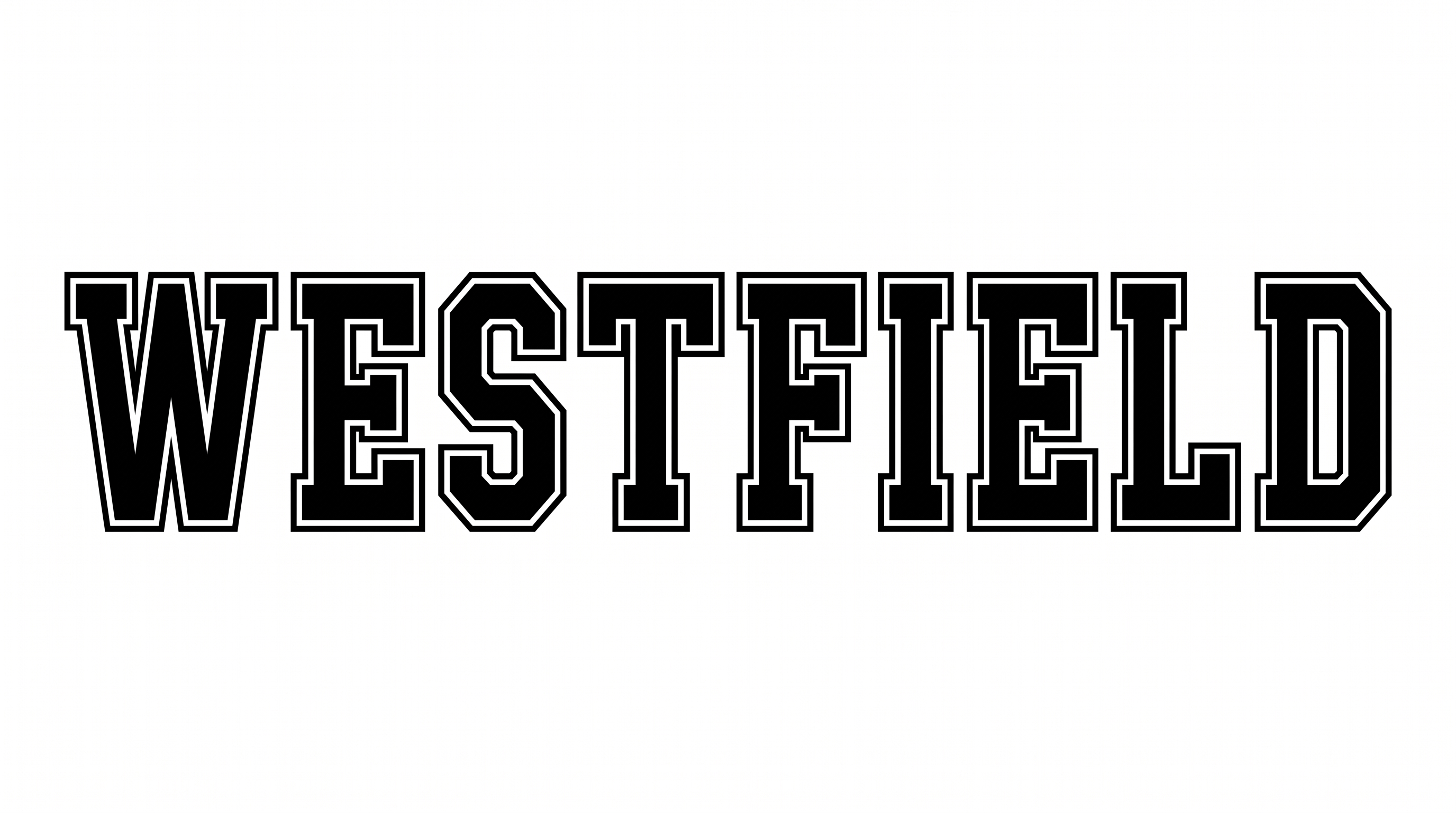
Build bold collegiate wordmarks with heavy, chamfered slab-serif lettering suited to varsity apparel and campus graphics.

Enter the text to generate, e.g. Fontify.ai

Font color
Background
Templates
26
Generations
137
Downloads
259
Rating
5.0

How to Use the College Font Generator

Shape athletic block lettering for a chosen layout, then save the finished wordmark as image artwork.

  1. 01

    Compose a short wordmark

    Enter a team name, campus phrase, or event title for the heavy collegiate lettering.

  2. 02

    Set the layout and colors

    Choose a 16:9 image size, then select font and background colors for your composition.

  3. 03

    Generate and download the artwork

    Generate the image, review the block forms, and download the finished PNG or SVG artwork.

College Font Style Profile

Heavy, condensed slab-serif forms use chamfered corners, broad terminals, and disciplined spacing.

  • Stroke Weight

    Heavy stroke bodies give the letters a strong, substantial presence.

  • Letter Construction

    Solid, angular forms build each letter from continuous block shapes.

  • Corner Shape

    Chamfered corners create clipped angles at many outer turns and joins.

  • Letter Width

    Tall, condensed letterforms keep individual characters relatively narrow.

  • Stroke Endings

    Broad slab-serif terminals finish the visible strokes with firm, squared forms.

  • Letter Spacing

    Clear, moderate gaps keep neighboring letters distinct within each word.

Frequently asked questions about College Font Generator

Yes. Transparent-background output is supported, which lets you layer the lettering over other artwork. This template also lets you choose a font color, select a custom background color, or upload a background image. You can also choose from available image sizes.

Enter your wording, choose an available image size, font color, and background, then generate the design. Review the rendered image and download it as PNG or SVG artwork. The result is a text image rather than an installable font file.

Yes. You can use the generator and download the finished artwork for free. Usage rights follow the applicable membership terms, so review pricing for the plan that matches your project. The output is available as PNG or SVG image artwork.

Use the related-tools area to explore more text generators and compare their visual direction with this collegiate block style. Look at letter width, stroke weight, corner shapes, and overall mood. Comparing those visible traits helps you choose a direction that fits your layout.

Use a short heading and give the tall block letters enough room around their outer edges. Keep important details in a clear supporting type style, then inspect the exported image at its intended display size. A 1:1 image size can suit compact square compositions.

Center a short wordmark when it is the main focal point, or place it high to leave free space for dates and details. Wide options such as 16:9 work well for banners and scoreboards, while vertical sizes can support posters or stories.

Pair the lettering with simple shapes, restrained supporting text, and generous margins. Its heavy slab-serif forms suit athletic, campus, and heritage-inspired moods. Strong contrast between the wordmark and its background helps the angular letterforms remain clear.
READY TO CREATE?

Create Custom College Fonts & Text Effects

Try College Font Generator Free