Free Bluey Font Generator Online
Turn names and short phrases into bold, softly irregular rounded lettering suited to storybook covers, party invitations, and playful signs.
- Templates
- 20
- Generations
- 104
- Downloads
- 291
- Rating
- 5.0
How to Use the Bluey Font Generator
Shape bold, rounded lettering for names or headlines, then save it as versatile image artwork.
- 01
Write your wording
Type a name or short phrase to shape the bold, softly irregular lettering.
- 02
Set the visual format
Choose a font color, background, and an image size such as 1:1 for your layout.
- 03
Generate and save the artwork
Generate the result, review its readability, then download the artwork as PNG or SVG.
Bluey Font Generator in Use: Design Examples & Showcase
See how the chunky rounded lettering works across storybook covers, invitations, classroom signs, apparel, and personalized decor.
Bluey Font Style Profile
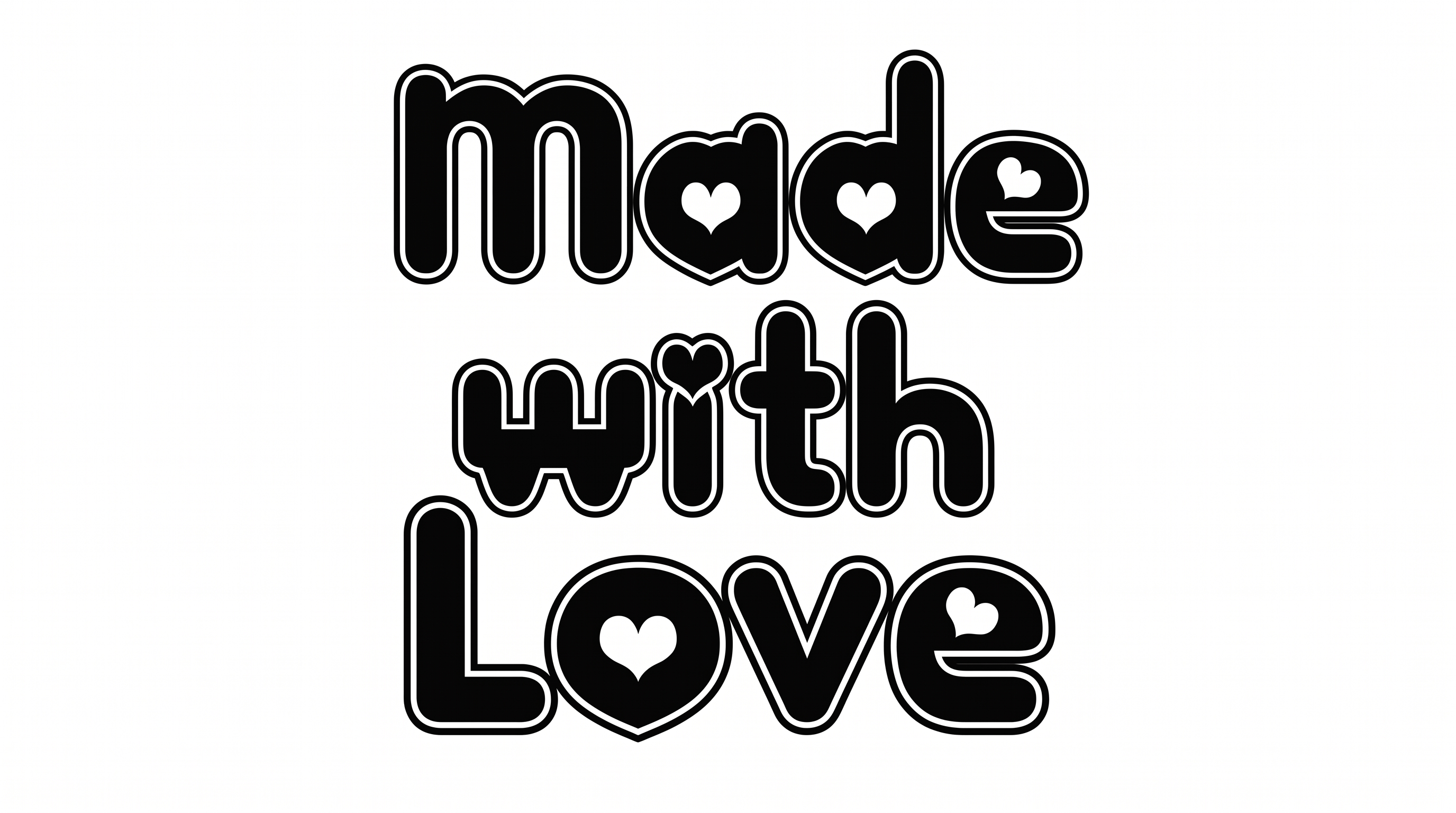
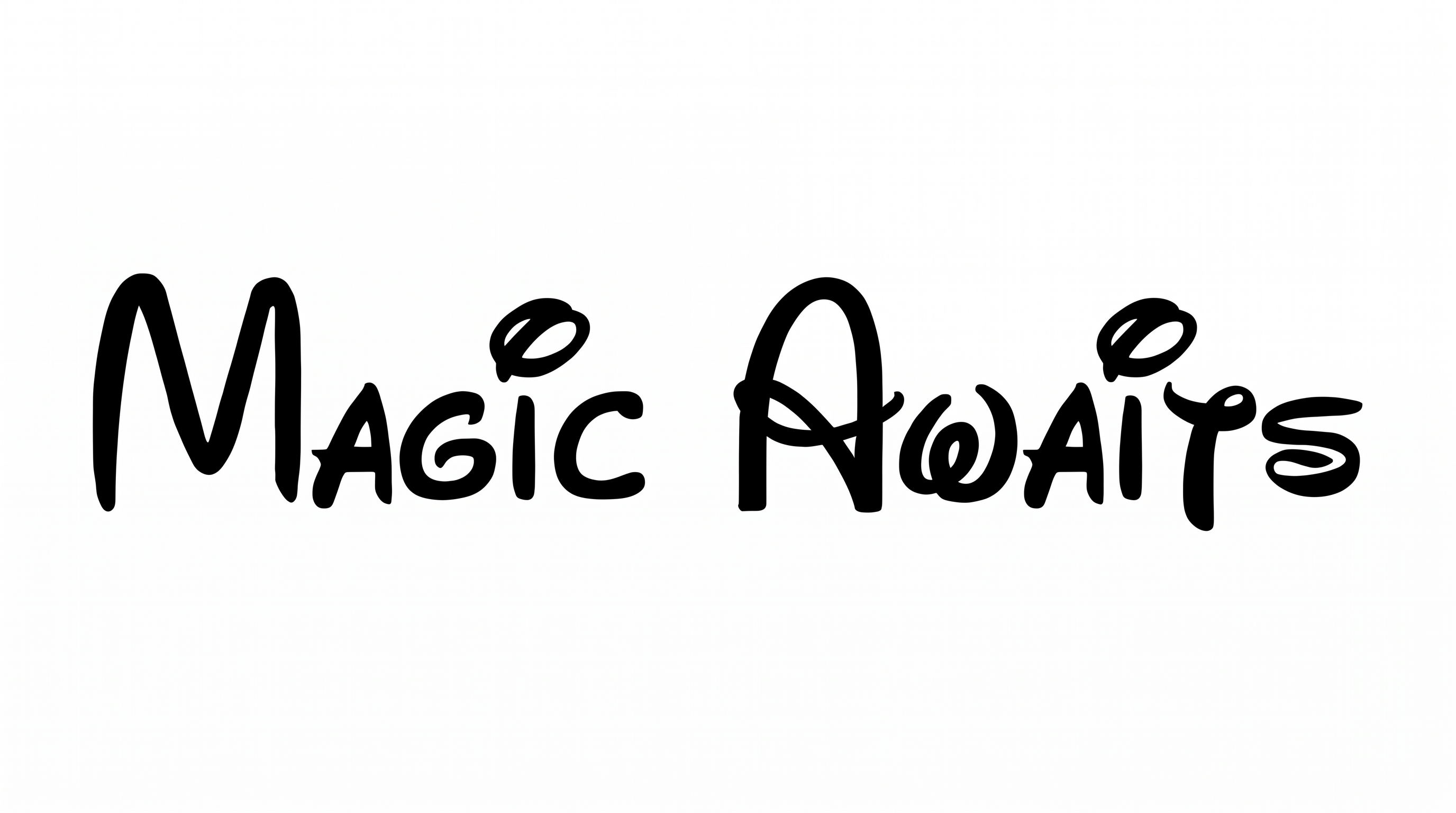
Heavy strokes, rounded corners, and solid irregular shapes give the lettering its playful character.
Stroke Weight
Heavy, broad strokes form substantial black letter bodies.
Corner Shape
Softly rounded corners shape the turns and joins throughout the visible lettering.
Letter Construction
Each letter is built from solid, continuous shapes with softly irregular contours.
Stroke Endings
Visible stroke ends are broad and rounded rather than sharply cut.
Letter Connections
Letters remain separate, with clear breaks between neighboring characters.
Stroke Contrast
Thick and thin differences stay restrained across the visible strokes.