Get 5 Free Credits

Free Tattoo Script Font Generator Online

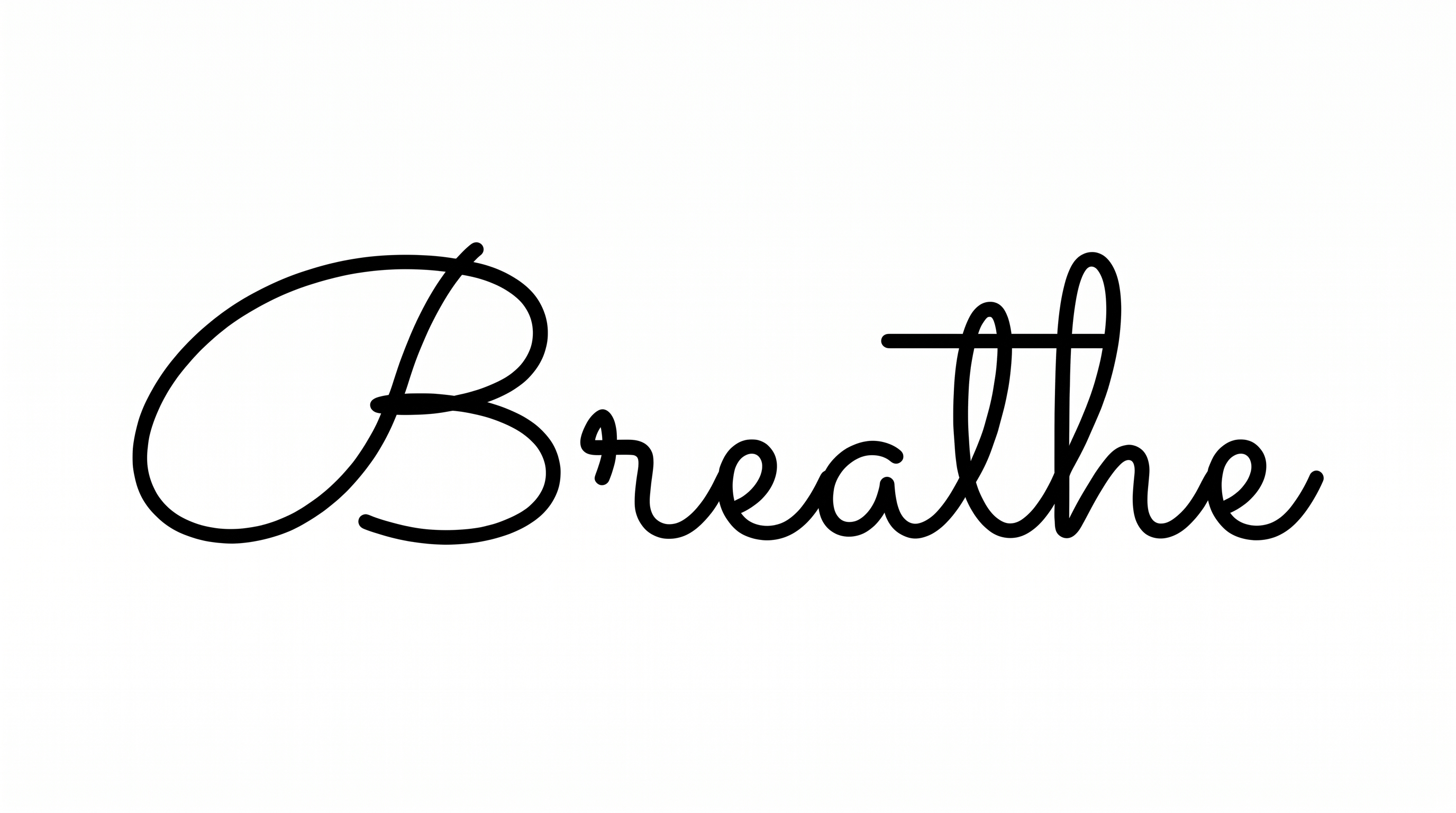
Turn names and phrases into refined calligraphy with connected letters, dramatic flourished capitals, and delicate hairlines for tattoos or titles.

Enter the text to generate, e.g. Fontify.ai

Font color
Background
Templates
296
Generations
135
Downloads
214
Rating
5.0

How to Use the Tattoo Script Font Generator

Shape elegant script artwork with readable connections, then save the finished design in a supported image format.

  1. 01

    Compose and size your phrase

    Enter a name or phrase, then choose a 16:9 or portrait image size for its layout.

  2. 02

    Choose colors and a background

    Select the preset or a custom font color, then choose a default, colored, or uploaded background.

  3. 03

    Generate and download the artwork

    Generate the preview, review the connected hairlines, then download the finished PNG or SVG image.

Tattoo Script Font Style Profile

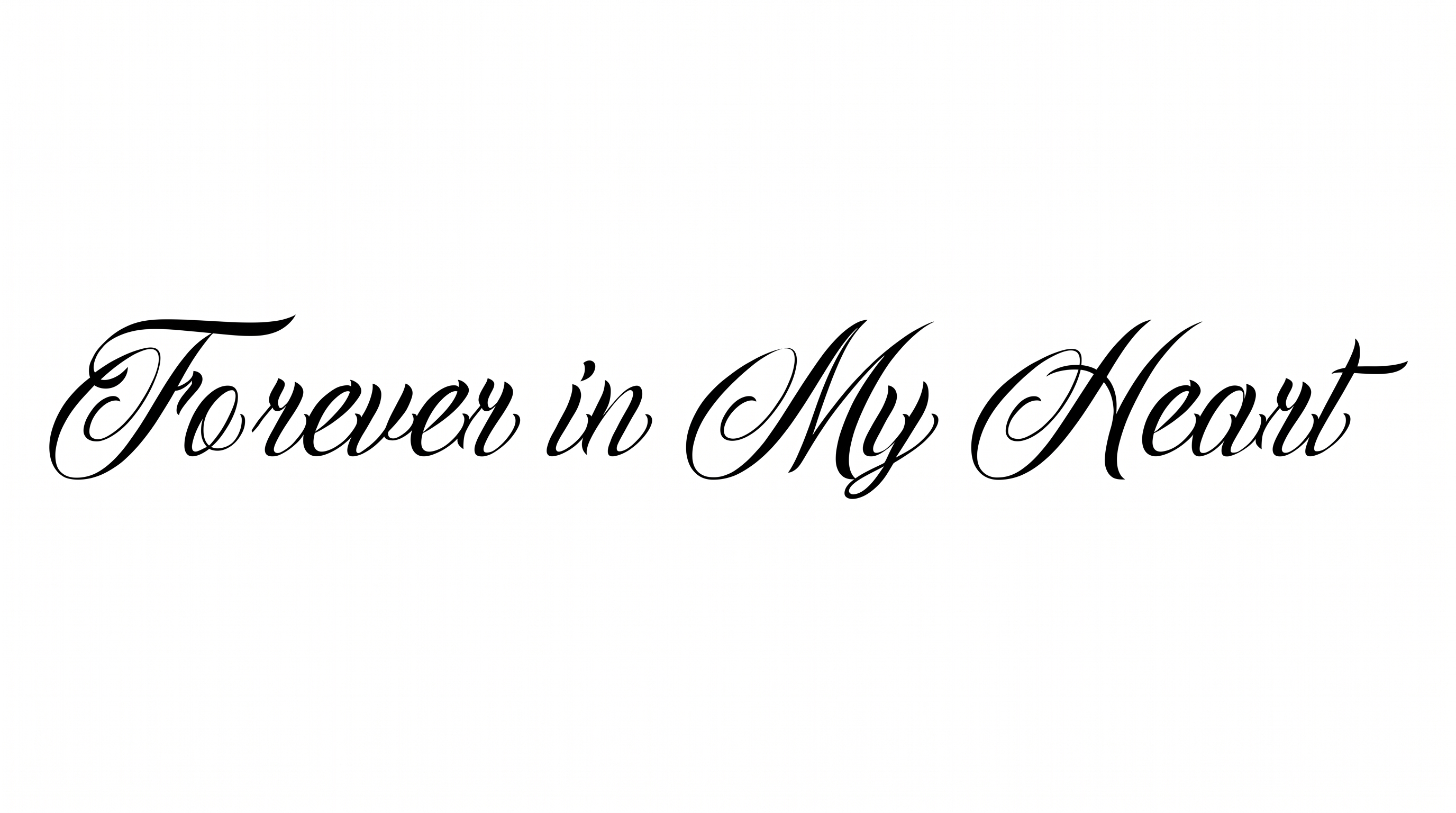
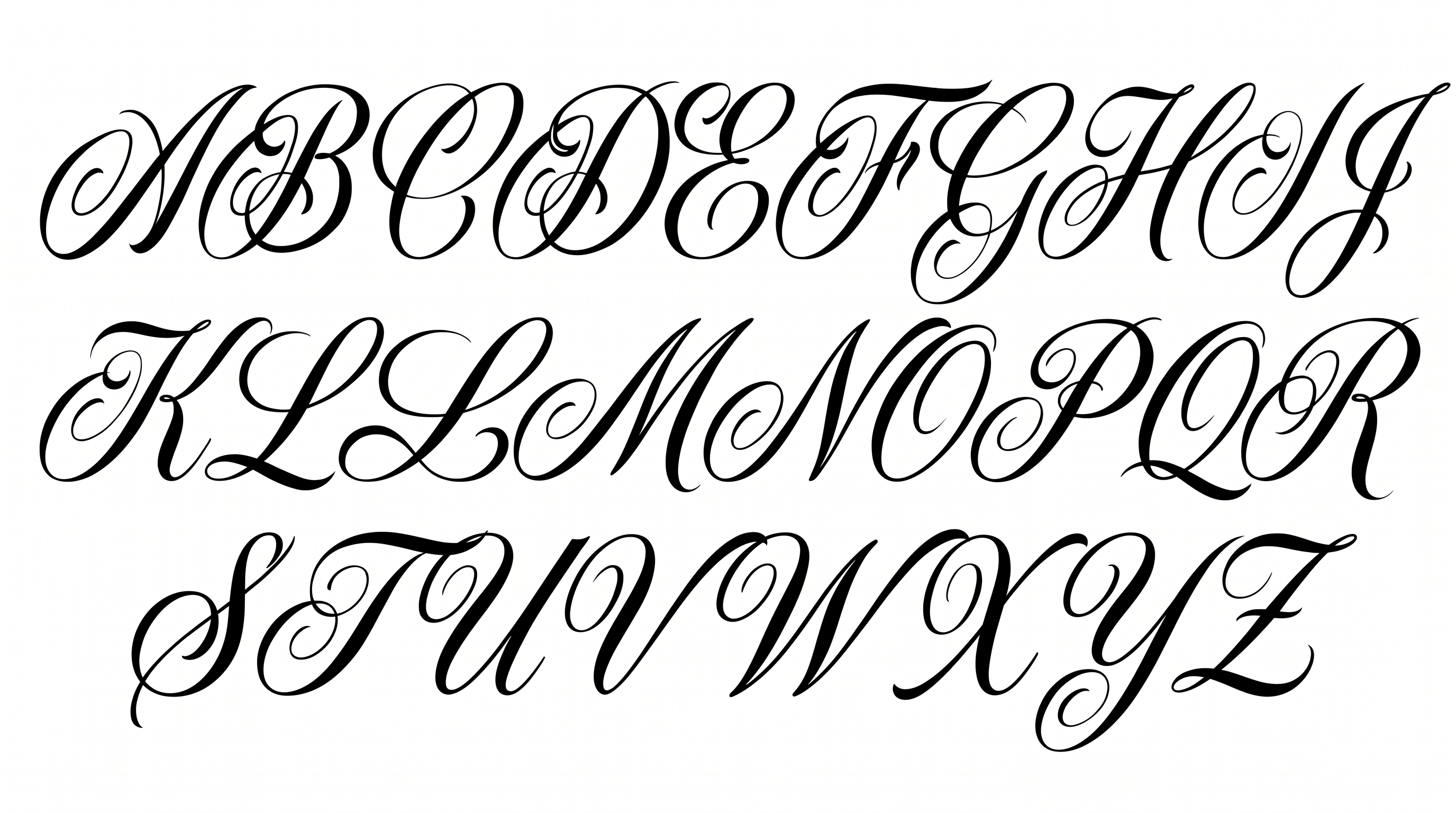
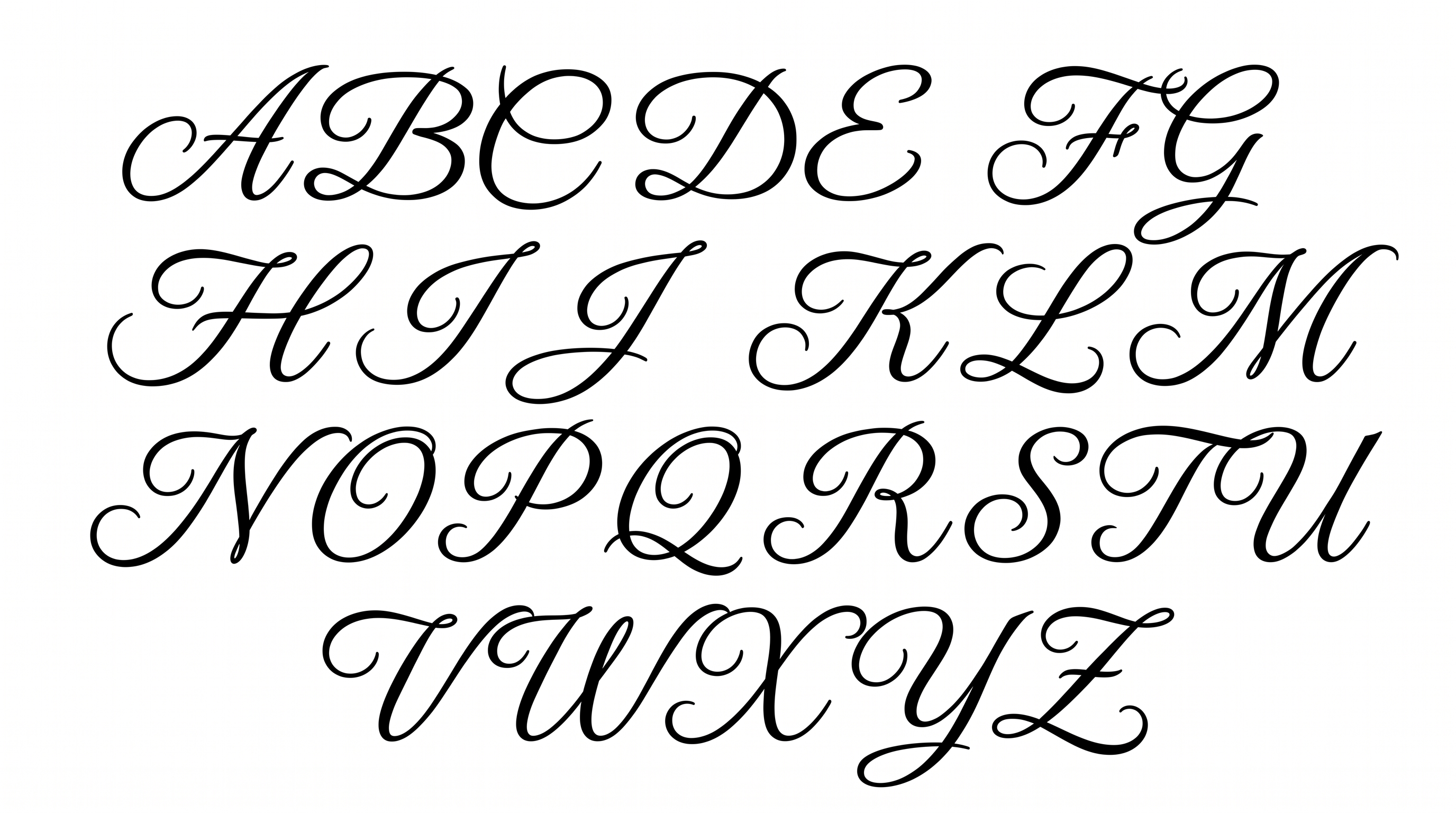
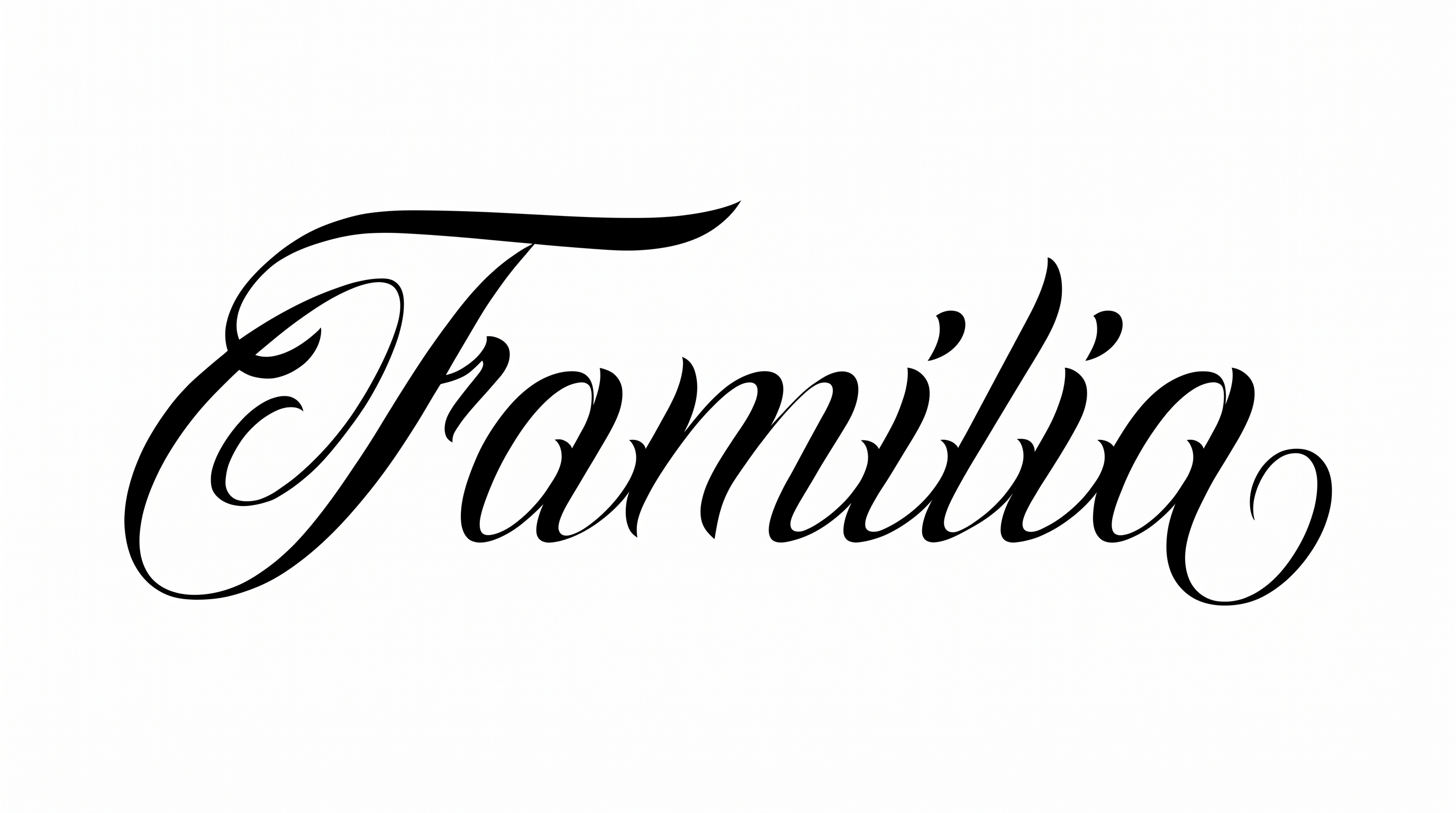
High stroke contrast, flowing connections, and sweeping flourishes shape this gently slanted calligraphy.

  • Stroke Contrast

    Thick downstrokes alternate with delicate hairlines across the visible words.

  • Flourishes

    Sweeping loops and extended swashes accent capitals and selected endings.

  • Letter Connections

    Continuous joining strokes link many lowercase letters within each word.

  • Slant

    Most visible letters lean gently to the right along a level line.

  • Stroke Endings

    Fine strokes taper into pointed tips at several visible terminals.

  • Baseline Rhythm

    Letter bodies follow a mostly even baseline with controlled rises and descents.
Frequently asked questions about Tattoo Script Font Generator

It creates text artwork in refined tattoo-style calligraphy. Visible traits include connected script, strong thick-to-thin contrast, delicate hairlines, and flourished capitals. Names and short phrases can become decorative focal lettering.

Yes. The generator is free to use, and you can download the finished lettering in PNG or SVG format. Choose the supported options that fit your design, then keep the result as image artwork.

Download the artwork as a PNG, then upload it in Canva for a design. Insert the PNG into Google Docs, or import it into a project in the Cricut app, also called Cricut Design Space. The rendered wording remains image artwork in each platform.

Enter your wording and choose the font color, background, and image size. Generate the preview, review the lettering, then download a PNG or SVG. These outputs are image artwork rather than an installable font file.

The style suits tattoo stencil concepts, apparel graphics, invitations, album or book covers, packaging, and formal headings. Its sweeping capitals work best where the lettering can serve as a clear focal element.

Leave generous margins around artwork from the Tattoo Script Font Generator, especially near long capital swashes. Use a wide aspect ratio for a single line, or a portrait ratio when stacking a phrase.

Keep wording concise, display the artwork at a comfortable size, and preserve separation from nearby details. High-contrast strokes include delicate hairlines, so a calm background helps the letterforms remain clear.

Pair the ornate script with a simple supporting type style and restrained surrounding details. The black-and-white calligraphic character can feel elegant, personal, or ceremonial across titles, names, and short messages.
READY TO CREATE?

Create Custom Tattoo Script Fonts & Text Effects

Try Tattoo Script Font Generator Free