Free Cursive Tattoo Font Generator Online
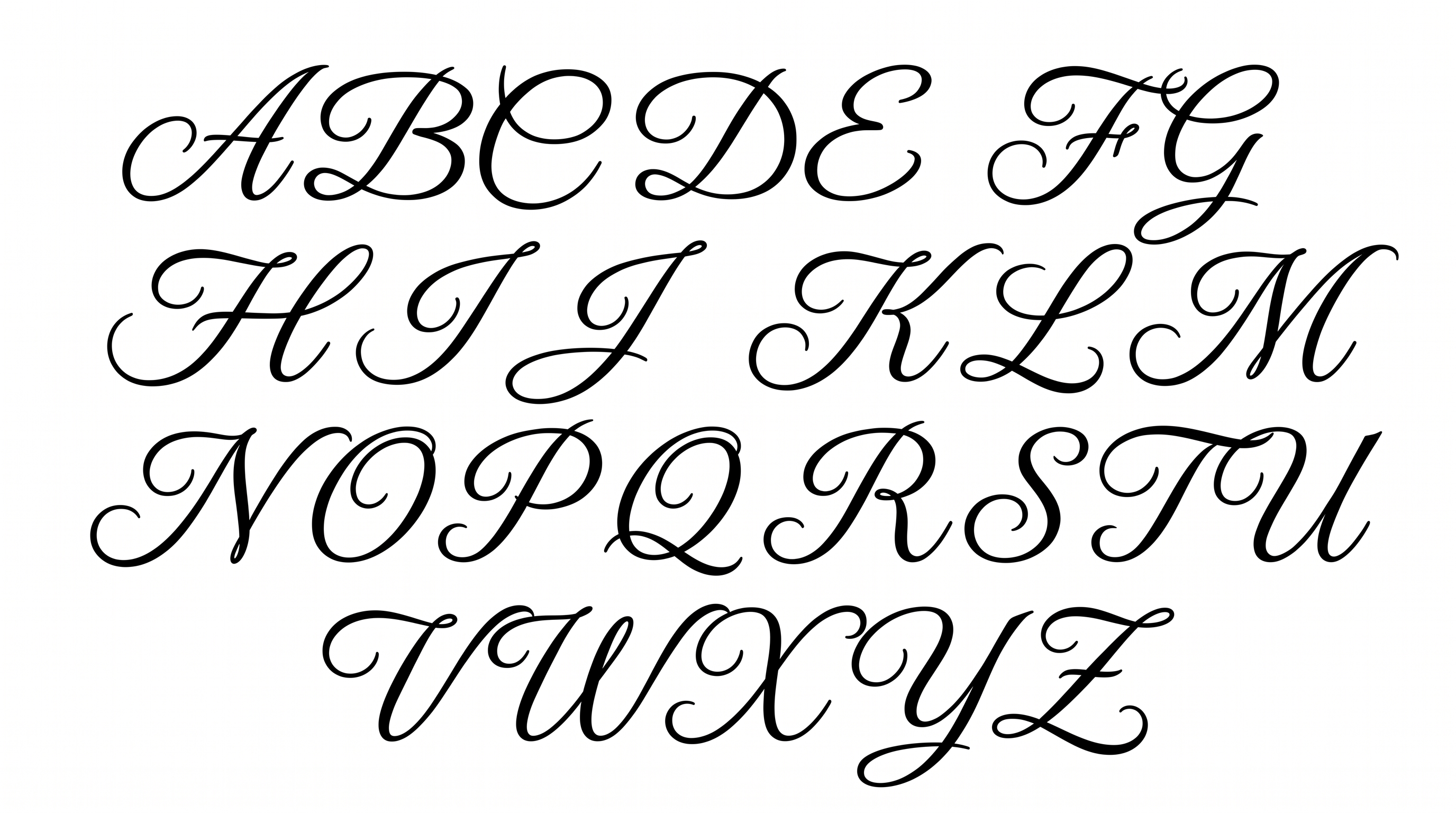
Create elegant calligraphy artwork with high-contrast strokes, ornate capitals, and sweeping swashes suited to names and tattoo lettering.
- Templates
- 296
- Generations
- 136
- Downloads
- 262
- Rating
- 5.0
How to Use the Cursive Tattoo Font Generator
Shape a phrase into ornate calligraphy and save the finished lettering for your chosen layout.
- 01
Write your tattoo lettering
Type a name, dedication, or short phrase for the connected calligraphy design.
- 02
Set the image presentation
Choose a font color, background option, and image size such as 3:2 or 9:16.
- 03
Generate and download the artwork
Generate the text image, review the fine connections, then download it as PNG or SVG.
Cursive Tattoo Font Generator in Use: Design Examples & Showcase
Compare how the ornate script works across tattoo stencils, studio signage, invitations, album covers, packaging, and compact social graphics.
Cursive Tattoo Font Style Profile
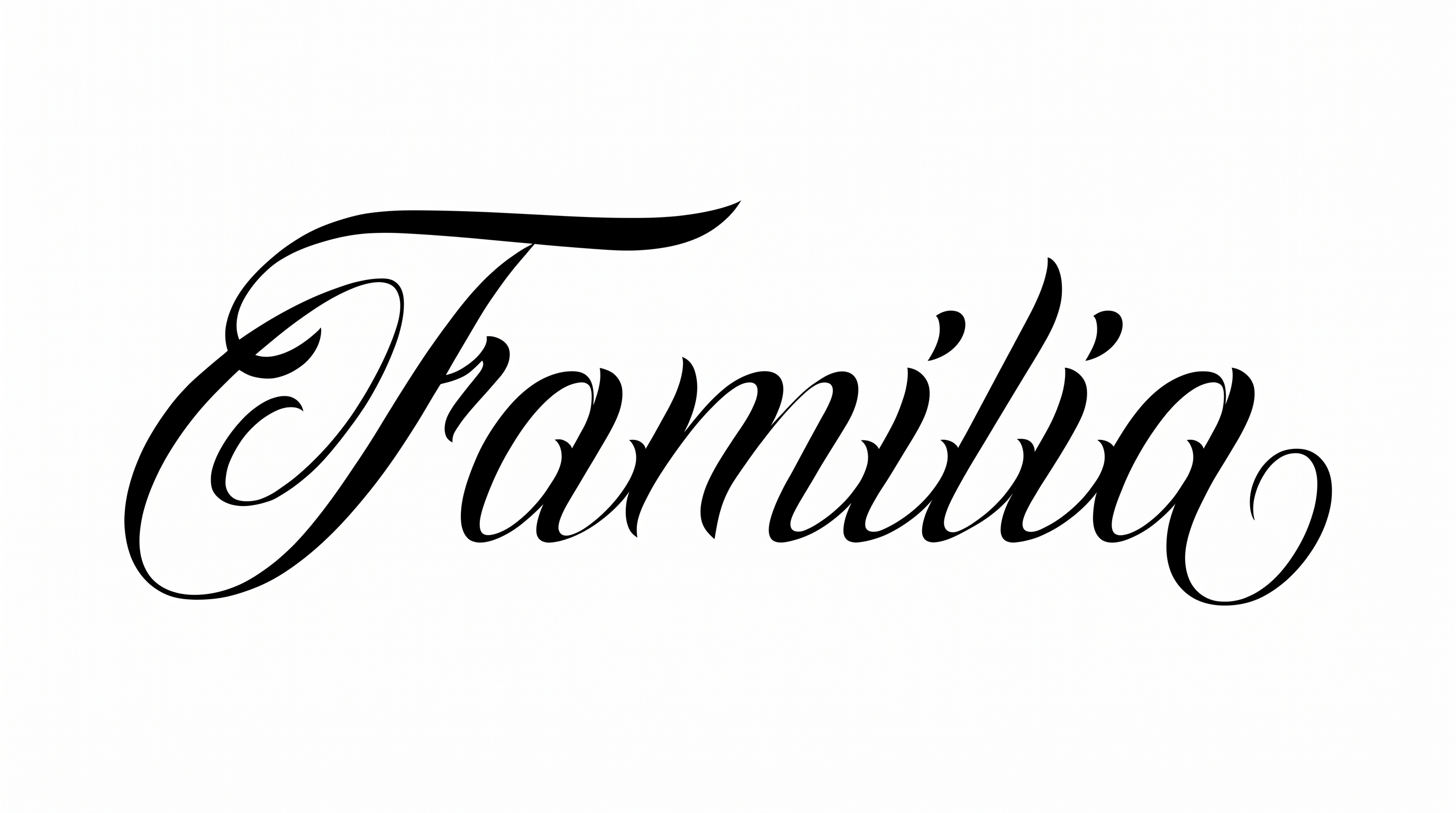
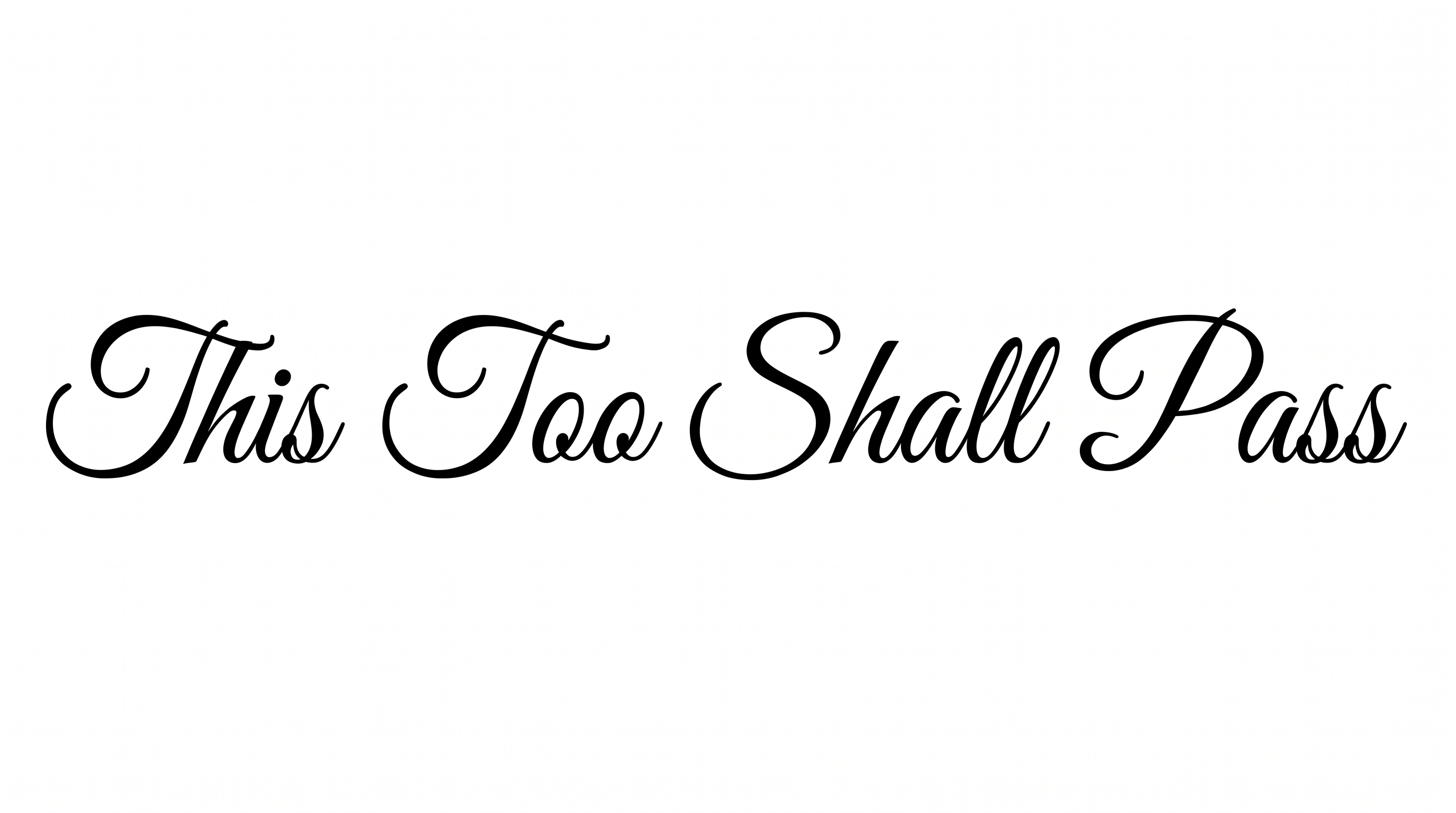
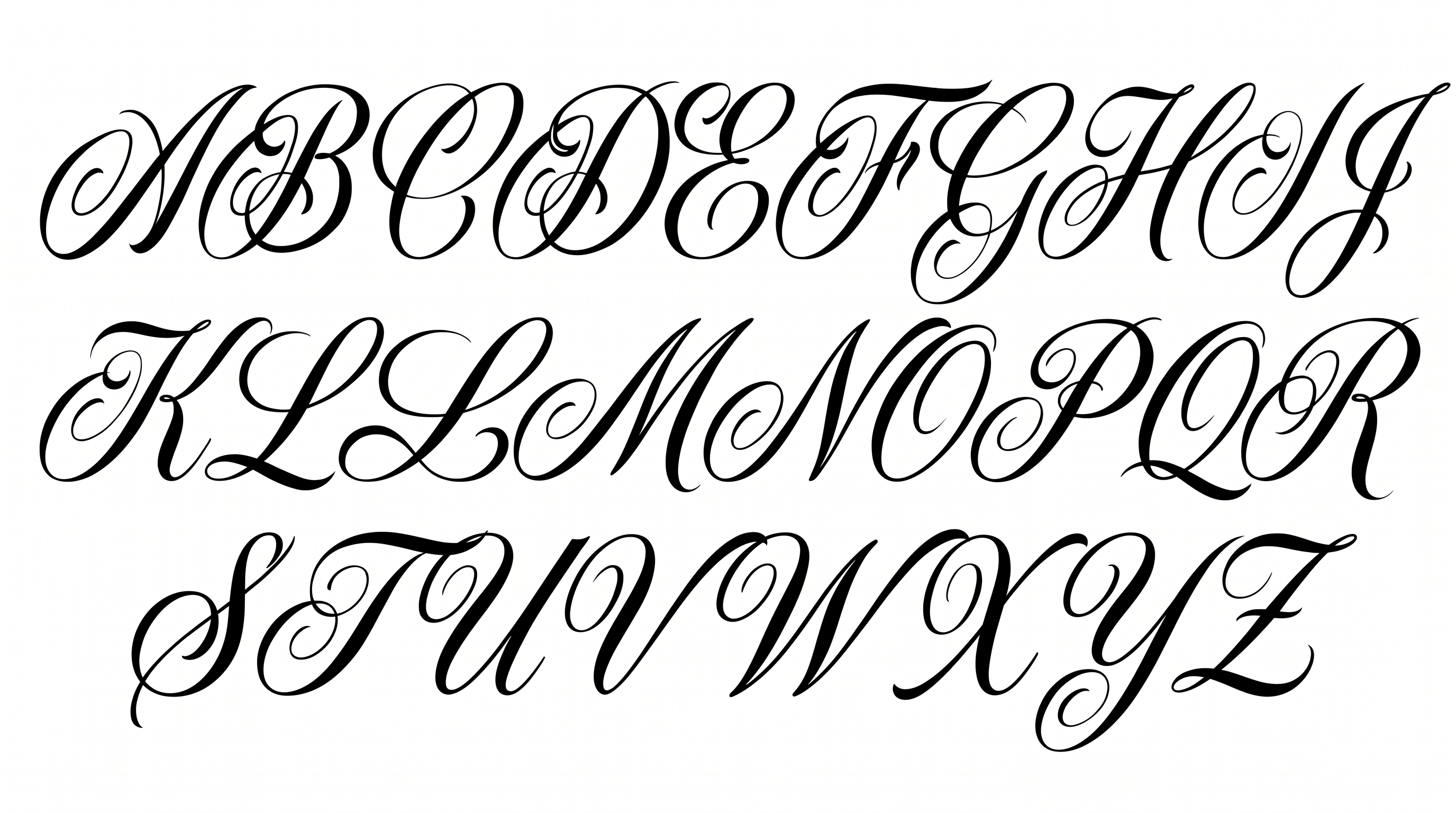
High stroke contrast, sweeping flourishes, and connected right-leaning letters create an elegant calligraphic rhythm.
Stroke Contrast
Strong thick-and-thin variation gives the script a crisp calligraphic contrast.
Flourishes
Long entry strokes, loops, and sweeping tails ornament the visible capitals and final letters.
Slant
The letterforms lean consistently to the right along a level text line.
Letter Connections
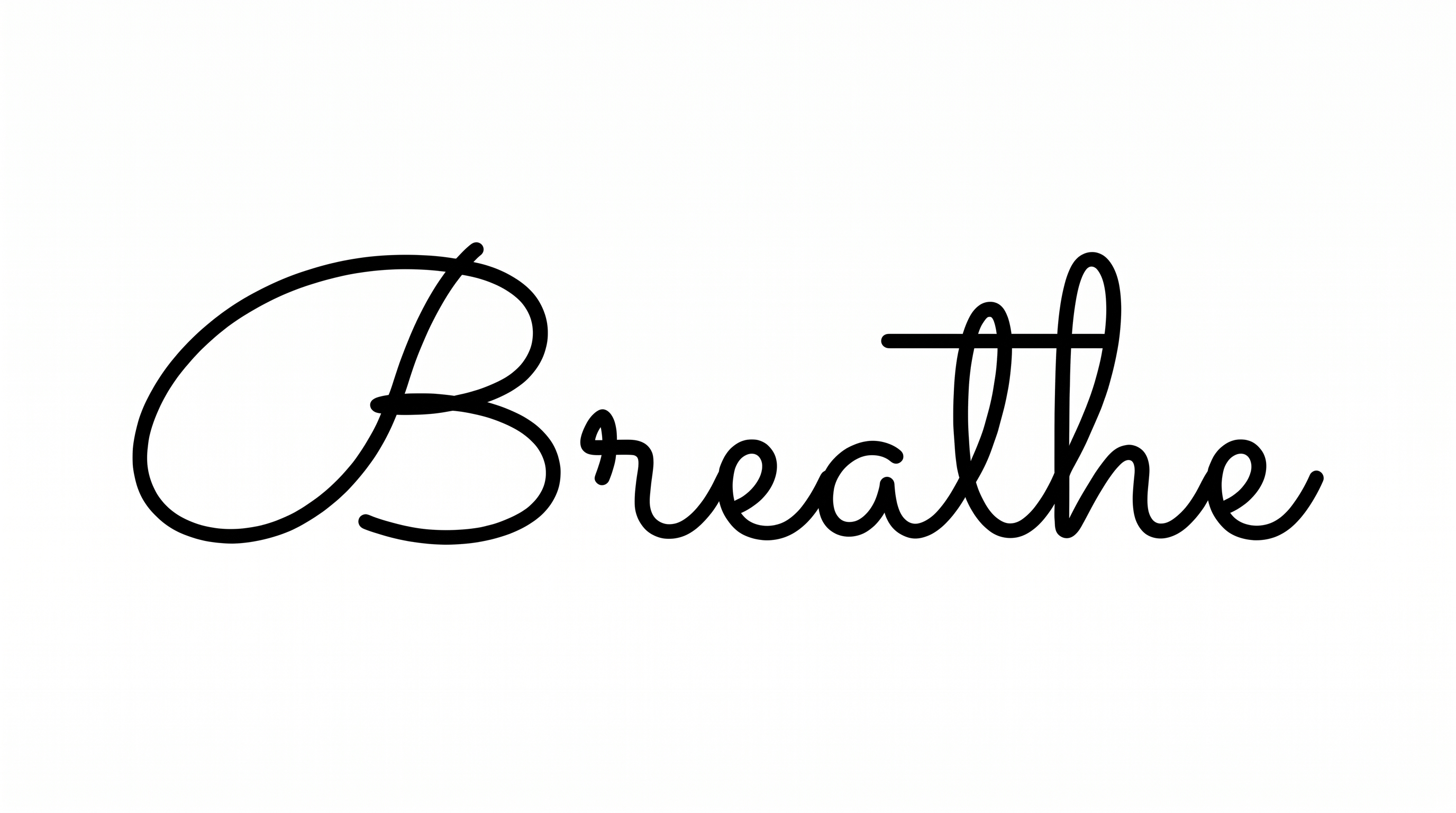
Continuous hairline strokes join many neighboring lowercase letters within each word.
Stroke Endings
Fine strokes taper into sharp, precise tips at visible terminals.
Baseline Rhythm
Letters sit on a steady baseline while ascenders and descenders create flowing movement.