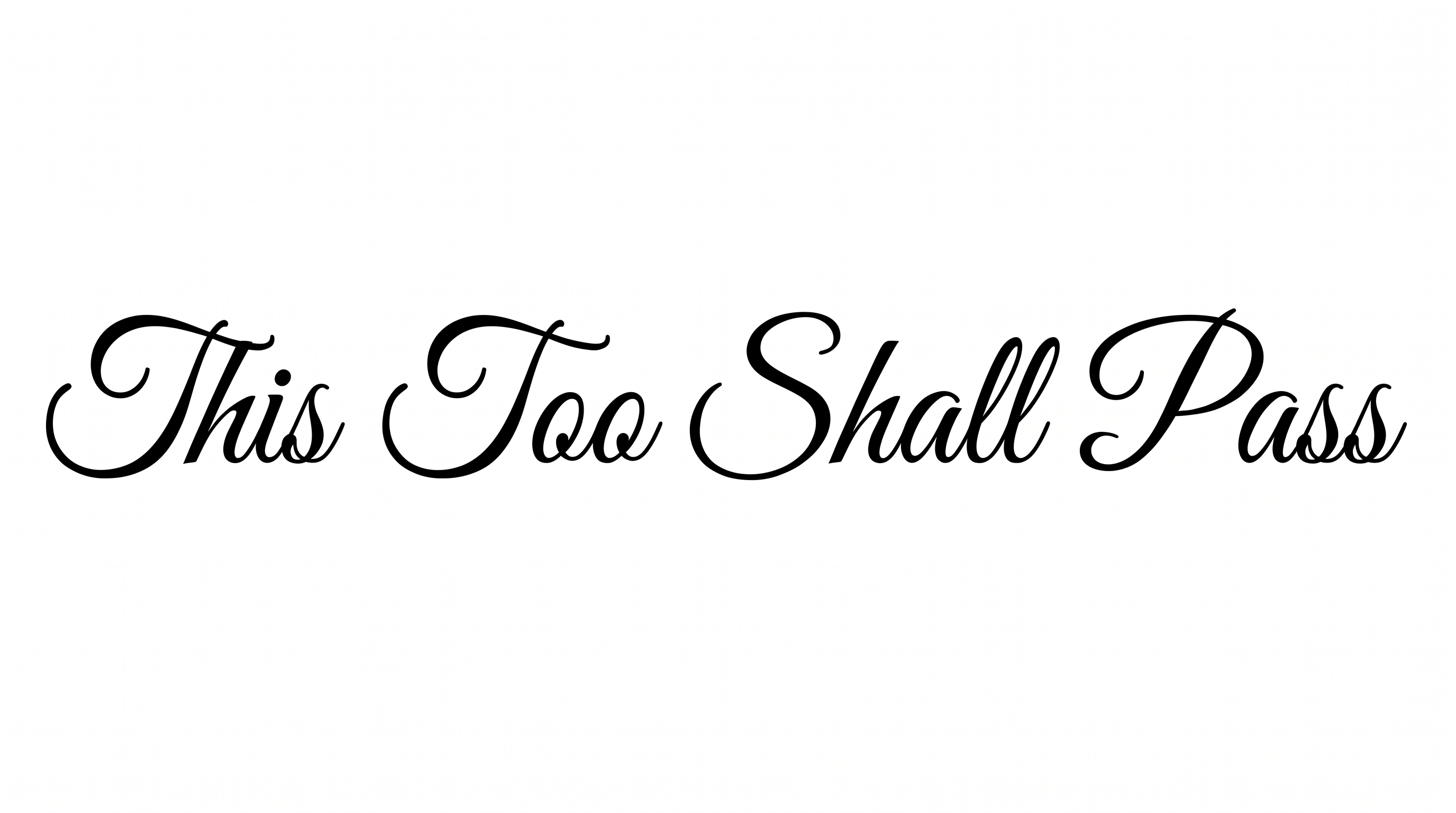
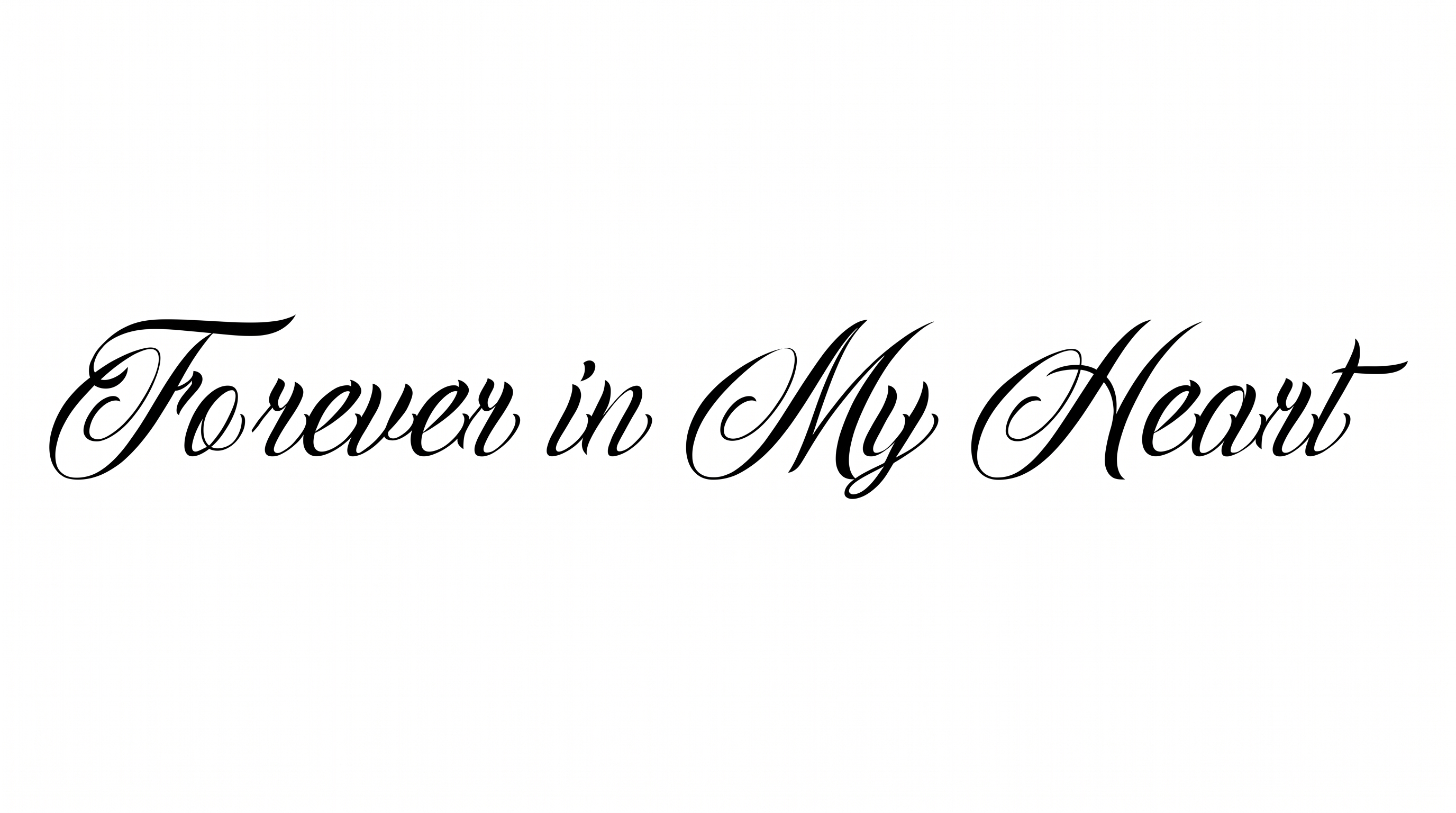
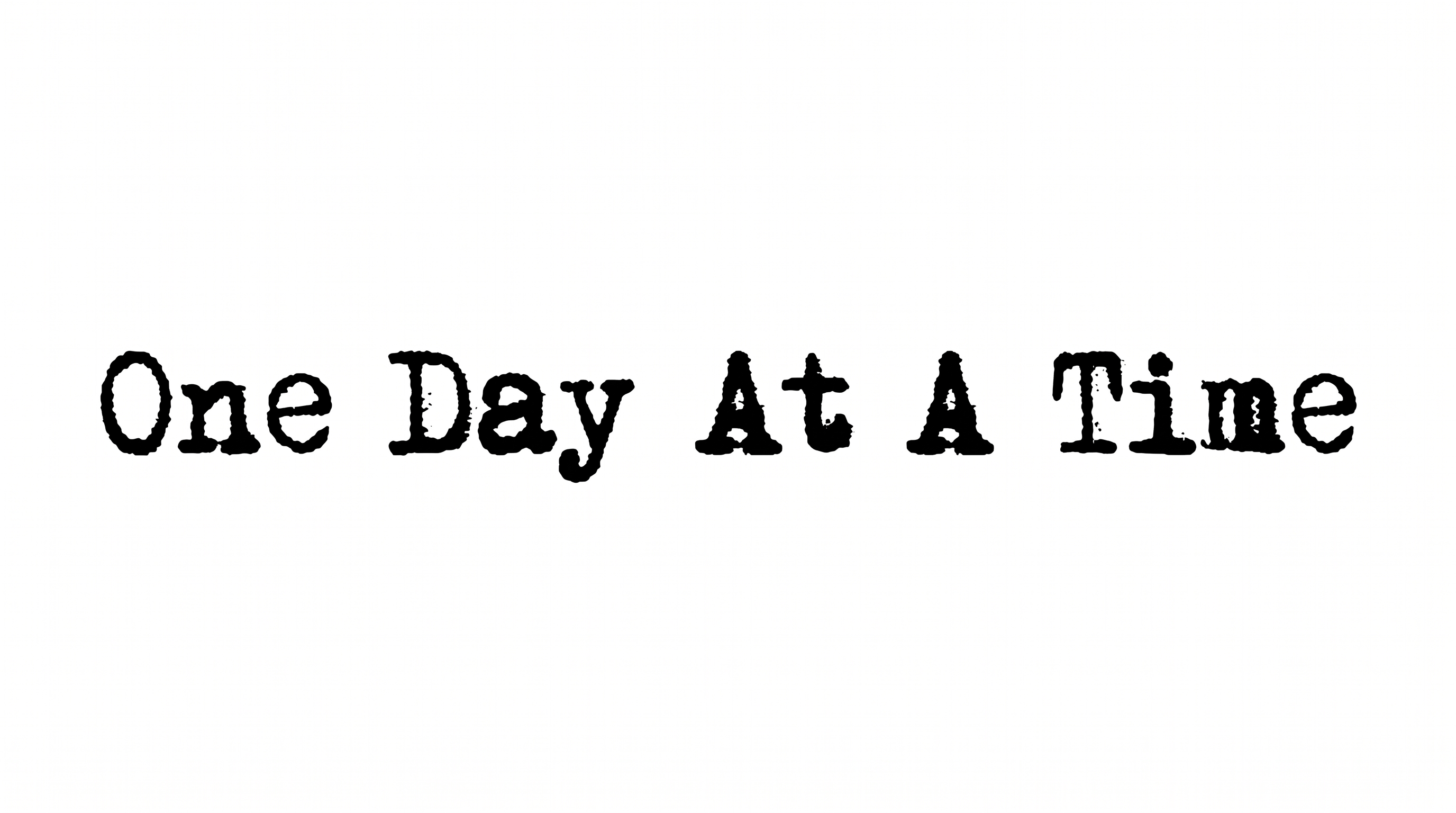
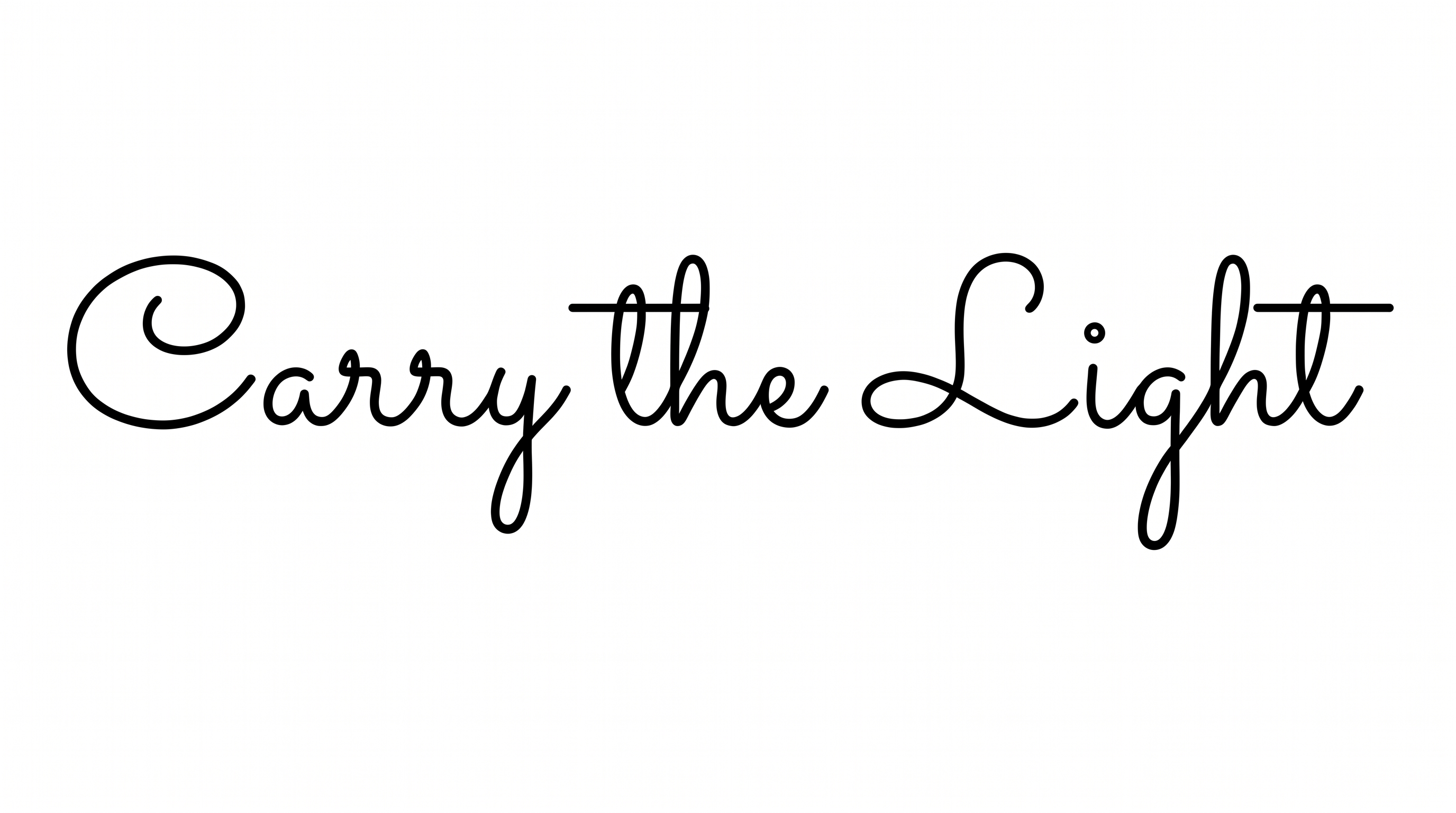
Get 5 Free Credits

Free Old English Tattoo Font Generator Online

Create ornate blackletter text with dramatic capitals and sharp calligraphic details for tattoo concepts, wordmarks, and display artwork.

Enter the text to generate, e.g. Fontify.ai

Font color
Background
Templates
296
Generations
77
Downloads
209
Rating
5.0

How to Use the Old English Tattoo Font Generator

Shape ornate blackletter wording for tattoo concepts, then save clear artwork for your intended layout.

  1. 01

    Write your blackletter wording

    Enter a name, motto, or short phrase for the ornate blackletter treatment.

  2. 02

    Set the image layout

    Choose a 3:2 image size, font color, and custom background color to fit your layout.

  3. 03

    Generate and save the artwork

    Generate the design, review its sharp details, then download the finished PNG or SVG.

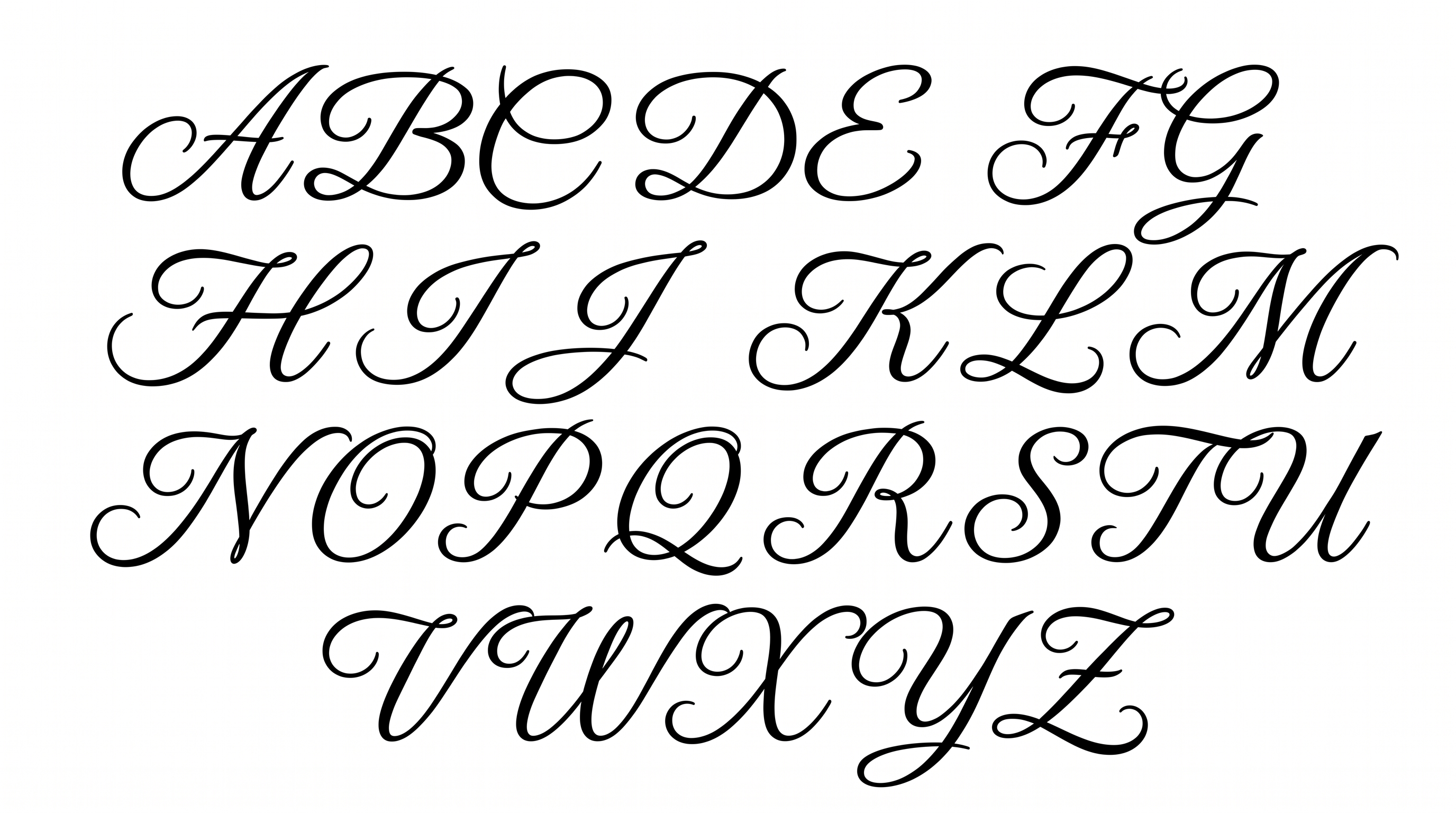
Old English Tattoo Font Style Profile

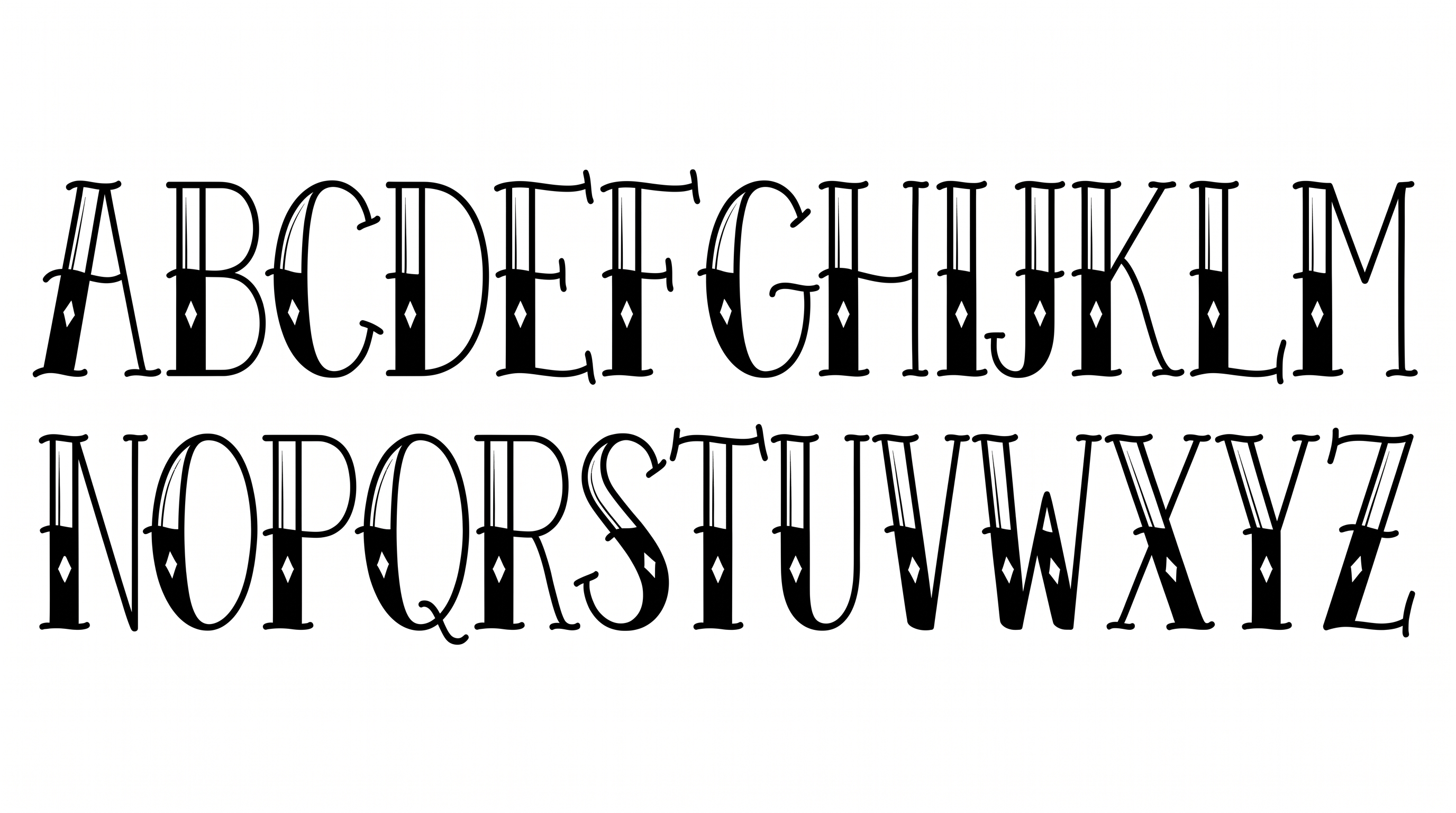
Dense blackletter construction, sharp corners, and dramatic stroke contrast create an ornate calligraphic presence.

  • Letter Construction

    Blackletter forms combine upright stems with angular counters and interlocking details.

  • Stroke Contrast

    Heavy vertical strokes alternate with fine hairlines throughout the visible lettering.

  • Corner Shape

    Sharp angles define many joins, counters, and turns within the letters.

  • Stroke Endings

    Pointed serifs and tapered tips finish many visible strokes.

  • Flourishes

    Curved extensions embellish the capitals and several lowercase endings.

  • Letter Connections

    Letters remain separate, with clear breaks between neighboring characters.
Frequently asked questions about Old English Tattoo Font Generator

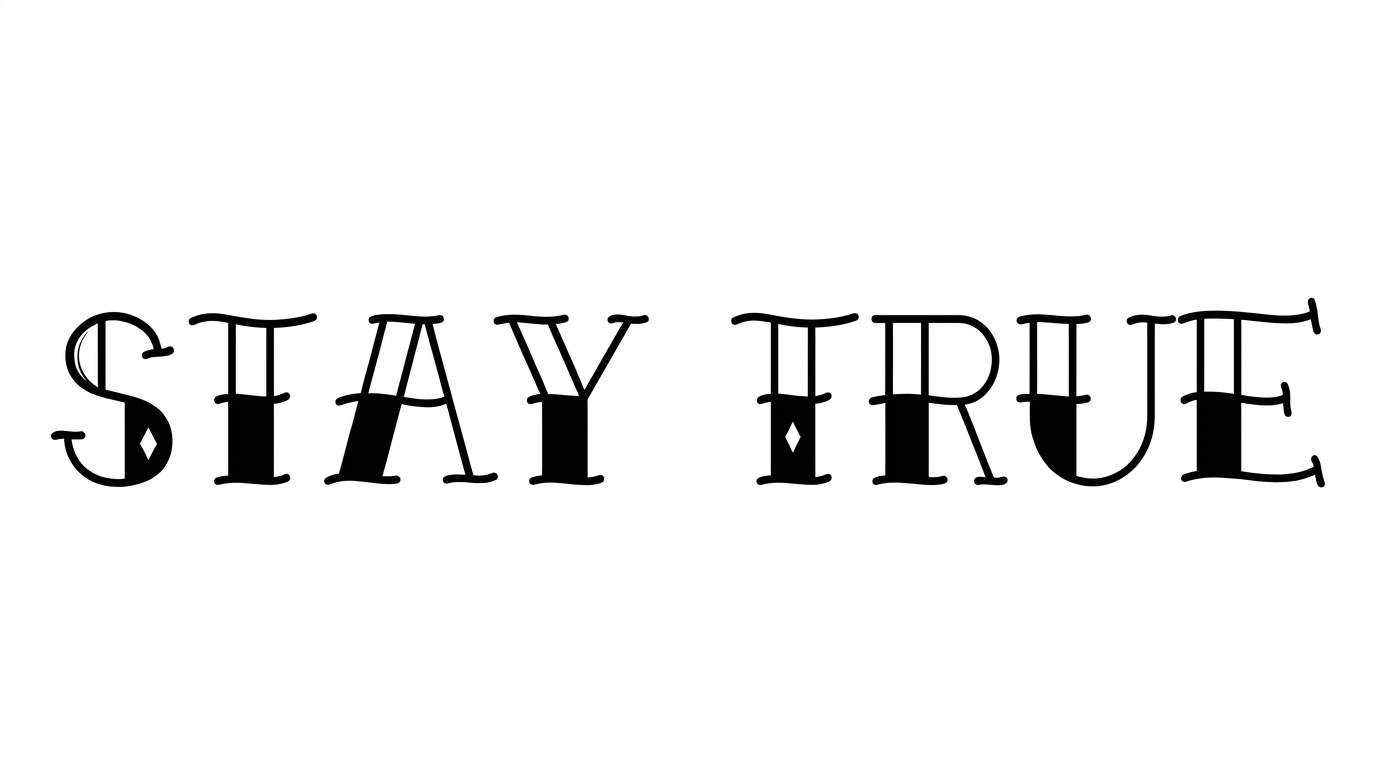
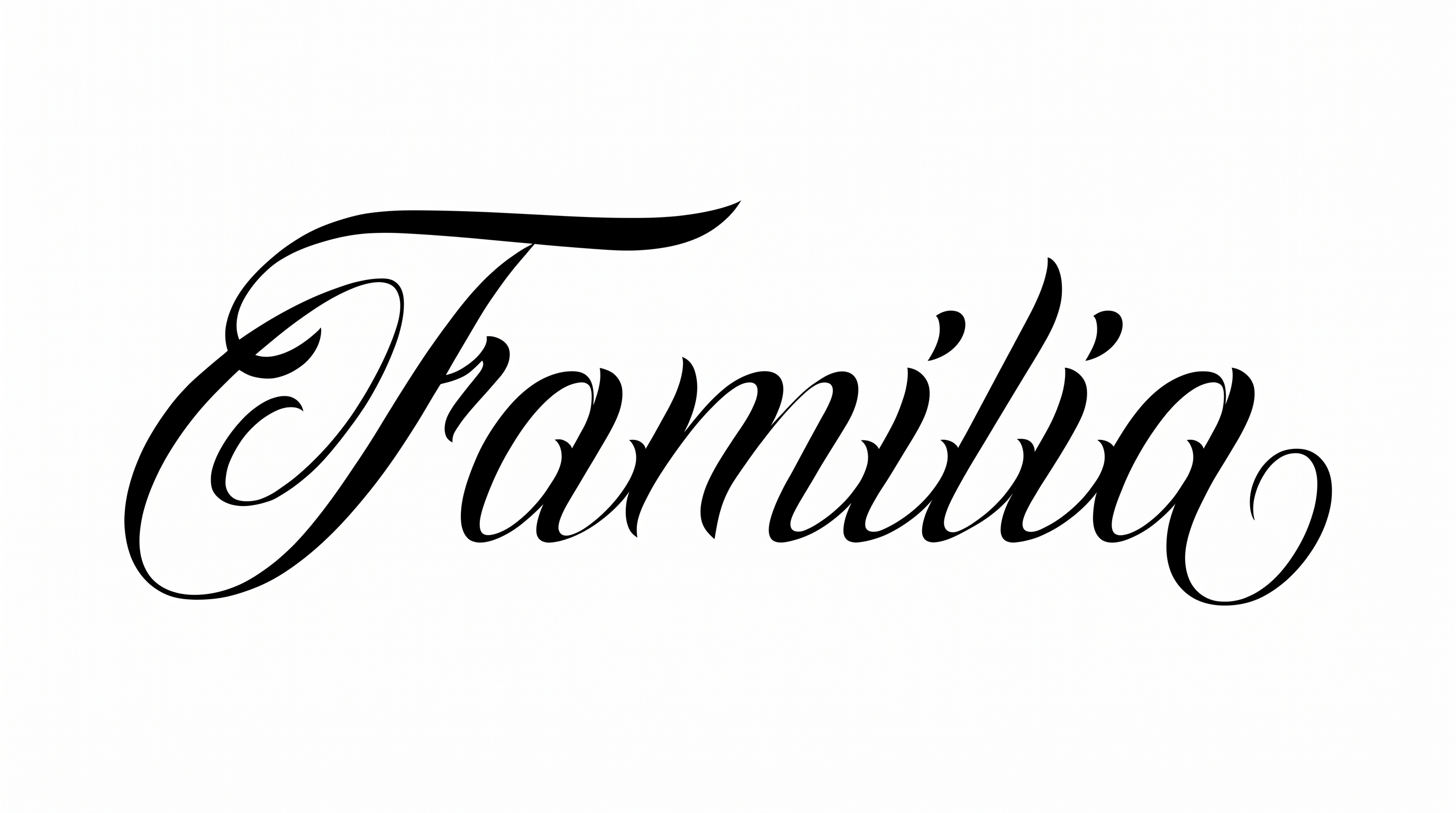
It turns your wording into a blackletter text image with ornate capitals, sharp calligraphic details, and a monochrome preset style. The result works as graphic lettering for tattoo concepts and other designs. PNG and SVG downloads are supported.

Download the generated PNG artwork, upload it in Canva, and place it in your design. Insert the same PNG into a Google Docs document. For Cricut, import it into a project in the Cricut app, also known as Cricut Design Space. It remains image artwork rather than an installed font.

Yes. You can use the generator and download supported image formats under the free-use option. Personal use requires the minimum membership, while commercial use requires a higher membership. Consult pricing for the applicable level.

Explore the related tools section and compare each style’s visible letter shapes, weight, spacing, and decorative treatment. Consider which direction best matches your intended mood and layout rather than searching for one named substitute.

It suits tattoo flash, album covers, apparel graphics, labels, and signage where an ornate blackletter wordmark can lead. For online artwork, keep the main lettering area free of competing detail so the sharp forms remain prominent.

Choose a wide aspect ratio such as 16:9 or 21:9 to give the phrase more horizontal room. Keep the wording concise, preserve generous outer margins, and position the most ornate capital where it can anchor the composition.

Use a short word or compact phrase and maintain strong contrast between the lettering and its background. Preview the complete image near its intended display size, paying close attention to fine hairlines and dense internal shapes.

Pair the ornate wordmark with a simpler supporting type treatment for dates, captions, or details. Keep the blackletter artwork as the main focal point and give secondary information enough spacing to maintain a clear hierarchy.

Its angular construction, ornamental capitals, and strong black-and-white contrast create a formal, dramatic, historical mood. That character can support tattoo-inspired compositions, dark music artwork, commemorative pieces, or heritage-focused branding.
READY TO CREATE?

Create Custom Old English Tattoo Fonts & Text Effects

Try Old English Tattoo Font Generator Free