Free Minecraft Enchanting Table Font Generator Online
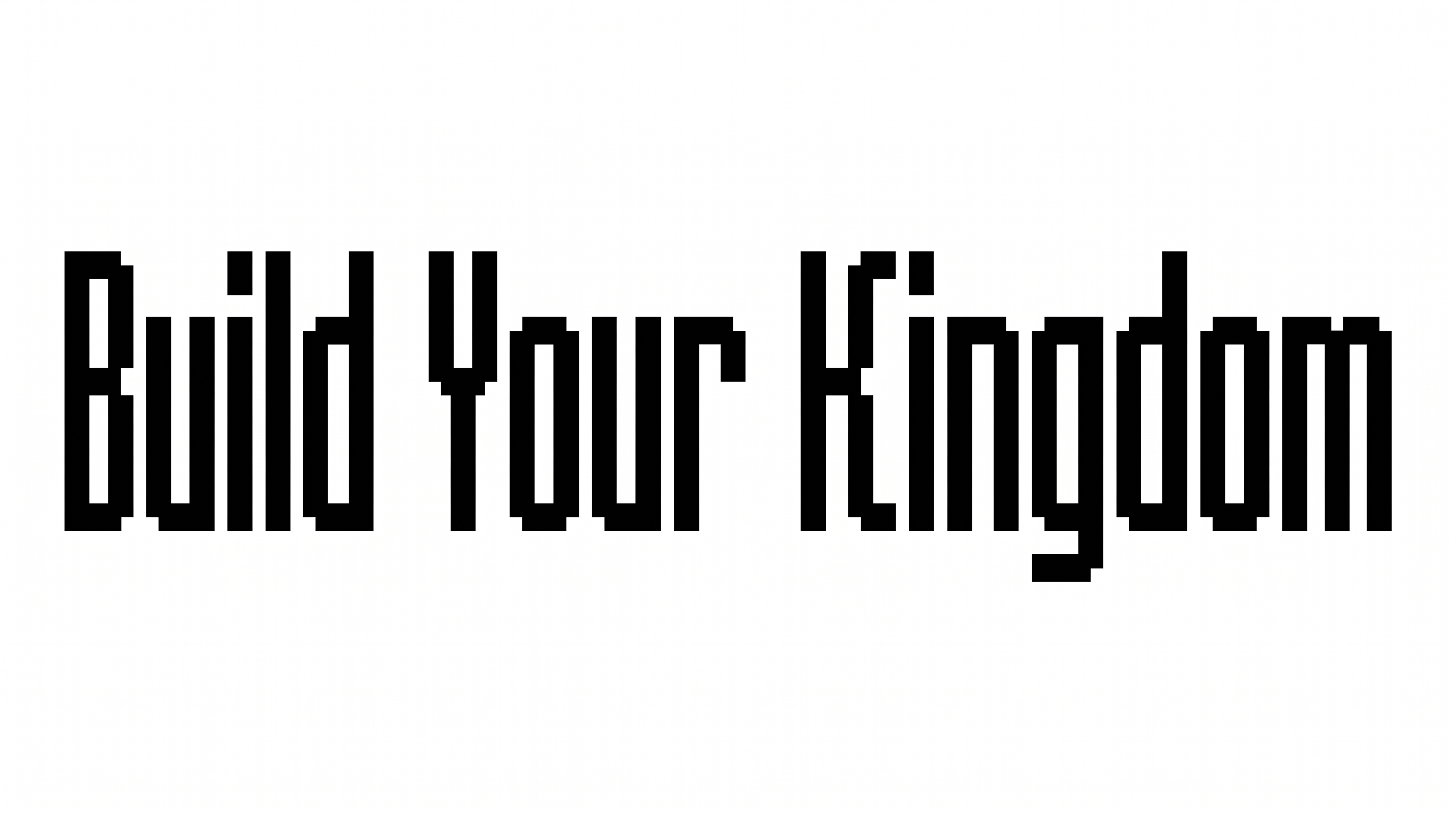
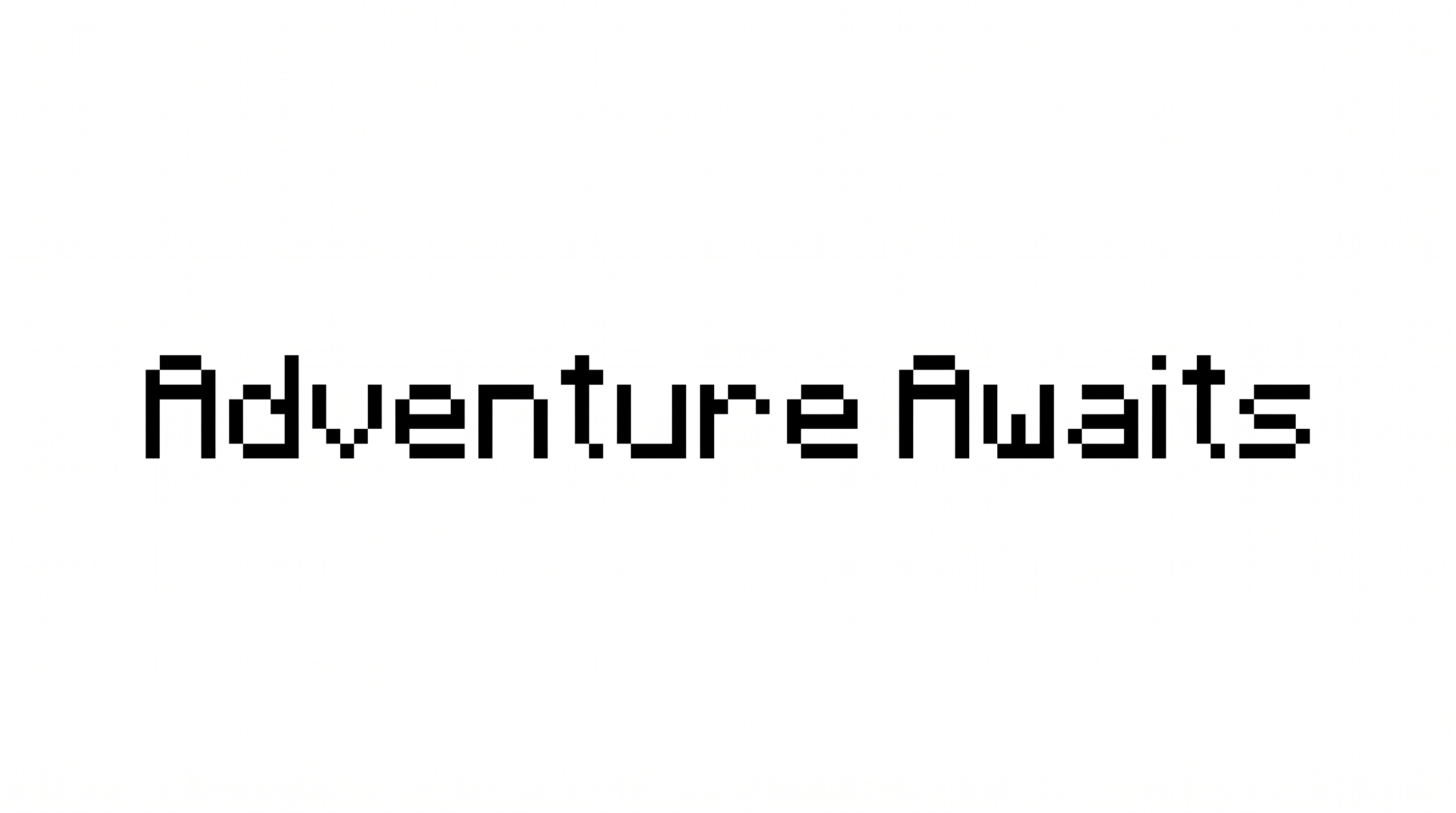
Create bold modular glyph artwork with rounded block shapes and an enchanting alphabet feel for covers, clues, and themed designs.
- Templates
- 139
- Generations
- 51
- Downloads
- 257
- Rating
- 5.0
How to Use the Minecraft Enchanting Table Font Generator
Shape modular enchanting lettering with a suitable size, then save the generated image for your design.
- 01
Enter your encoded message
Type a phrase to create bold, separate glyphs with the modular construction shown in examples.
- 02
Choose image size and color
Choose the 16:9 image size and set a custom font color. Then generate the PNG artwork.
- 03
Review and download the lettering
Check the glyph spacing and readability, then download the finished PNG or SVG image.
Minecraft Enchanting Table Font Generator in Use: Design Examples & Showcase
Compare the block glyphs across alphabet specimens, book covers, puzzle clues, game interfaces, apparel, labels, and themed graphics.
Minecraft Enchanting Table Font Style Profile
Modular construction, rounded corners, and heavy separated glyphs define the visible lettering style.
Letter Construction
Individual letters use compact modular strokes with distinct block-like segments.
Corner Shape
Rounded corners soften the otherwise angular, geometric letter structures.
Stroke Weight
The visible glyphs use heavy strokes with a substantial, consistent body.
Letter Connections
Letters remain separate, with clear breaks between neighboring characters.
Letter Width
The individual glyphs have broad proportions suited to compact coded lettering.
Stroke Endings
Stroke endpoints appear blunt and rounded across the modular letterforms.