Free Serif Sans Serif Font Generator Online
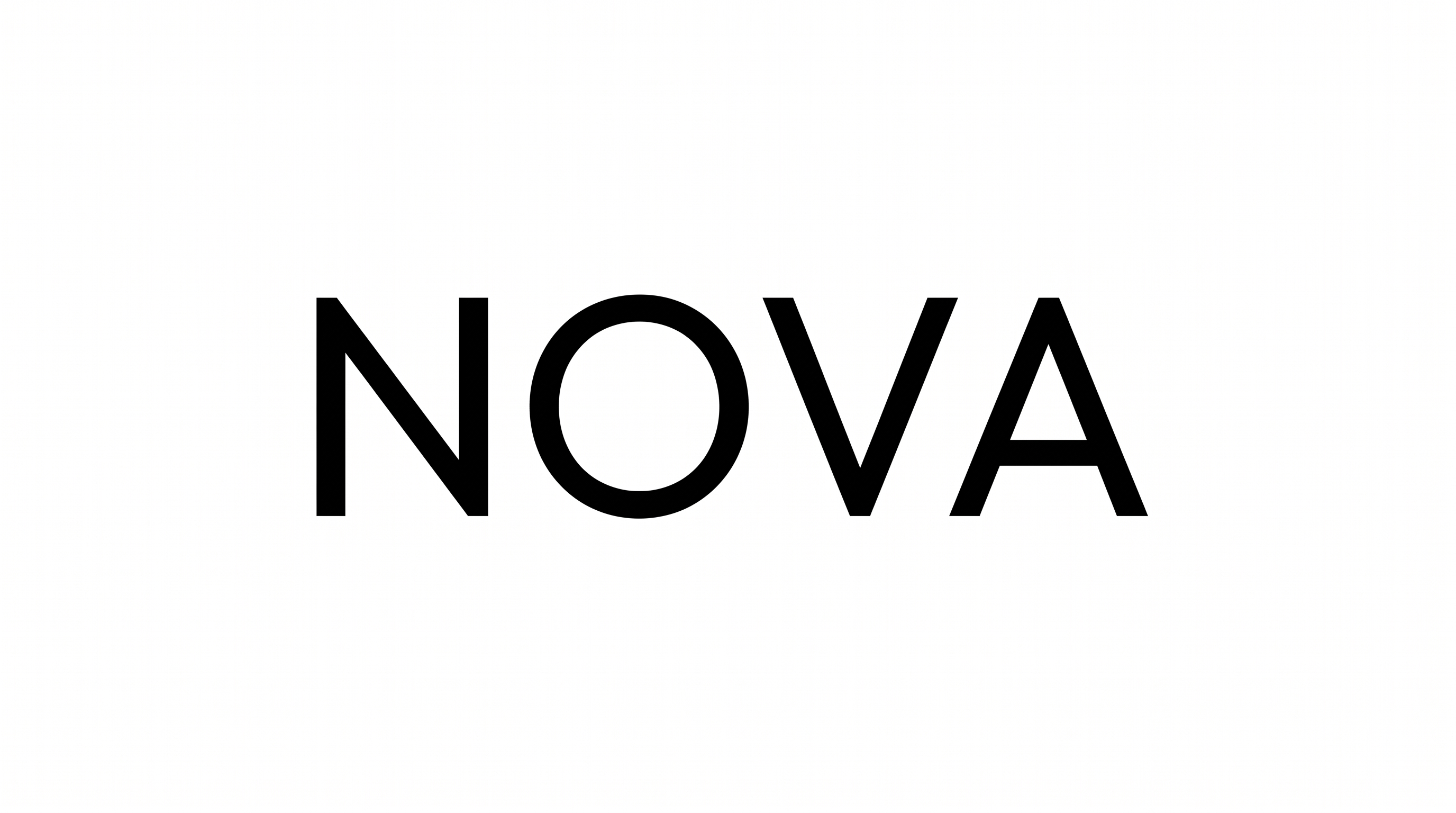
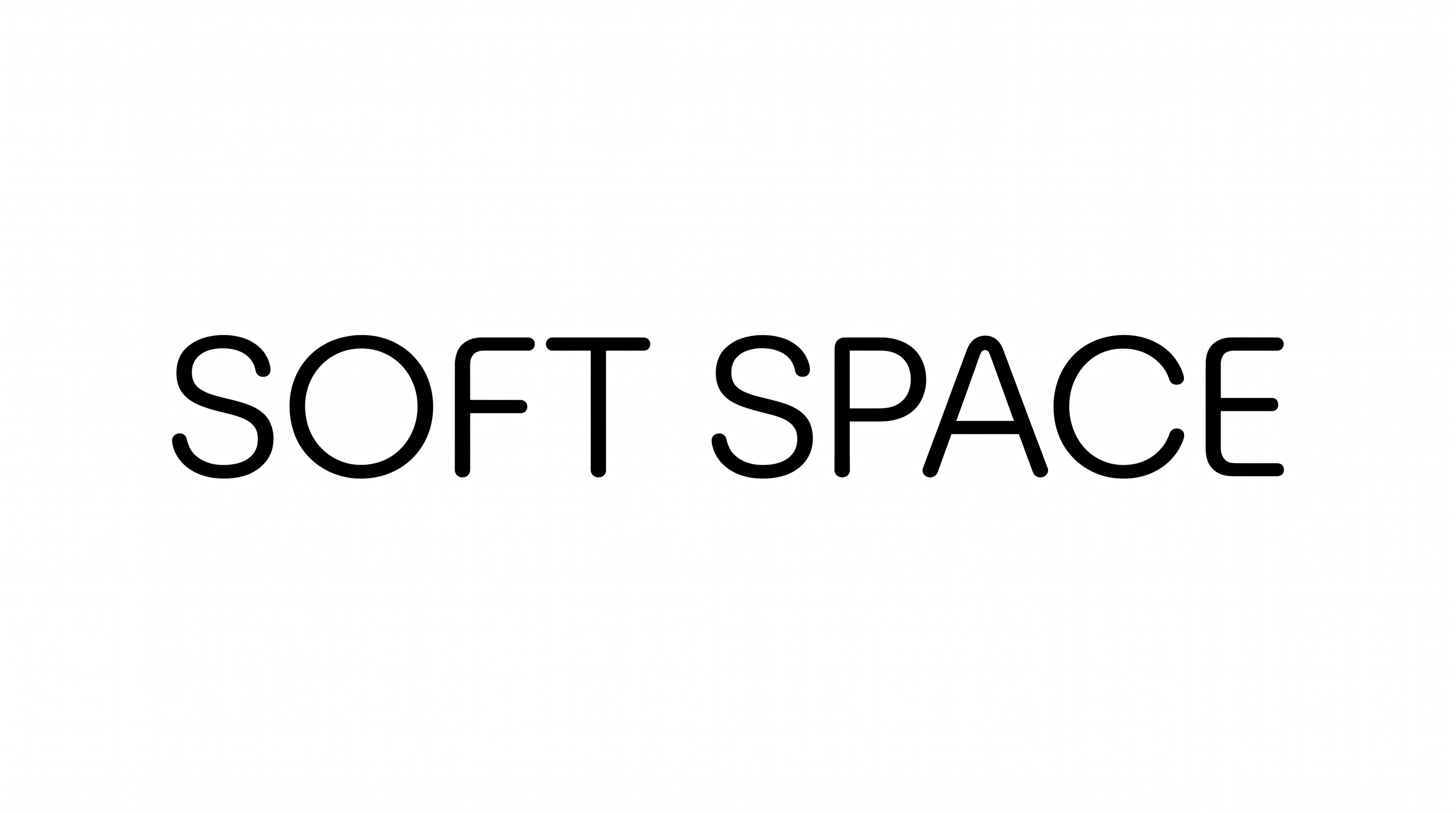
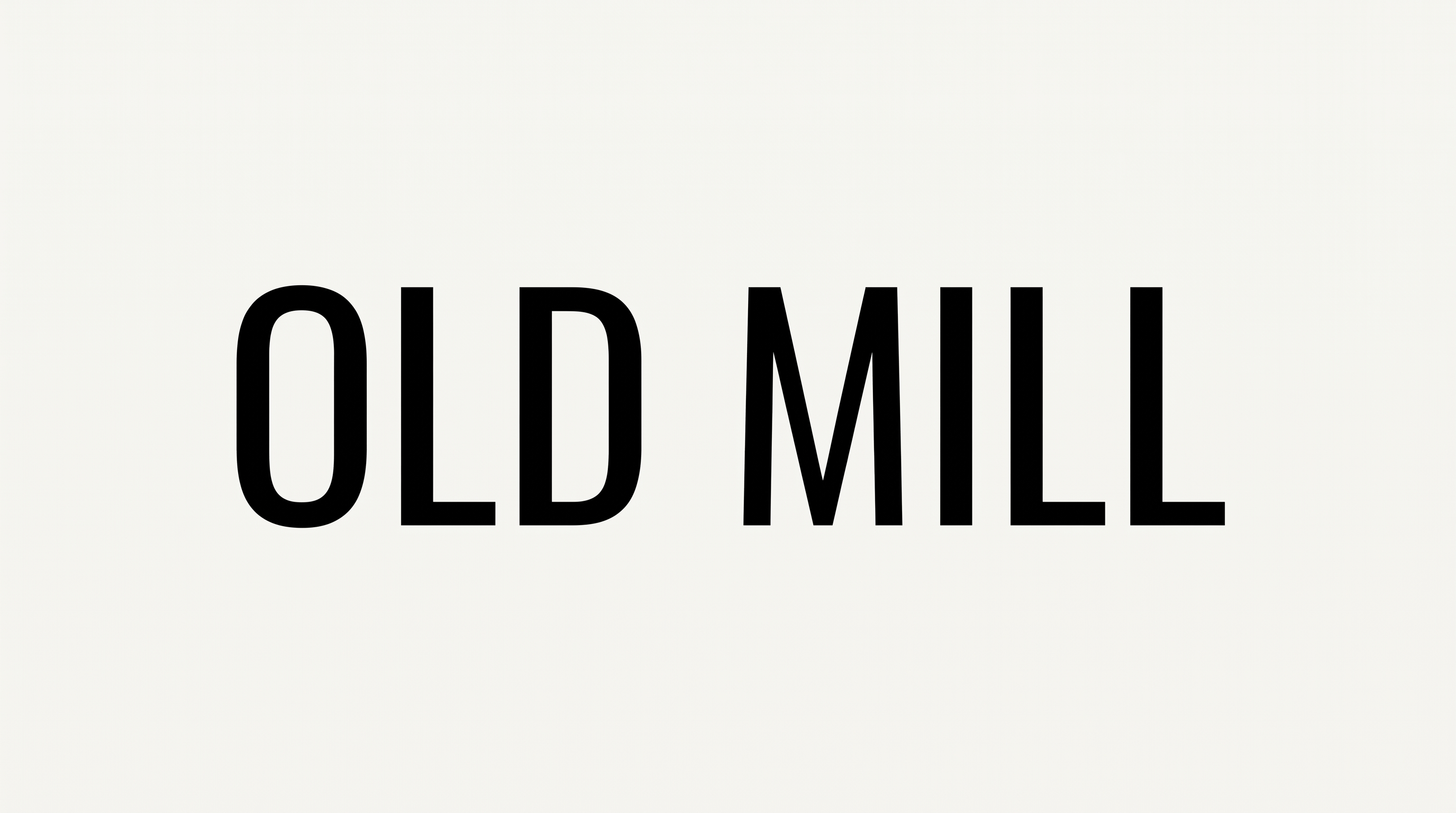
Pair refined serif forms with larger modern sans-serif lettering for clean editorial titles, covers, and publication layouts.
- Templates
- 769
- Generations
- 156
- Downloads
- 293
- Rating
- 5.0
How to Use the Serif Sans Serif Font Generator
Build a clear serif and sans-serif hierarchy for editorial artwork, then save the finished image.
- 01
Compose your typographic message
Enter your wording and select an image size or aspect ratio that fits the layout.
- 02
Set the visual presentation
Choose font color, a custom background color, or an uploaded background image before generating.
- 03
Review and download the artwork
Check the serif and sans-serif hierarchy, then download the finished PNG or SVG image.
Serif Sans Serif Font Generator in Use: Design Examples & Showcase
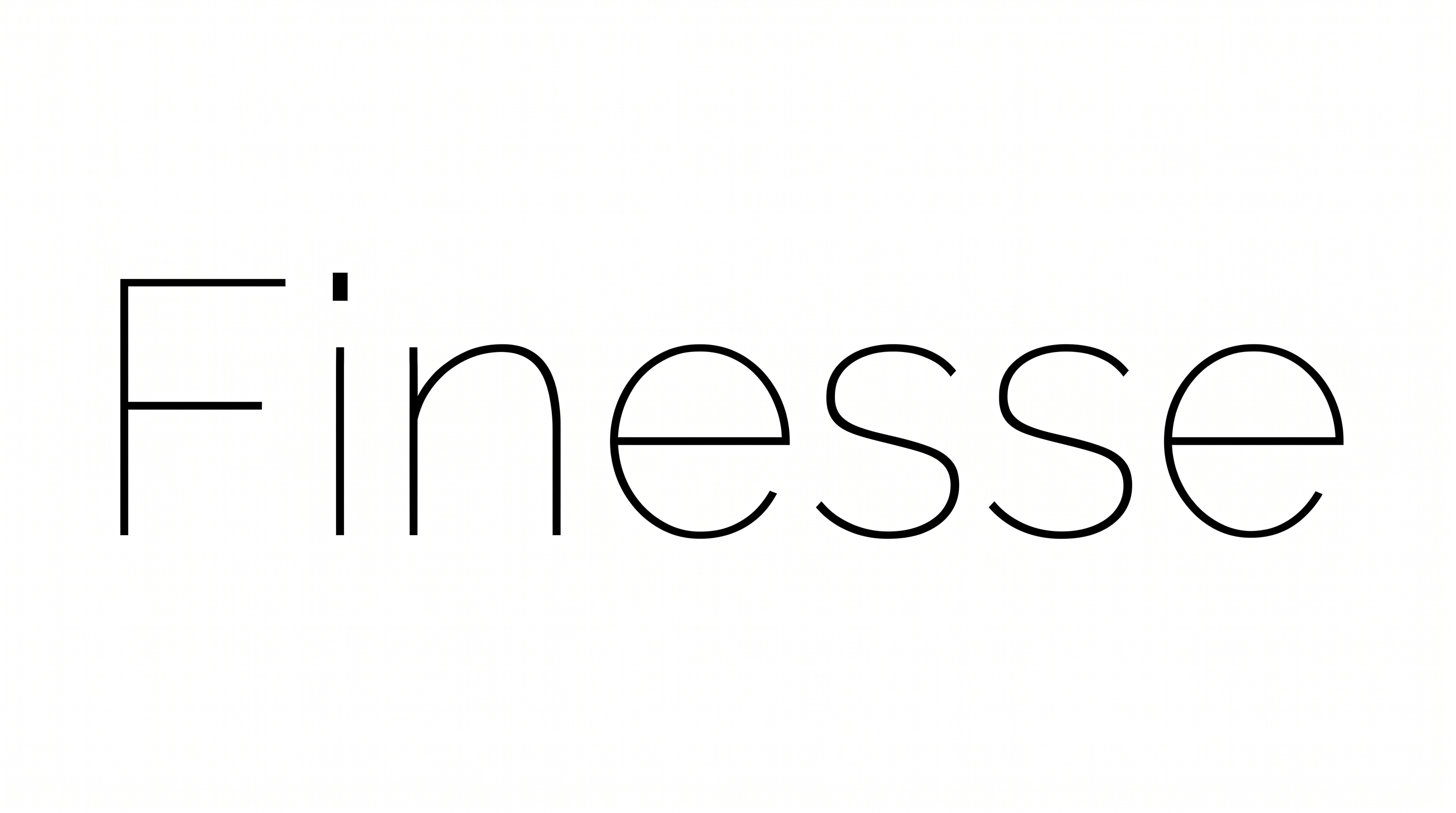
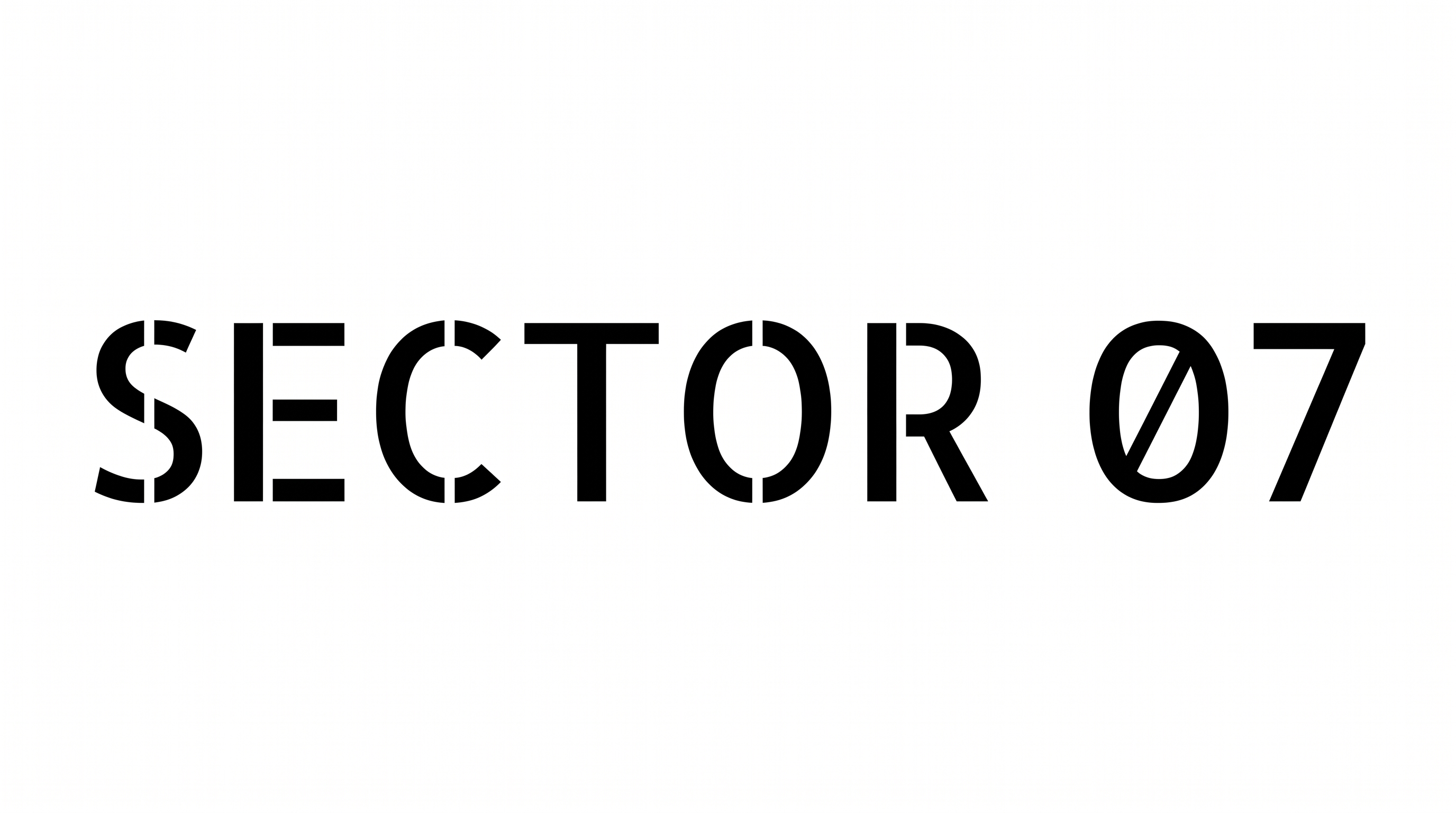
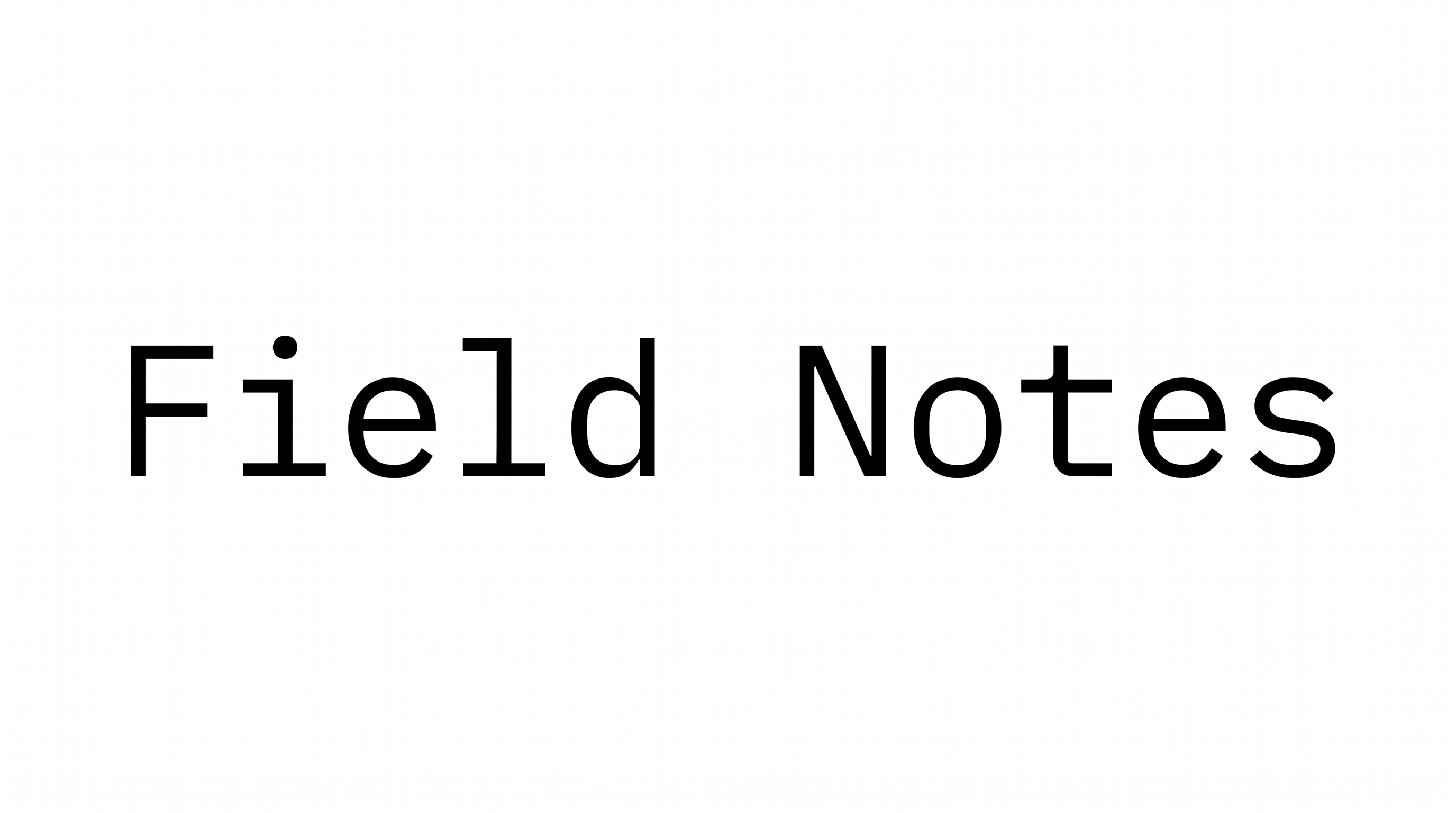
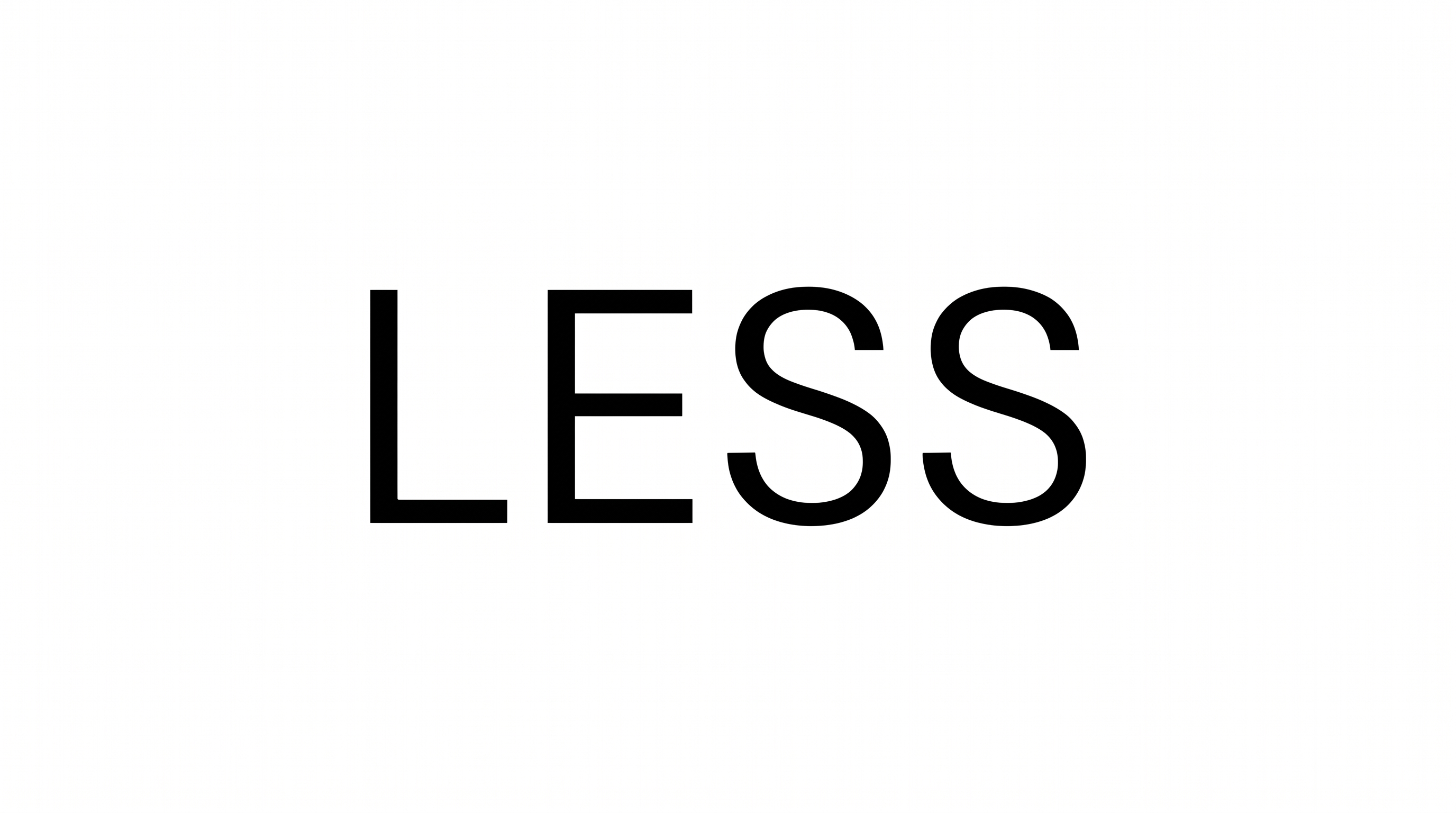
Compare how serif and sans-serif contrast shapes hierarchy across book covers, magazine spreads, packaging, signage, and digital interfaces.
Serif Sans Serif Font Style Profile
High-contrast serif forms pair with even sans-serif strokes, upright alignment, and clearly separated letters.
Letter Construction
Distinct serif and sans-serif constructions create a deliberate two-style comparison.
Stroke Contrast
Serif letters show pronounced thick-thin variation, while sans-serif strokes appear more even.
Stroke Endings
Serif terminals finish with fine feet, while sans-serif endings stay clean and plain.
Stroke Weight
The sans-serif forms appear heavier than the finer serif forms.
Letter Connections
Letters remain separate, with clear breaks between neighboring characters.
Slant
Both serif and sans-serif letters stand upright along a level baseline.