Get 5 Free Credits

Free Cute Text Font Generator Online

Turn your message into airy, rounded sans-serif artwork with a clean, friendly look suited to greetings and cheerful titles.

Enter the text to generate, e.g. Fontify.ai

Font color
Background
Templates
151
Generations
187
Downloads
284
Rating
5.0

How to Use the Cute Text Font Generator

Shape a friendly message with rounded lettering and save it for your chosen layout.

  1. 01

    Write your message

    Enter a name, greeting, heading, or short phrase in the text field.

  2. 02

    Choose the visual settings

    Select a custom font color, background, and image size such as 1:1.

  3. 03

    Generate and save the artwork

    Review the rounded text image, then download it as a PNG or SVG.

Cute Text Font Style Profile

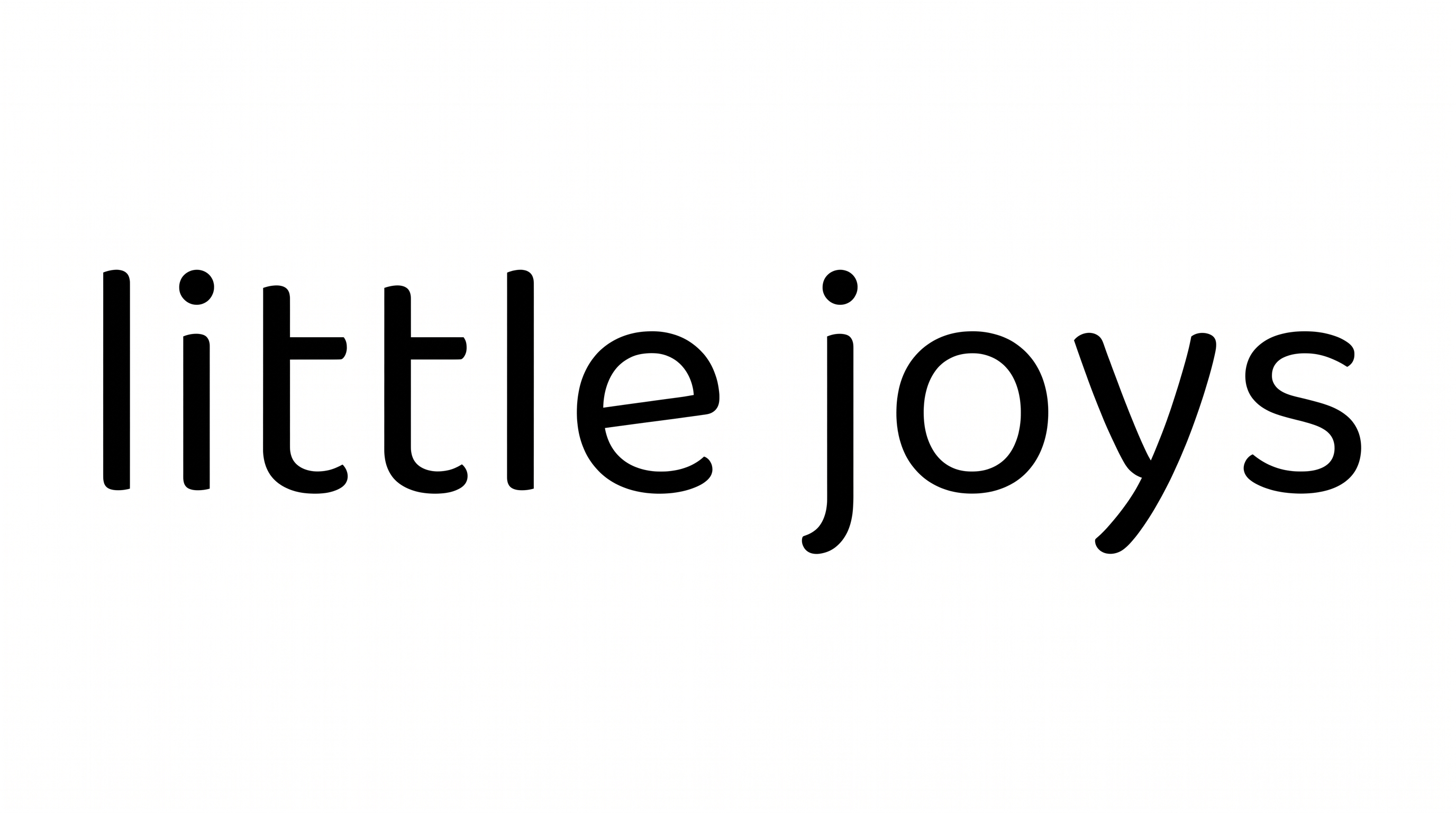
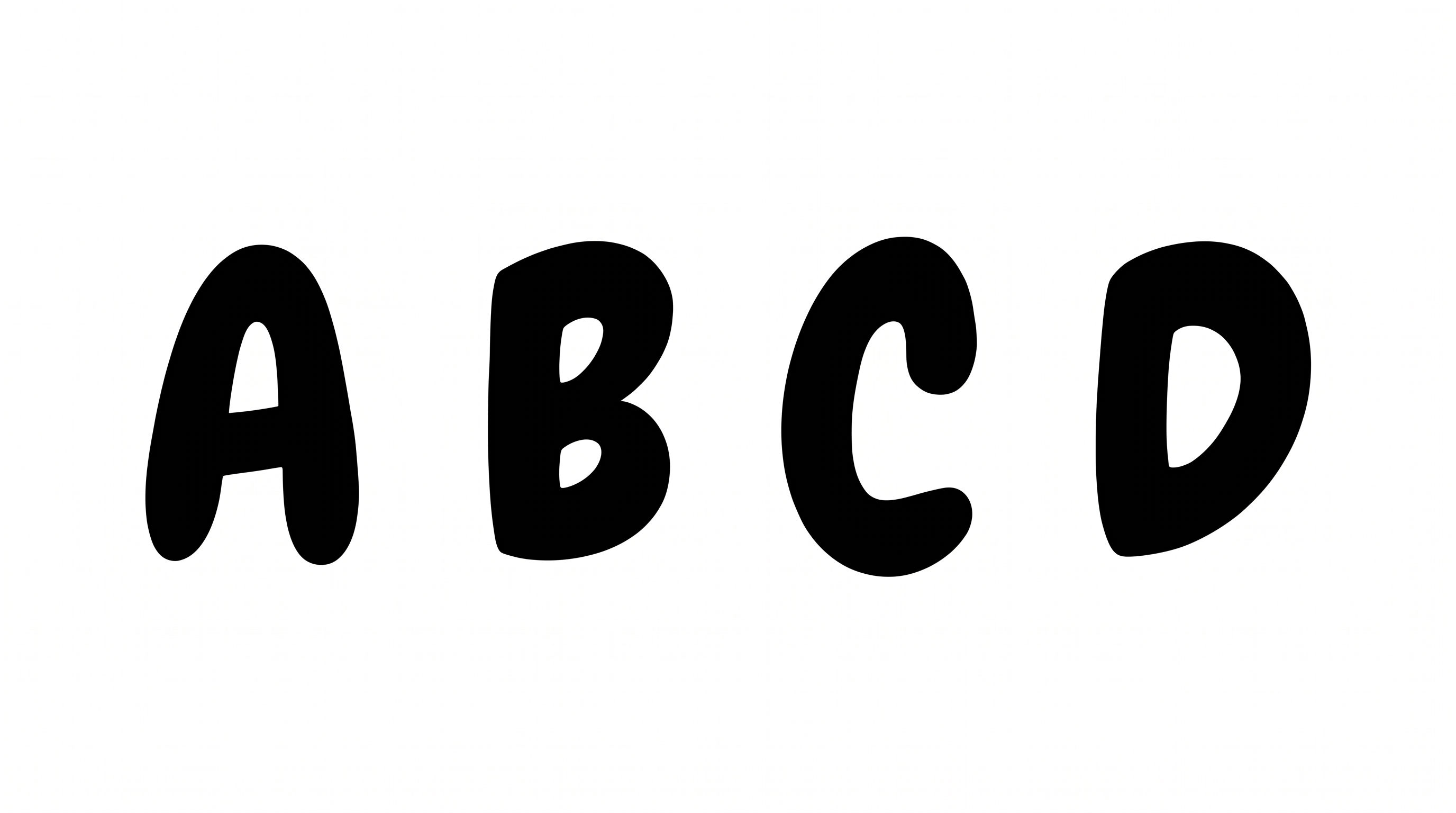
Light, upright strokes and simple separated letters create an airy, orderly appearance.

  • Stroke Weight

    Light strokes give the visible letters a clean, airy presence.

  • Letter Construction

    Smooth curves and simple stems form the visible letters.

  • Letter Connections

    Letters remain separate, with clear breaks between neighboring characters.

  • Slant

    The letters stand upright relative to the baseline.

  • Letter Spacing

    Open gaps keep neighboring letters distinct within each word.

  • Baseline Rhythm

    The characters follow a steady, even baseline.
Frequently asked questions about Cute Text Font Generator

It turns your wording into a text image with light, rounded sans-serif lettering and an airy, friendly feel. The finished artwork can serve as a title, greeting, label, or decorative message within a larger layout.

Download the Cute Text Font artwork as a PNG. Upload it in Canva or insert it into a Google Docs document. For Cricut, import it into a project in the Cricut app, also known as Cricut Design Space. Each workflow uses rendered image artwork.

Enter your text and choose an available font color, background, and image size. Generate the artwork and review the rendered result. You can then download the text image in PNG or SVG format.

Browse the related tools section and compare how each visual direction handles stroke shape, spacing, and overall mood. Generate the same short phrase in several tools so differences in readability and composition are easier to judge.

Its light, rounded lettering suits friendly messages, greeting cards, classroom signs, nursery decor, and cheerful social graphics. Short phrases also work well on compact items such as tickets, notebook covers, mugs, and door plaques.

Place the rounded wording in a clear headline area with open space around it. For a vertical online graphic, keep the phrase compact and reserve separate areas for supporting details, imagery, or calls to action.

Use a short phrase and preview the image near its intended display size. Preserve open space around the lettering, choose a clear color contrast, and avoid crowding the light strokes with dense decorative elements.

Use the rounded artwork for the main expressive line and pair it with a simple supporting type style. Keep secondary information smaller and visually quieter so the friendly headline remains the layout's focal point.
READY TO CREATE?

Create Custom Cute Text Fonts & Text Effects

Try Cute Text Font Generator Free